
6 years ago
Controls Part 1
[ Mouse + KeyBoard ( Default ) ]
[ Speed Up / Down / Stop ]
"W" / "S" / "X"
[?Turn ]
"Q" / "E" (Gentle Turn)
"A" / "D" (Brake Turn & Pivot Turn)
[ Camera Rotation ]
"Right Mouse Drag"
Next up
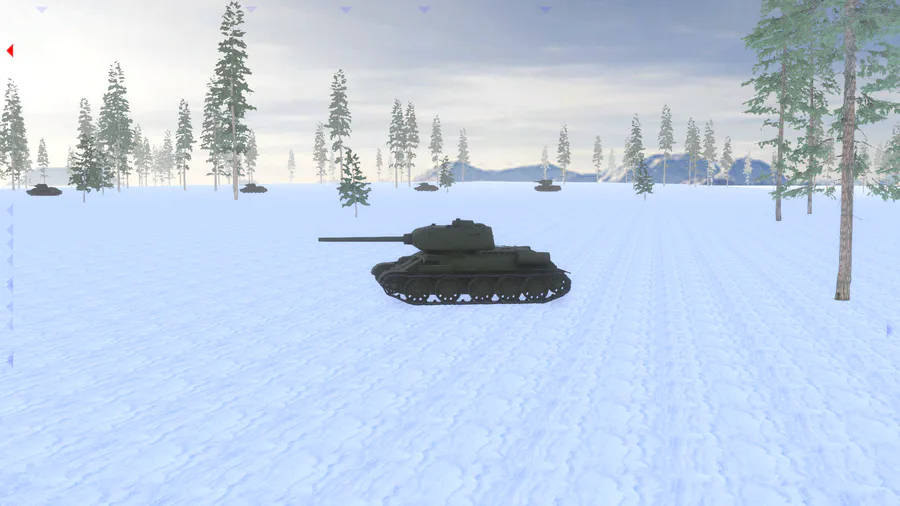
New campaign almost complete!
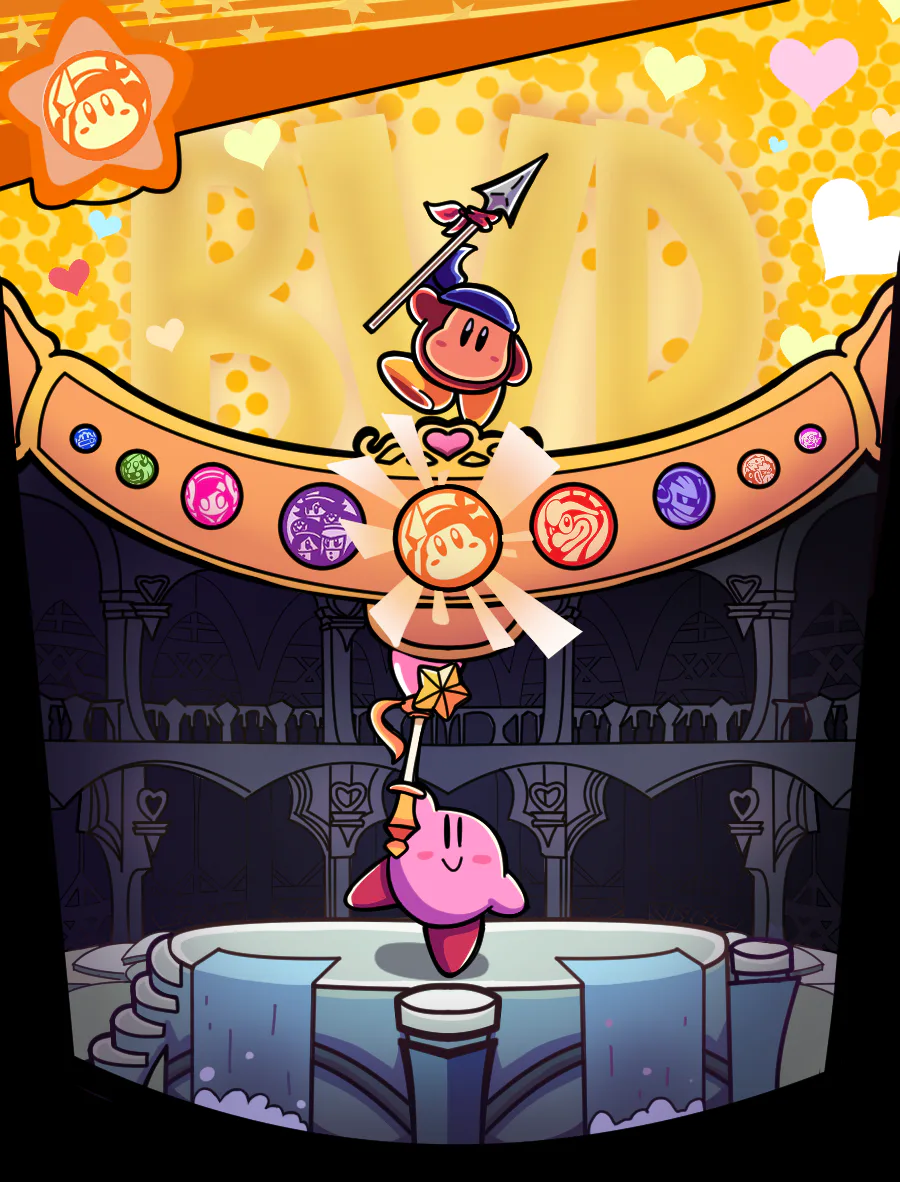

Bandana Dee the Dream Friend
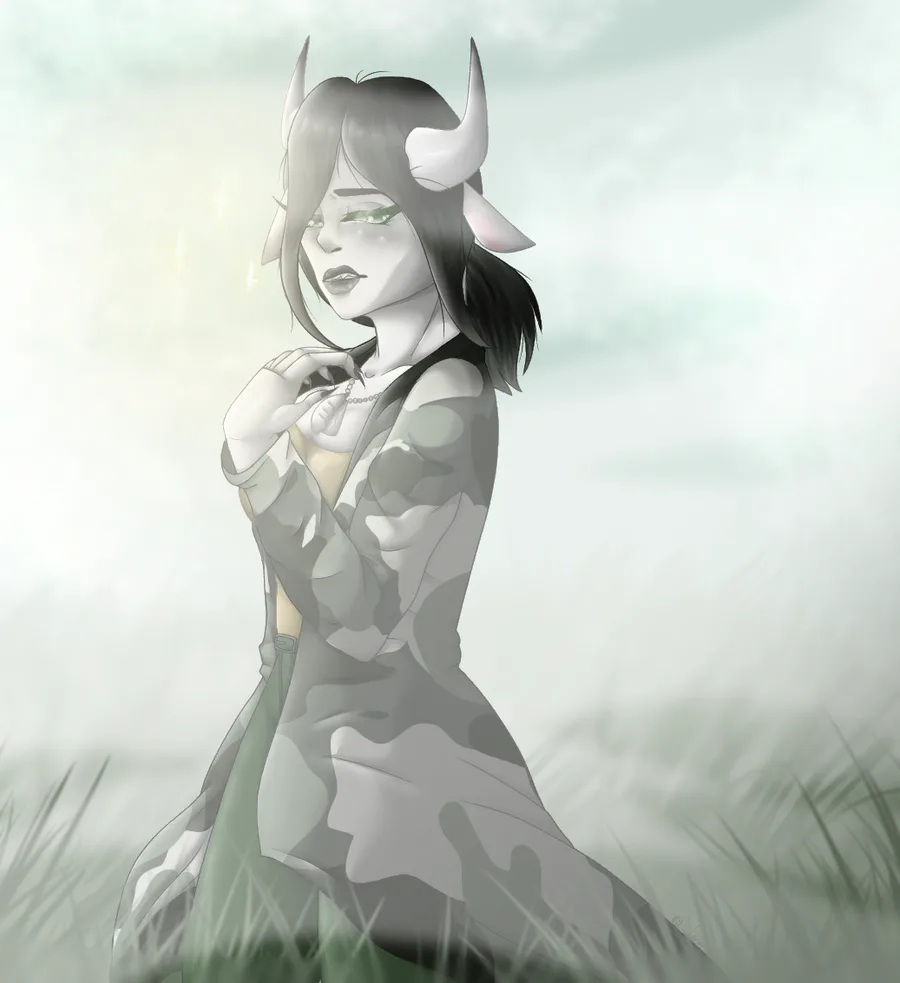

art comission.
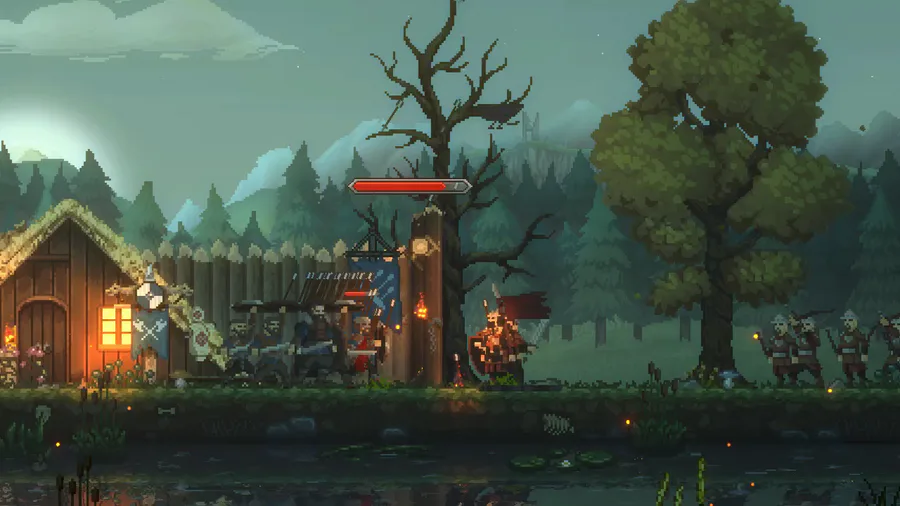
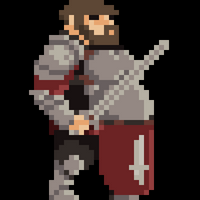
We are under attack!
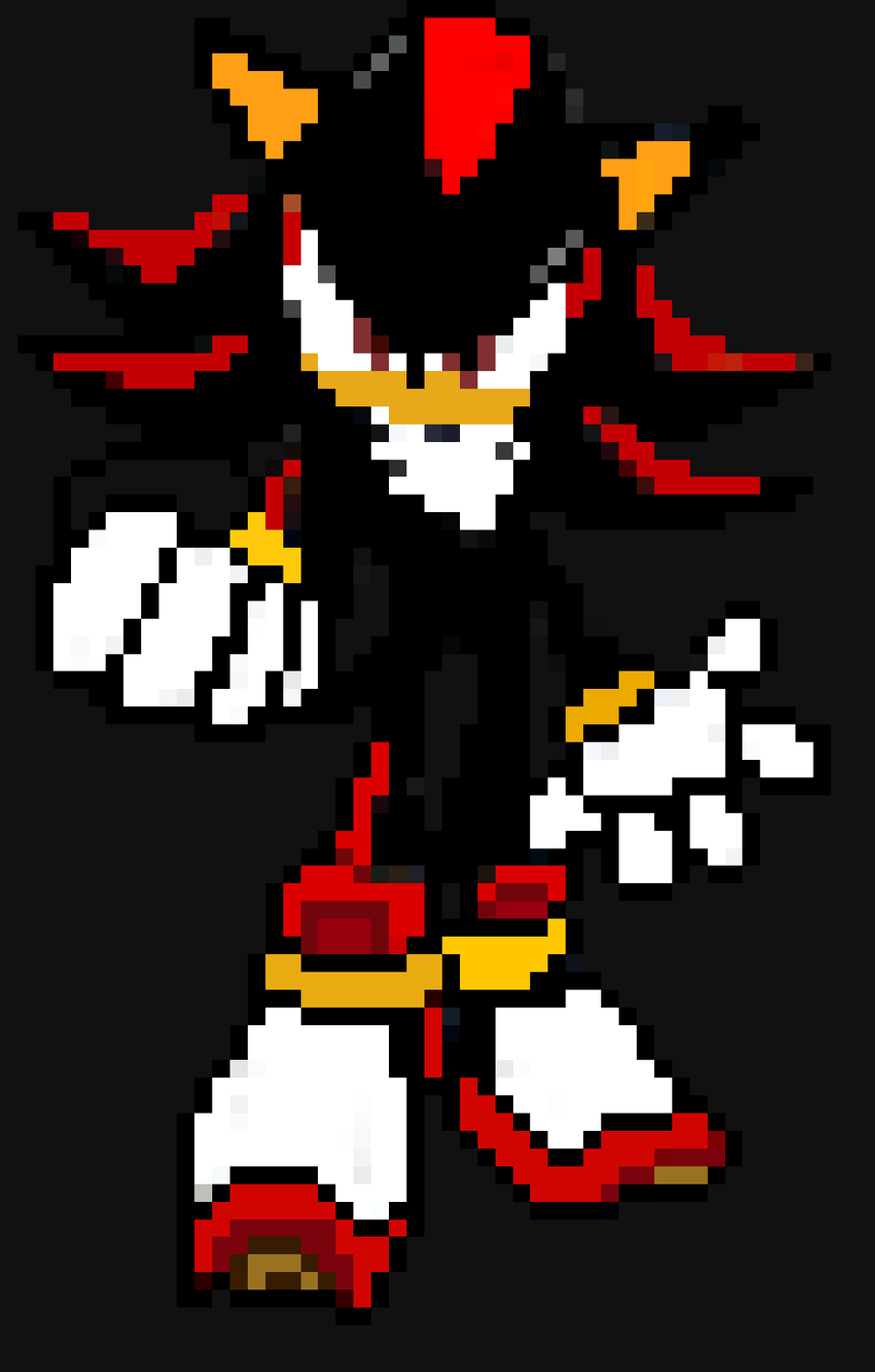

Shadow The Hedgehog X pixel art
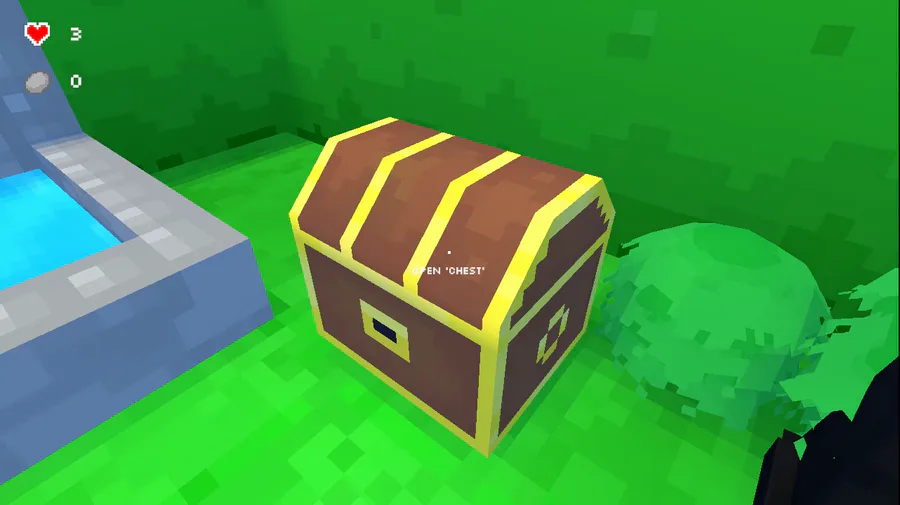
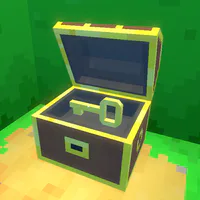
Updated the chest in the maze, adding sound, particles and better animation. But what's in the chest?

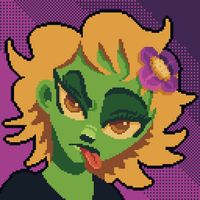
"Our work is never over" they said.


The whole squad is here!
Interested? Follow me!
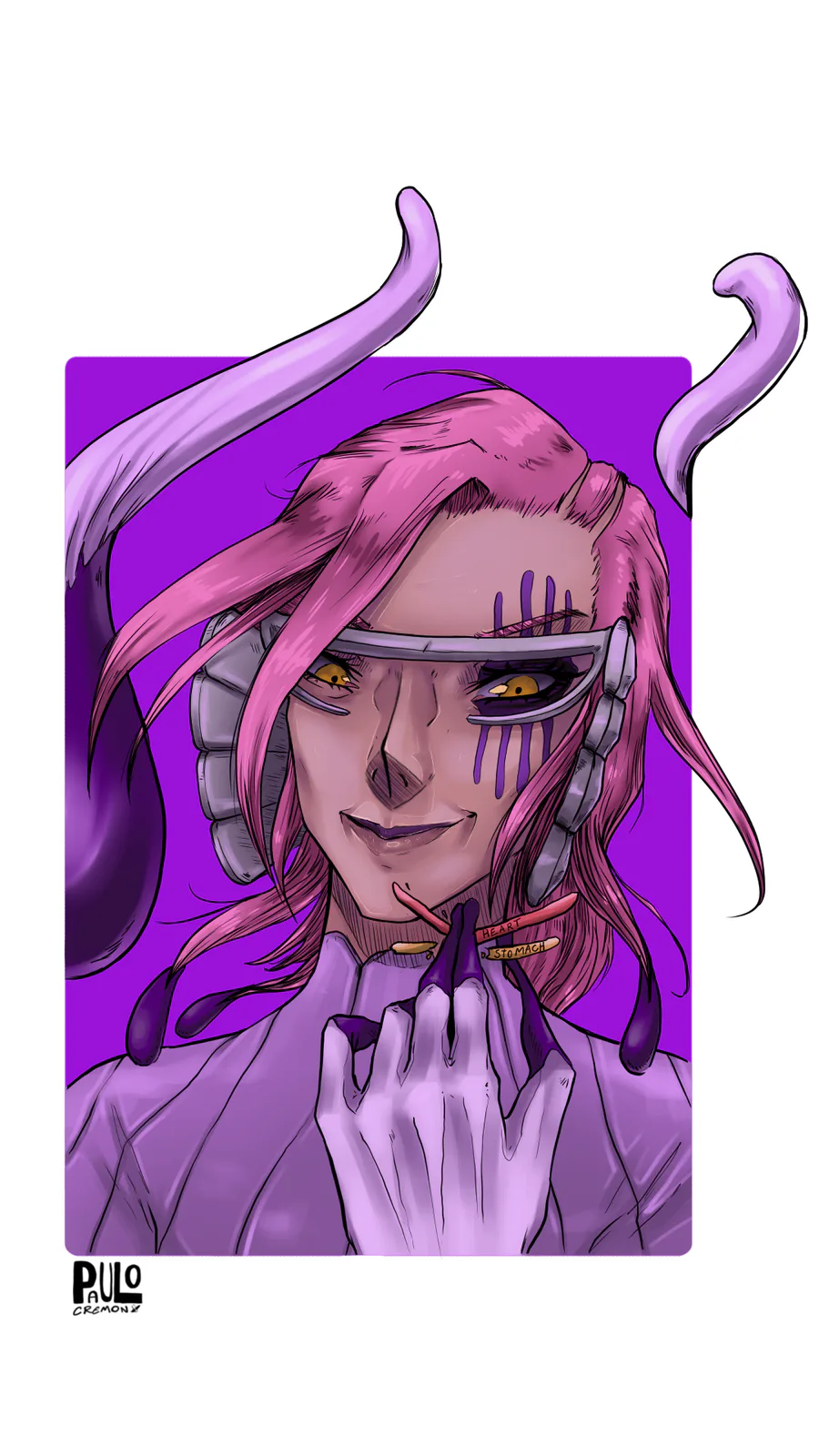
Szayel Aporro Granz - Bleach

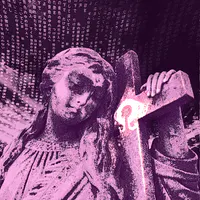
blender animation experimentation, getting the hang of things fast. arms, rig, & gun models by me ofc
0 comments