
Debug is a feature unlocked after clearing the game once in version 2.4 or later.
However, since it is not a legitimate game feature but rather inherently a debug tool, I will explain its functionality here.
Well, the main features you players will use are these two types:
- Speed Changes
- Change Turn
First, launch debug using D+B+G key.
To change the speed, hold down the Shift key and press either the left or right arrow key.
If the speed value in the upper left changes, everything is functioning correctly.
To change the turn, hold down the Ctrl key and press the up or down arrow keys.
If the Turn value in the upper right changes, everything is functioning correctly.
Please modify these values at your own risk.
Any bugs caused by modifying these values are not covered by support.
Additionally, I'll omit the explanation of what the numbers on the left signify, as they contain information that is largely useless to players.
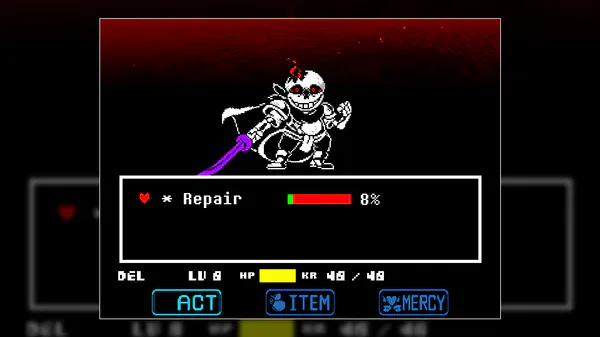
The only one that seems potentially useful is the PR entry.
This represents repair progress in Phase 2.







1 comment