
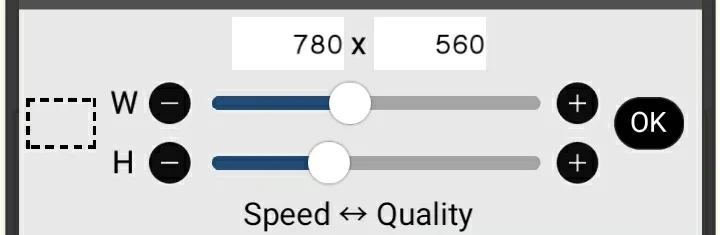
Set the canvas to 780 × 560 pixels.
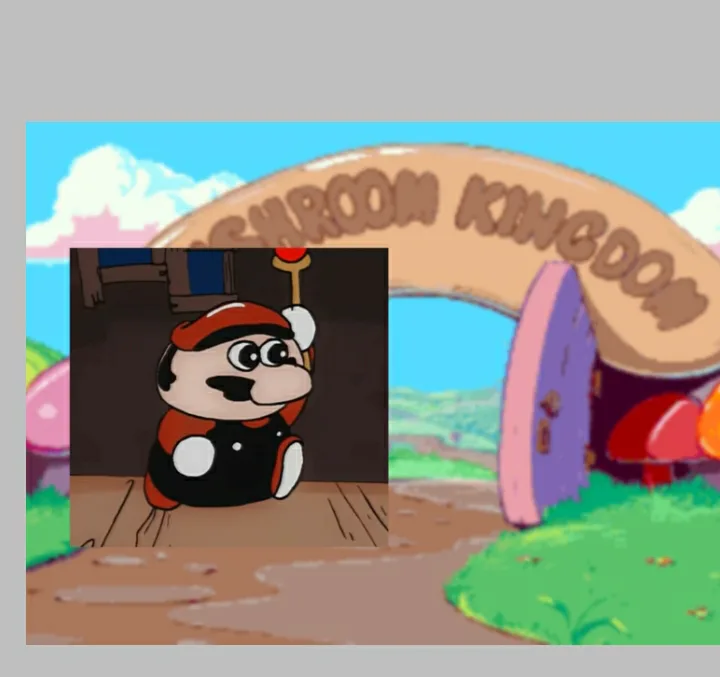
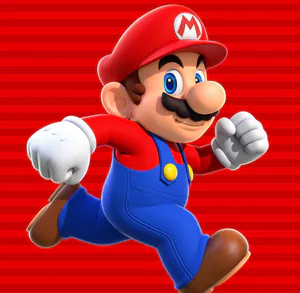
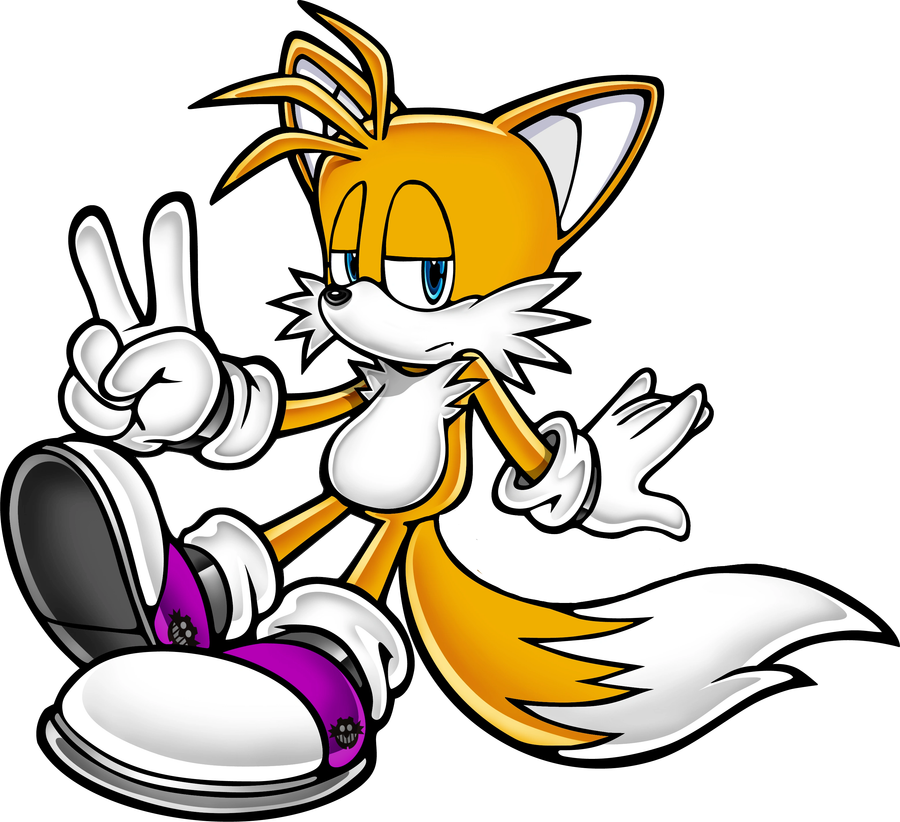
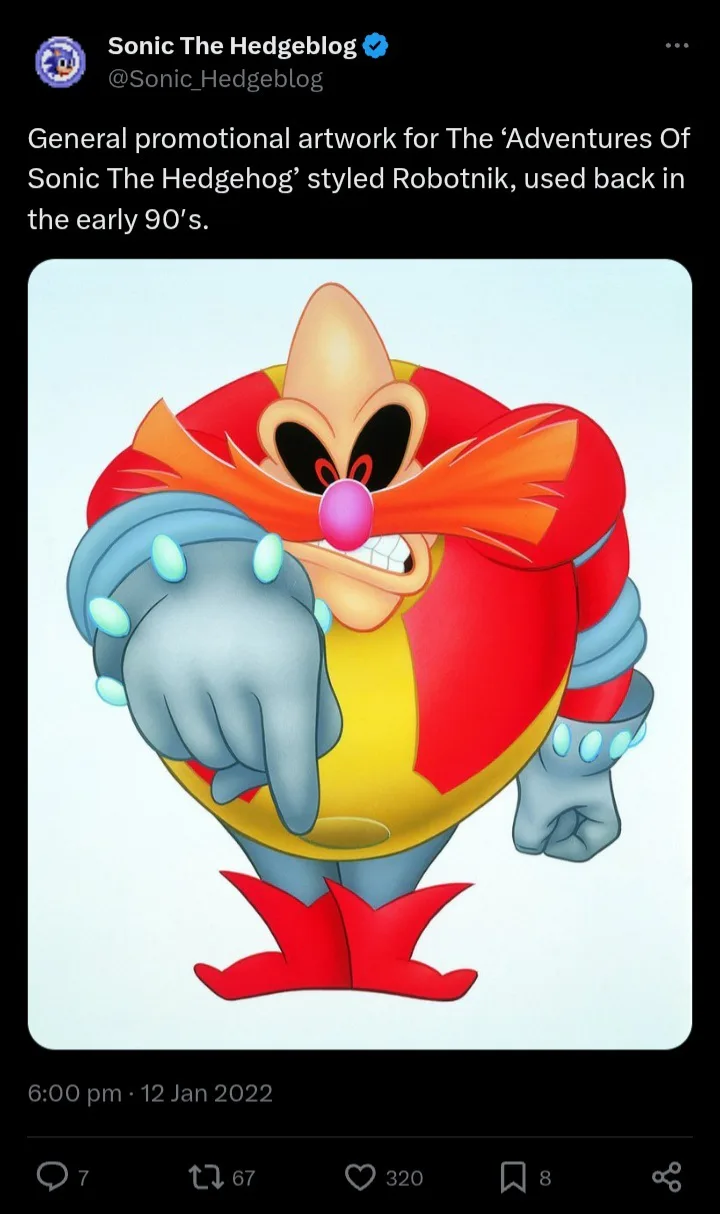
Get the images you want. (I use images to trace to make it more CDI-accurate.)
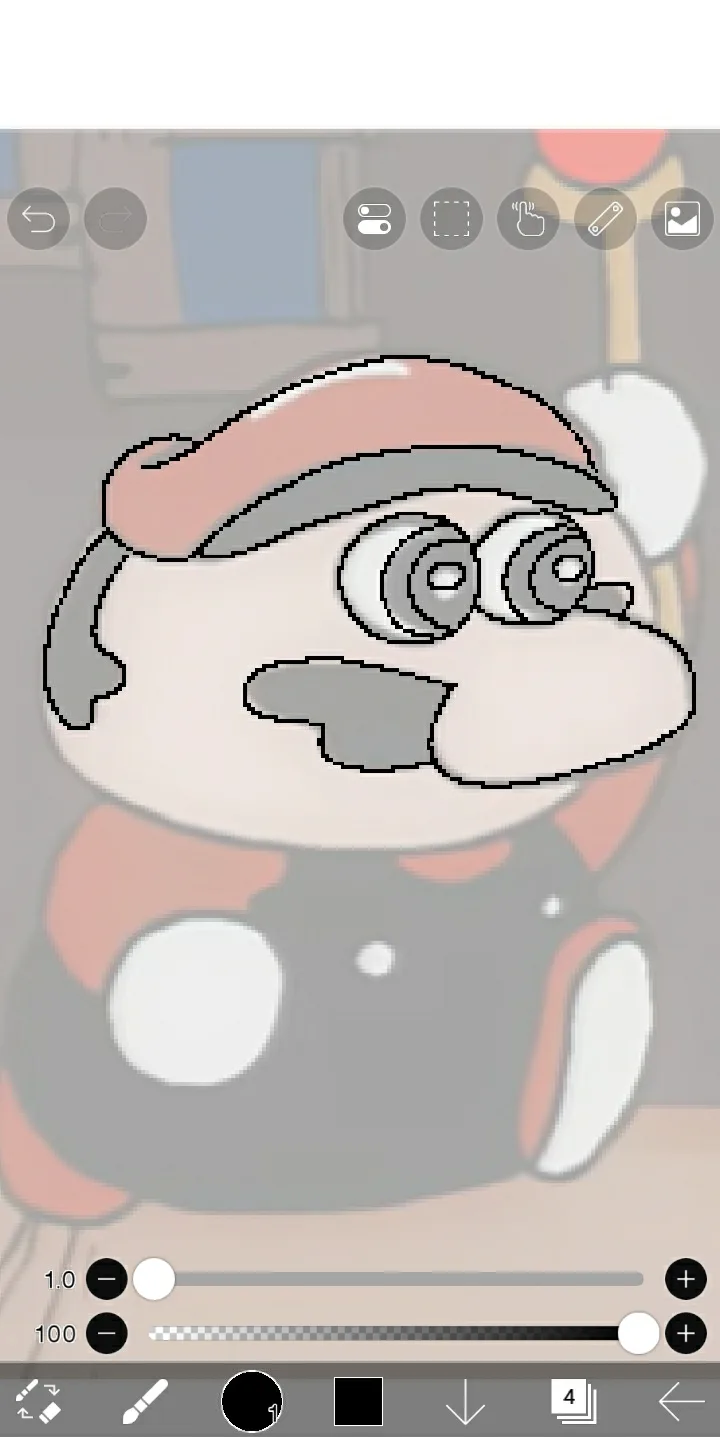
Draw or trace the image you've picked with a digital pen (Size: 1.0)
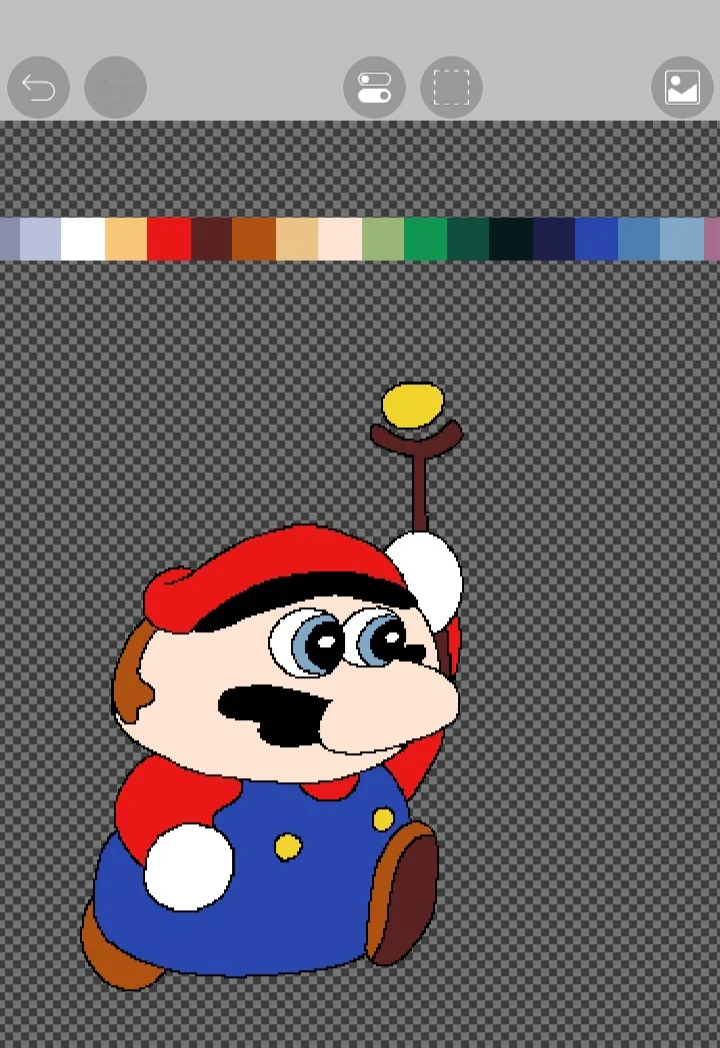
Colour in the sprite with the CDI cutscene pallete from here: https://lospec.com/palette-list/lospec-cdi
Make sure to not do the colour shading. Most Un-official Nintendo games on the CDI has no shading on the characters in the cutscenes.
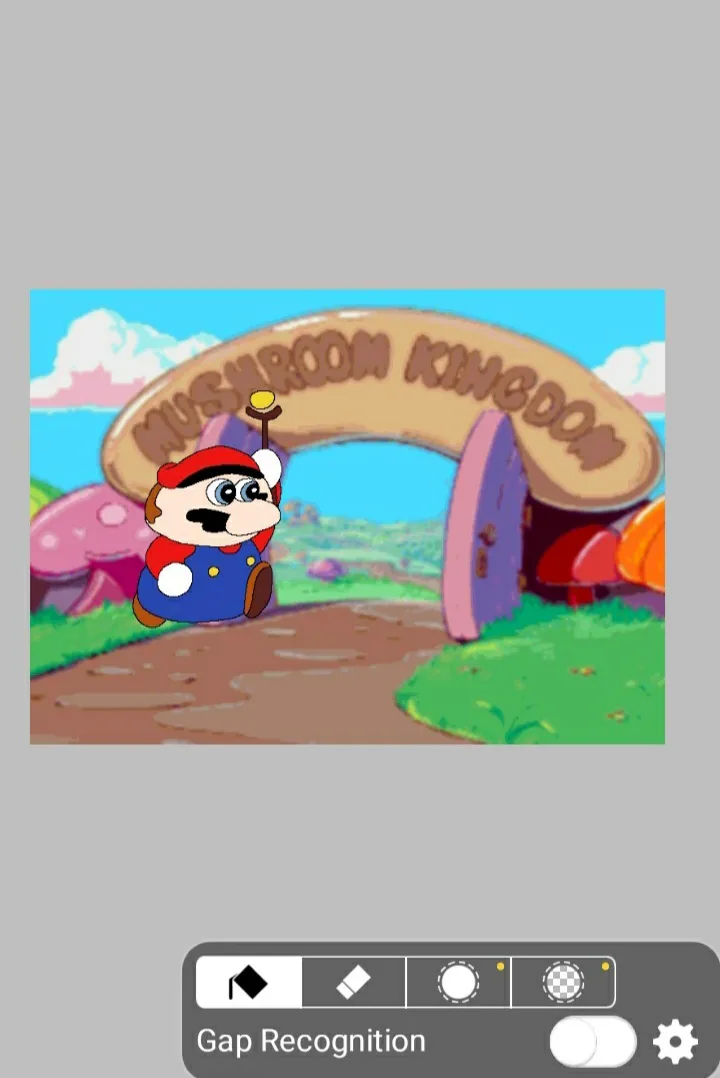
And then you're done! But if you wanna give it the YTP video quality type screenshot...
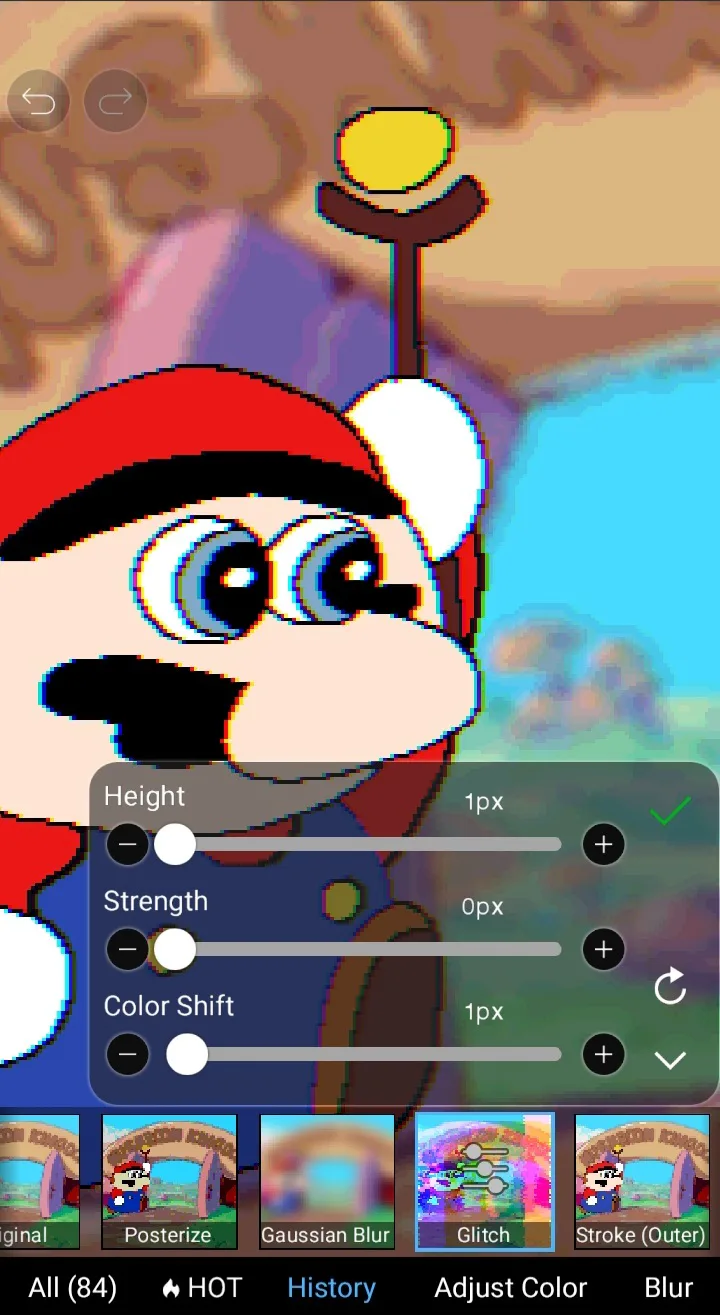
Go to filters and pick Glitch. Put everything on there to the lowest selection, except Colour Shift, put it to 1 px.
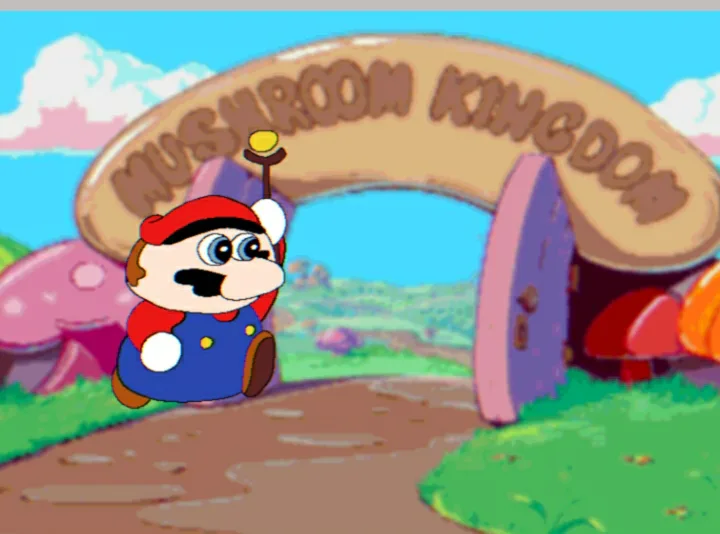
Then pick the Blur effect and put it to 2px and you're done!







1 comment