
(you can find adventure folder by right clicking dream crafter and clicking "open file location")
Step 3: replace enemy sprites and player sprites with the 25th anniversary sprites.
Hi there everyone! So If you are having trouble with the sprites here is a guide.
Step 1: download enemies' and player's sprites from Google Drive link.
Step 2: Move 25 ANNIVERSARY folder to adventure folder.
(you can find adventure folder by right clicking dream crafter and clicking "open file location")
Step 3: replace enemy sprites and player sprites with the 25th anniversary sprites.
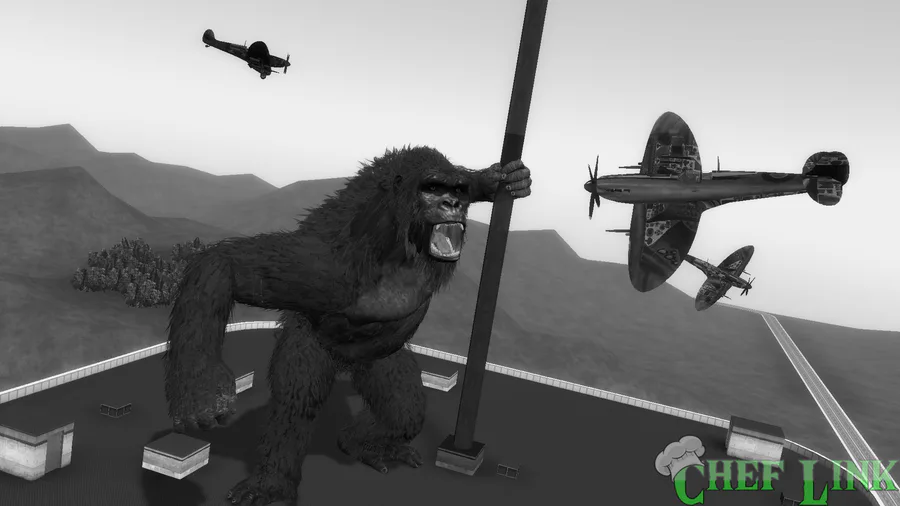
Kong but 1933
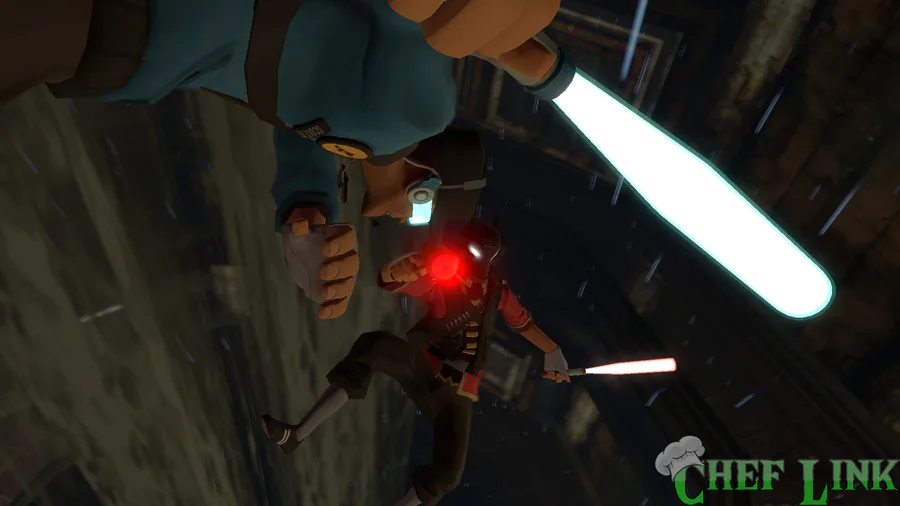
Scout Wars part 2
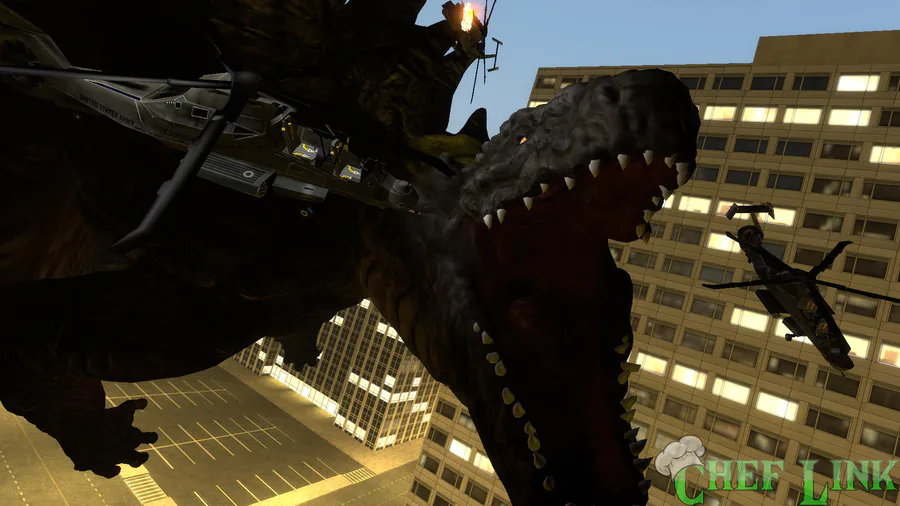
Tri-Star Godzilla
Here's EVEN MORE #GameJoltColors25 great art from you fellow Jolters!
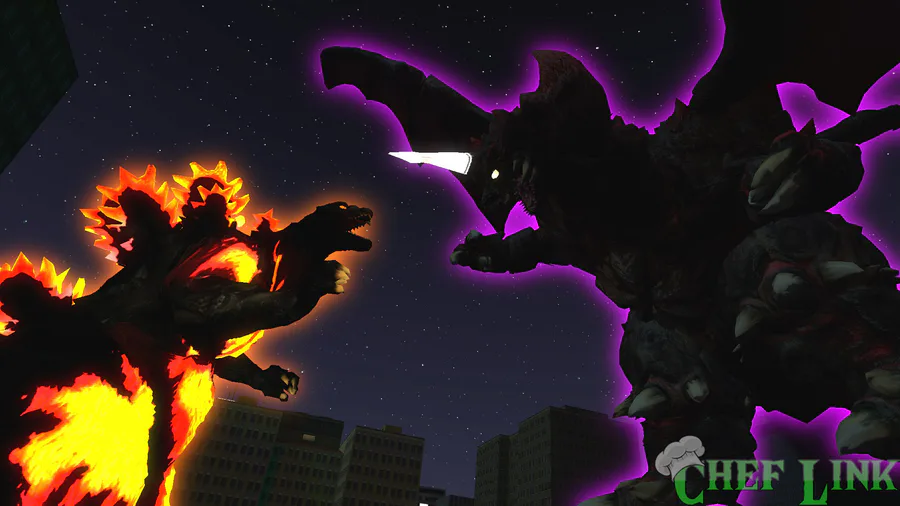
Burning Godzilla vs. Destoroyah
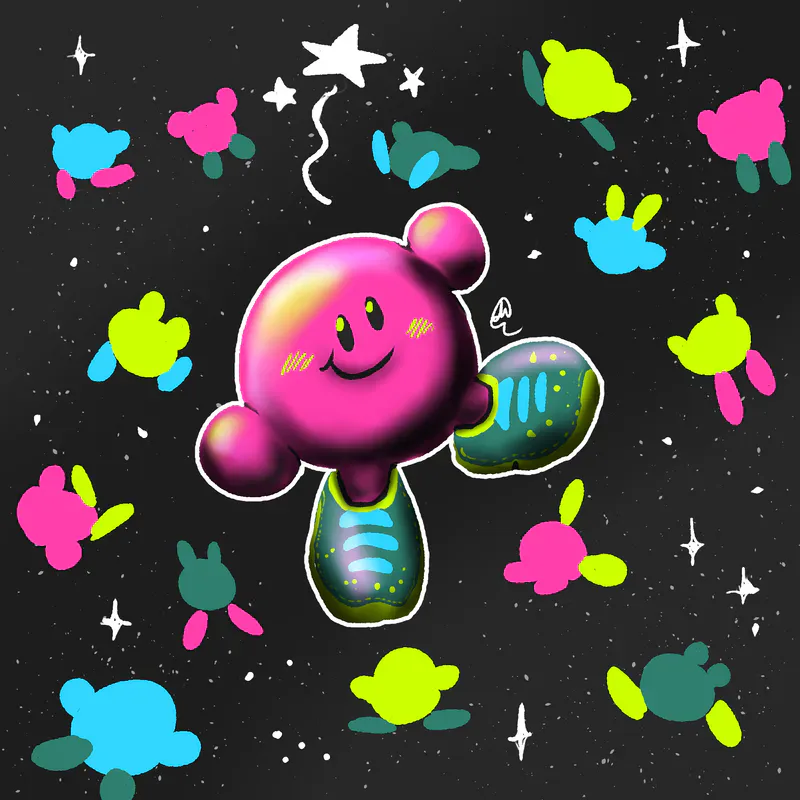
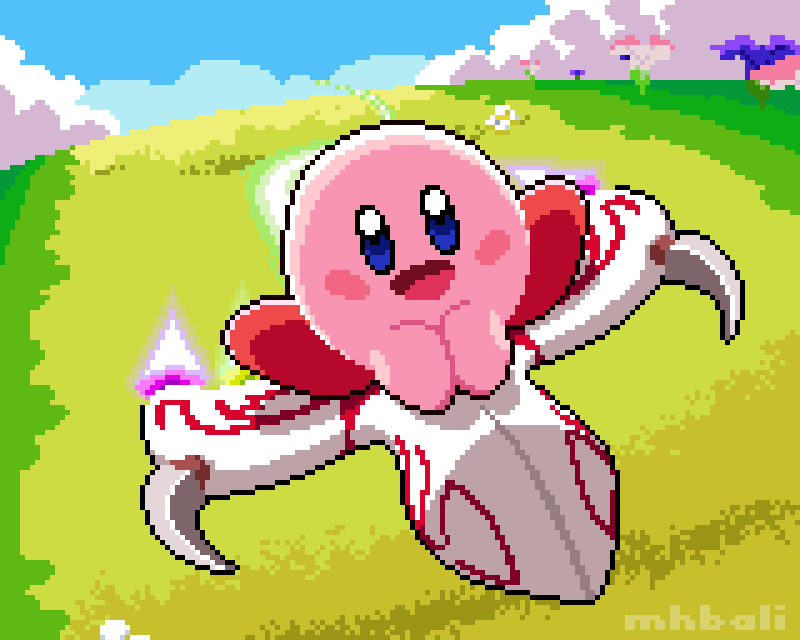
Who's excited for the new Kirby Air Riders? 
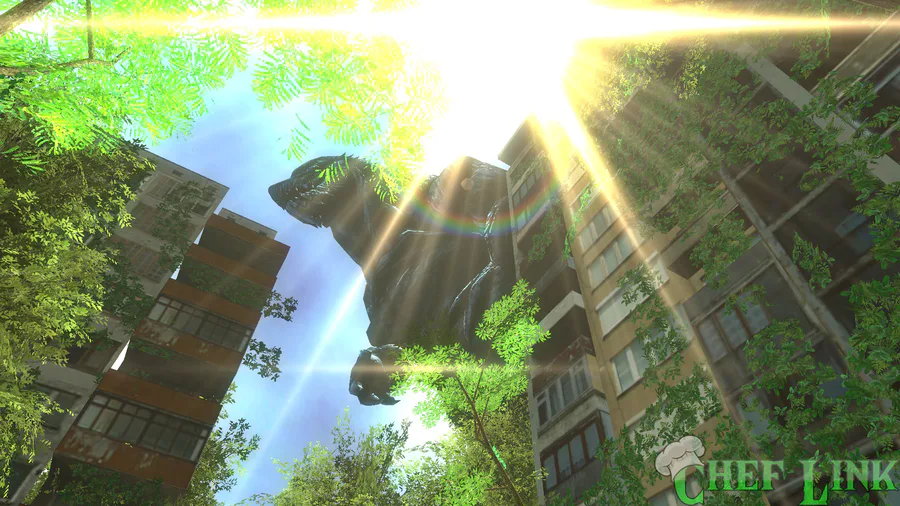
Godzilla Earth
Hello everyone we are excited to announce we have a brand new Discord server for the Kirby Community! So consider joining and maybe invite some of your friends! https://discord.gg/v5FHVCzs
This week's Fan Art Friday celebrates Kirby! Accept the quest in your quest log to get started.
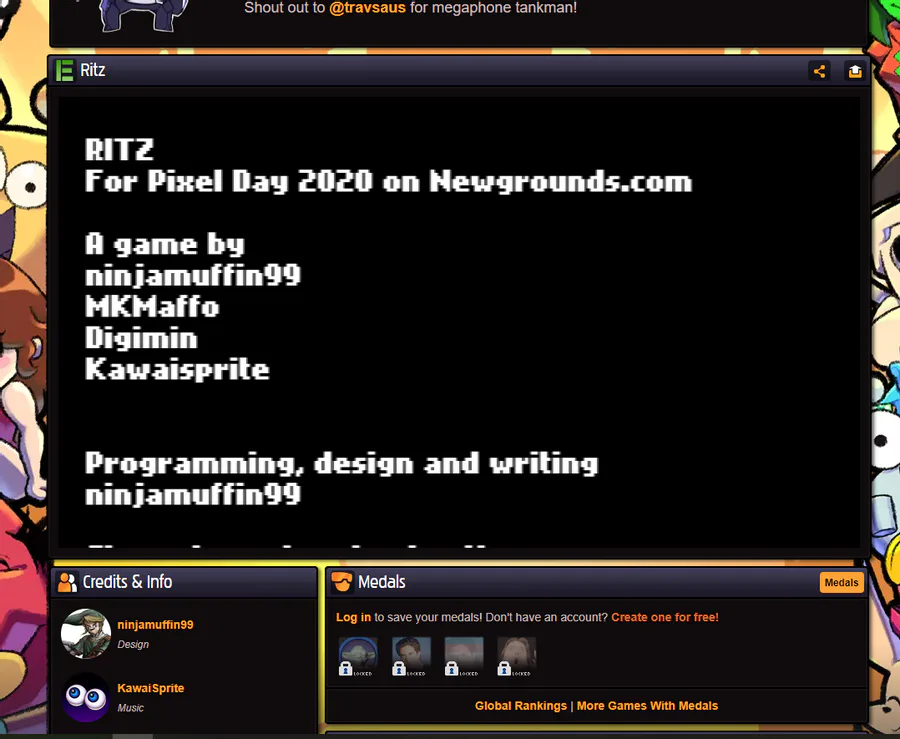
I want to pummel this rat into the ground but I beat the game
And yes I did only collect 32 cheese





1 comment