
instrucions to creat the game files:
go to documents and make a folder and name it Rigid Lab
then open the zip file and select all of the files inside the zip file you downloaded the hit ctrl+c and then go to the rigid lab folder and the press ctrl+v.
Next up
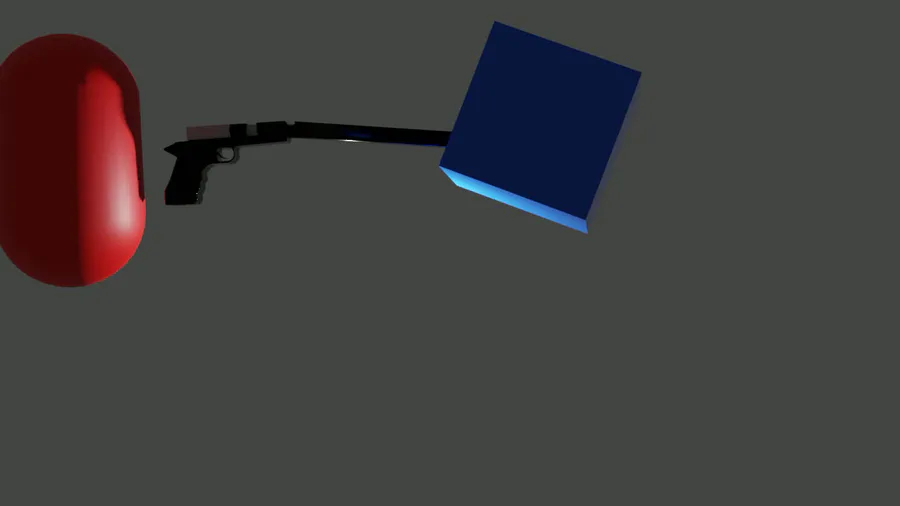
here is the rigid lab trailer. hope you like it and hope you enjoy playing rigid lab.
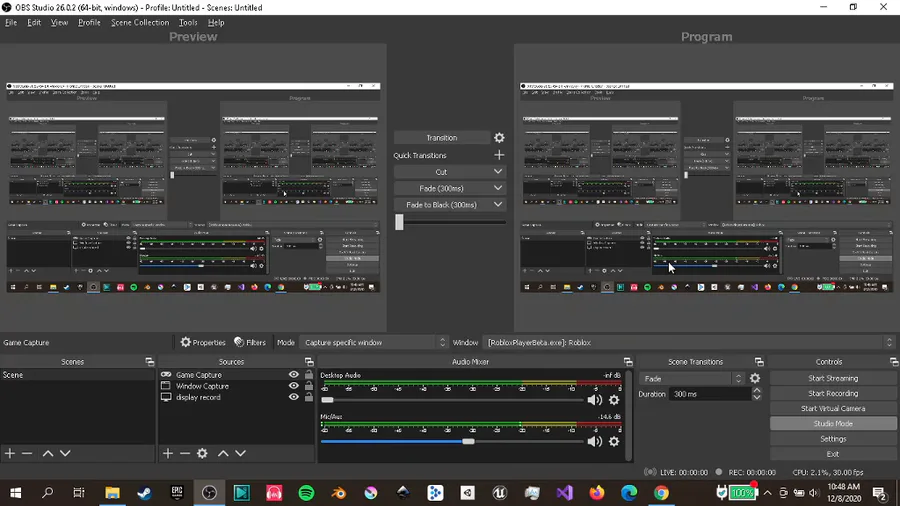
this is just how to setup rigid lab well by setup i mean how to open a zip file and then find one video inside it and watch it by the way im uploading the detailed all in one video is included with the game as an mkv file.
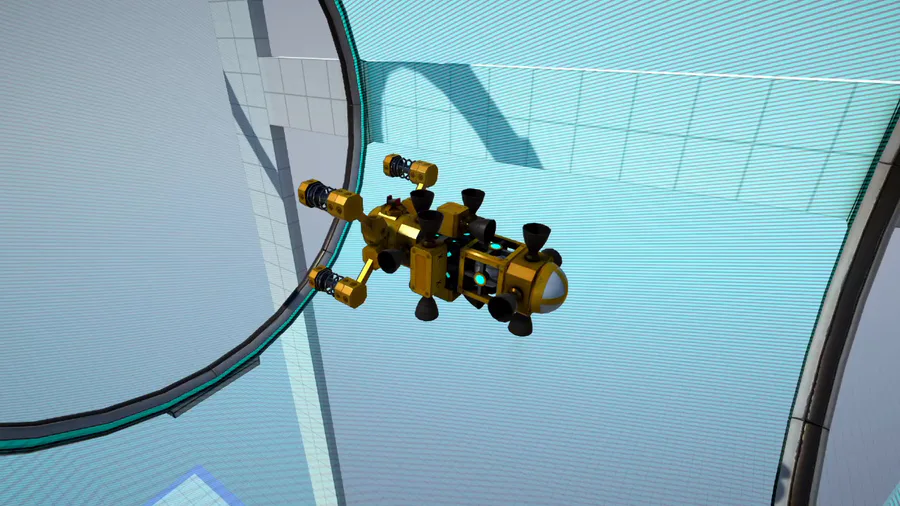


Heya there! I really wanted to show you all a little gameplay preview of the first boss fight i'm currently working on i hope you like it ^^
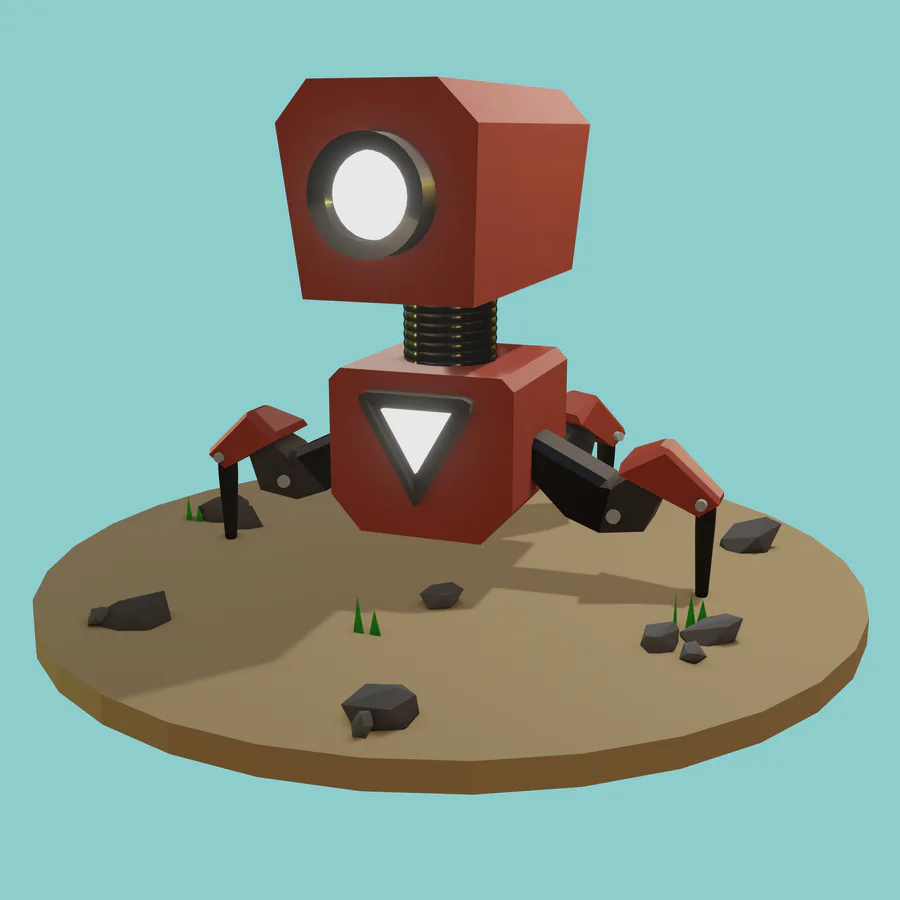

What do you think guys in my robot?Just a beginner in 3d modeling..
My instagram https://www.instagram.com/rojhonbb/

Werehog transformation process. #sonicunleashed
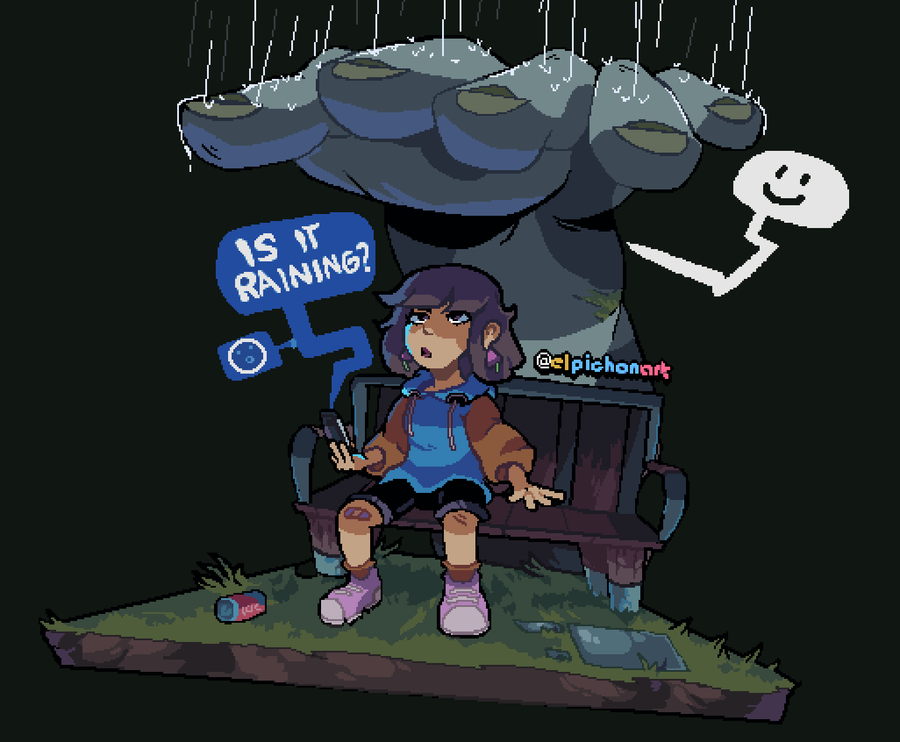

Strange Umbrella

A Shiny Mega Gengar 🌟 For @ManutkArt 
 's #ThreeColorsChallenge!
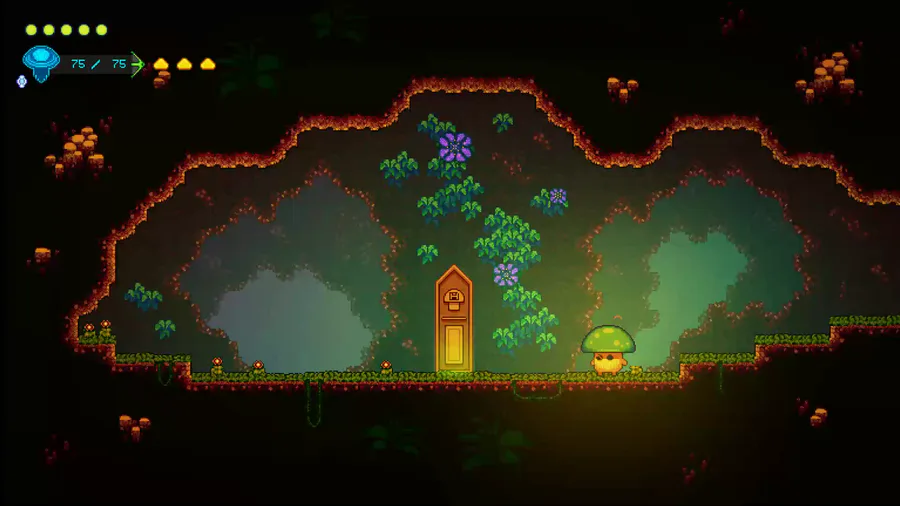

Demonstration of the spells and their effects :)!


Alone Together....
0 comments