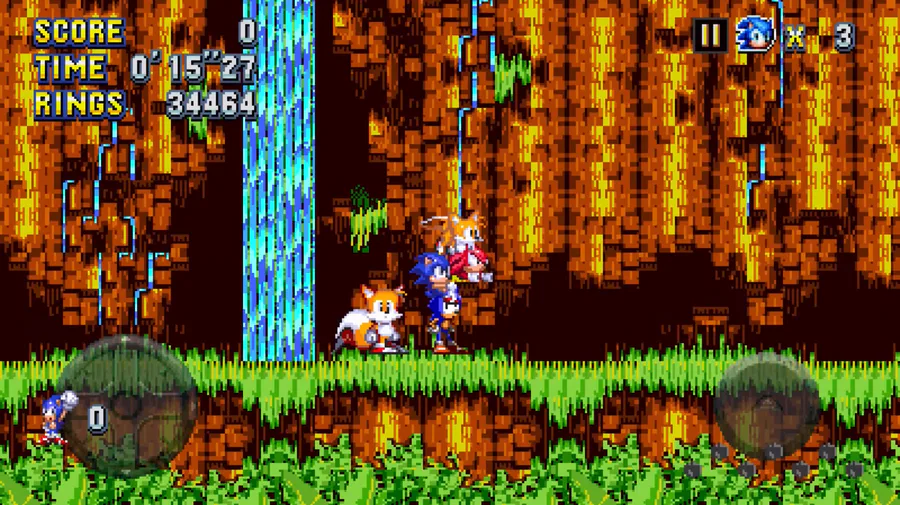



How To Do This:
Go To https://gamebanana.com.
Go To The Mod Sonic’s Ears Burn. The Link Is Here: https://gamebanana.com/mods/541929
Go To Sonic 3 - Angel Island Revisited. If You Don’t Have The Game Then Click This Link: https://projects.sappharad.com/s3air_ios/20240202_beta/sonic3air_web.html
Touch “Manual Download” & Then Touch “Download”.
Go To The File Downloader. The Way To This Is You Have To Do This Is You Have To Press Down Until You See The Following Button Highlight Yellow: “EXIT”.
Go To The Mods Folder. Tap The “mods” Folder Multiple Times Until You See A “Nothing To Show” Screen Or Your Files. Upload The Following File:
sonic_s_ears_burn_re-order_d_v11.zip
Go Back To Your Game. The Way To Do This Is You Have To Tap “Restart”.
Go To The “Mods” Option.
Put Your Mod From The “Inactive Mods” To The “Active Mods”.
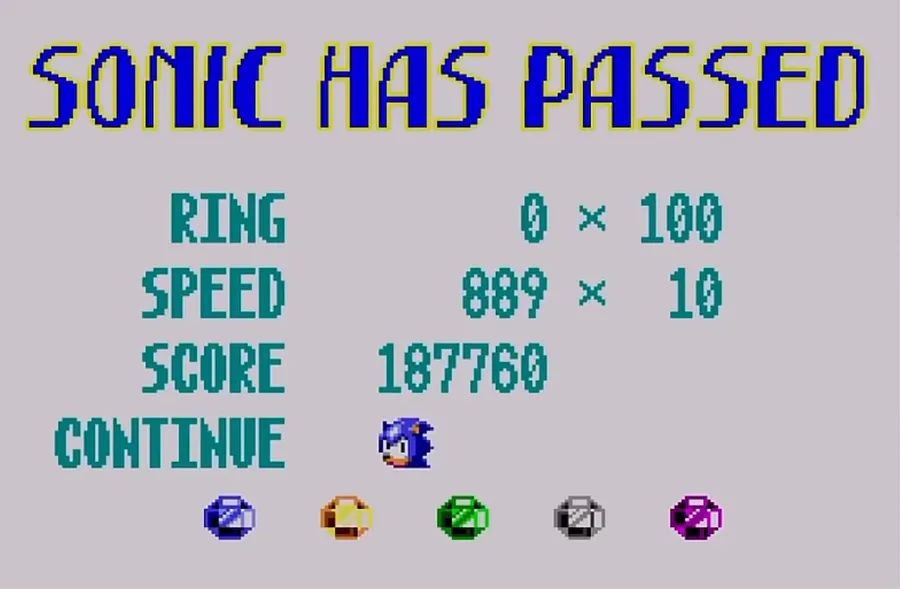
Enjoy Your Gameplay! The Way To Do This Is To Skid & Then You Will Die!










5 comments