
We rewrote the custom extension development tutorials from the ground up
https://docs.turbowarp.org/development/extensions/introduction

Next up
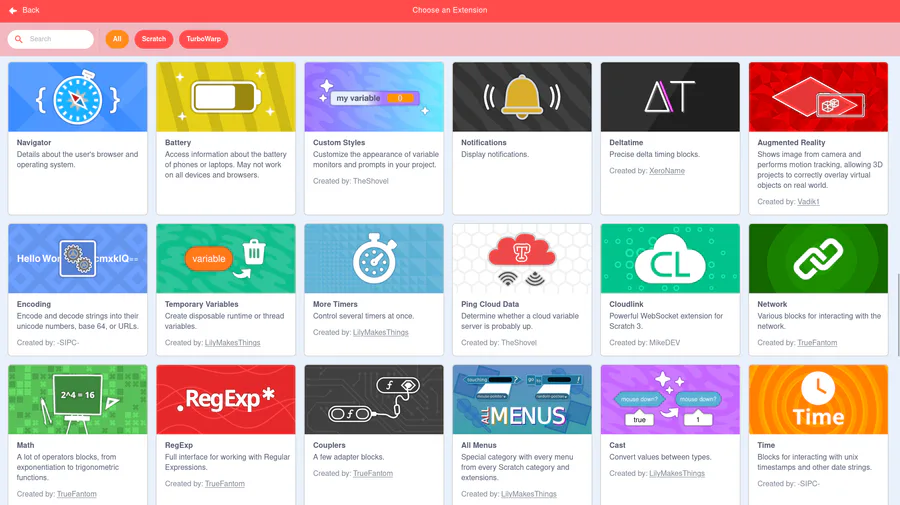
You don't need to open a new tab to load extensions from the gallery anymore -- they're all just in the editor's extension list. Also there's a search bar.
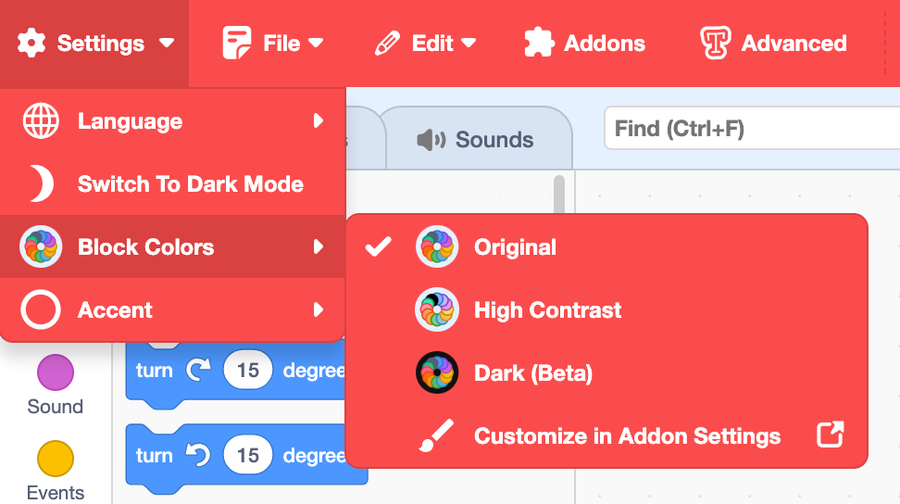
TurboWarp Desktop 1.10 is now available at the usual place: https://desktop.turbowarp.org/
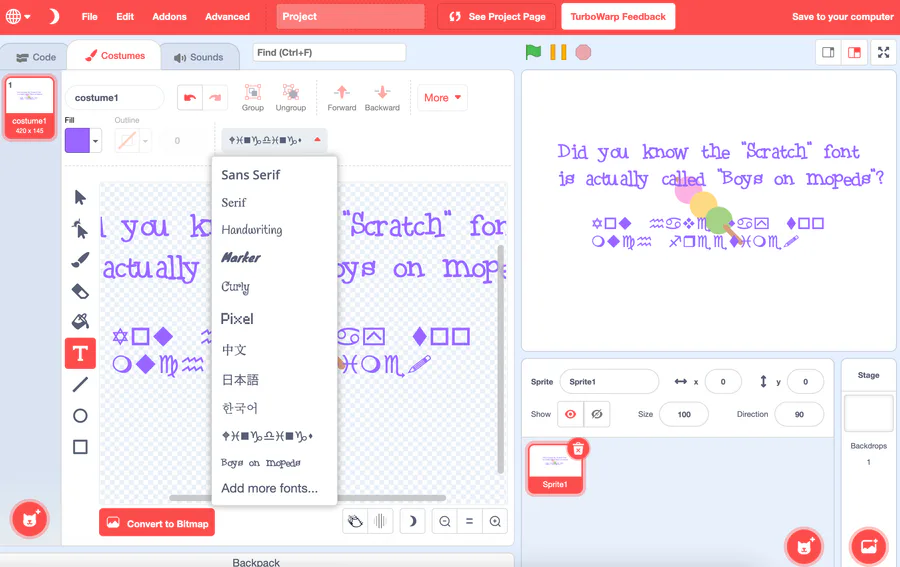
TurboWarp now supports custom fonts
Animated Text will support these soon. (it does now!)
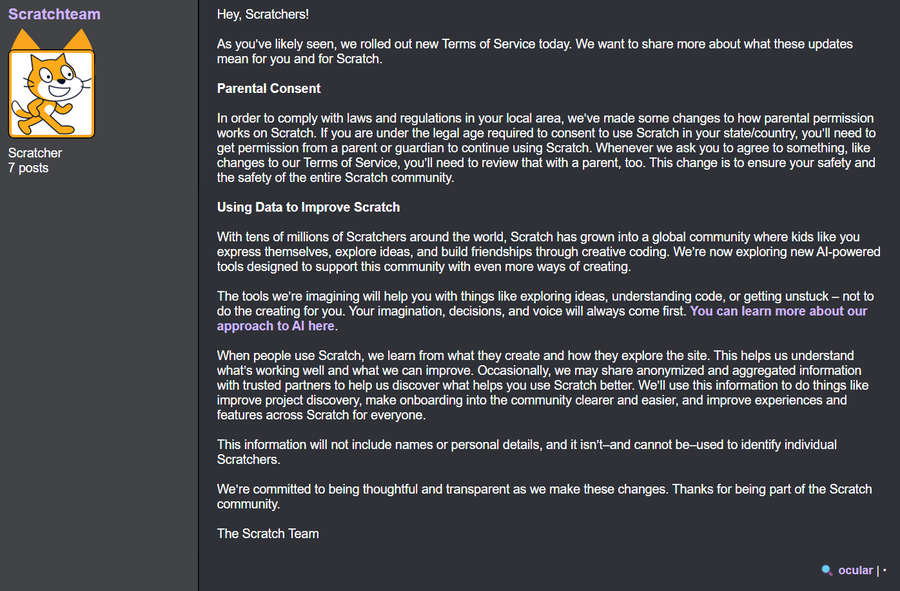

The Scratch Team has just recently updated their Terms of Service yesterday, letting you know they now have full permission to use your content to train AI models.
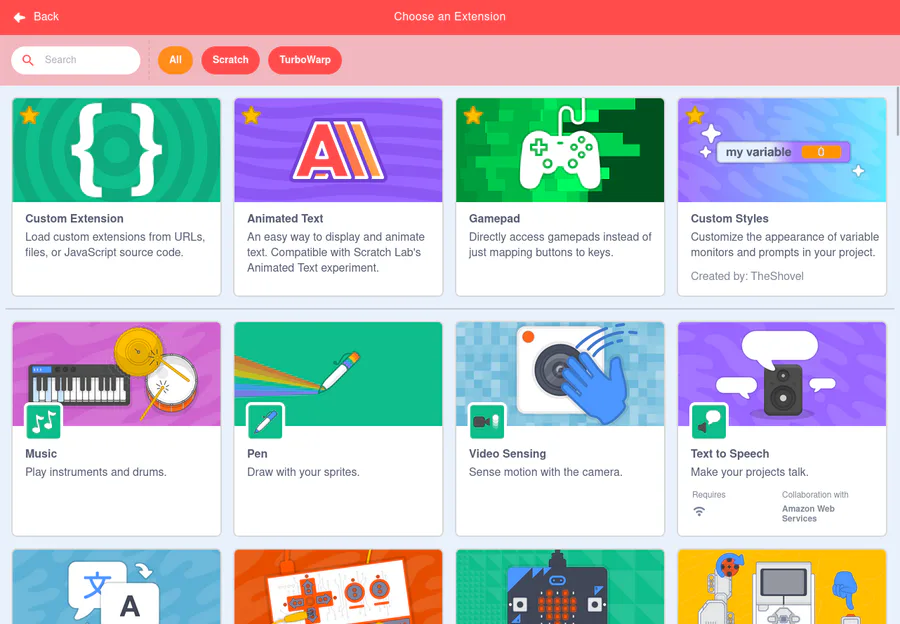
TurboWarp now lets you mark costumes, sounds, and extensions as favorites so they show up right at the top
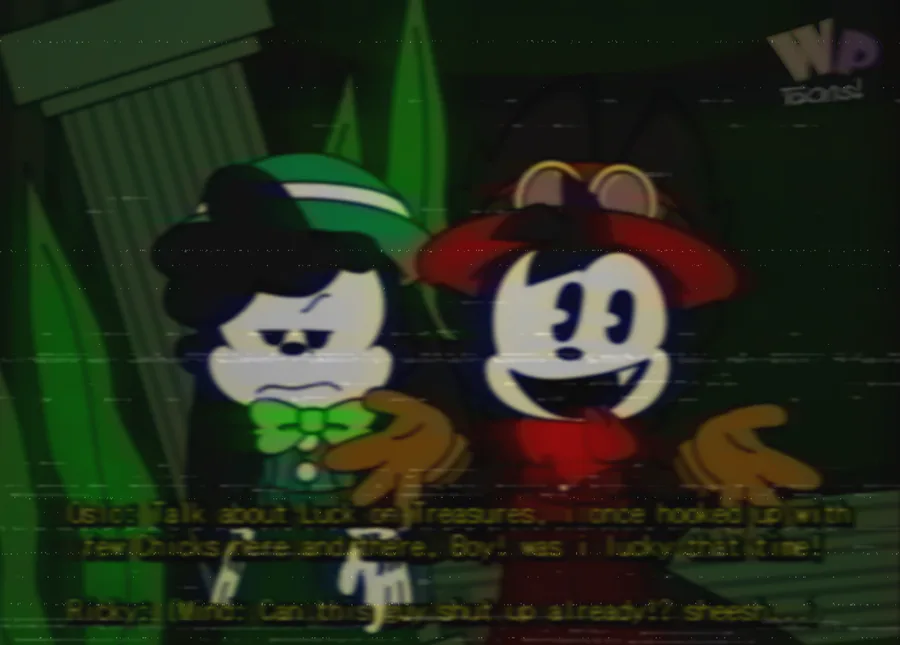
Ricky Rabbit's Seasonal Flavoritiez! Season 3 Episode 13 (Wet Dry roundabout)
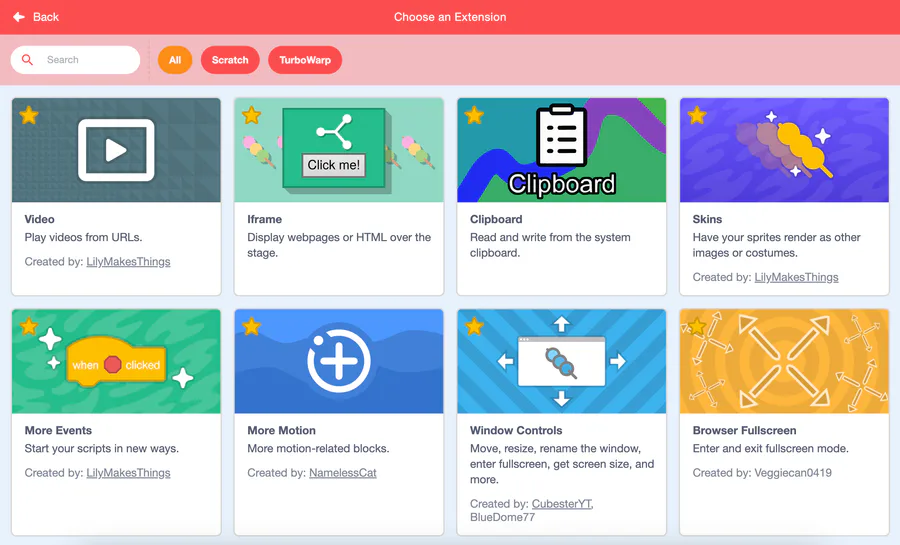
TurboWarp Desktop 1.9.0 is now available with new extensions, custom reporters, custom fonts, new restore points, favorites, security improvements, and a lot of bug fixes. Get it from the usual place: https://desktop.turbowarp.org/
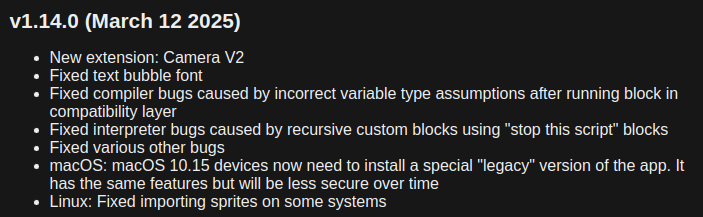
Almost forgot about this website again but there was a desktop app update yesterday.
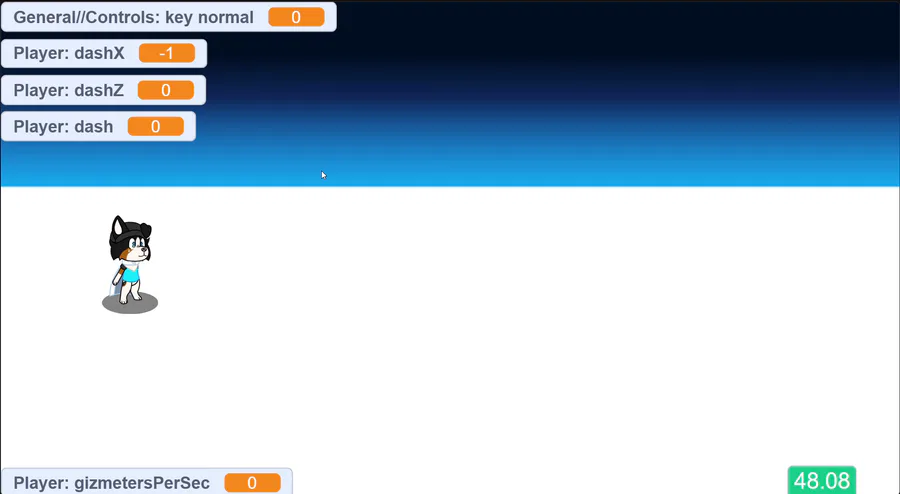

Testing out a new move! This move is for all characters
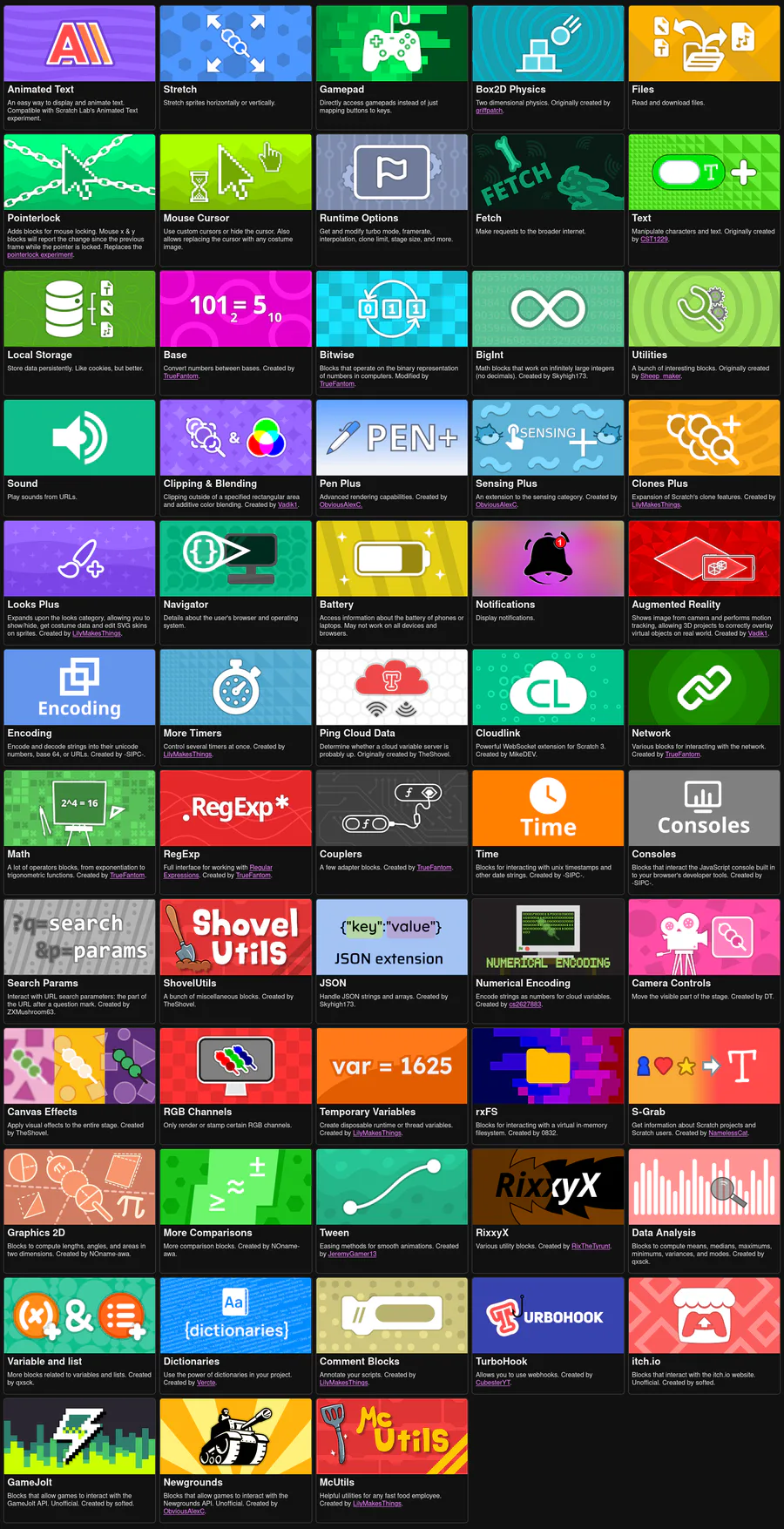
TurboWarp Desktop 1.8.0 is now available at https://desktop.turbowarp.org/ with 40+ new extensions including Scratch Lab's Animated Text, Local Storage, BigInt, JSON, and more
(click TurboWarp Extension Gallery in the extension chooser to access full list)
1 comment