
Waiting for long? Well, wait no more because Brick Breaker X: Deluxe just got a very special update, just pretend that this is an early Christmas gift or something.
What’s up with the update?
A small number of changes, but one of them is the best that you’re ever seen. And the one shown below is the one.
Menu redesign
Well, I always think the previous menu background design is quite too weird at the moment, so I decided to do a slight redesign of the menu backgrounds. Now, it looks very similar to the background in the loading screen, replacing the weird RPG-looking backgrounds from Adventure Mode stages.
But they also looking very digital and futuristic, how about you guys?
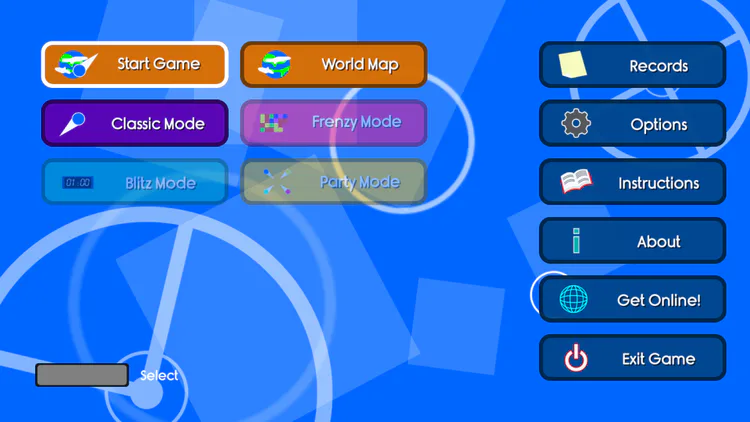
This BG change also applies to the Records, Options and Get Online! screens. 👌
(And if you’re a Smash Bros. fan like myself, the menu animations will remind you of your Melee and Brawl memories 😉 and also Kirby Air Ride)
Main menu redesign
Among the menus, the main menu got the most special redesign! Now, the buttons in the main menu will fade from the top each time you enter it! The buttons are also look more organized comparing to the original arrangement.
Revamped help screen
You may know how hard can you use the help screen using the scroll wheel, don’t you? Well, good news, those problems should be gone, for now.
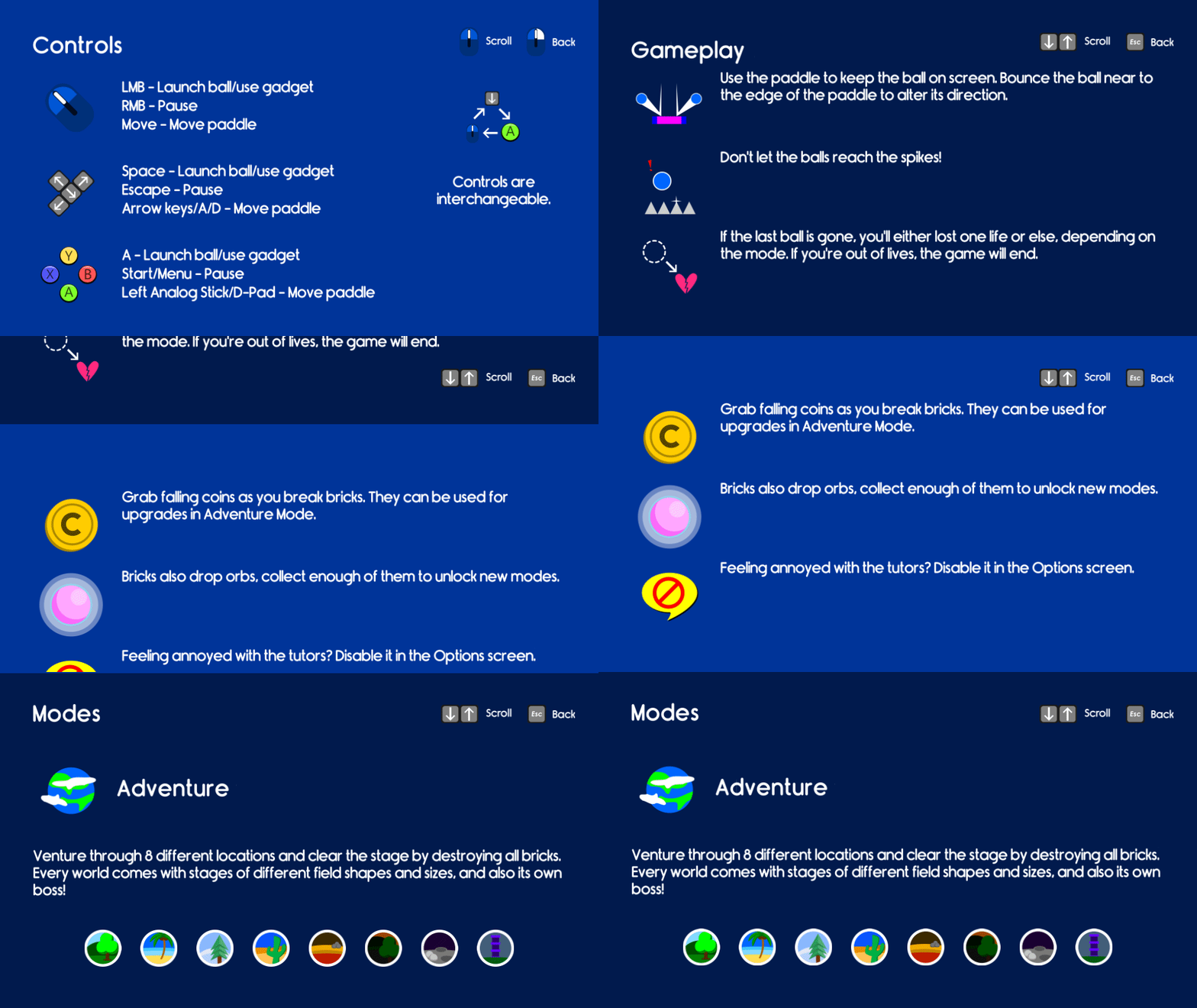
Now you don’t need to spam-roll your mouse wheel anymore, because the help screen is now separated into slides, very accessible on both control methods (dunno about Xbox analog stick yet but it should work too, I guess)
Got enough Orbs to unlock everything? Then no more for you!
Well, you need Orbs to unlock game modes, right? But what if you still collect Orbs when you already have all modes unlocked? Pretty useless since you can’t even use your extra Orbs in the Shop!
With that, the game will no longer spit Orbs from broken bricks once you collected all 40 Orbs as you play. (But I forgot to put a 40-limit to the Orb counter so if you already did it then oh well…)
Some small animation changes…
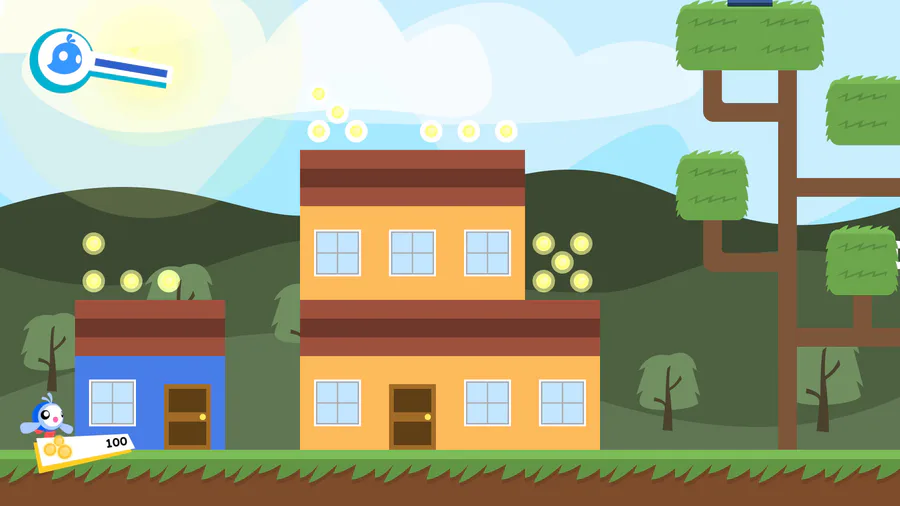
Well, you may see that the paddle now appears in a white glow as the game starts. It’s a very pleasing work for me, but it can be better, I hope.
That’s all, I guess
I hope you guys enjoy this update, but if you have any questions, please don’t hesitate to tell me through the comments.
0 comments