
6 months ago

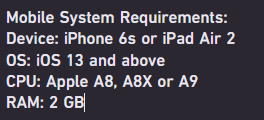
A lot of Roblox mobile players try to find and fix the Low Memory Warning screen, but in reality their iPhone or iPad simply does not have enough RAM to run a Roblox game they're currently playing.


The Low Memory Warning screen DOES NOT mean that your iOS device is running low on storage, It actually means that your device is running low on available memory (RAM)

If you have an older iOS devices, like the iPhone 6s, 7 and 8 (non-Plus models, which have less RAM) will struggle to run demanding Roblox games, which can cause the warning to appear and Roblox may crash at any moment. Clearing storage space will not fix this problem because memory (RAM) and storage are both completely different things.

The only solutions are either upgrading to an iOS device that have more RAM (iPhone 11, 12 Pro, etc.) or playing simpler Roblox games that consume less RAM.

Just to clarify something, The iPhone 6s Plus has 2 GB of RAM, but the iPhone 7 Plus and 8 Plus were upgraded to 3 GB, which can handle demanding Roblox games better.




1 comment

Loading...

Next up

The first Pre-Release for Minecraft 1.21.11 is here! You can watch the video here by slicedlime: https://www.youtube.com/watch?v=CH_mI68_Ljk or read the article here: https://www.minecraft.net/en-us/article/minecraft-1-21-11-pre-re…

Laptop looks very nice

Thank you for 25k likes!

harke

I have followed 15k people!

[Insert awesome sauce title]

@MasaRioMikoCaburnay OC gift

My current desktop, now on a 4K monitor

Nope, not playing that Roblox game, plus I don't see the appeal to it.

I love french magicians, gotta be one of my favorite genders

--------------------------β˜…

I was bored because I got home from school earlier since one of my teachers was sick

I, am also real sick rn-

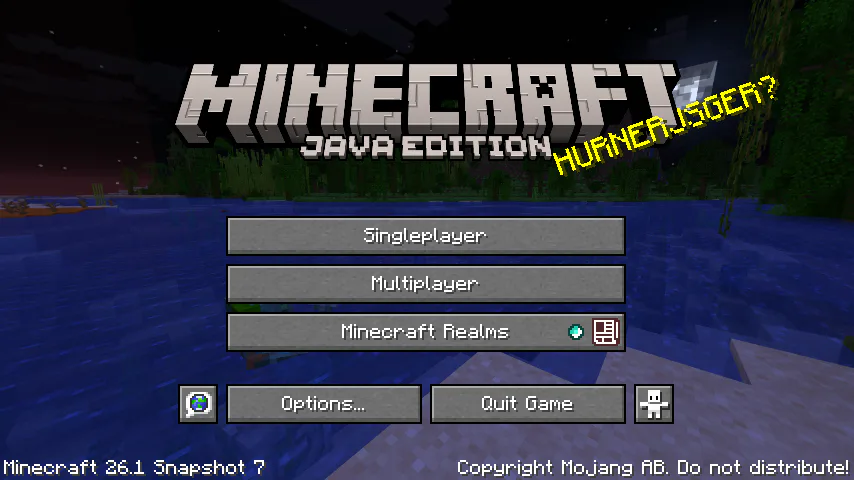
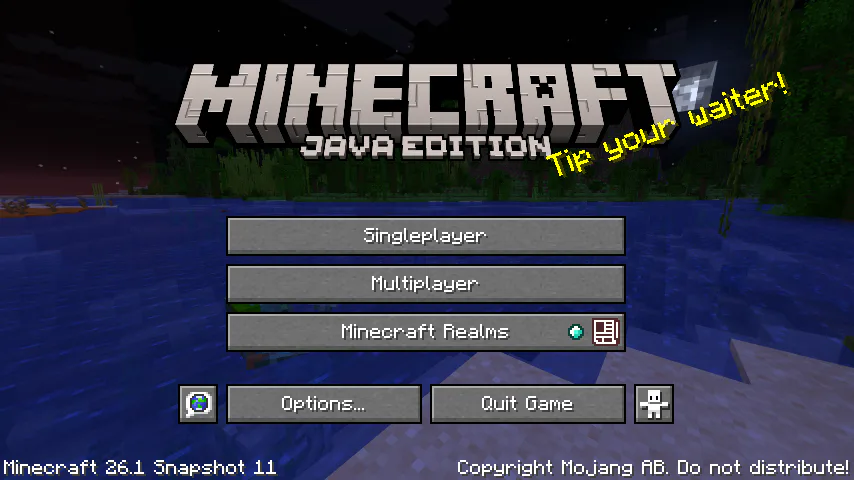
Apparently Minecraft has a new version number, interesting...