
Before we get into the changes we’ve done to community pages, here’s a PSA for the new communities we added:
Pokémon: https://gamejolt.com/c/pokemon
Sonic: https://gamejolt.com/c/sonic
Space Funeral: https://gamejolt.com/c/spacefuneral
Space Funeral is extra cool since the game was released first on Game Jolt. It’s great to see the fan community still going strong! You can check out the original game here: https://gamejolt.com/games/space-funeral/3492
Help us grow these communities! If you’ve created any sort of fan content for these game worlds, be sure to post them. If you know any great creators that might be interested, let them know! Let’s do this together.
Now, onto the changes!
Changes to Communities
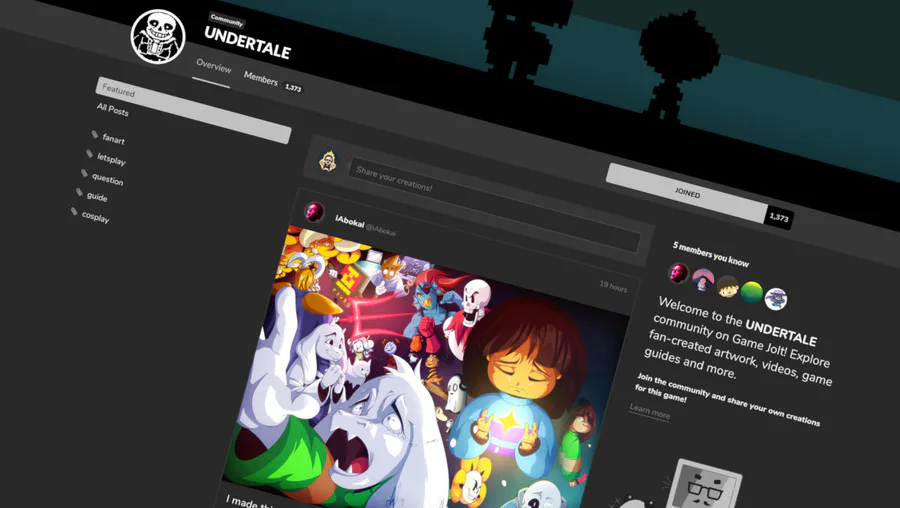
We pushed out a slight redesign to Community pages to match a little closer to other Game Jolt pages. It’s now shown in 3-column goodness, yay!
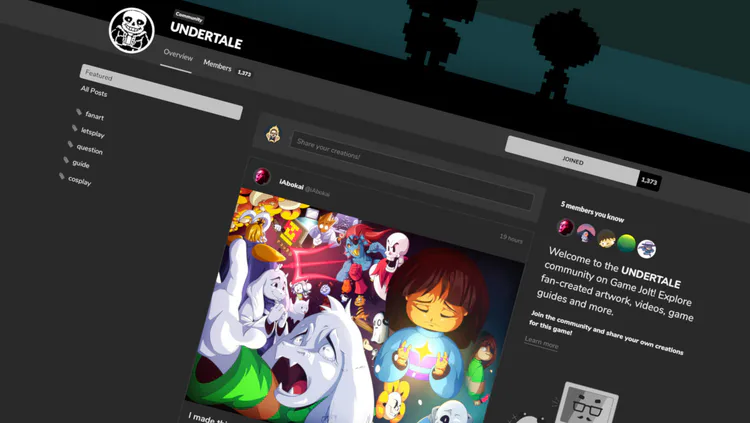
We also show the tag pages on the left nav and give you the ability to view “hot” and “new” posts for each of these tag pages. Hopefully it’ll help navigate faster!
And isn’t it nice to see which of your friends follow a particular community so you can join in with them?
Lastly, we now highlight new posts since the last time you viewed a community so you can easily stay up-to-date.

Pixel-Perfect Pixel Art
We no longer always use the JPG format for showing post images. From now on, in order to retain that pixel art crispness, when you upload an image into your post we do a quick check to see if JPG would result in a smaller filesize or if PNG will be smaller.
Most of the time this will result in PNG being used for your pixel art, since it will usually be a smaller filesize, and will keep those edges sharp, just like pixel art should be! And, of course, PNG is a lossless file format, so you won’t get any compression artifacts. We’re only doing this check for new images added, so you’ll still see JPG being used for old posts.
But that’s not all we’ve done! Before this update, we would stretch images out to fill the full post width. This made some images look blurry and awkward. From now on we show the image at the uploaded width/height unless it’s bigger than the view. Again, this should help even more to show your smaller pixel-art images at the perfect resolution and display.
I mean, just check out this crispiness: https://gamejolt.com/games/horrorvale/366063/devlog/jack-the-first-sponsored-horrorvale-party-member-joins-the-fray-6gmvxxjq
Dark Mode by Default
Based on a poll we ran, we saw that a vast majority of users really like the Dark Mode and prefer it over Light Mode. So we made that the default Game Jolt look! Yeah!
You can still switch back to Light Mode by clicking your avatar in the top-right and toggling Dark Mode off.
Indie.af Is Now Secure AF
A small (but very nice) update: Indie.af domain names for Game Jolt Sites now use HTTPS. If you don’t know what Game Jolt Sites are, you can read more here: https://gamejolt.com/indieaf
That’s it for now!
What would you like to see next on Game Jolt? What sort of features would you like to have next in communities? Let us know in comments!
140 comments