
There are loads of programming languages and extension programs that allow you to create games, which one you use depends on personal preference.
I use a program called GameMaker 8.1 from yoyogames which you can buy or download the free version at http://www.yoyogames.com/studio for a reasonable sum. The free or ‘lite’ version is free to download and still gives you the ability to make not very complex games, it is great for people who want to create a game but lack the coding knowlegde as the drag-drop interface can get you started and there is always the option when using it to create scripts if you prefer, even though some functions are restricted you can still create pretty worthwhile projects.
Built in features of yoyogames GameMaker:
There is a built in sound loader/basic effect adder.
There is a built in sprite editor that is similar to paint.
Has an easy list-based system for files.
Includes an export button which simply compiles any project you wish into a playable and non-editable .exe file.
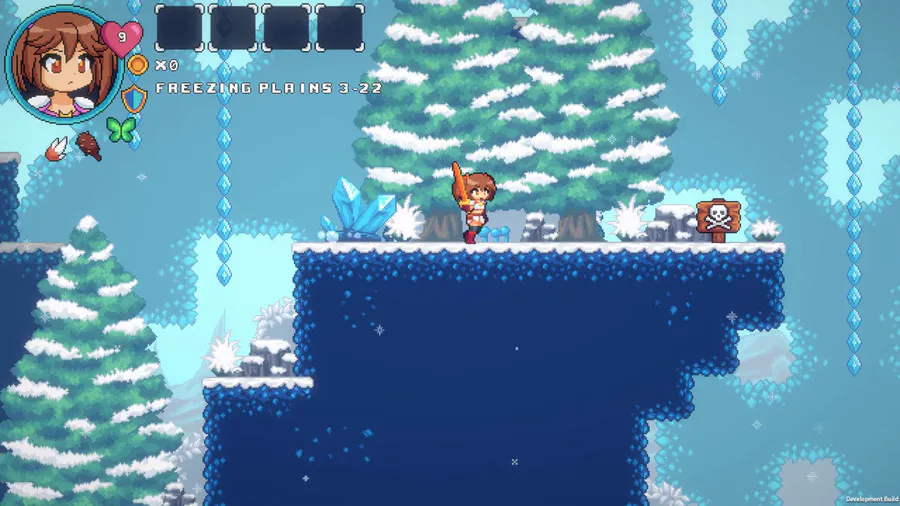
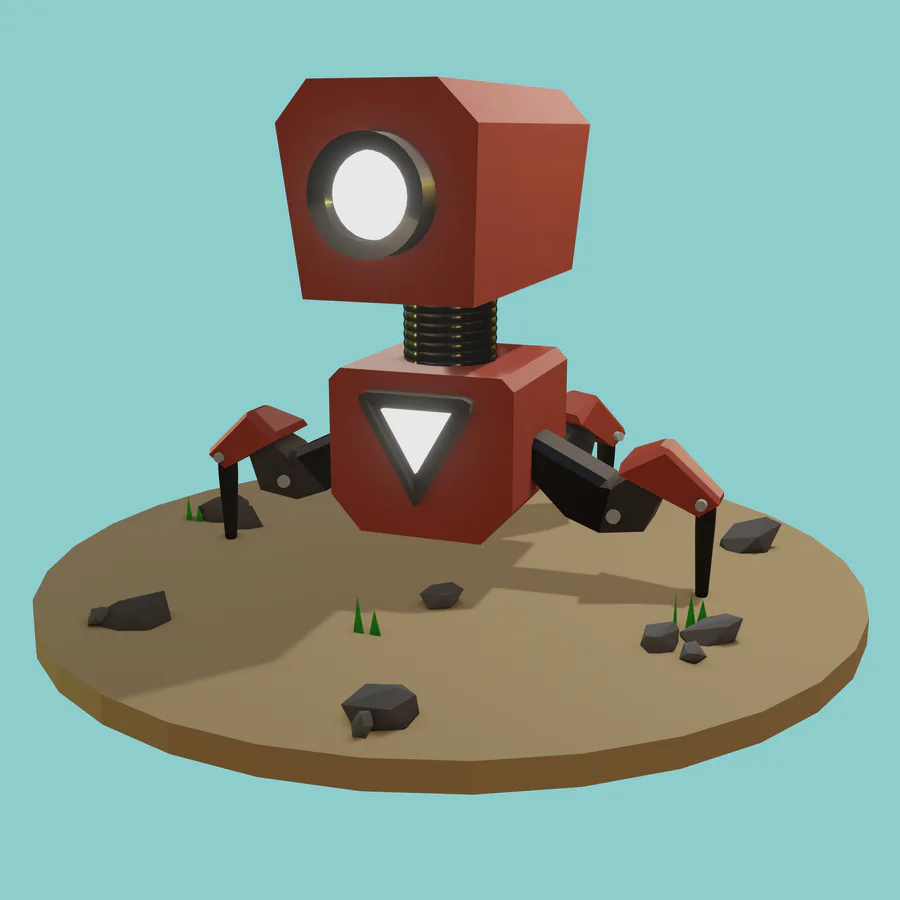
I have the paid version and simply use all the in-built features to construct a game, drawing sprites, adding sound, scripting , etc.
Once you have the software, think up an idea for a game, preferably original and work towards it. Before publishing, you need to be sure that the menus and gameplay are easy to understand, there are no spelling errors and there are no glitches as these things can really spoil the enjoyment for the player. If you take care in what you make and test it out with friends, it really adds to the quality of your final game. If you adhere to these guidelines, you will be making the most of what you create to help it collect positive votes and impress.












0 comments