— English Ver. —
Hi! “The Story Maker” here, or what remains of me (hard weeks D:)
This entry will revolve around the game camera, and the nightmares I have with it, so is a somewhat more technical entry.
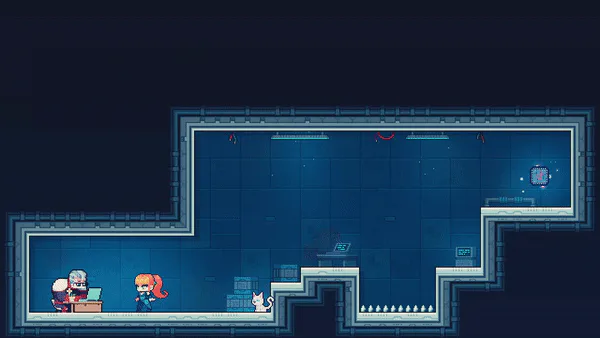
First let’s see the final result of a week of hard work. (By the way, plenty of WIP assets and lacking animations.)
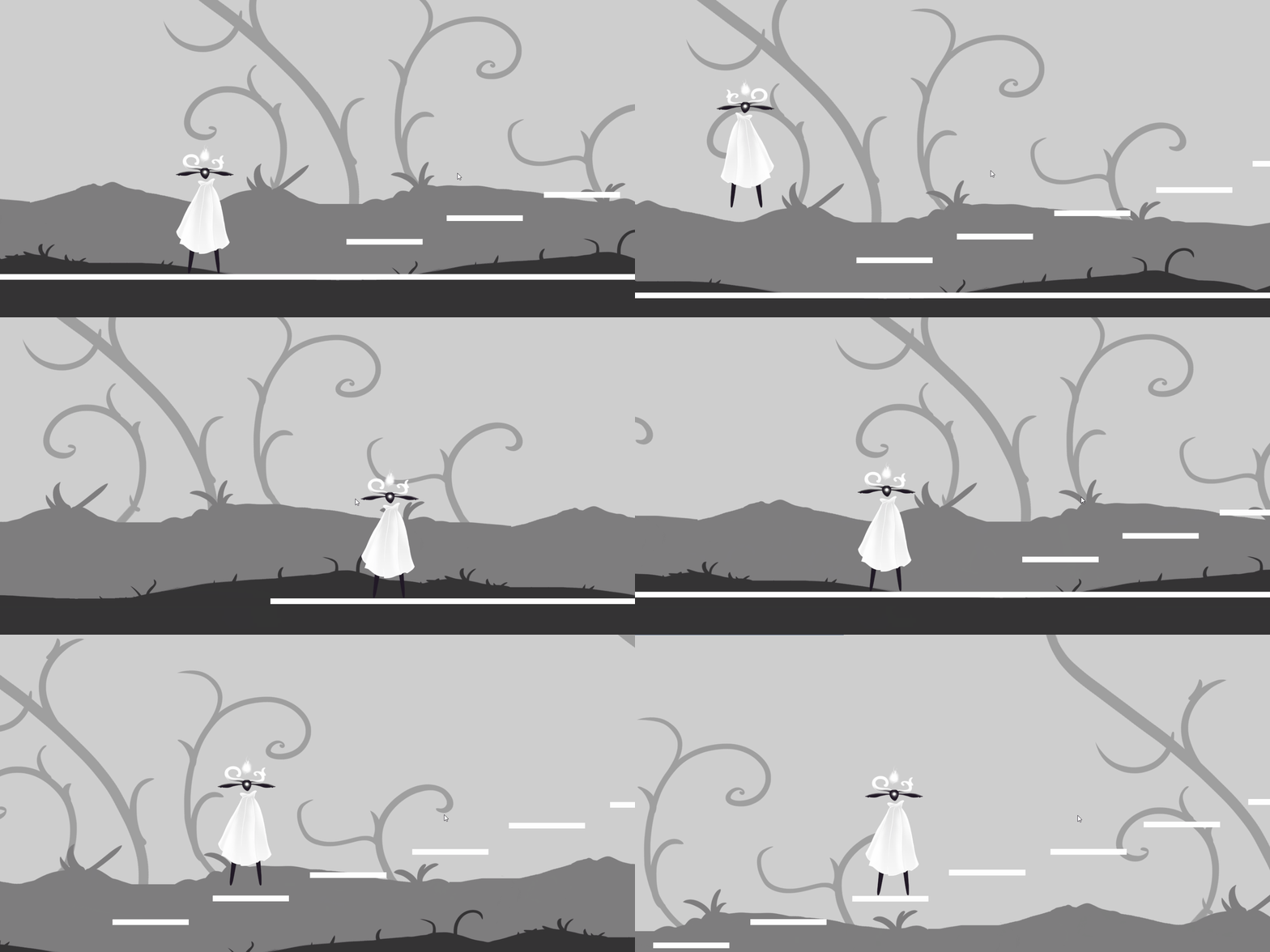
It could be improved of course, but I am pretty happy since is the first camera script I’ve made!
Behind that smooth movement, or at least what I think is smooth enough, are a couple of things running behind the scene, telling the camera where to move at what pace.
Let’s see this other gif with a little extra info.
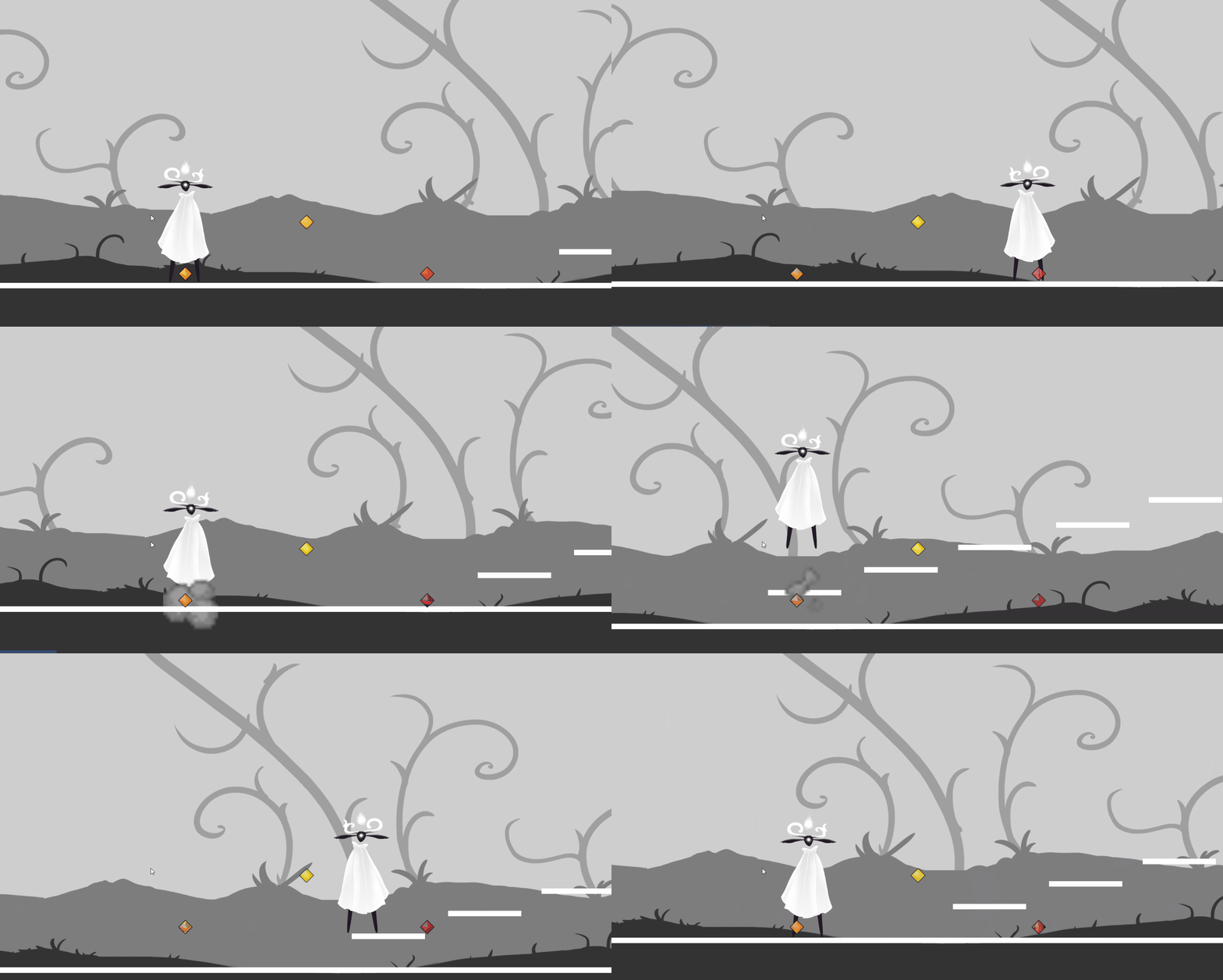
Here you can see three different points, which the camera uses to position itself. The orange and red dots are there so that one of them is always on the same spot as the player, or on its way to him, whether it targets one or the other depends if the player is going left or right, so it always leaves more screen towards that direction.
The yellow dot is for vertical movement, if the player surpasses it, it moves so that it is at the center of the player height.
All this is controlled so it doesn’t reacts to suddenly to movement, or too quickly when it moves, so players don’t get dizzy or anything. It’s a hard thing to make it feel nice and good, and I am sure that I will work on it when we advance more in the development, but for now we think is good… not like the other attempts… it was hard getting here.
But yeah, so far, so good!
See ya!
— Spanish Ver. —
¡Hola! Aquí “The Story Maker”, o lo que queda de mí (semanas duras D:)
Esta entrada girará entorno a la cámara del juego, y las pesadillas que tuve con ella, así que es una entrada un poco más técnica.
Primero, veamos el resultado final de una semana de duro trabajo. (Por cierto, hay bastantes cosas en desarrollo aún, y no hay animaciones)
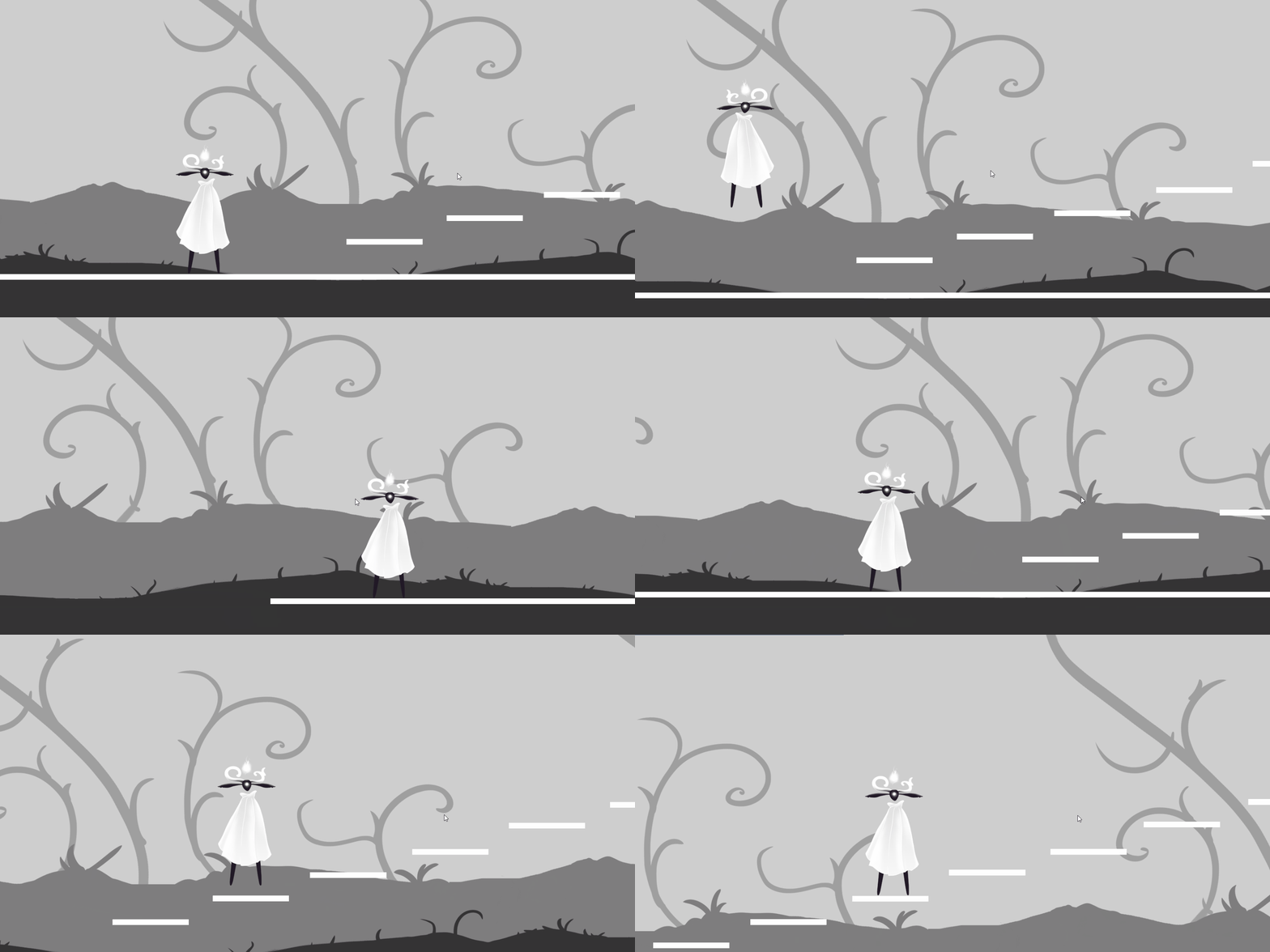
Se puede mejorar claro, ¡pero estoy bastante contento ya que es el primer script de cámara que hago!
Detrás de eso suave movimiento, o al menos yo creo que es lo suficientemente suave, hay un par de cosas detrás, diciéndole a la cámara donde moverse y a que velocidad.
Veamos esto con otro gif que tiene más información.
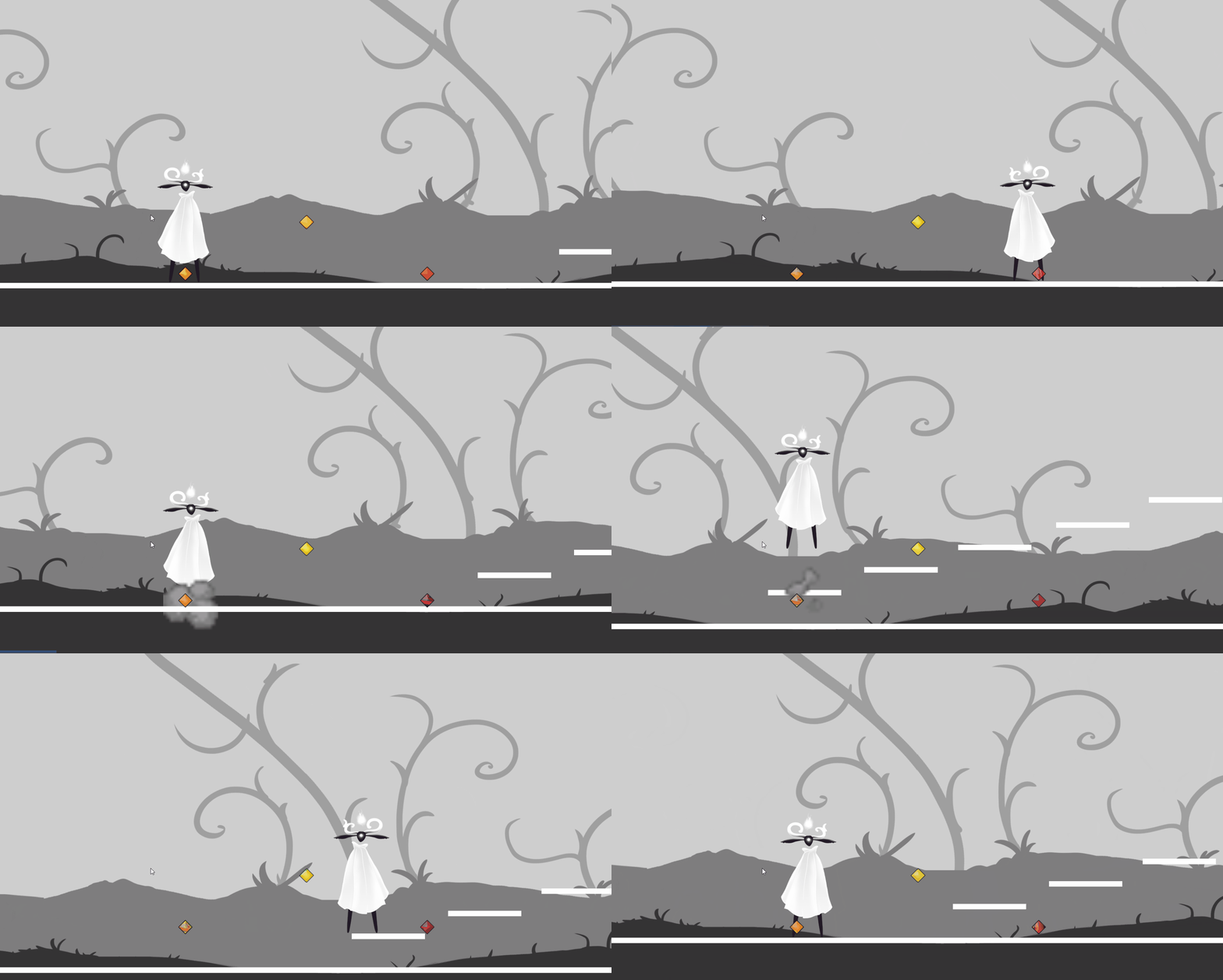
Ahora se pueden ver tres puntos diferentes, la cámara usa esos puntos para posicionarse.
Los puntos naranja y rojo están para que uno de ellos siempre esté en el mismo lugar que el jugador, o moviéndose hacia él, si usa uno u otro depende de si el jugador va hacia la izquierda o hacia la derecha, para que siempre tenga más visión en la dirección en la que mira.
El punto amarillo es para el movimiento vertical, si el jugador lo sobrepasa, se mueve de manera que esté en el centro de la altura del jugador.
Todo esto está controlado de manera que no reaccione muy bruscamente al movimiento, ni vaya muy rápido cuando se mueve, para que los jugadores no se mareen. Es algo complicado de hacer que se sienta bien, y estoy seguro de que trabajaré en ello cuando avancemos más en el desarrollo, pero por ahora pensamos que está bien… no como los anteriores intentos… fue difícil llegar hasta aquí.
¡Pero sí, por ahora todo bien!
¡Nos vemos!









1 comment