
Criado com Gideros Mobile, programado em lua. O Script do jogo está abaixo:
			-- Imagens de fundo
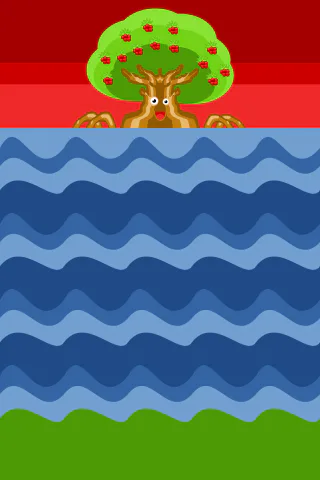
Fundo = Bitmap.new(Texture.new("imagens/Fundo.png"))
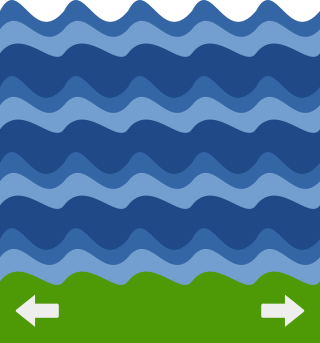
Mar = Bitmap.new(Texture.new("imagens/Mar.png"))
Mar:setAnchorPoint(0.5,0.5)
Mar:setPosition(160,305)
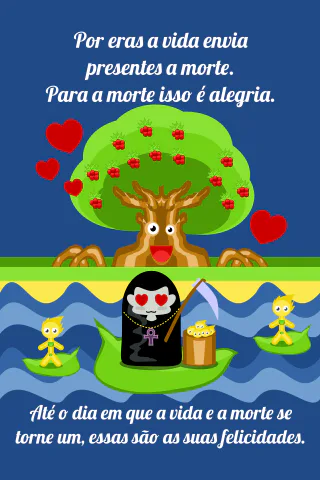
finalbom = Bitmap.new(Texture.new("imagens/Good.png"))
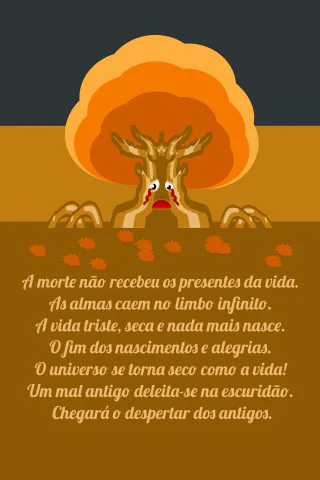
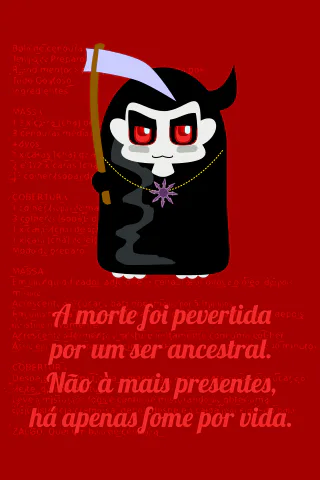
finalruim1 = Bitmap.new(Texture.new("imagens/Bad1.png"))
finalruim2 = Bitmap.new(Texture.new("imagens/Bad2.png"))
-- Sprites personagens
Morte = Bitmap.new(Texture.new("imagens/Morte.png"))
Morte:setAnchorPoint(0.5,0.5)
mx = 160
my = 416
Morte:setPosition(160, 416)
Mal = Texture.new("imagens/Mal.png")
Alma = Texture.new("imagens/Alma.png")
Itens = {}

-- Camadas
Jogo = Sprite.new()

-- Adicionar Sprites
Jogo:addChild(Fundo)
Jogo:addChild(Mar)
Jogo:addChild(Morte)
stage:addChild(Jogo)

-- Variáveis Globais
-- Funcoes Globais
function Comecar ()
    ondas = 0
    Vida = 50
    Caos = 0
    Vermelho = 0
    Amarelo = 0
    Reiniciar = -1
end
Comecar ()

function Distancia( x1, y1, x2, y2)
    xd = x2 - x1
    yd = y2 - y1
    return math.sqrt(xd*xd + yd*yd)
end

function MoverMorte()
    local x = mx
    if (mx < Morte:getX() and Morte:getX() > 60) then
        Morte:setX(Morte:getX()-1-(Vida/30))
    end
    if (mx > Morte:getX() and Morte:getX() < 260) then
        Morte:setX(Morte:getX()+1+(Vida/30))
    end
end

function CriarItens()
    if math.random(0,2)  < 1 then
        Itens[#Itens+1] = Bitmap.new(Alma)
        Itens[#Itens].tipo = "Alma"
    else
        Itens[#Itens+1] = Bitmap.new(Mal)
        Itens[#Itens].tipo = "Mal"
    end
    Jogo:addChild(Itens[#Itens])
    Itens[#Itens]:setAnchorPoint(0.5,0.5)
    Itens[#Itens]:setPosition(math.random(80, 240), 128)
end

function AtualizarItens()
    if Vermelho > 0 then
        local r, g, b = Jogo:getColorTransform()
        Jogo:setColorTransform(r+.10,1,1)
        Vermelho = Vermelho -1
    else
        local r, g, b = Jogo:getColorTransform()
        if r > 1 then
            Jogo:setColorTransform(r-.10,1,1)
        elseif r < 0 then
            Jogo:setColorTransform(1,1,1)
        end
    end
    if Amarelo > 0 then
        local r, g, b = Morte:getColorTransform()
        Morte:setColorTransform(r+.10,1,1)
        Amarelo = Amarelo -1
    else
        local r, g, b = Morte:getColorTransform()
        if r > 1 then
            Morte:setColorTransform(r-.10,1,1)
        elseif r < 0 then
            Morte:setColorTransform(1,1,1)
        end
    end
    remover={}
    for i = 1, #Itens do
        if Itens[i]:getY()> 480 then
            if Itens[i].tipo == "Alma" then
                Vida = Vida - 10
                print("Vida"..Vida)
            end
            table.insert(remover, i)
        else
            Itens[i]:setY(Itens[i]:getY()+1+(Caos/40))
            Itens[i]:setRotation(math.random(-2,2))
        end
        if Distancia(Morte:getX(), Morte:getY(), Itens[i]:getX(), Itens[i]:getY()) < 30 then
            print(Itens[i].tipo.."Colidiu")
            if Itens[i].tipo == "Alma" then
                Vida = Vida + 10
                Amarelo = 10
                print("Vida"..Vida)
            else
                Caos = Caos + 10
                Vermelho = 10
                print("Caos"..Caos)
            end
            table.insert(remover, i)
        end
    end
    for i=1, #remover do
        print(Itens[i].tipo)
        Jogo:removeChild(Itens[i])
        table.remove(Itens, i)
    end
    EstadoJogo()
end

function EstadoJogo()
    if Vida < 1 then
        stage:addChild(finalruim2)
        Reiniciar = 50
    end
    if Vida > 199 then
        stage:addChild(finalbom)
        Reiniciar = 50
    end
    if Caos == 100 then
        stage:addChild(finalruim1)
        Reiniciar = 50
    end
end

function loopjogo()
    if Vida > 0 and Vida < 200 and Caos < 100 then
        MoverMorte()
        ondas = ondas + 1
        if ondas == 20 or ondas == 40 then
            if Mar:getScaleX() < 1 then
                Mar:setScaleX (1)
            else
                Mar:setScaleX(-1)
            end
        elseif ondas == 60 then
            CriarItens()
            ondas = 0
        end
        AtualizarItens()
    else
        if Reiniciar > 0 then
            Reiniciar = Reiniciar - 1
        end
    end
end
-- Eventos
stage:addEventListener(Event.MOUSE_DOWN,
function(event)
    mx = event.x
    print(event.x)
    print(event.y)
    print(Reiniciar)
    if Reiniciar == 0 then
        if Vida < 1 then
            stage:removeChild(finalruim2)
        end
        if Vida > 199 then
            stage:removeChild(finalbom)
        end
        if Caos == 100 then
            stage:removeChild(finalruim1)
        end
        Comecar()
    end
end)
-- Loop do jogo
stage:addEventListener(Event.ENTER_FRAME, loopjogo)
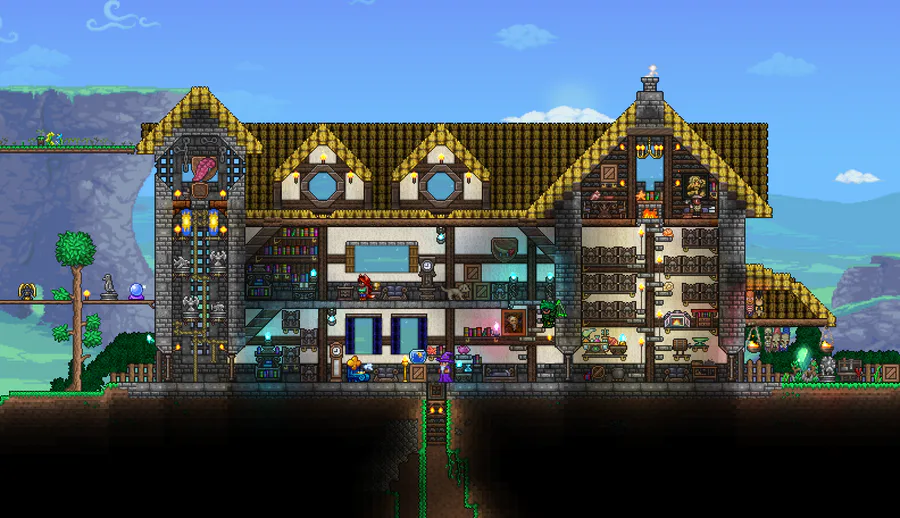
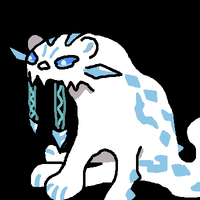
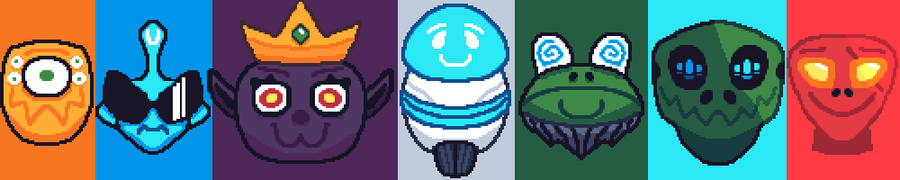
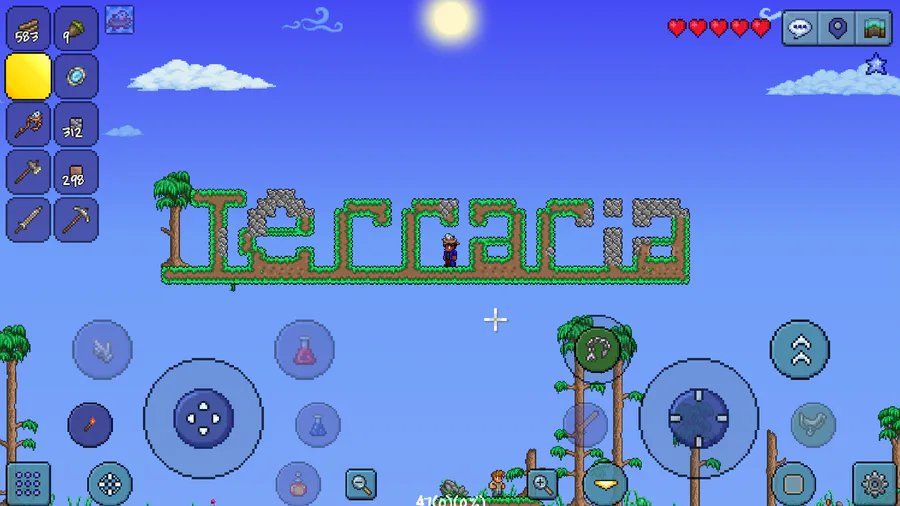
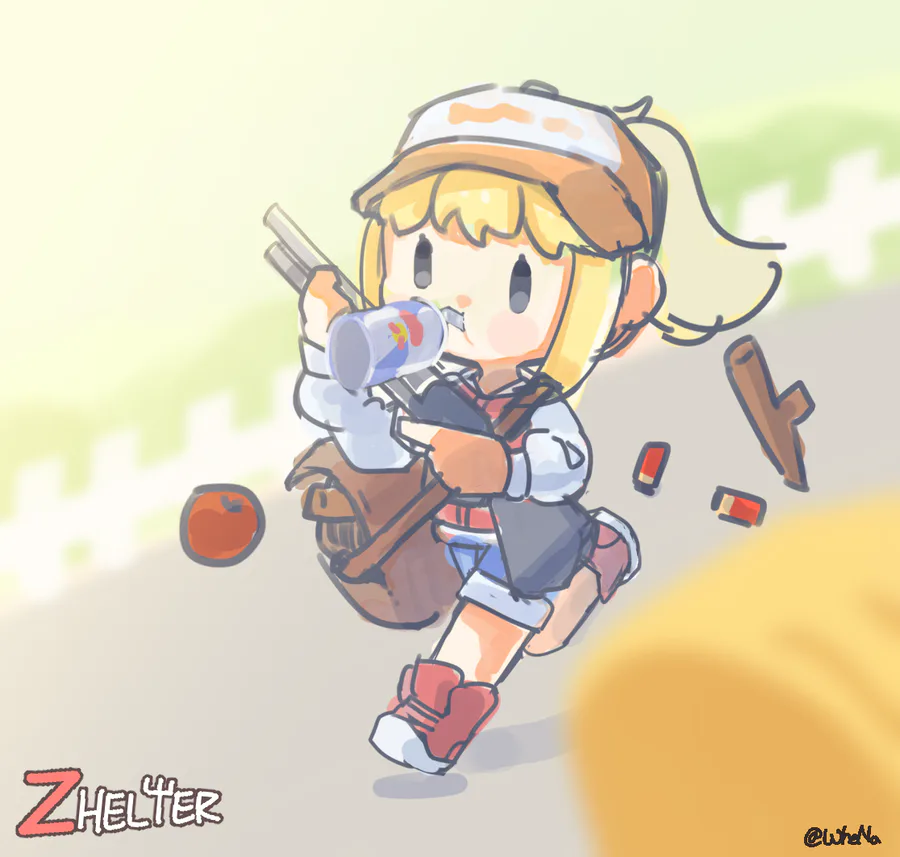
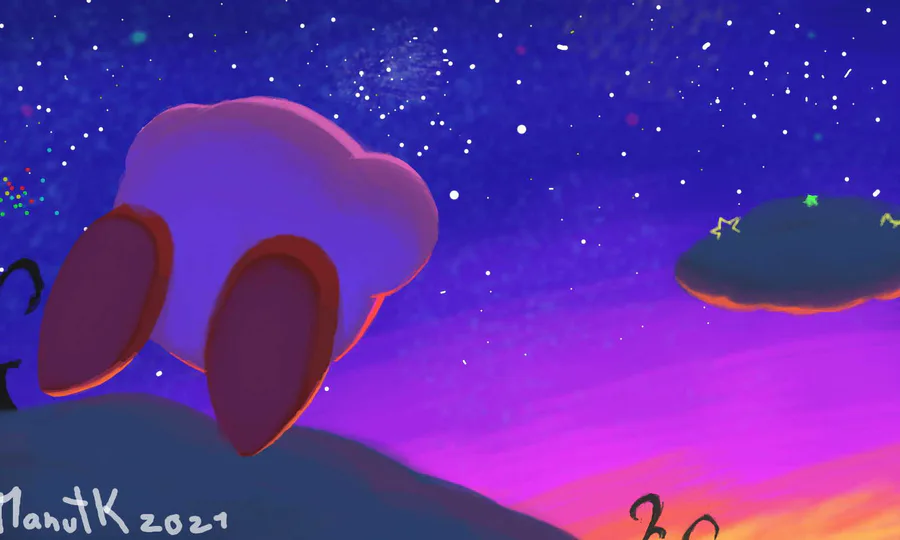
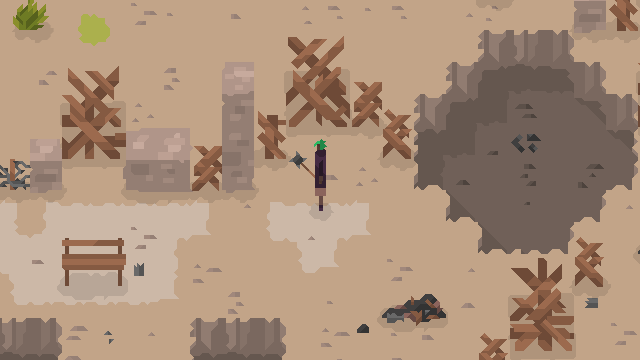
**Artes criadas para o jogo










0 comments