
We all want Game Jolt to be as open and free as possible, allowing developers to share an ever widening variety of games, right? Even so, there hasn’t always been a way to know exactly what an individual is going to encounter when selecting a game.
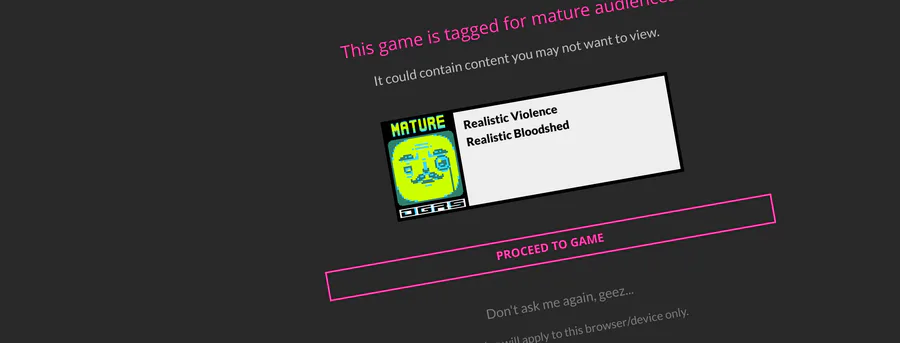
That’s why I’ve launched a new optional feature to warn people of a game’s content if it’s been given a mature rating. When clicking into a mature game, you will now see a screen that lists all the content behind the rating, enabling you to make an informed decision as to whether or not you’re okay with viewing the game in question.
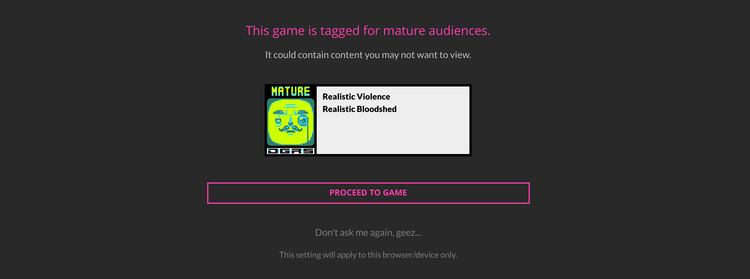
If this is something that generally does not concern you, don’t worry, it’s easy to disable. You can simply click the “Don’t ask me again” option on the warning screen (which only applies to the current browser/device).
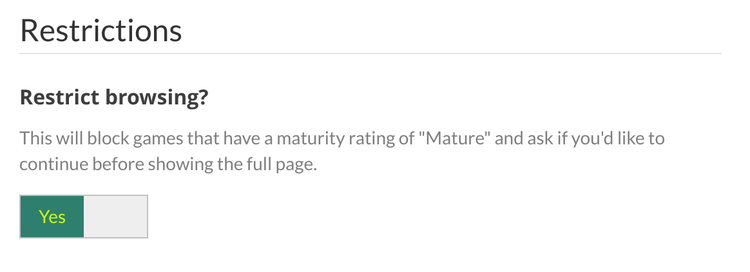
You can also toggle the setting on/off if you change your mind in your Settings area. Click on your avatar in the top-right of Game Jolt to get to your Settings.
Have a grand SFW day! (or not)


27 comments