9 months ago

Craftmine tutorial

#Minecraft #2D


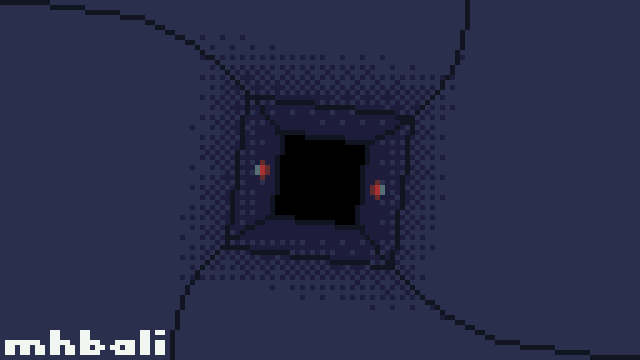
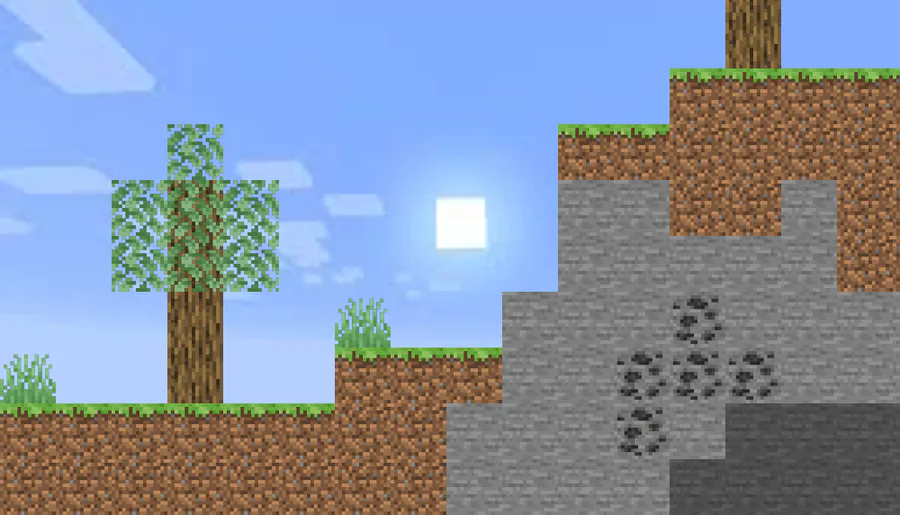
If you want to make a picture like this, i gotchu!

first, go to any minecraft wiki or texture source.

next, download the textures you wanna use (block textures, etc)

if you dont have a background for the sky already, find or make one!

next, we will use Pixlr (any image editor website or software works, i just recommend pixlr for more flexibility)

and then, choose your background picture to edit.

then, import your downloaded minecraft textures as a new layer.

Resize your textures, duplicate until done.

and there you have it! well done.

i also wanna mention that using WEBP files still works, since they are just images stored i chrome.


1 comment

Loading...

Next up

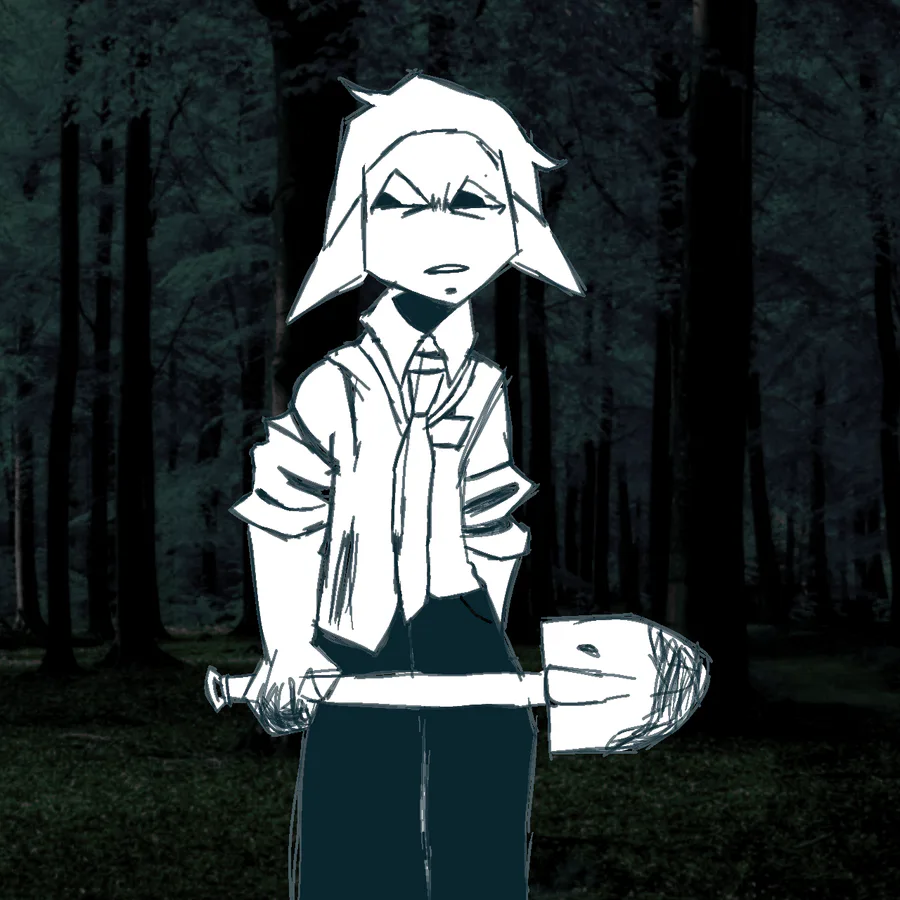
"Ahh, fresh meat"

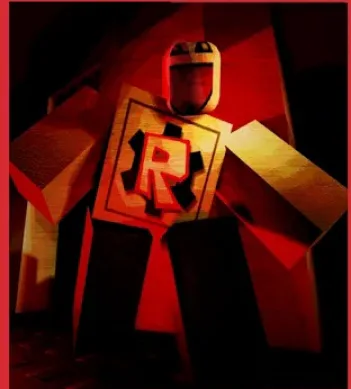
I mostly traced Lord x

#DOD #DieOfDeath #Roblox #LordX

greenguy

Free Art Comission!!!!!!!!!!!!!!!!!!!!!!! (Read my bio)

#ArtComission

Opera GX's #GXNailArt competition has arrived on Game Jolt!

You might have missed Worlds, but you can still be a winner. Take part in the #GXNailArt contest to have a chance to win Riot Points!

Get started by completing our #GXNailArt quests!

Did more builds on minecraft of @gamejolt x Minecraft #Gamejolt #Minecraft #builds #screenshot

Heyo pals, just wanna hear your suggestions on this GirlJennifer design.

I'm trying to make her look like a delinquent, be free to point out my design flaws.

#Roblox #Art #CharacterDesign #ConceptArt

"I don't need to spare you"

∆iden!!

#Kaaatieverse #Aiden

Playing around with Vibrant Visuals in Minecraft Bedrock

Have you had a chance to try the new directional lighting, volumetric fog, etc?

What do you think?

Legendary floor life hack

#Roblox