


As mentioned in earlier posts, the mobile port is now confirmed to be released this week!
For any news related to the Mobile port, see this post.
For anyone wondering, the settings icon has been changed to the one shown in the final screenshot of the slideshow.
Chances of releasing within the exact time range? Roughly 80%.
Explanation of what is in the screenshots:
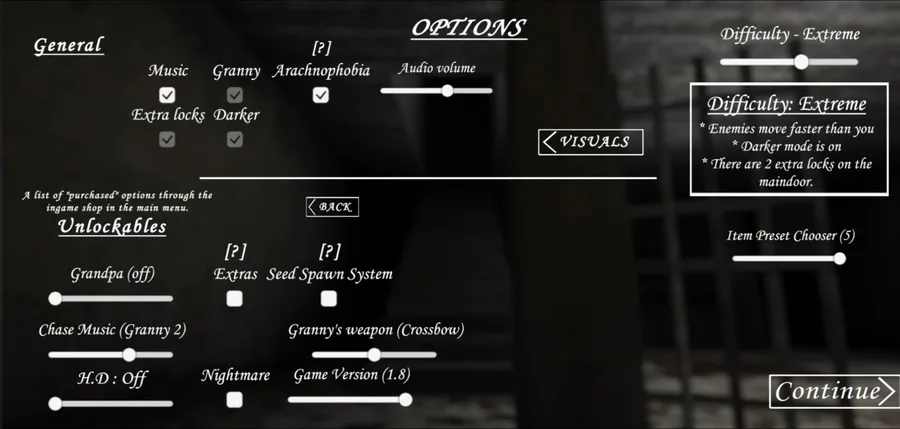
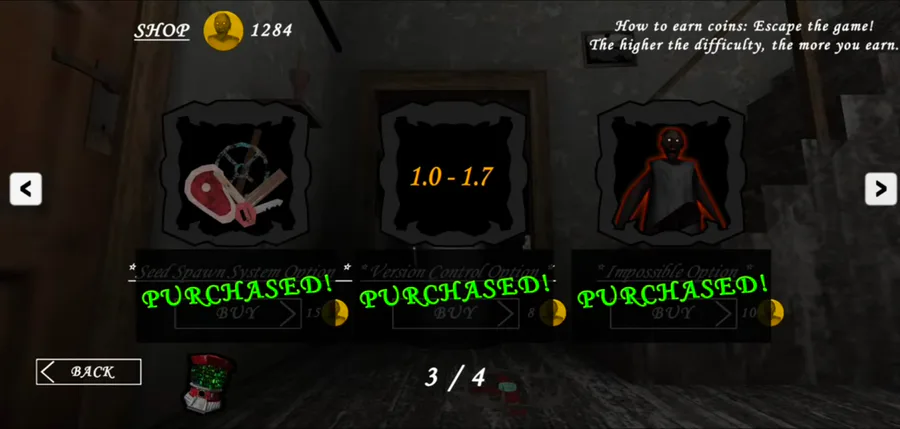
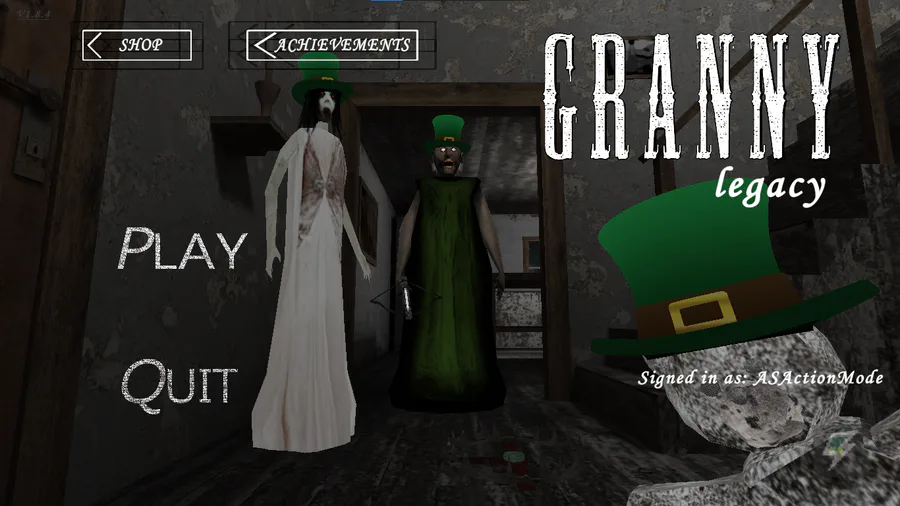
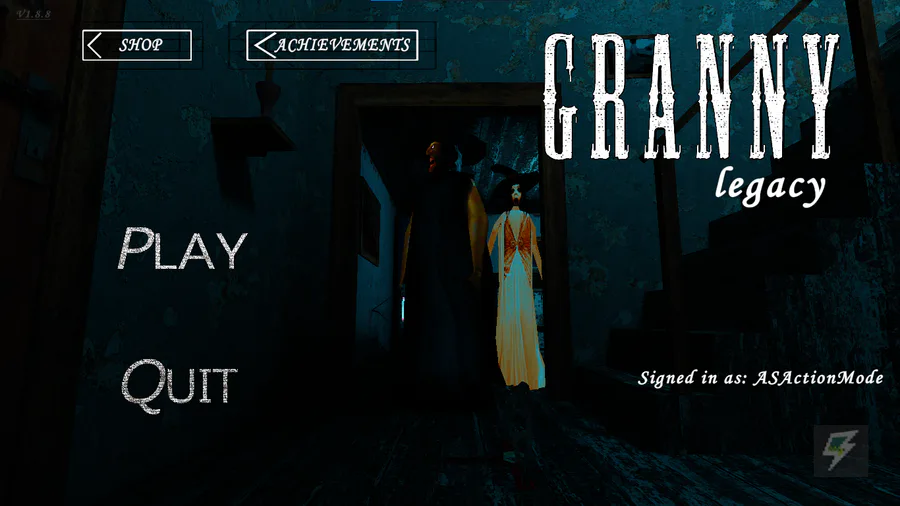
The first screenshot is from the Game Start Menu; if you look closely, you'll find new options. (Granny's weapons, and other features, like the Seed System). Which were only on PC by now.
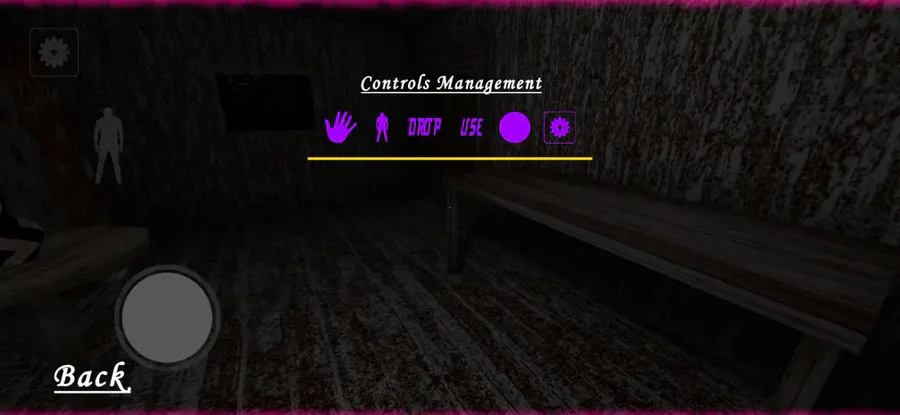
The second screenshot shows the Controls Positioning menu (which is the mobile's replacement for the Rebind Controls option).
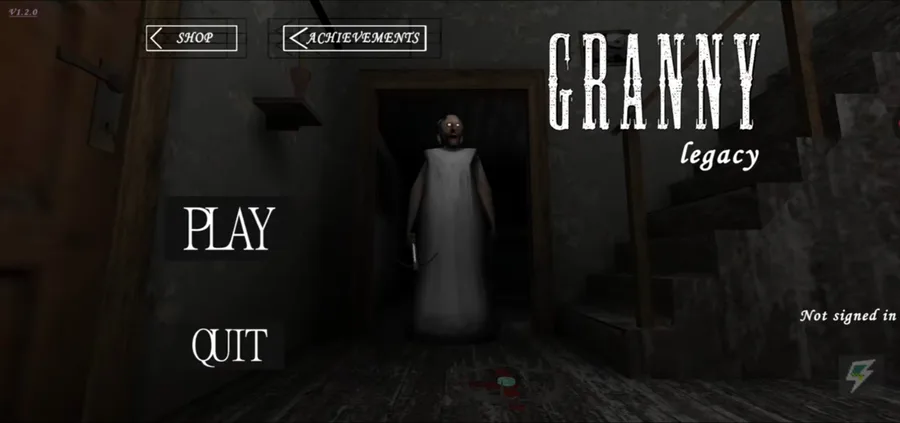
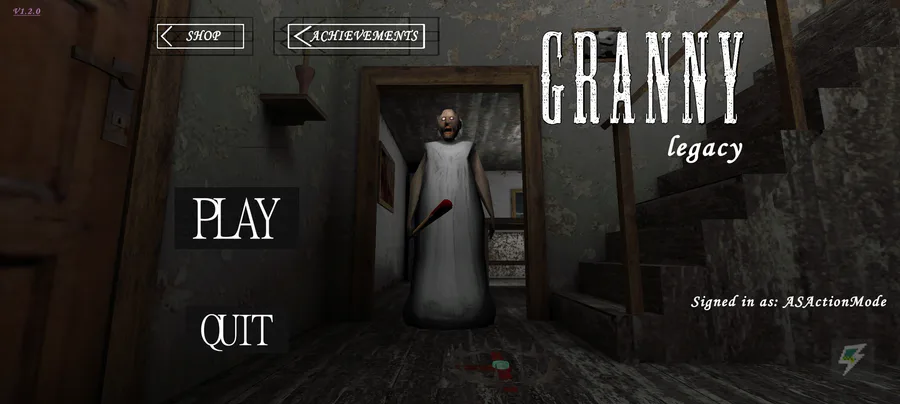
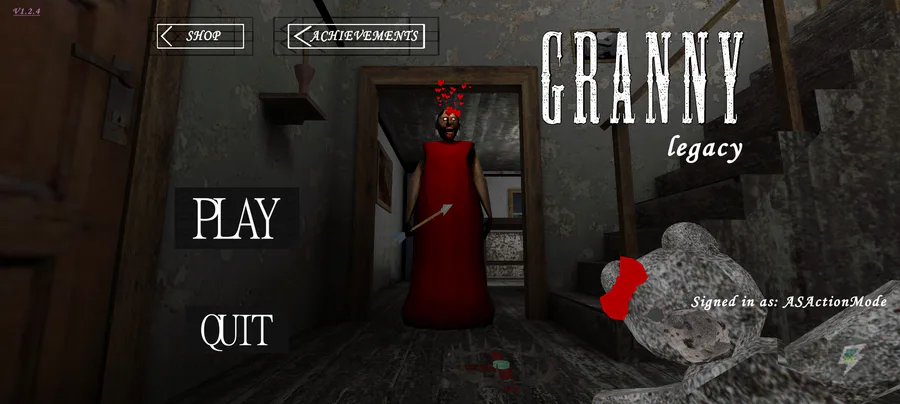
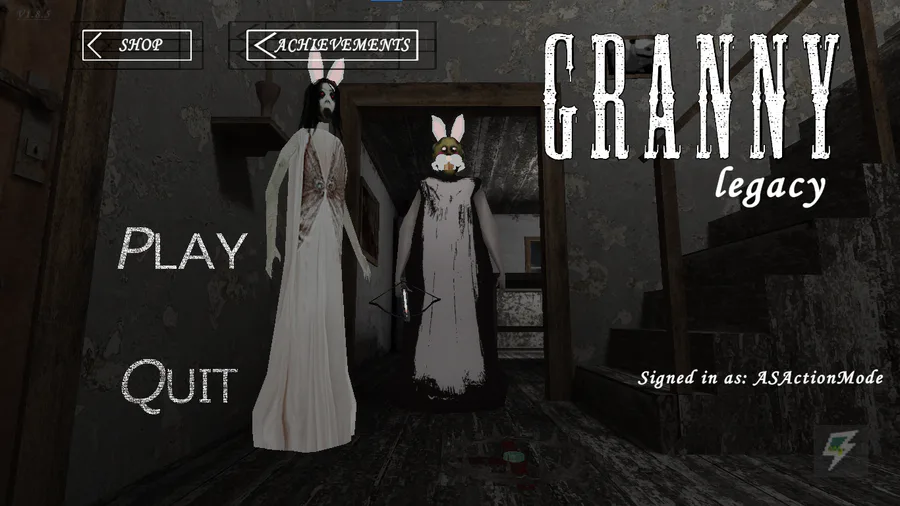
The third screenshot is the main Menu. This was already shown in a post confirming the development of the mobile port.
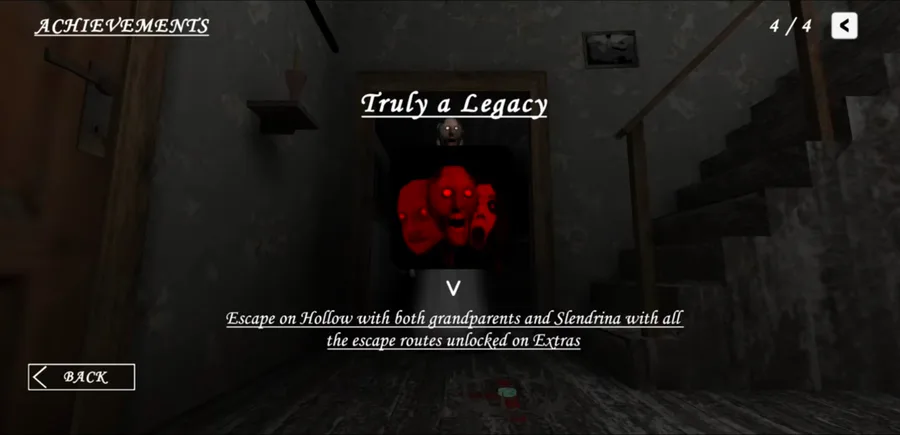
Fourth Screenshot, Truly a Legacy achievement, which is now available on Mobile.
Fifth is for the Updated Shot, which would feature new purchasable items.
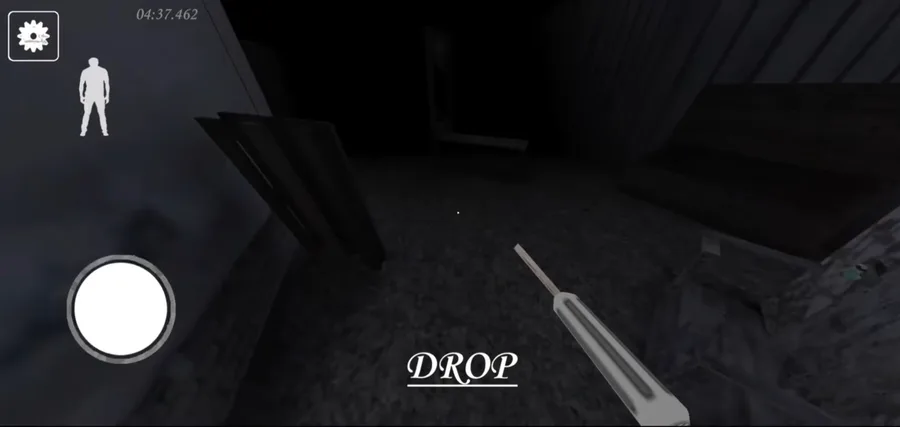
General game screenshot.
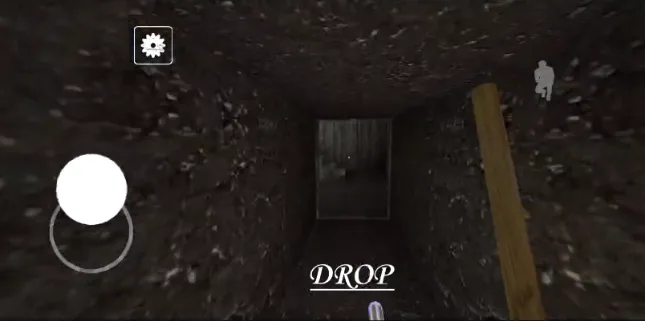
The Final screenshot is earlier than these (it is from Hard Mode, with darker off), and was clicked during very initial testing. Slightly modified.
Original Change Log (What is Coming to Mobile):
The mobile version will have all the big and small updates from the PC version. You'll get to enjoy all the Game Jolt features, including the gacha system, an updated shop, and cool additions like Granny's Weapons and Slendrina (active enemy).
You can also adjust the controls in the pause menu, which now includes a "Restart Run" button and speedrunning options. Plus, there’s a brand new difficulty level above Extreme and Impossible called Hollow.
It may or may not have: a flashlight feature (it is slightly unoptimized, and may lag on most devices), and other graphical or visual minor changes.
The "Seed Spawn System" lets you use seeds to make item spawn locations totally random. Items won’t always pop up in the same spots. The preset slider from 1 to 5 is still there, too.
And if you're into collecting skins, you can unlock a rainbow one for key items like the Car Key, Weapon Key, Chain Cutter, and Screwdriver through the gacha system with Granny Coins.
Source: Confirmed by the creator of the Android port, @omgi_official  . In-game Beta look shared by @lucasjh
  . 2nd Screenshot taken from Discord.



















18 comments