
Over the weekend I spent some time getting the auth section nailed down a bit for #GameJoltNext: login, logout, forgot password—all that jazziness. Rather than doing just a series of images, I figured I’d do things a bit differently for this update: a video! Yay!
I’ve spent quite a bit of time working on making things fluid with smooth transitions and animations and I’m hoping this video captures it well.
When you click on “join” or “login” on the site, it actually takes you to this full-screen view so that you can go about your business without the usual distractions in the shell. Clicking the Game Jolt logo will bring back the main shell so you can navigate the site.
And for a fun little surprise, it actually now records in-browser the game pages that you visit while being logged out. Then when you click “login” or “sign up”, a full-screen image from your game is overlaid in the background. This way, it’s tailored towards what the user has already seen. Just another reason for you to upload screenshots into your game pages, even if you don’t think they’re needed. We can use that data!
So, for example, if I had visited the game page for the recently featured Naut, I may get a page tailored towards that game:
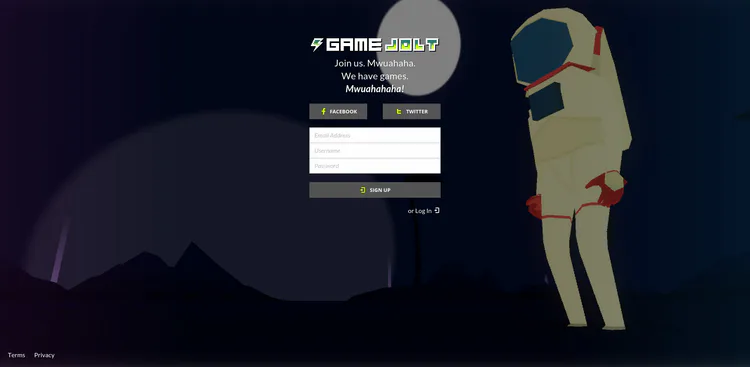
And if you don’t have any game view history, we pick some images from some of the site’s top games and rotate them through. =]
Just remember, since it’s still being actively developed, quite a bit will change, and when you all get to play around with it, it may look completely different. Until next time!


15 comments