
HOVERBOARDS
I started out wanting to make a lift actually, but had so much trouble working out the input overrides I just settled on a hoverboard.
Firstly I had to work out how to do raycasting in Unreal4. That took some time but I eventually managed to fire a ray from the crosshair on screen.
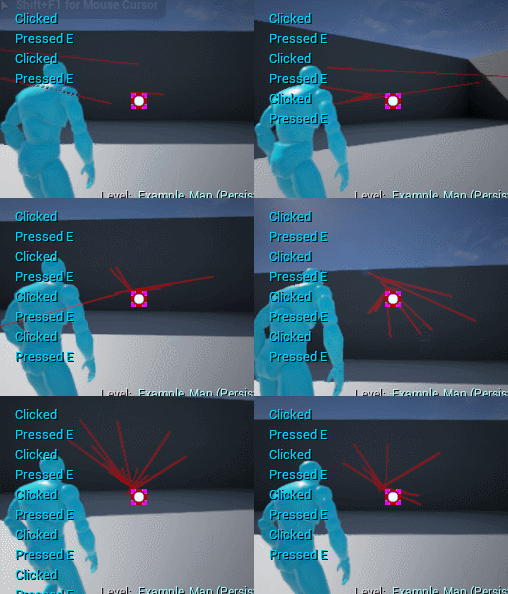
The angle is a little off, but Ill look more into fixing this if a I add projectiles for a gun or something.
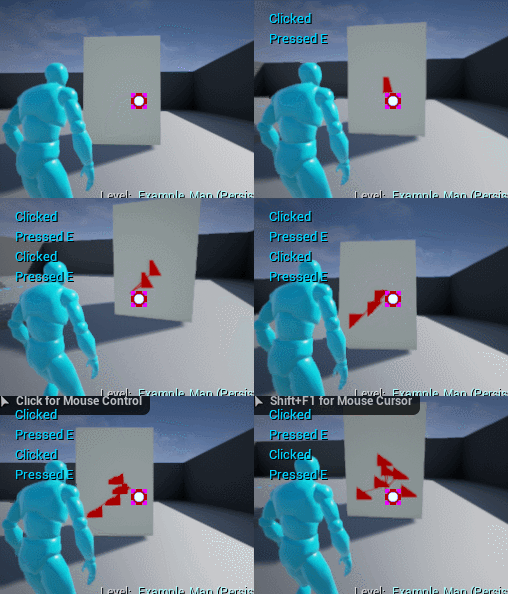
The ray logs when it hits objects although I havent worked out how I can filter through my own object types yet. At the moment it just detects a Dynamic World Actor but that could be anything, where as in this instance I would want to do different things depending on the actor selected.
I need to look into doing an Enum or something so I can filter objects and define specific actions for them; such as hoverboard, or not hoverboard.
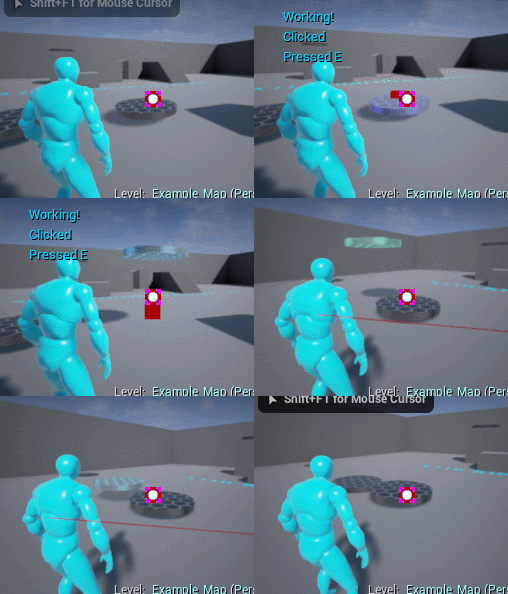
I initially started using the Posses feacture in UE4 but couldnt work out how to reassign control back to the player.
Instead everything is handled in the player character blueprint and just enables control / disables for the selected actor, without ever leaving the player blueprint.
Ideally I would have the control inputs for the hoverboard in its own blueprint, but for now thats beyond me.
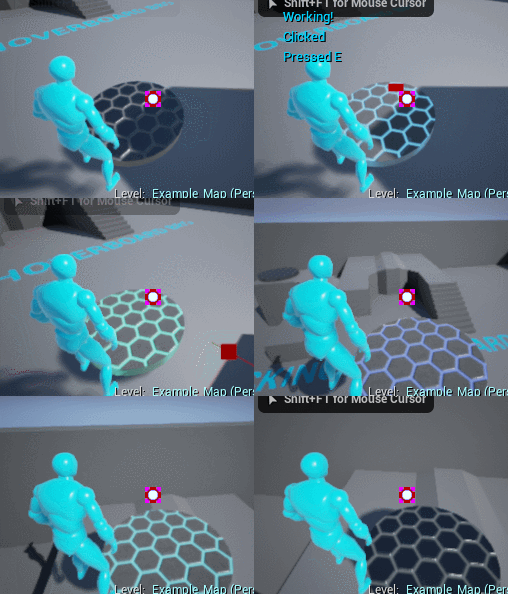
At the moment Im just updating the transform of the board via key inputs, so the movement doesnt reorient itself to the players view, making it control awkwardly.
Also collision works against the player but not the rest of the world, random.
Them sweet lighting effects on the board are for style.









0 comments