


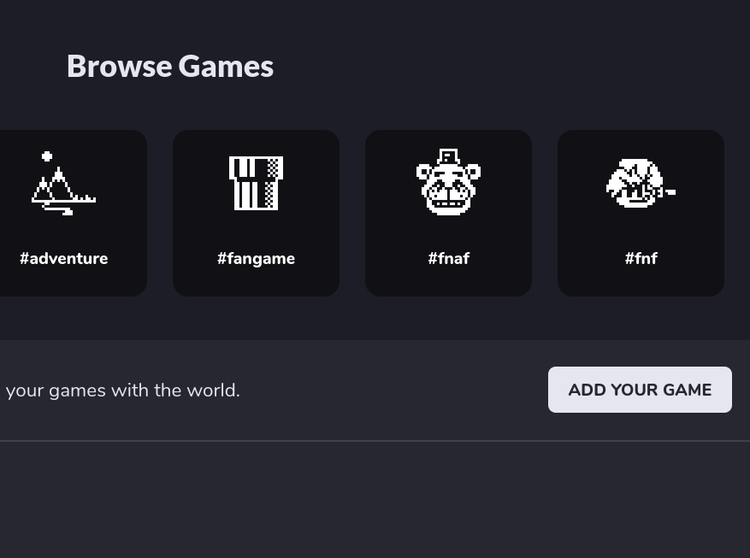
On the store page, you should see a a button that says "Add Your Game". Click on it to create your game page.
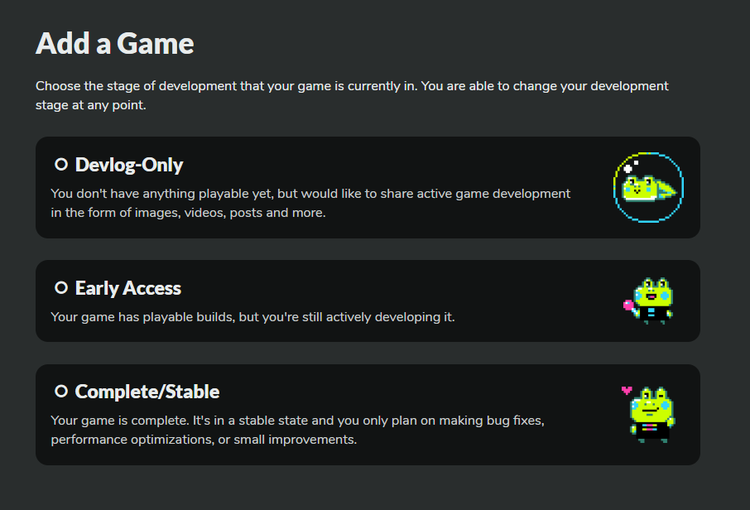
If your mod isn't done yet, select "Devlog-Only". If it's a demo, select "Early Access". If it's a finished mod, select "Complete/Stable"
Customize your game page! Make it look nice!
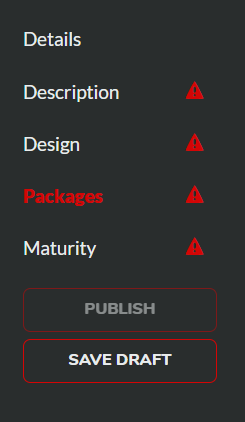
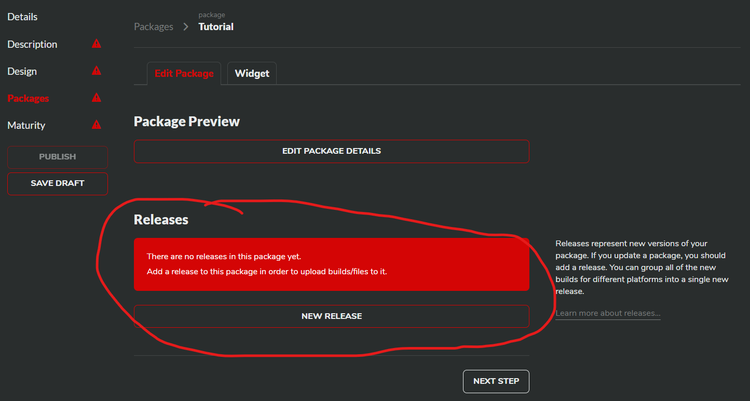
Go to the "packages" section and create a new package.
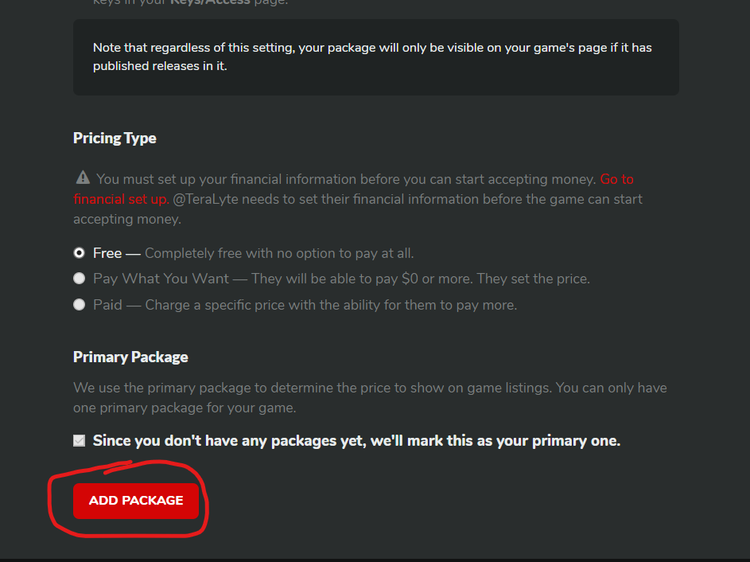
Make a new release.
Add a zipped file with all of your FNF mod's files in it in the "Upload Downloadable Build" section.
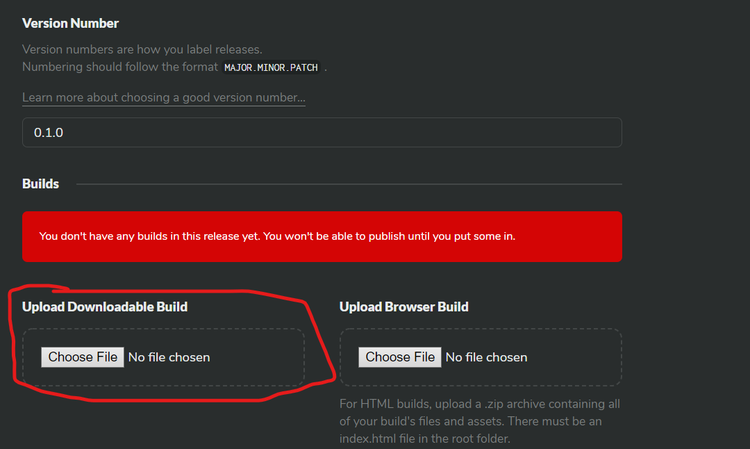
Select the operating system.
Hit publish.
And you're done!
Before adding the new release, make sure your game page is set to either Early Access or Complete/Stable, otherwise it won't show up.
Hope this helped any of the newcomers!
-TeraLyte







53 comments