
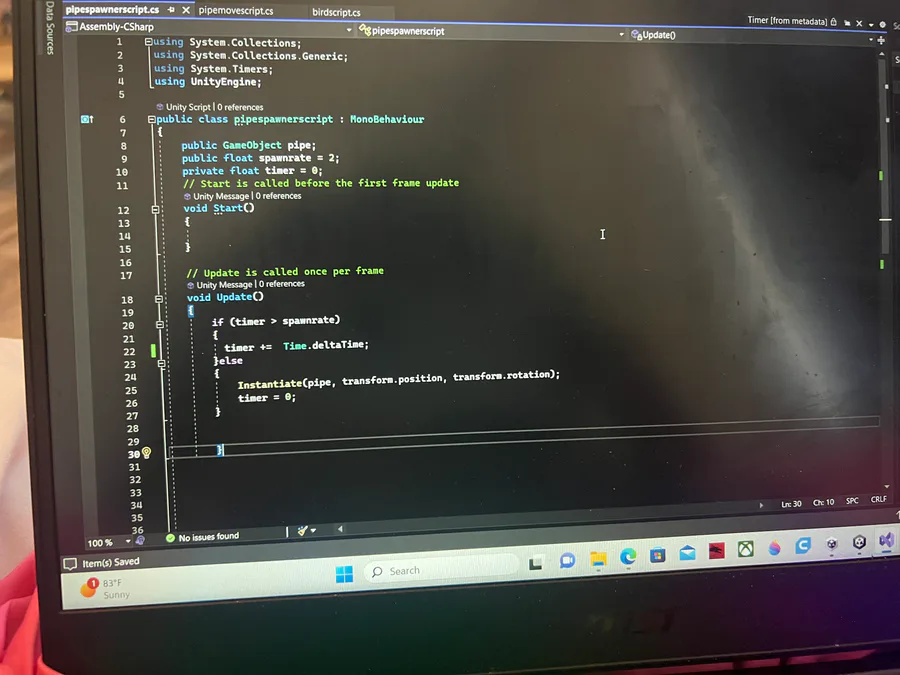
I cannot get this to work please help I’m doing this tutorial https://youtu.be/XtQMytORBmM I am at the part where the pipes duplicate and it keeps making too many clones too fast please help me I’m begging of you


Next up

So I spent three hours on this and I can’t figure something out
For the brush how do you set it back to default settings now it’s all Pixley I followed this tutorial but now I wanna go back how do I fix it
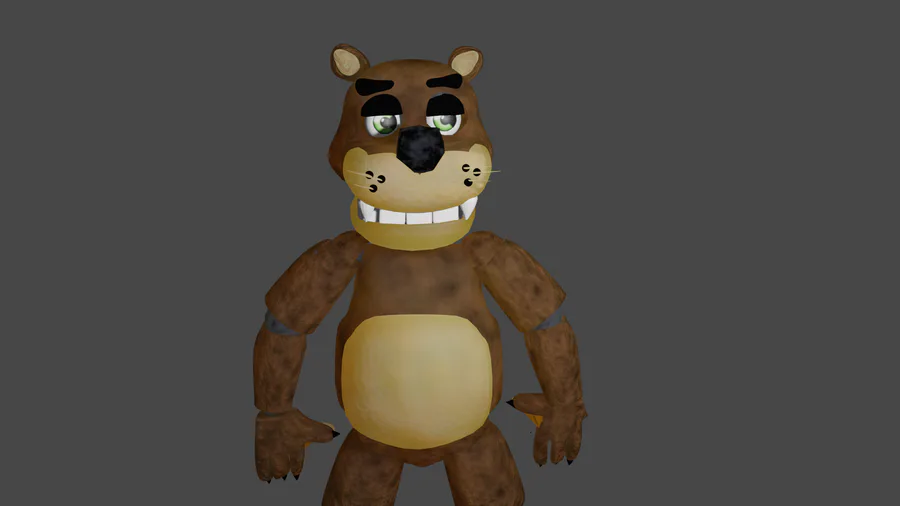
So hi Took me two days to make this guy but I need some help I honestly don’t know how to rig that well so if anyone can help me on that if there’s a way to send people the model to rig please do please comment if you can I also will do trades for a rig
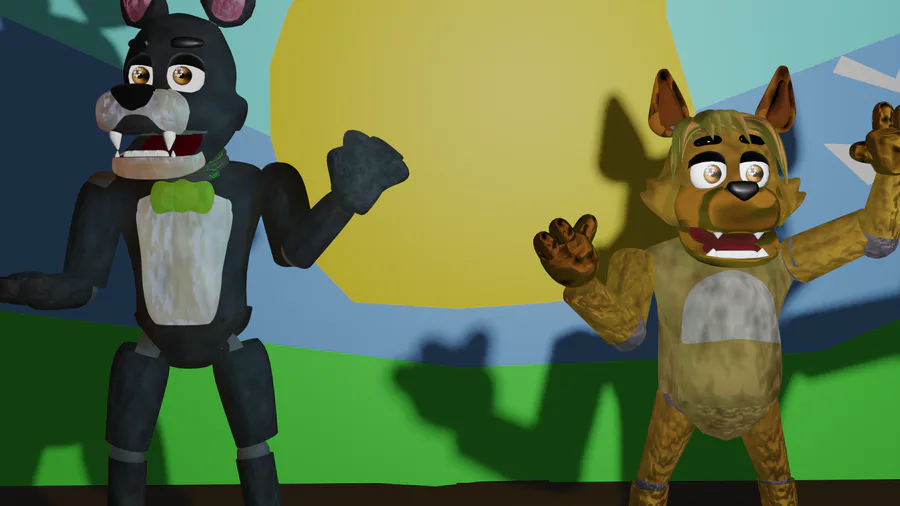
commissions are opened prices here https://www.fiverr.com/share/jgV9pG

🤫
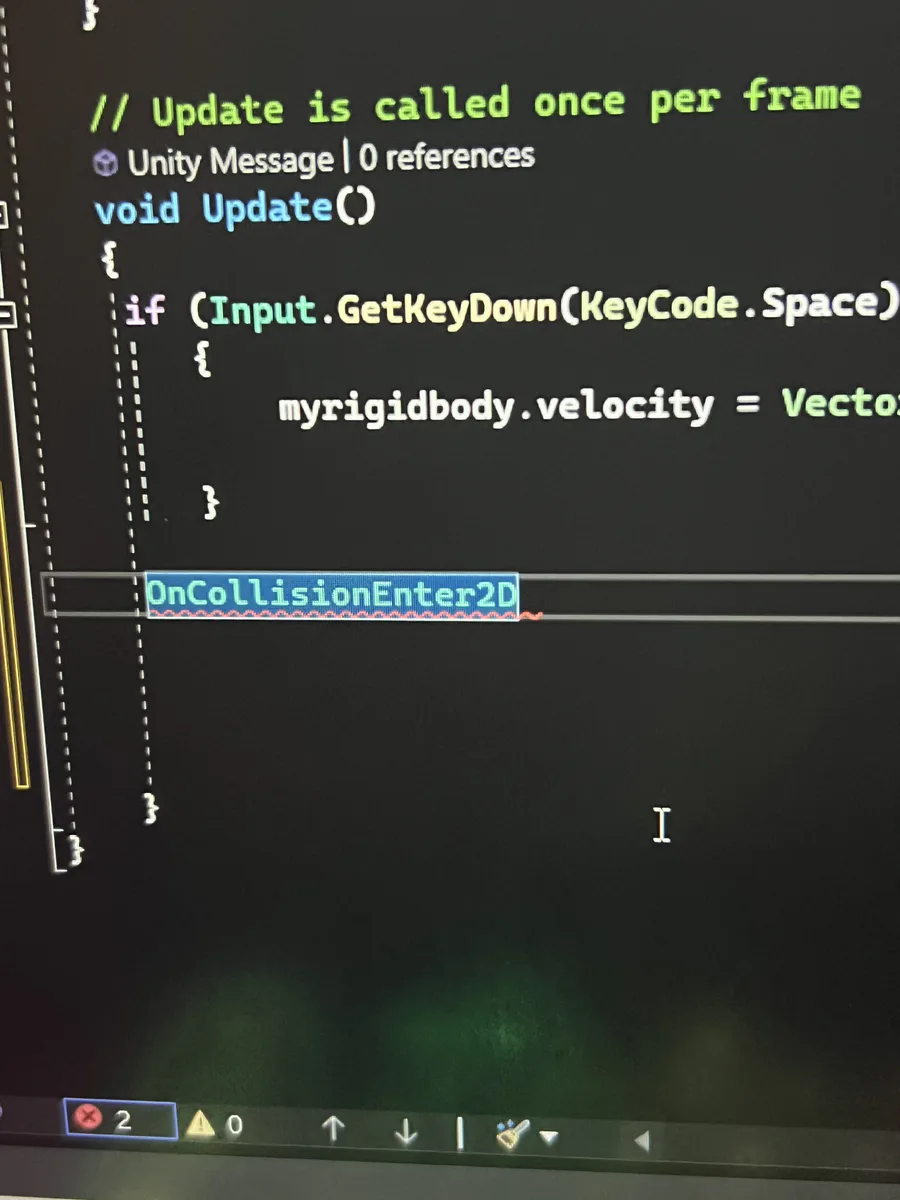
So I need help again it’s auto does his
Mine also normally does auto but with this specific on collision does not it just types in on collision I tried typing the code by hand but everything just showed an error please help https://youtu.be/XtQMytORBmM
Time 41
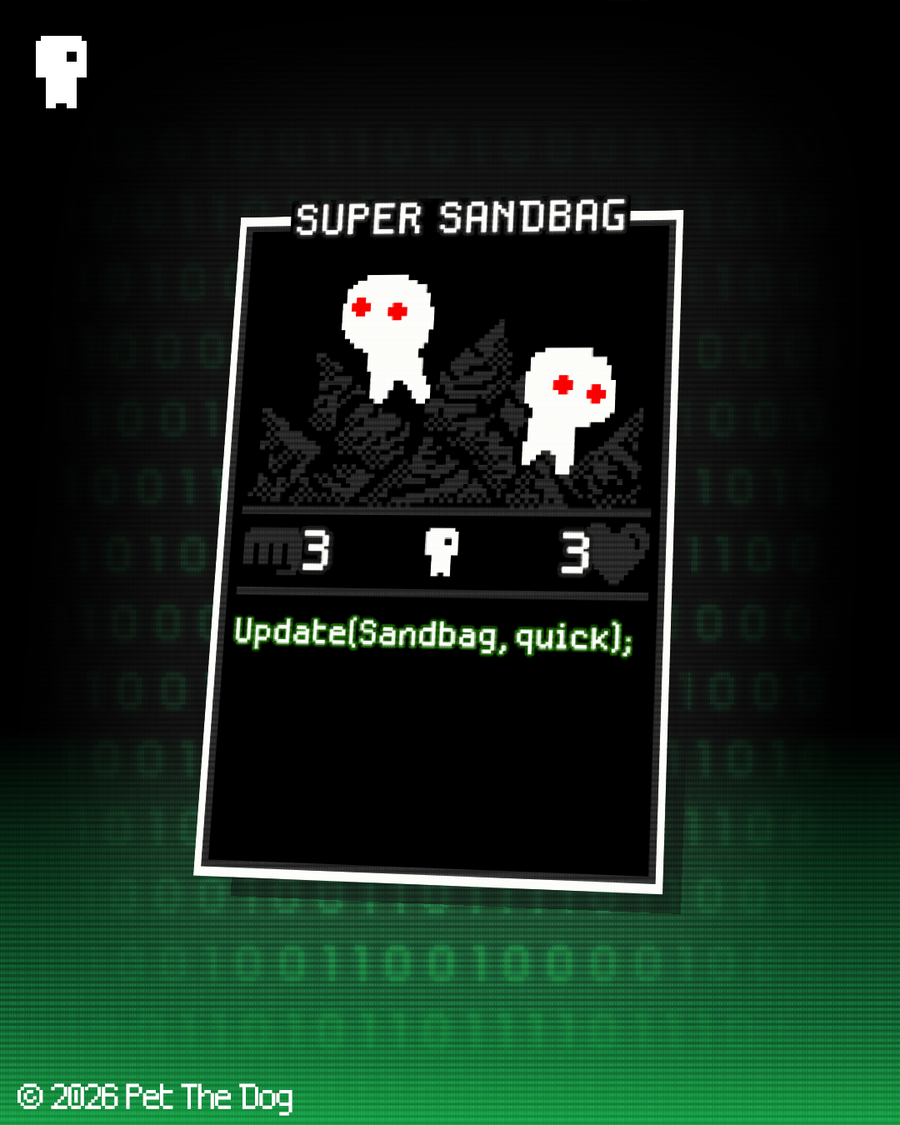

Super Sandbags are rogue members of their species, who have forsaken the joy of kinship in favour of the thrill of battle. When a group of Super Sandbags gather, trouble is surely brewing. Bunch o' lunatics.
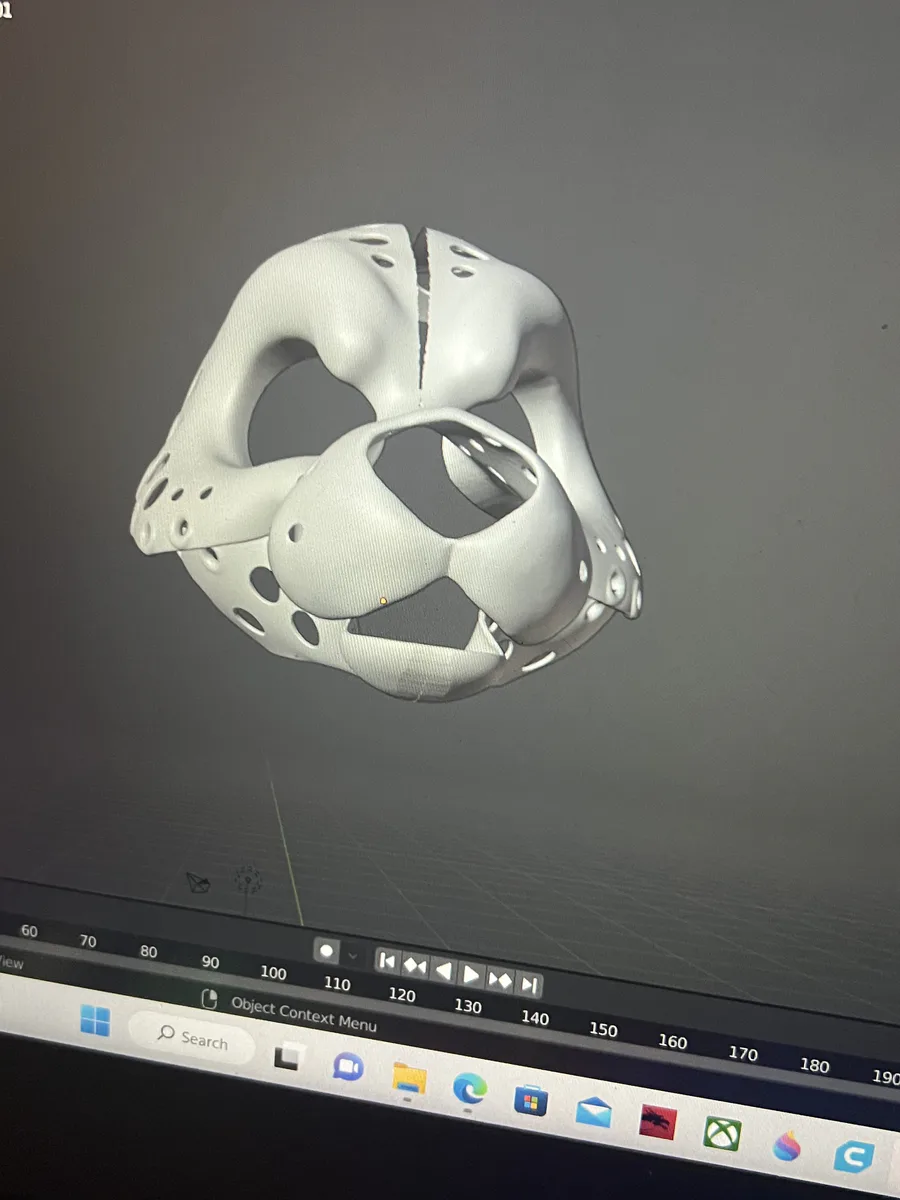
I edited this model and I imported it to cura and it will not work like where I edited it was just gone missing like a giant hole the little holes are supposed to be there how do I fix it
All I did is sculpt a little bit
I edited this model and I imported it to cura and it will not work like where I edited it was just gone missing like a giant hole the little holes are supposed to be there how do I fix it
All I did is sculpt a little bit

?
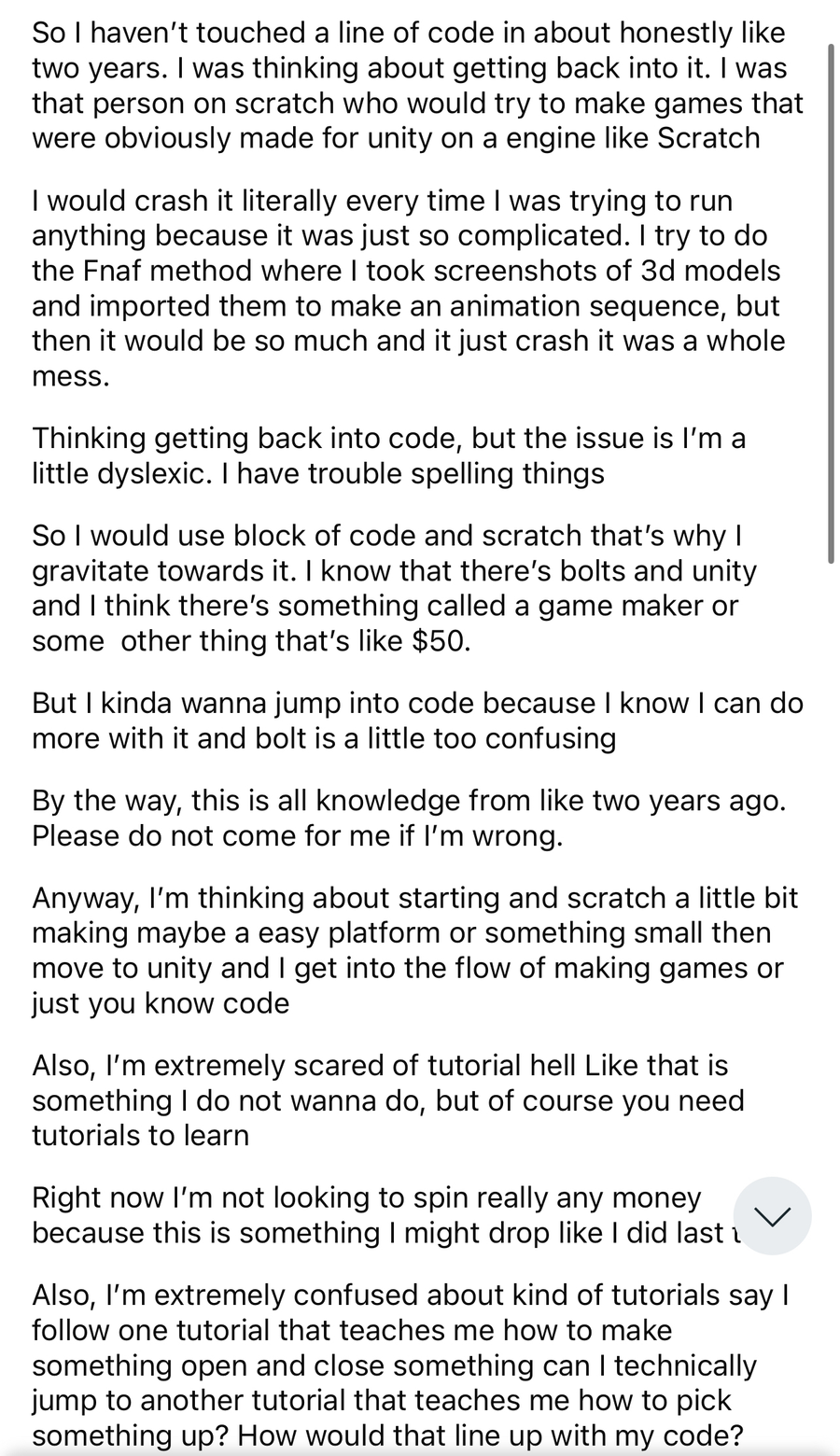
so I’m planning on getting back into coding
I used to be on scratch, but I haven’t touched any code in about two years. I don’t want to get in tutorial hell I would like to start on unity. Below is basically a better in-depth or what I’m trying to do.
9 comments