GameSharp is a Game Engine for Scratch. Made by @gamer-codex; it is a game maker for Scratch 3. To get GameSharp, go into our featured games (right-most side) and then click on GameSharp. Download the .sb3 file and then install Scratch 3. (For Windows 10 only. Open the Microsoft Store and search for Scratch. The first result might be Scratch Desktop or Scratch 3. If it is, click it. If it isn't, search for it. Then download it.) After downloading Scratch 3, click File, then Load from your computer. Then select the .sb3 file you downloaded. After that, the project should load. Congratulations! You have now loaded GameSharp on Scratch 3. Please stay tuned for a tutorial video.
Next up
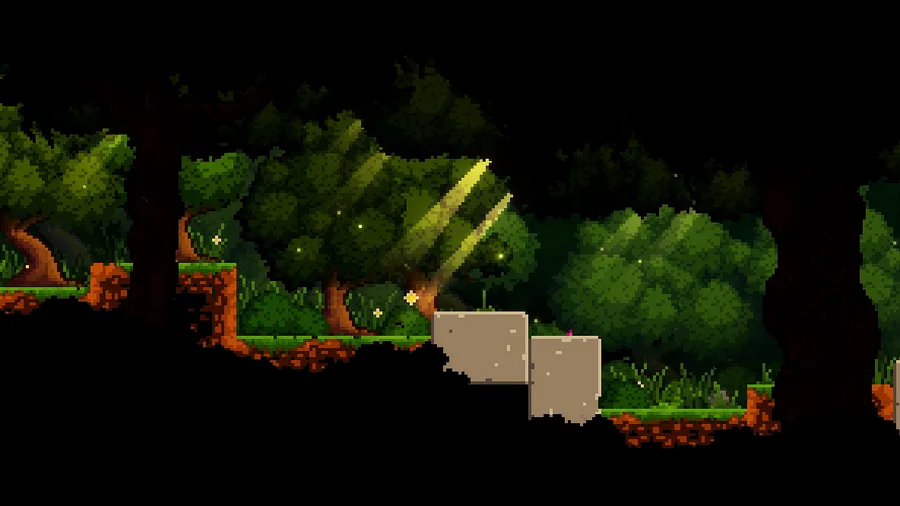

Here's a peaceful little forest scene for this #screenshotsaturday, from the beginning of the game.
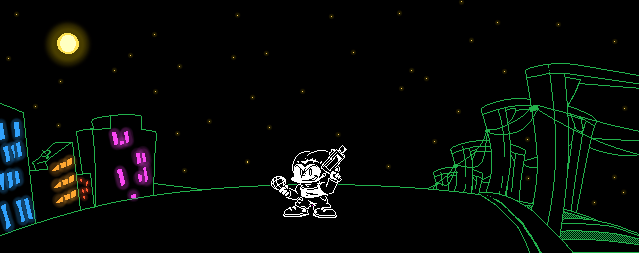

Just a Pico sprite
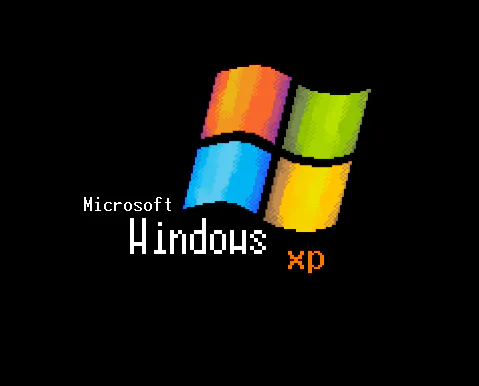

Microsoft Windows XP Unprofessional (windows logo prototype)
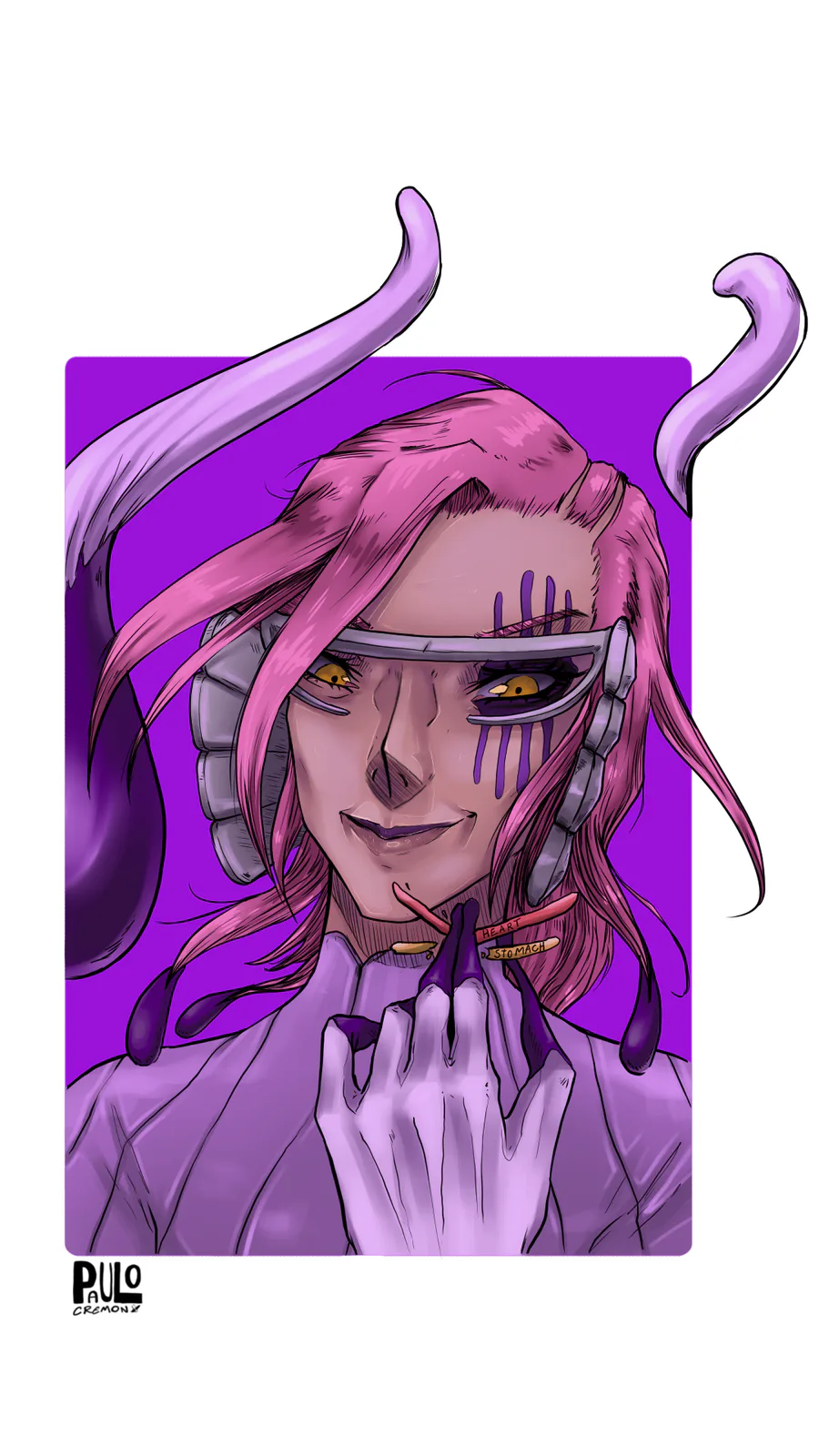

Szayel Aporro Granz - Bleach


Made my first ever animation.
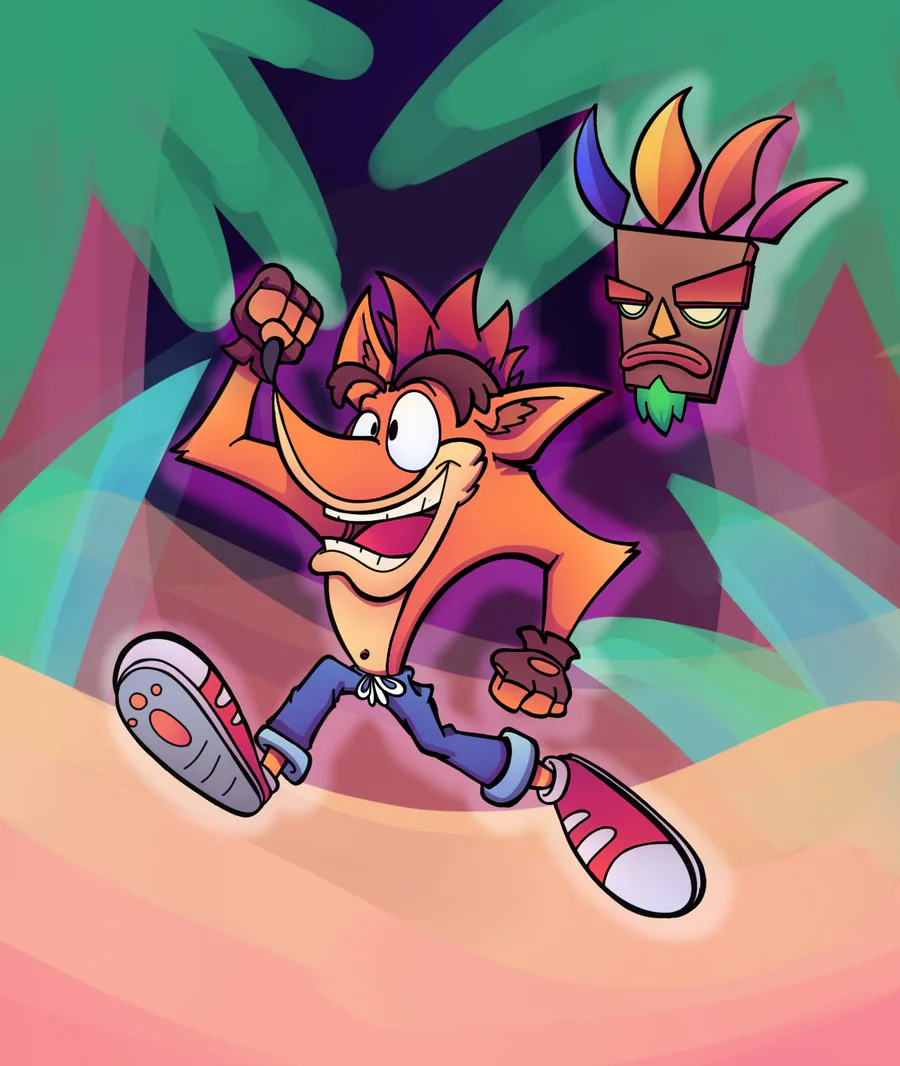
Cash Banooca
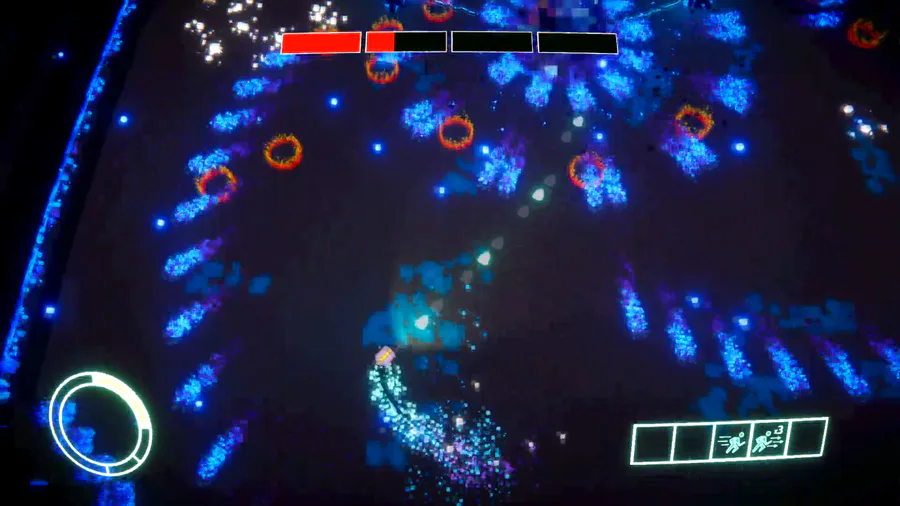

Some Shadow boss fight gameplay 👾
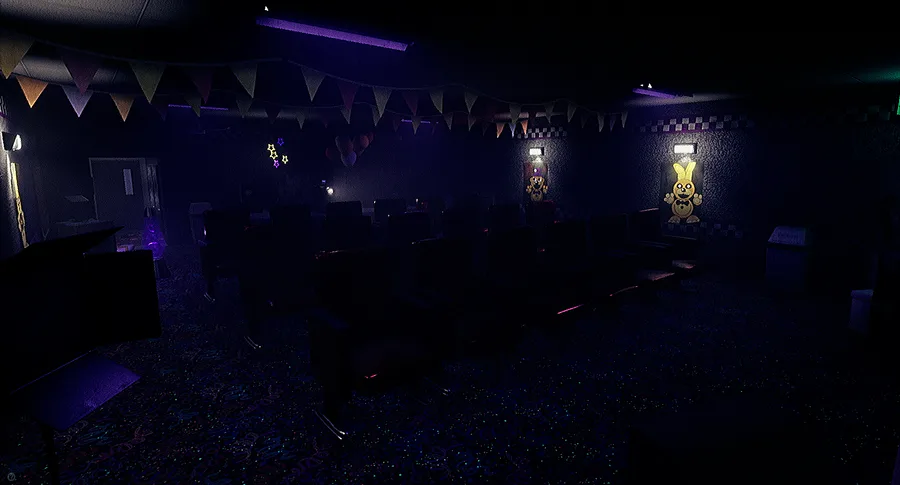

New Teasers!


:] me sigue sin gustar
:] I still don't like it
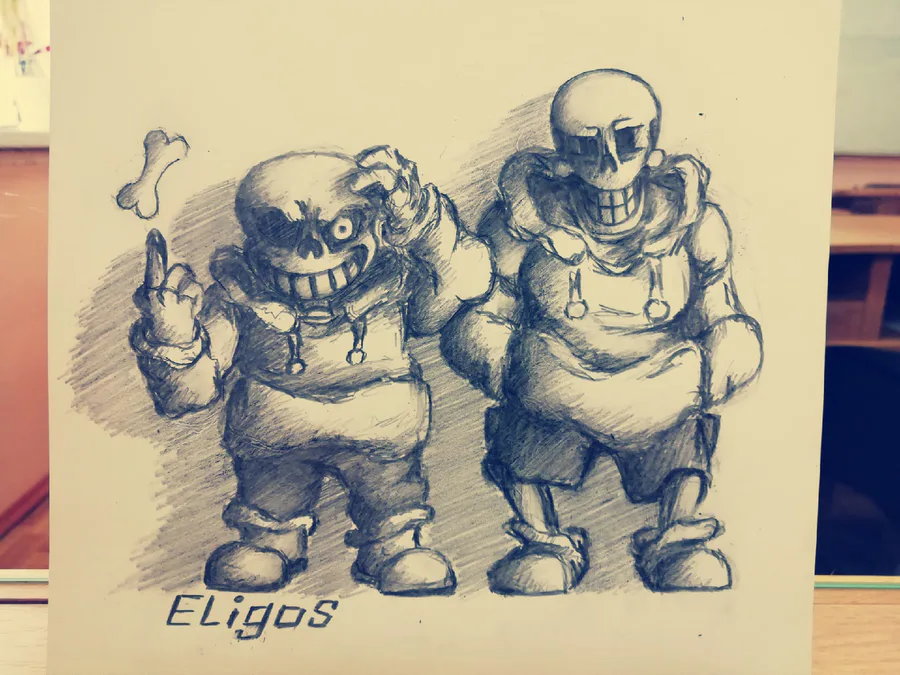
Distrust - HUMERUS (with dirty shade) Papyrus isn`t small. It's possible that I didn't draw him well, but he crouched down and bent towards us. I'm still bad at moments like this
2 comments