
Okay so you might have wondered how to get this cool tick icon on your profile, because apparently it really means a lot to some people.
And the Gamejolt staff has been viciously hiding this new way of getting one, but I am here to reveal the truth and demystify all there is to it! Mwhahaha 
This method will work 100%, no scam!!1! Okay so make sure you follow the steps carefully.
Step 1 - Go to your profile settings
Go to "Edit profile". It's on your profile page under your profile header, next to your profile name and profile picture and your future verified profile badge.

Don't forget that you have to click on it. Keep in mind that it should be you doing it, not your cat: even if you heard that odds are better this way, it's a common mistake beginners do.
Step 2 - Simulate a tick
Okay now what we will do is simulate the badge, it will already trick some people, including the Gamejolt system.
Append this character to your display name: ✔︎
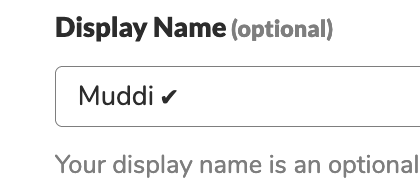
Okay make sure you save, because if you don't we'll lose the tremendous amount of progress we've made so far!
Alright so this is the trick: the icon looks bold. Just as your display name on your posts for example, or even profile page.

See? Already looks dope! If you're satisfied with it, you can leave it like this.
Keep in mind that there you can also add emojis such as a frog 🐸 (absolutely not referring to anyone specific), and show off your animal clan.
Step 3 - Pro's trick
Those who say okay daaaah this is not a real way to get it, I know what you're thinking. So that's why I came up with something more advanced, because I would never let you down.

Step 3.1 - Get some paper
Okay so this is the really tricky part: take some paper, preferably Post-Its. You need some epic skills for this one so hang tight!
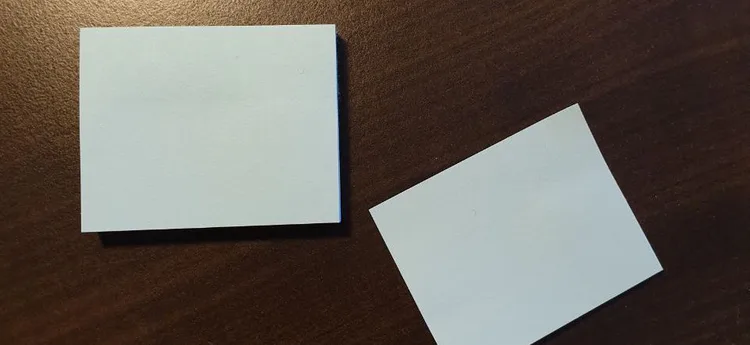
Now the verified icon is made out of 2 squares. Cut out 2 squares, make sure cut them out from the sticky part!
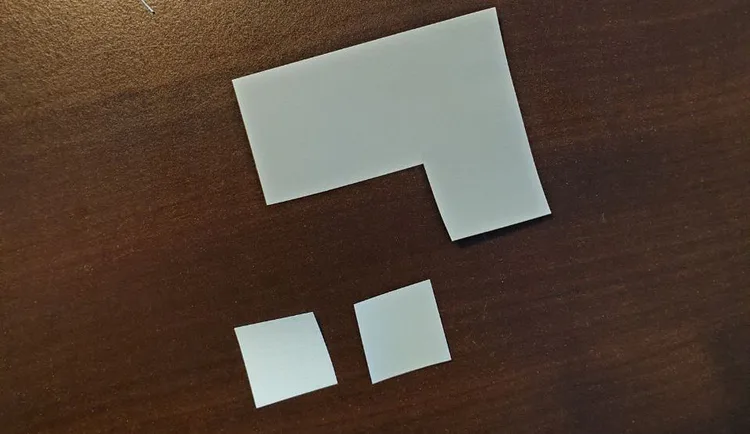
Now assemble the 2 pieces as shown below:
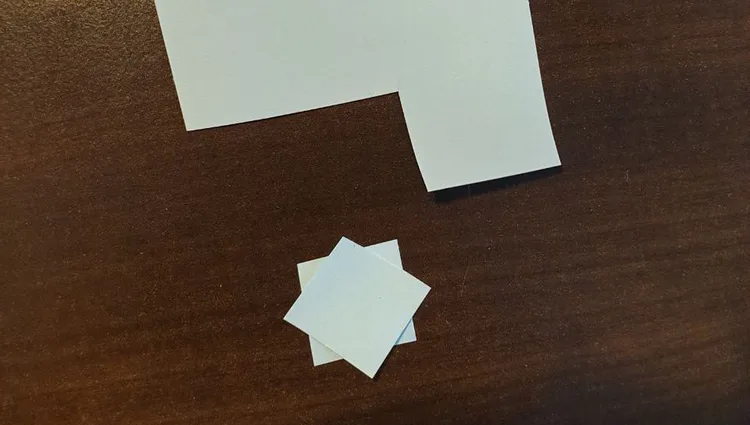
Oookkay.... So make sure you don't make the same mistake as I did, namely putting the whole thing on a table and now I can't get it off... Give me a second. Brb.

Okay now draw a tick on top of it:
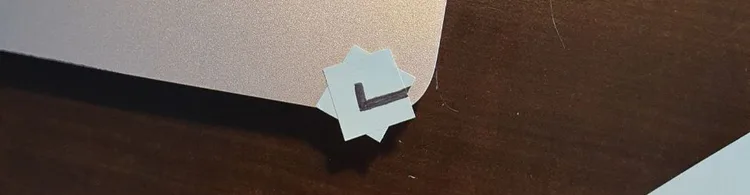
Step 3.2 - Stuff gets real
Perfect, we're halfway done! Now got to your profile. And locate your username. It's on your profile page next to... uhm you know.
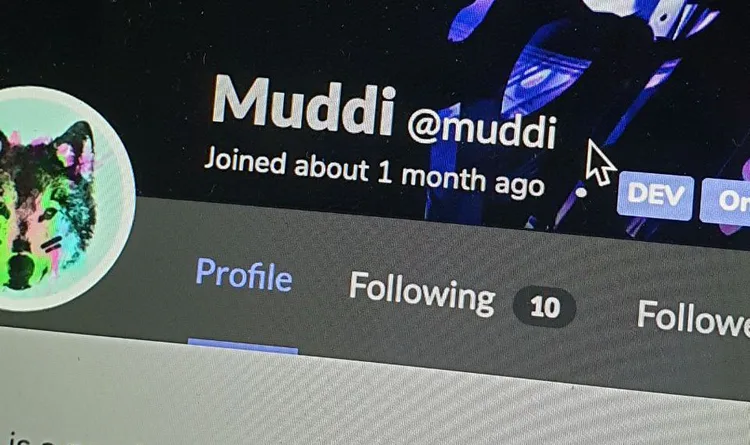
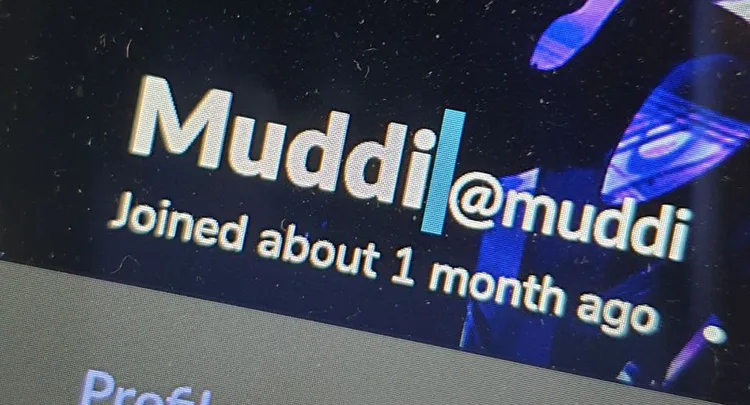
As you can see, it's a bit tight in there to fit a verified icon. Don't worry, we can fix that with a simple trick!
Take another post-it, and draw an angry dog on it.
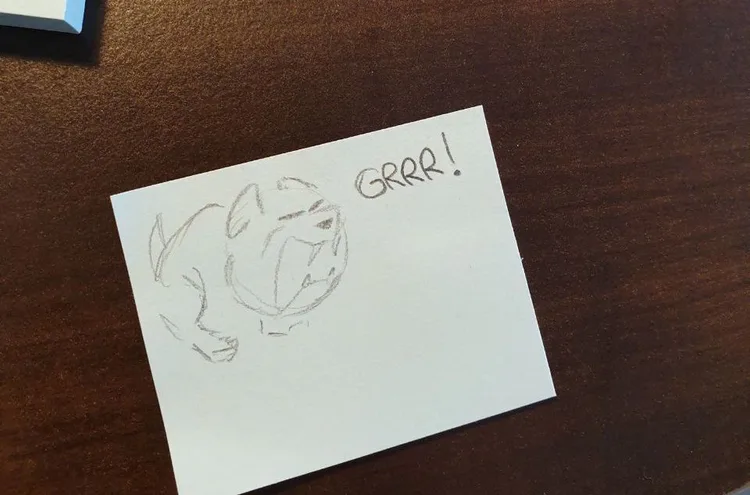
Legend has it usernames don't like angry dogs. So I thought why not make it move by scaring it.
Sounds like it was made up? Well, only thing we can do it test it and see how it goes!
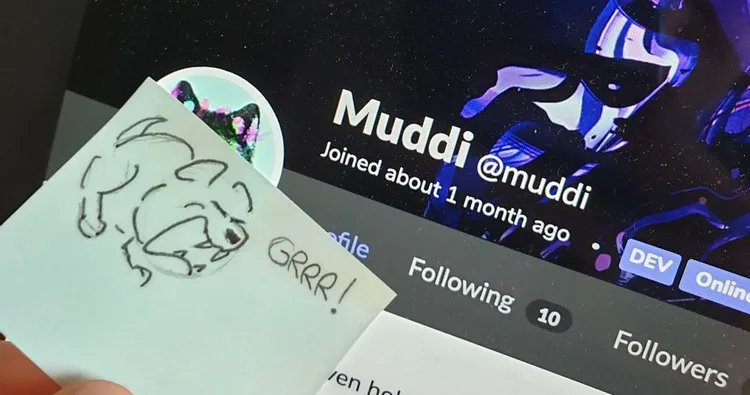
Unleash the beast
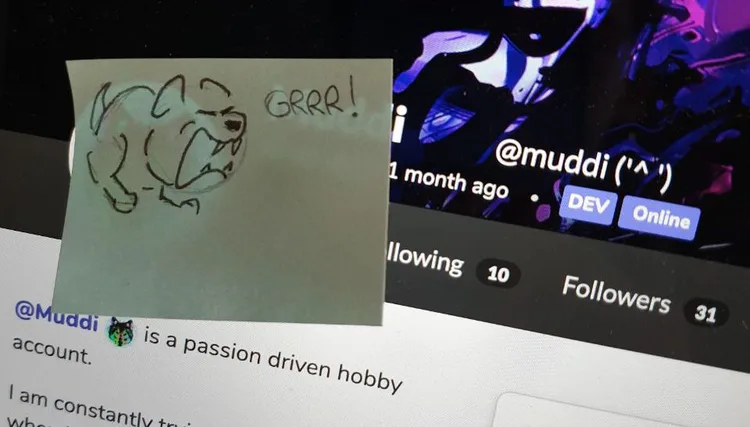
Woah see? I told you! 
Pro tip: don't make the dog too scary because the username will just leave the page entirely.
Alright place in your epic hand made badge. This will fool Gamejolt's system: it's just run by a dud, a bug and a guy. What could go wrong?

Now say the magic word and put it over the badge:
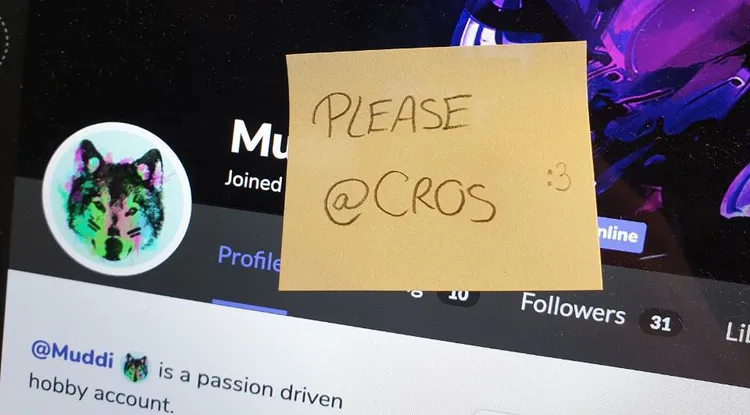
So their system is mainly made out of origami, and if you tag @CROS  on a piece of paper, it will automatically send him a notification!
Step 3.3 - Stuff gets real
Now in a new tab, open your profile preferences. You should know where they are located by now.
Keep the post-its in the same location! With all of this hard work, a new option should have popped up at the bottom of the page:
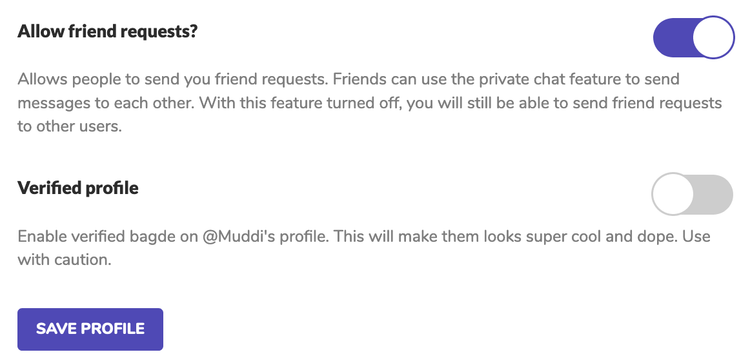
Just turn on the last option, and close the window. You should have landed back on your profile page with the stickers on your computer screen.
Now slowly remove the stickers, and think about cute cats

plzplzplzplzplzplzplzplzplzplzplzplzplzplzplzplzplzplzplzplzplzplzp
Moment of truth:
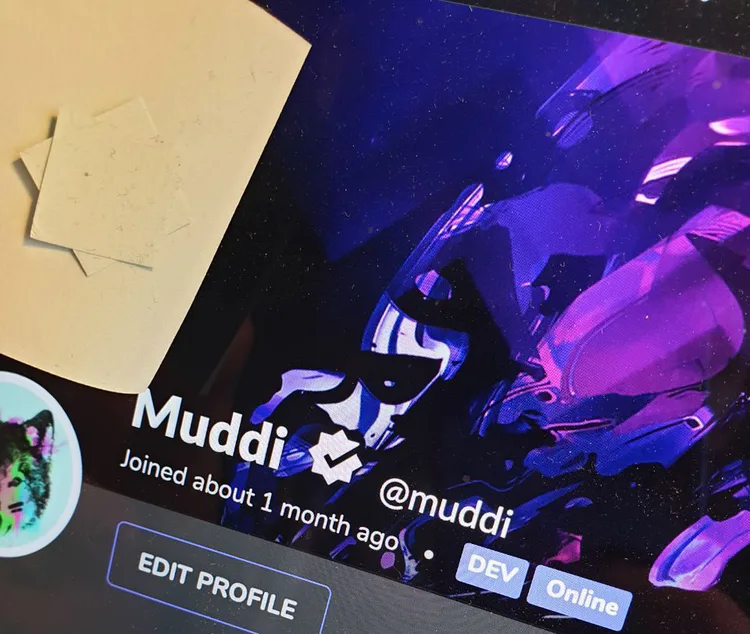
WHOA it's there! Mission accomplished!
We successfully took over Gamejolt's verification system with cute cat gifs and some stickers! Pretty simple eh?
So this is the real way of doing it. The "being famous", amount of follows, post cool content was a lie 
Those who got it, did it all this way. @YLivay  @RobinTharsGames
 , @nilllzz
  @Katherine_Ultimate @ddemkoo
  The secret has been exposed! Make sure you do this before they patch it.
(I took way too long time to make this one...)









43 comments