
 Loading...

Next up

So if it's still the 20th for you, today's my birthday!
I didn't expect to get this far
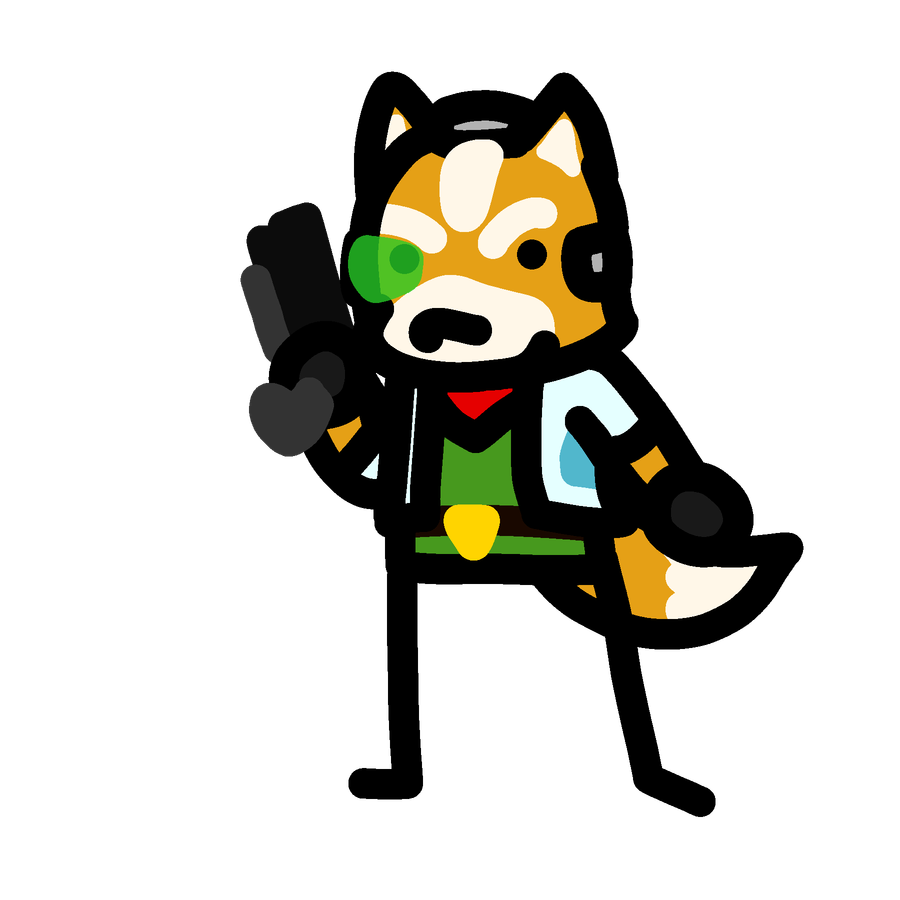
#FanArtFriday Hey guys, I drew my favourite Mario character!
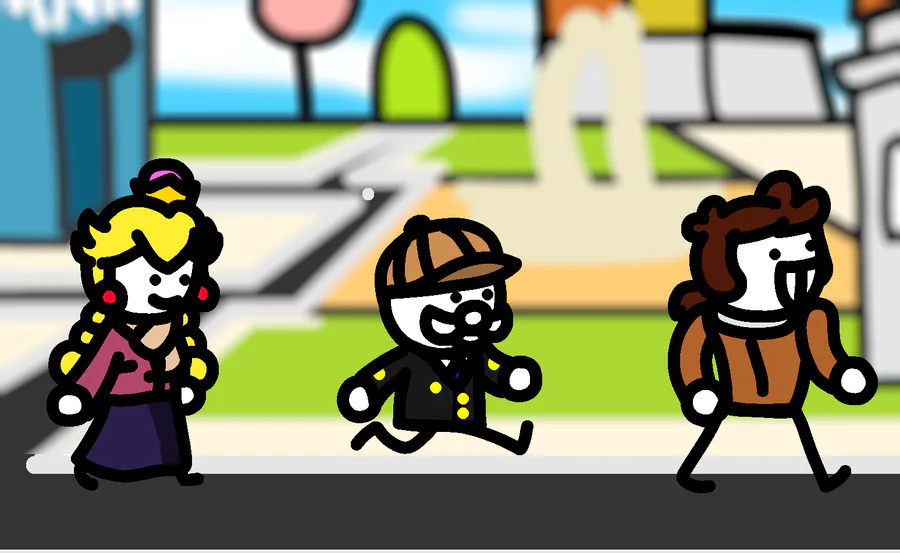
Tried and failed to recreate a screenshot from my Tomodachi Life: Living the Dream
It's a really fun game and even if the drawing wasn't good I had fun drawing them in cute costumes

.
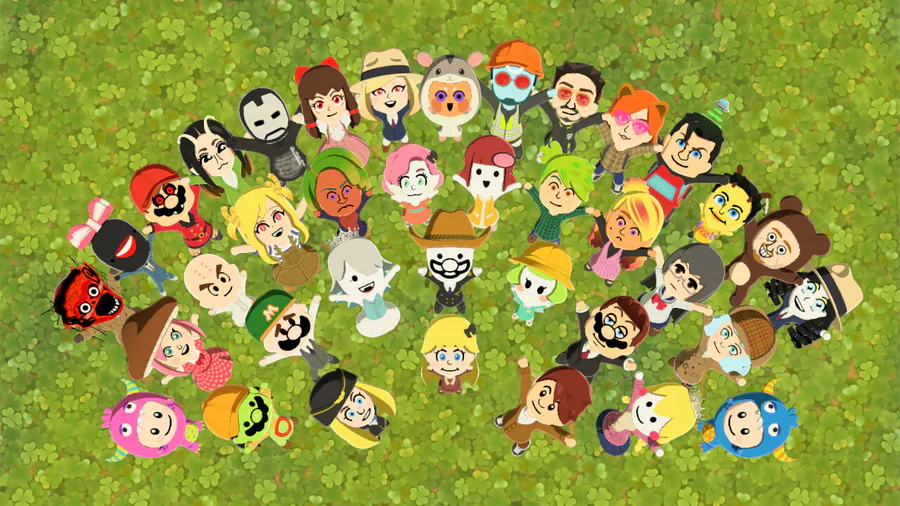
While you cannot share screenshots of Tomodachi Life to the Nintendo Switch app, you CAN send them to your PC via an USB cable. It's in Settings > Data Management > Manage Screenshots > Copy to PC via USB
Here's some of mine as proof, hope this helps!
I AM NOT A MORON 


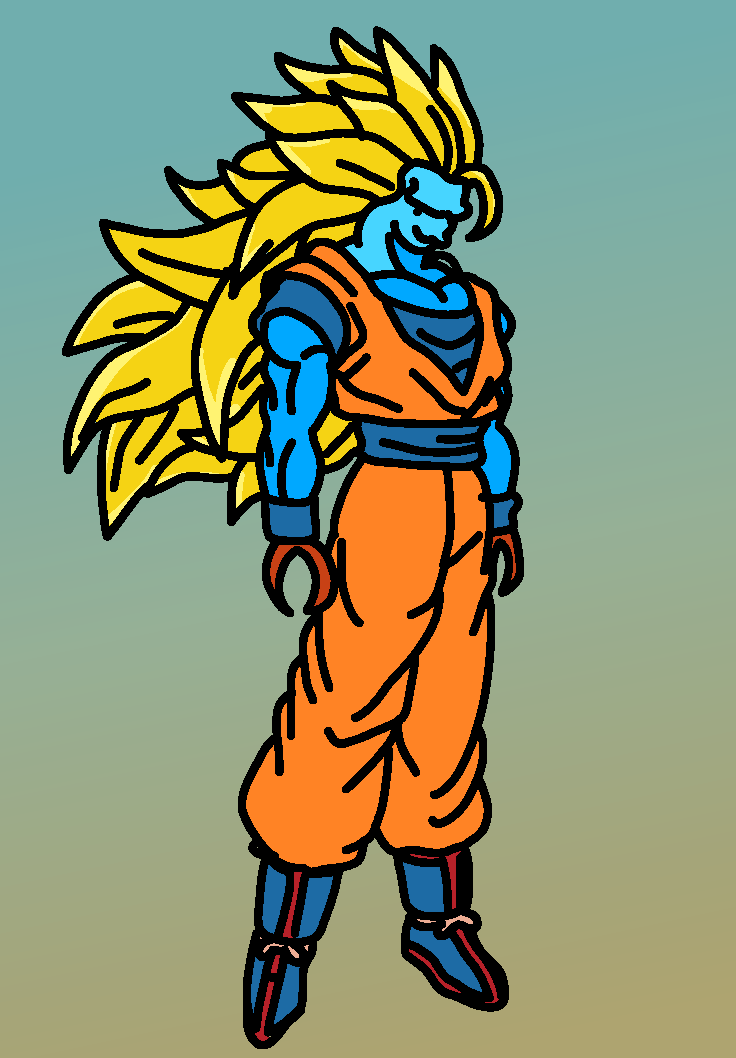
#DrawADarwin Did I do it right
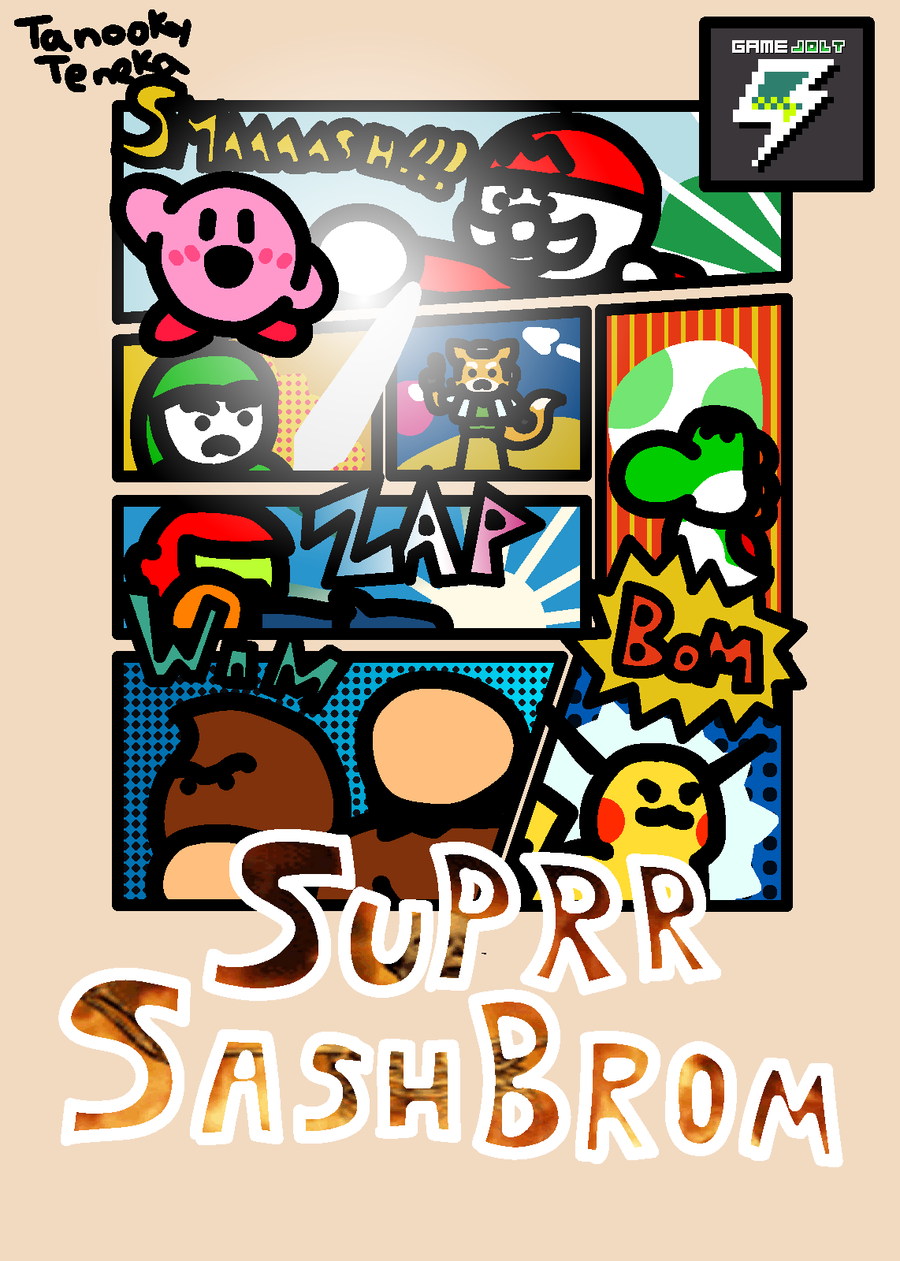
I hate missing one day on my Daily Log-Ins because I overslept, anyway look at this Smash 64 box art recreation I cooked up in the depths of hysteria
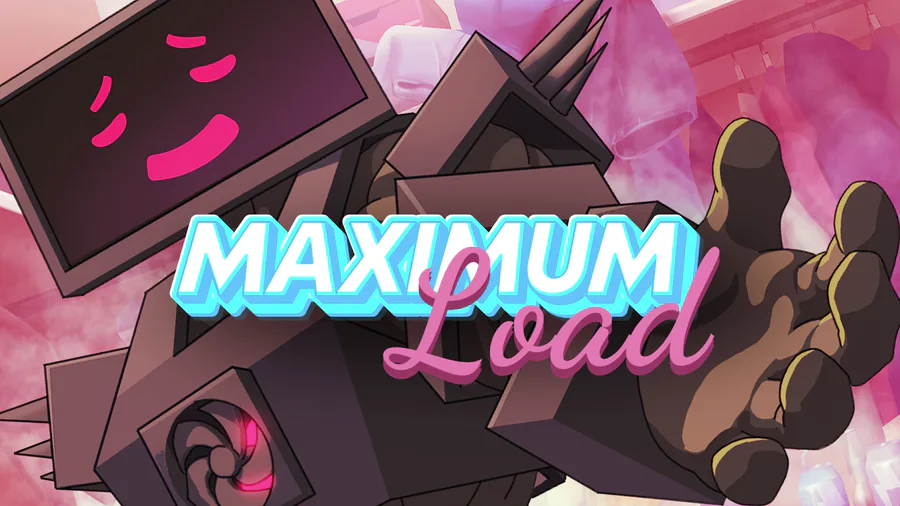

Happy Valentine’s Day! @OperaGX  dropped the Valentine’s-inspired game Maximum Load. Guide PC Man through a satisfying install. 🥵
2 quests celebrating the game have entered your log! Play #MaximumLoad here: https://bit.ly/maximumload
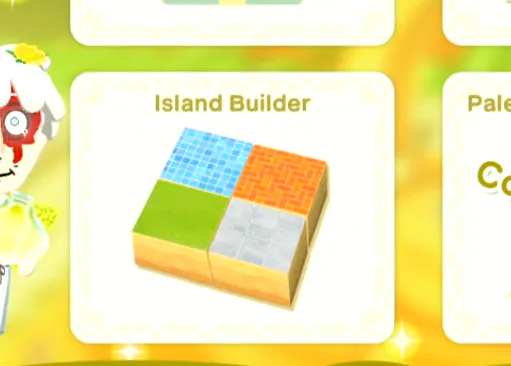
Have you ever noticed that this tile shown in the wishing fountain isn't in the game?
I cannot tell if it's because of a major brain fart by the developers, or it's all but confirming we're getting seasonal updates
0 comments