
look an update
v-activate/deactivate superspeed (use scroll up and down for increase and decrease of speed
c-activate/deactivate slomo
x-zoom out (you can press multiple times)
z-zoom in (you can press multiple times)
hold f-phase
release f-stop phase
e- first person (when in third press e 2 times for first, but when in first press one time for first person)
esc- go to exit button
I think thats it.
enjoy:)
Next up
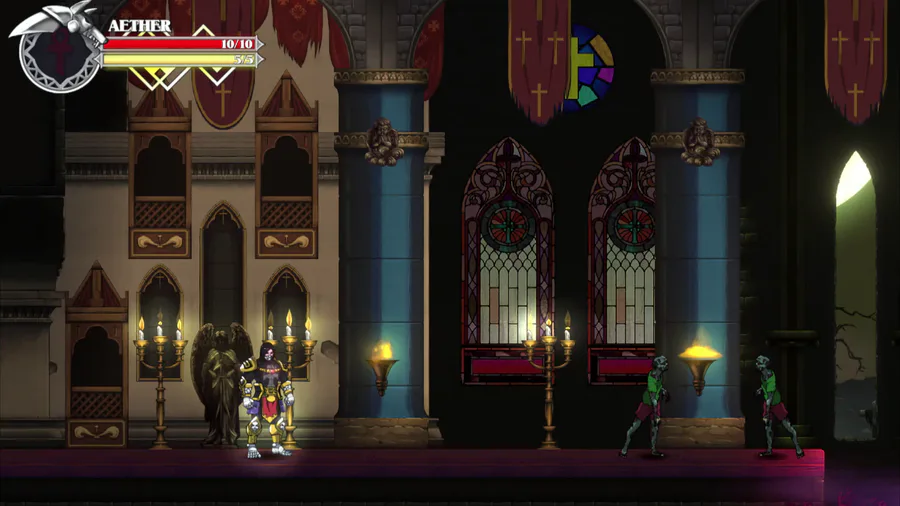

Enemies can also suddenly spawn through Realm Rifts. These Rift Spawns are going to be stronger than the ones wandering around. TBD on the enemies... #screenshotsaturday #godstear #madewithunity


I was bored, so... ManutKat.
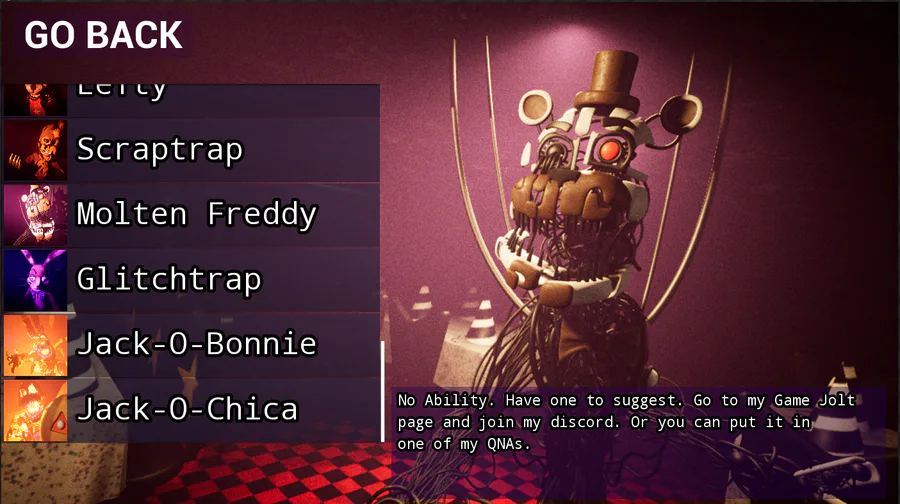

What you all think
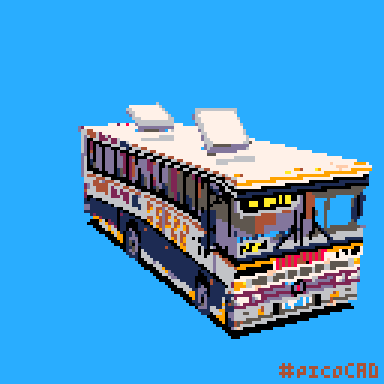

Back in my art school days I used to ride the 710 COPSA line from Parque Del Plata to Montevideo almost everyday. This is the Marcopolo Viaggio G4 Mercedes Benz model from the late 80s, one of the older bus models that was running on the line.
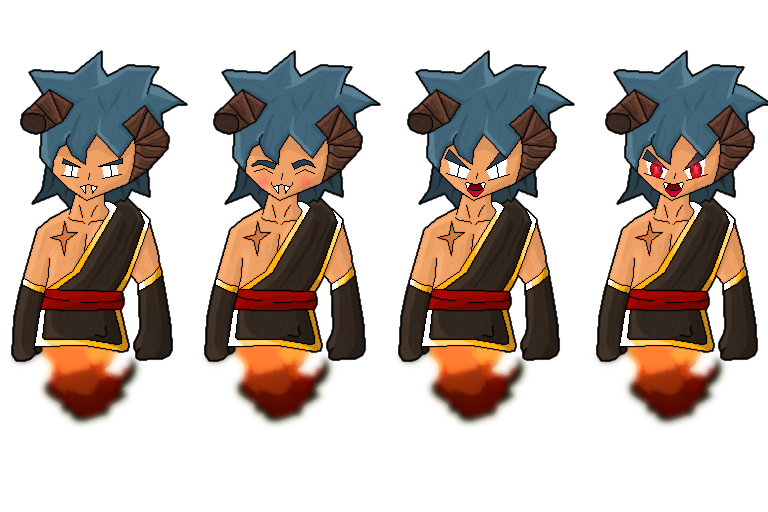

Today I tackled drawing different variations of facial expressions for one of the main characters in Eden. What do you think of it? :) Eden: https://gamejolt.com/games/Eden/592698

Regional Bulbasaur. #Pokemon
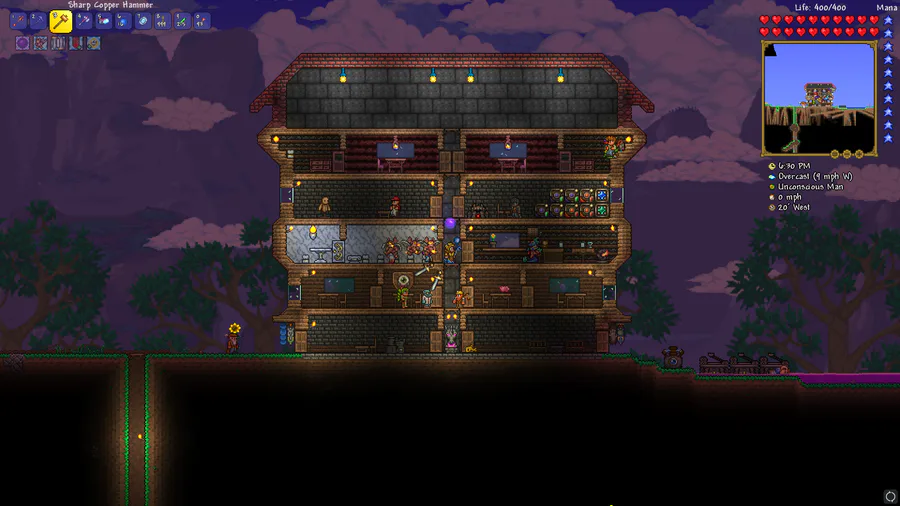

not the greatest house, but it's a house! :D
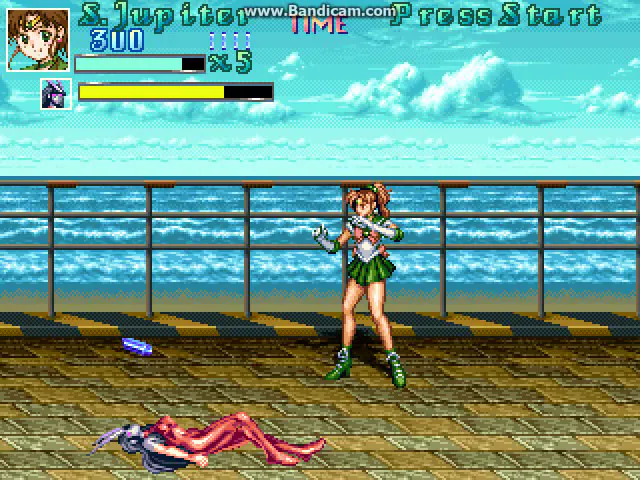

Out of boredom and curiosity, I coded Sailor Jupiter's Argentine Backbreaker.
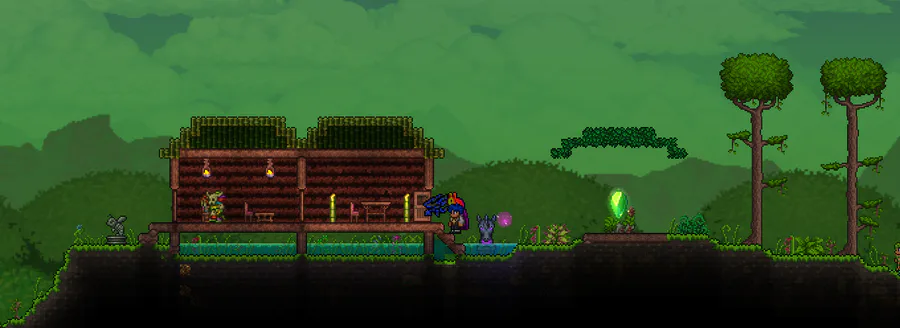

I made a small jungle house.


Among us_into Madness
0 comments