11 years ago

Prevent page scroll for HTML5 games


There is quite a common and irritating problem when playing HTML5/Javascript games on Gamejolt. If you control a character with the arrow keys or use the SPACE key, the game page will scroll up or down as soon as you use any of those keys. There are some game engines that already prevent this issue, but in most of the cases this is still a problem that should not be overlooked, because it can make your game unplayable. :(

I faced the same issues while working on Strider. Strider is a javascript game and to fix that I’ve used the following routines:

(function ItsATrap() {

		
			window.addEventListener('keydown', function(e){

    switch(e.keyCode){

    case 32: 

    case 37: 

    case 38: 

    case 39: 

    case 40:

        e.preventDefault(); 

        break;

    default: 

        break;

    }

}, false);


}());

This should prevent the arrow keys and space bar key press events to be transmitted to your page when a KeyboardEvent occurs.


0 comments

Loading...

Next up

Bandana Dee the Dream Friend

Here's a peaceful little forest scene for this #screenshotsaturday, from the beginning of the game.

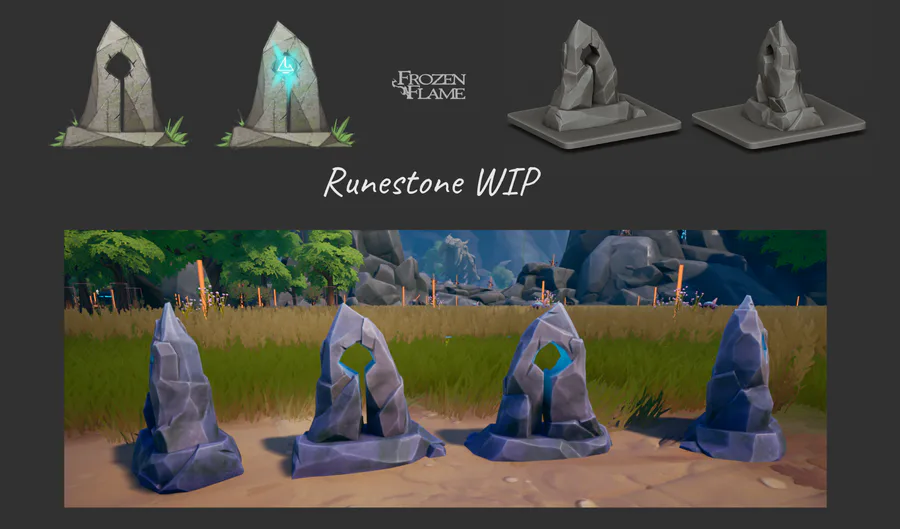
Runestones: from concept to in-game model🗿

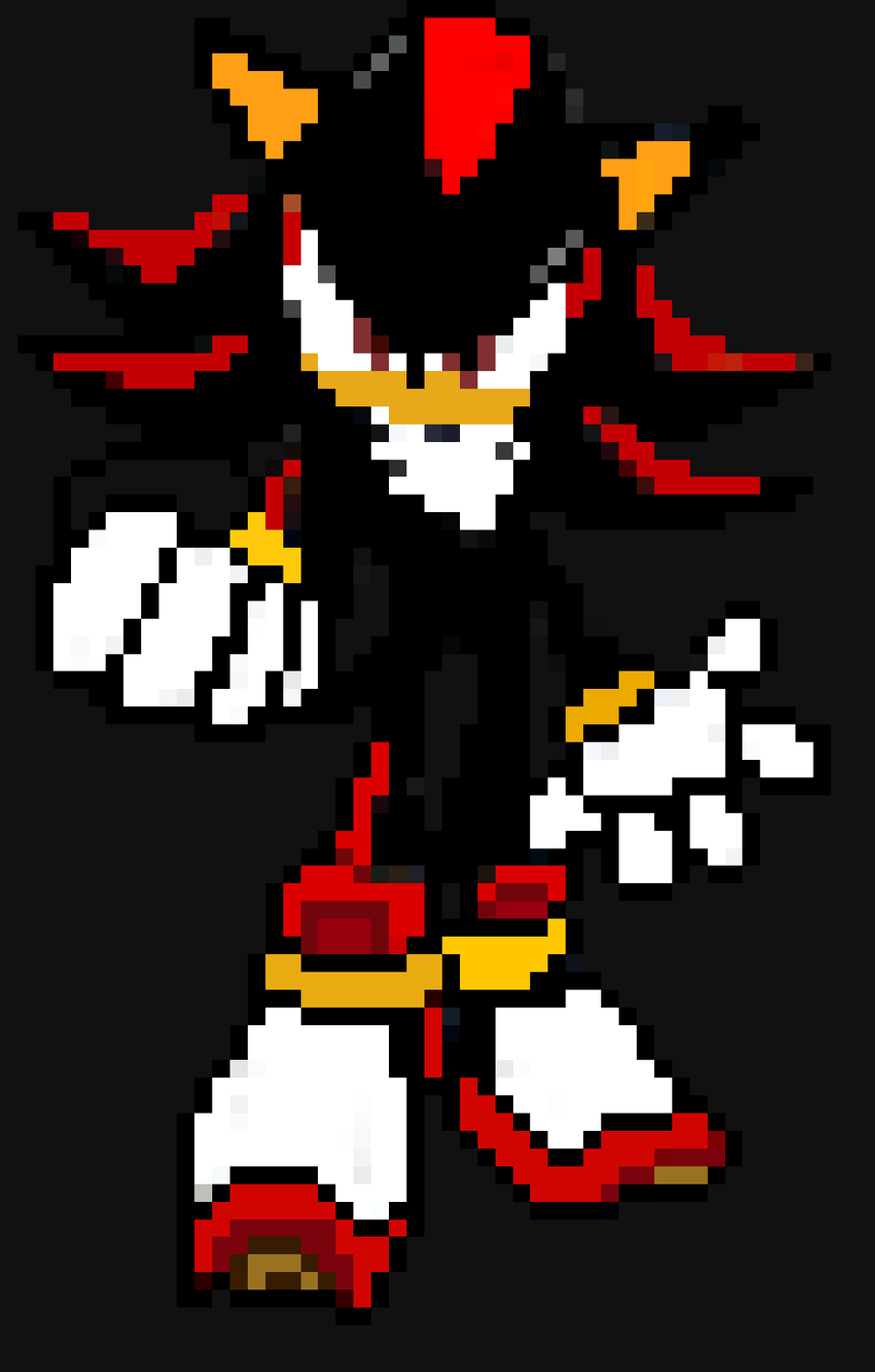
Shadow The Hedgehog X pixel art

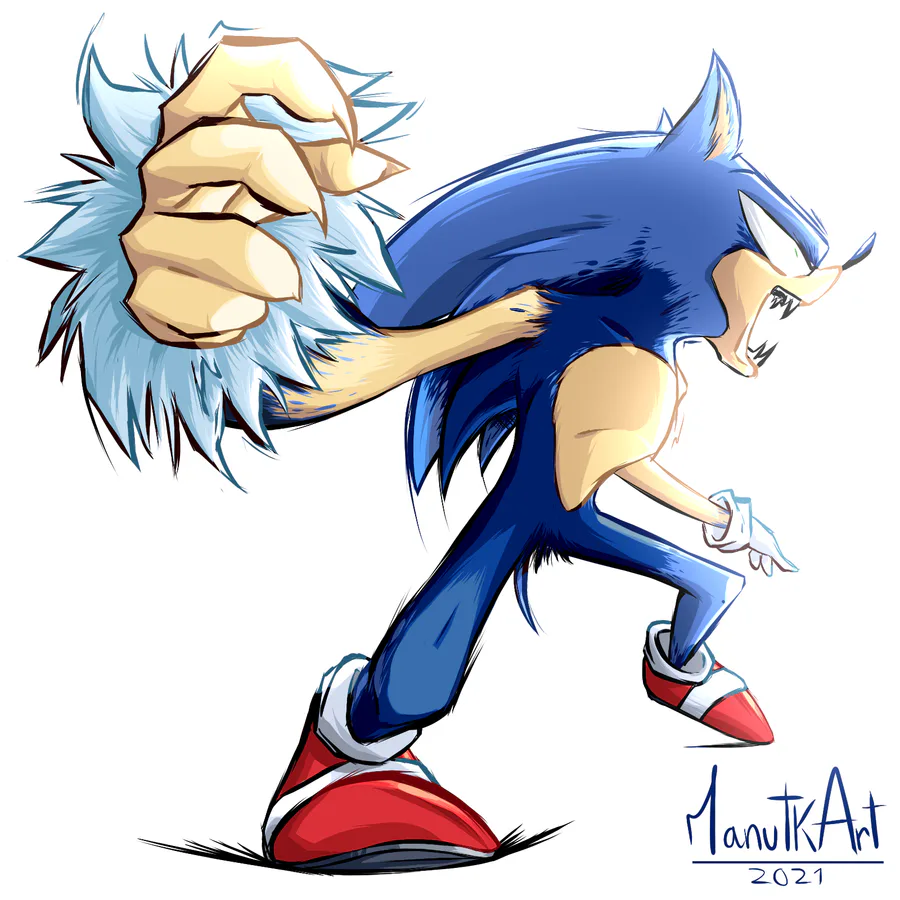
Werehog transformation process. #sonicunleashed

Horror WIP A track that will be featured in a future horror game soundtrack! Stay tuned!

Likes appreciated ✌️

#gamedev #composer #horrorgame #indiegame #IndieGameDev #soundtrack

"Day to Day" (also check spud out here he's a great guy and writer: https://soundcloud.com/spudward)

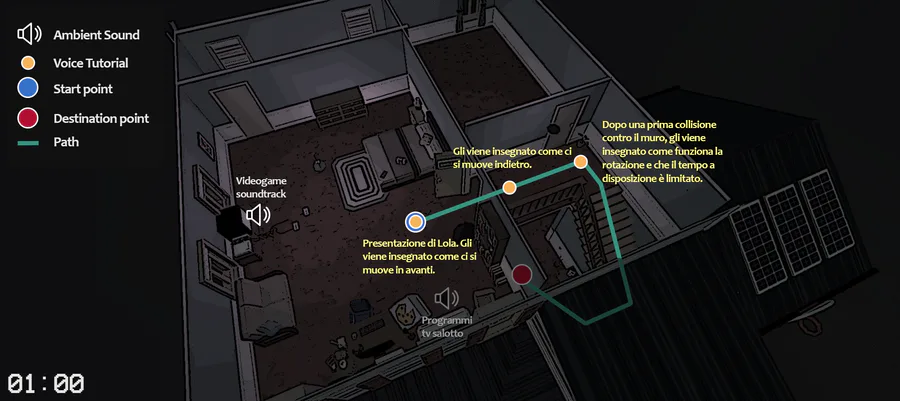
Levels' maps.

Who's is this little cutey👸 here? Thanks🙏 for a gorgeous fanart @WheNa! Feel free to share your arts, screenshots, or videos with #playzelter or #zelter hashtags! #pixelart #animating #unity3d #animated #indiegames #unrealengine #animate #conceptart

A few screenshots of the places you'll cross in the Demo of Blu. You can play it today on #gamejolt !