
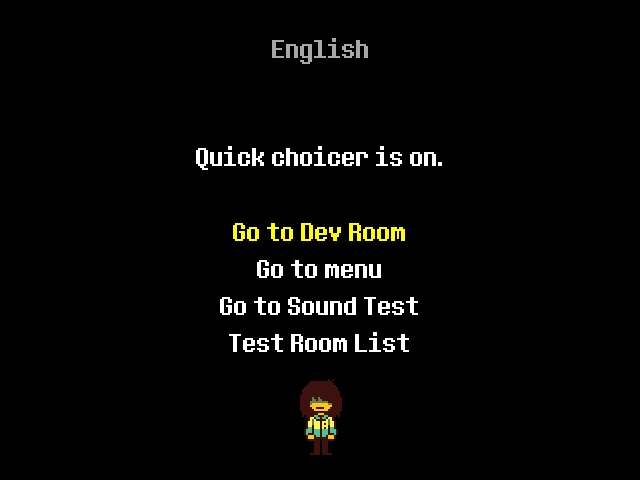
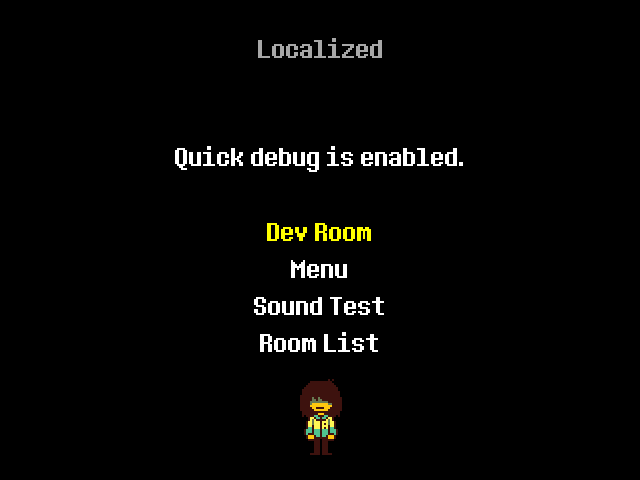
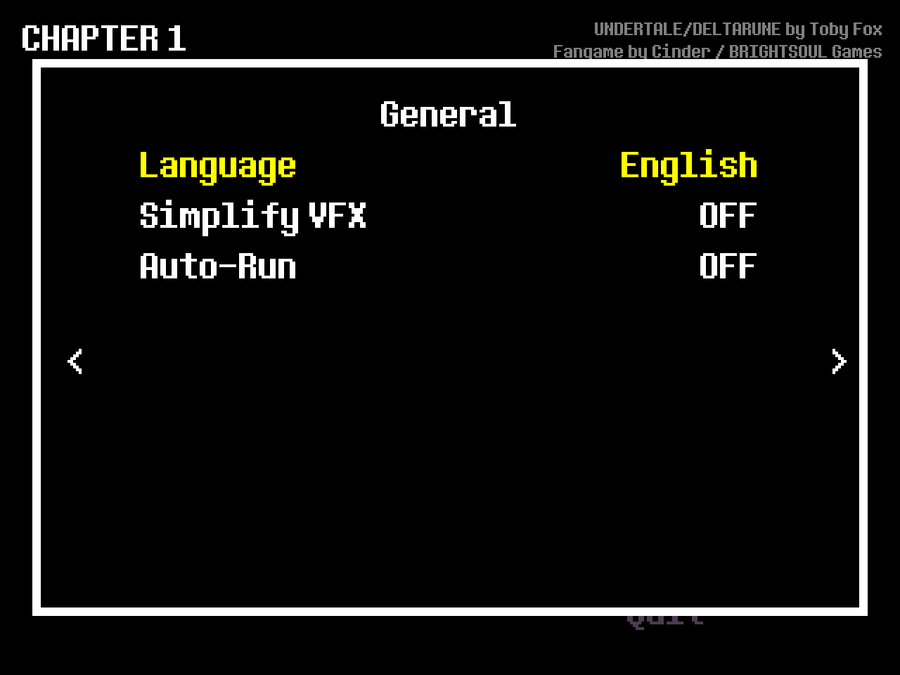


So, to explain this new system..
The game will read from .json files, and if it's properly formatted it will pull from a key in that file. If it can't find anything, it will fall back to the English string.
...To explain that to people who have no idea what I'm saying, let me try to break it down for you. (Long explanation ahead.)
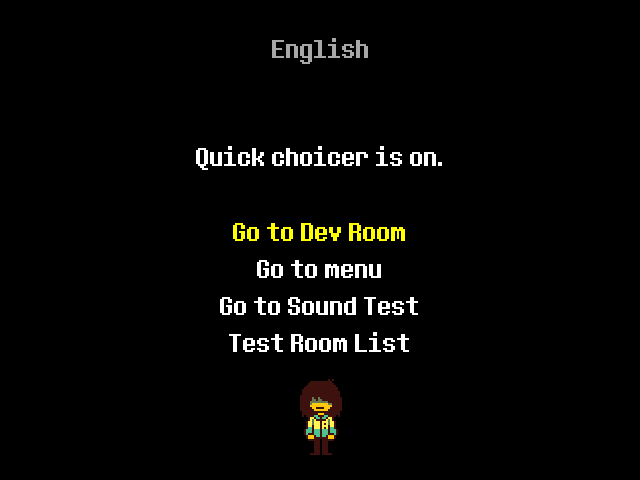
In this screenshot, the line that says "Quick choicer is on." is linked to a line of text inside any properly formatted .json file.

The first piece of yellow text (which I'll be referring to as a "string" from now on) is the default piece of text the game will fall back to.
The second string is the "key" that the game will try to pull from the translation file.

For me, the "key" is formatted as light blue. The reddish brown text is what I'll be referring to as a "value".
So, the localization script will try to pull a value from the linked key in the localization file. In this example, it's "quick_choicer_header". If it can find something, that's what it will supply in the game. If not, it will use the English string.
The game will look for ANY translation file in a folder titled "lang". This means that you can make your own translations for the game! ...when it releases, of course.
You'll need to edit the translation file in each individual chapter's lang folder, as well as the launcher's lang folder.
The game requires that you have a name for the language in your translation. That's really easy to do. All you need to do is supply a key called "lang_name". Then you can type whatever you want in there.

I'd like to supply a template translation file right when the demo releases, but I might forget to do so. If that's the case, I'll try to put one together some time after the demo.
Oh yeah, there are a couple requirements for a valid translation to be detected.
It needs to start with "local_" and end with ".json". Ideally it would include the locale code of the language you're translating to (something like "local_ja.json" for Japanese.)
It needs to be in the "lang" folder located with the chapter/launcher's data file.
It has to be properly formatted, otherwise the game won't be able to use it properly.
If those requirements are met, then the game should have no problem loading your translation!
Anyway, that's all I had to share. See you later!
Also, huge thank you to Koz_lik, a coder on Undertale Rebirth for giving permission to use a small snippet of code for this new system! Check him out if you haven't already!









1 comment