6 years ago

Some errors and how to fix them when you play gameloop


Error 98%: Turn off Windows Defender by searching for Windows Defender on the computer.

100% CPU usage:

If your CPU is still using 100%, please perform the following steps:

  1. Exit TGB

  2. Run TGB

  3. Exit TGB again

  4. Reopen and play the game

The control keys are defective

  1. Open the game and open the settings.

  2. Select Control and choose custom.

  3. Click on Reset.

  4. Click save to save.

  5. Go to the settings keyboard layout of Tencent Gaming Buddy

  6. KeyMapping mode and Game resolution must be the same.

  7. Click Reset to reset and then select save to save, then turn off Gameloop and turn it back on.



0 comments

Loading...

Next up

This is PUBG!

GARENA FREE FIRE

Call of duty: Let's start to fight!!!

call of duty !!!

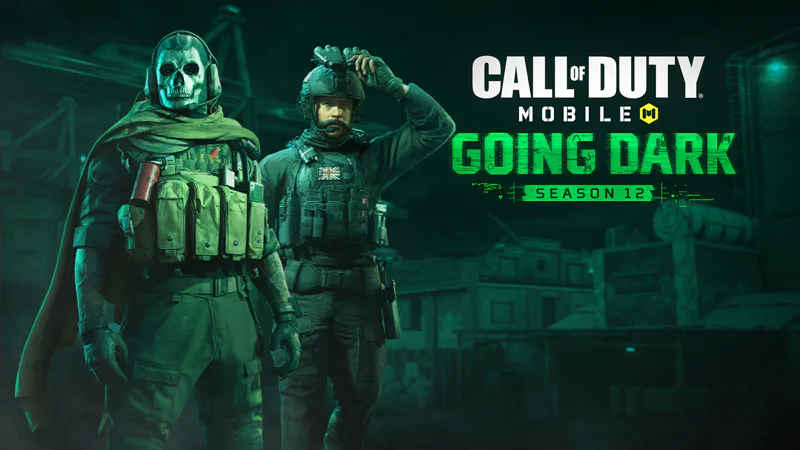
Call of Duty: Mobile season 12 is called Going Dark with all info, New season, new weapons, modes and operators available NOW!

Call of Duty: Modern Warfare and its Fear of Taking Narrative Chances

Black Desert Mobile, play one of the best MMORPGs for Android, Download on PC for free with GameLoop

I need new fans, can you follow me?

Call of duty with gameloop

[HOT] PUBG Mobile return to India after ban? Maybe before Diwali!