Game
PlanIt
12 years ago

Time for a Tutorial


I’m going to be working on two tutorials for PlanIt for the next update:

  1. The first will be a menu-accessed and will be a full tutorial, explaining in detail how to play and every game mechanic.

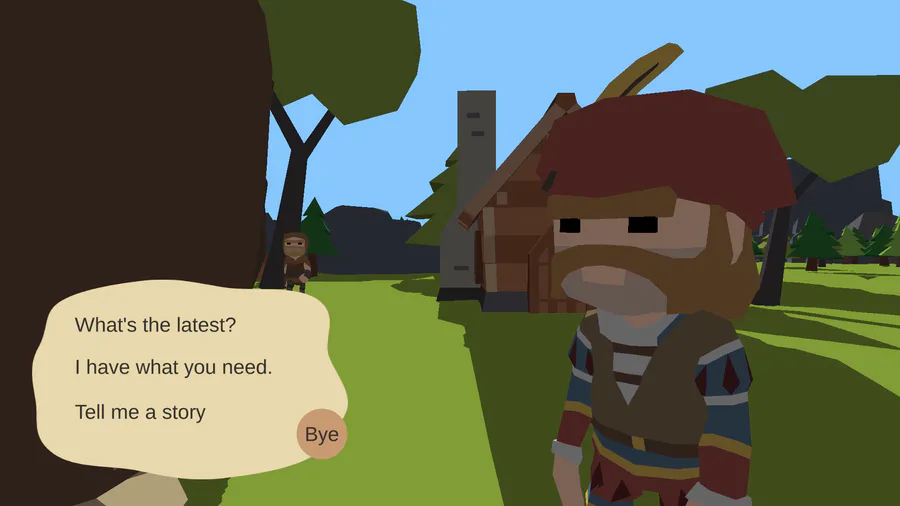
  2. The second will be a “hint/tips” based system. This will be an on/off toggle and will give situational advice. (For instance, if the player approaches a hostile creature, a pop-up will tell them about it, and how to fight it).

I think this combination of optional systems will be perfect for everyone, and will allow new players to learn about the game in detail, while players who try each update won’t have to repeat any boring information.


0 comments

Loading...

Next up

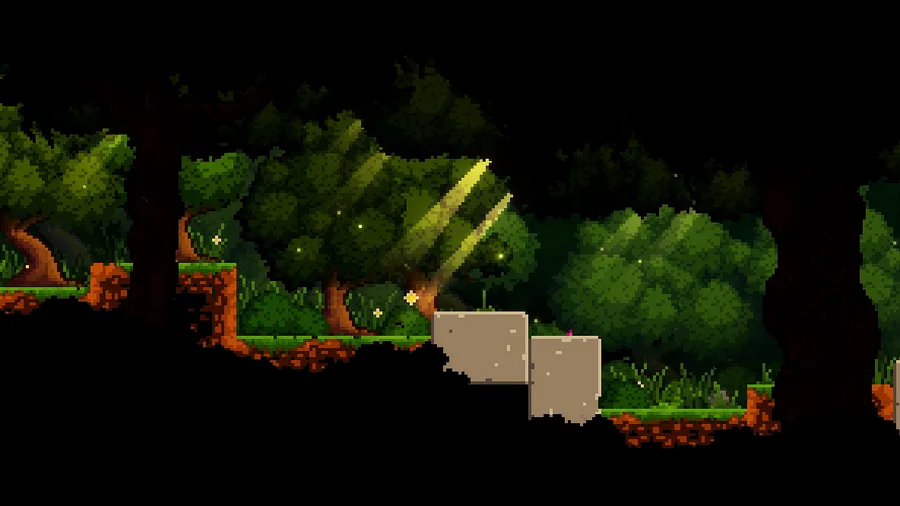
Here's a peaceful little forest scene for this #screenshotsaturday, from the beginning of the game.

Finished a project I've been working on over the last few days!

Modeled and textured in Blender.

#3dart #lowpoly #npbr #fantasy #hut

Updated the chest in the maze, adding sound, particles and better animation. But what's in the chest?

Sometimes the suction cup get sticky. Small animation I made in Blender after doing my tutorial on picking up/dropping objects in animations. Crate model by jQueary (https://sketchfab.com/3d-models/game-ready-sci-fi-crate-d98deca6…).

I-Buki

Mio-Da!

Ibuki Mioda!

So here's the first of the zodiac signs i will make for the next weeks.

Finished work on the emotions of a new character for the tank universe

A Shiny Mega Gengar 🌟 For @ManutkArt 's #ThreeColorsChallenge!

Hi everyone! I started to create some environment props for my new video game, here is a cozy house in the forest. I'm planning to switch from Unity to Unreal... Let's see what new challenges I have to face. Made in Blender and Substance Painter.

A house I've built a while ago. :)

It nicely separates the snowy biome from the grassy one.

It's built with painted Ebonstone.