
It’s been 2 months since I updated this devlog and I am very sorry for that so uh…here’s a devlog.
Now let me just say that I haven’t been working on the game much but instead I’ve learning more about Blender and Unity 5, if I want to create the same game that Paul has created then I’m going to need more knowledge of these programs. The reason why I am now learning more about Blender is because of a little problem I’m having with Unity 5.
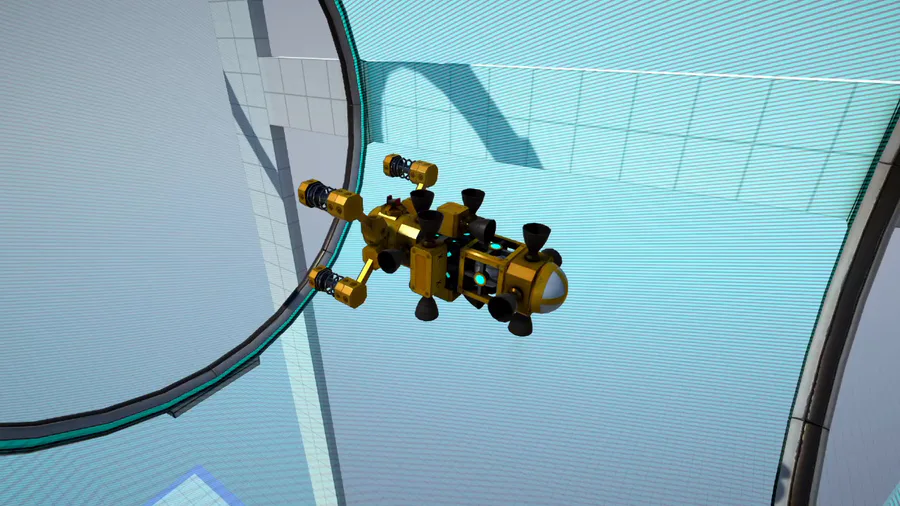
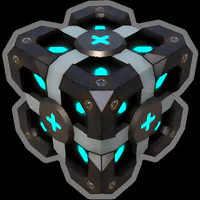
You see, Unity 5 can create shapes which are known as gameobjects, what I did in order to create the level layout of the first building [even care] was to use cubes.
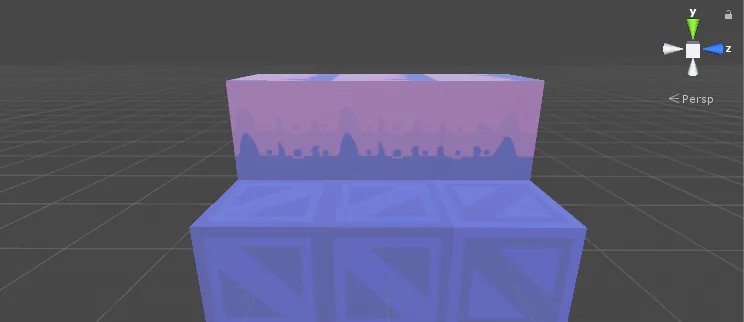
However, there’s a problem when using these cubes, and that problem is that there is a visible/irritating line between them whenever they’re grouped up together.
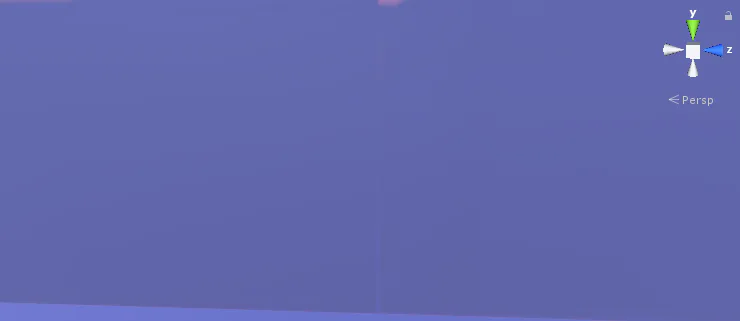
Now it might be hard to see but it’s there and it’s annoying, it might not seem too bad but sometimes when viewing all of the cubes from a distance, you can just see all of the lines and I don’t want that. I’ve tried finding solutions for this problem but of course I didn’t and the ones that I did find weren’t helpful.
All hope was lost until I saw a couple of fanart posts on reddit made by IMAFRIGGINPIGEONREEE.
Apparently this individual had used Blender to make the level layout for his art, this gave me the idea to start using Blender for the levels and models that can be seen throughout the game. Now I’m not too sure if Paul used Blender or not but since I may become a full-on game developer in the future, I mind as well learn it.
Other than that I haven’t been doing too much, I took a break from making the game due to lack of motivation [which I predicted would happen] so to prevent this from happening again, I decided to limit myself of how many hours I can put into Petscop RE in a day (which is two) so that I won’t get burnt out on it again. I’m currently also in High School so working on the game can be a bit tough sometimes, but yeah that’s it for this little update, just lettin you know that I’m not dead and this game isn’t dead, thank you all for the support and I hope all of you have a shitty day :)










1 comment