Game
noice

5 years ago

Version 0.3 available now


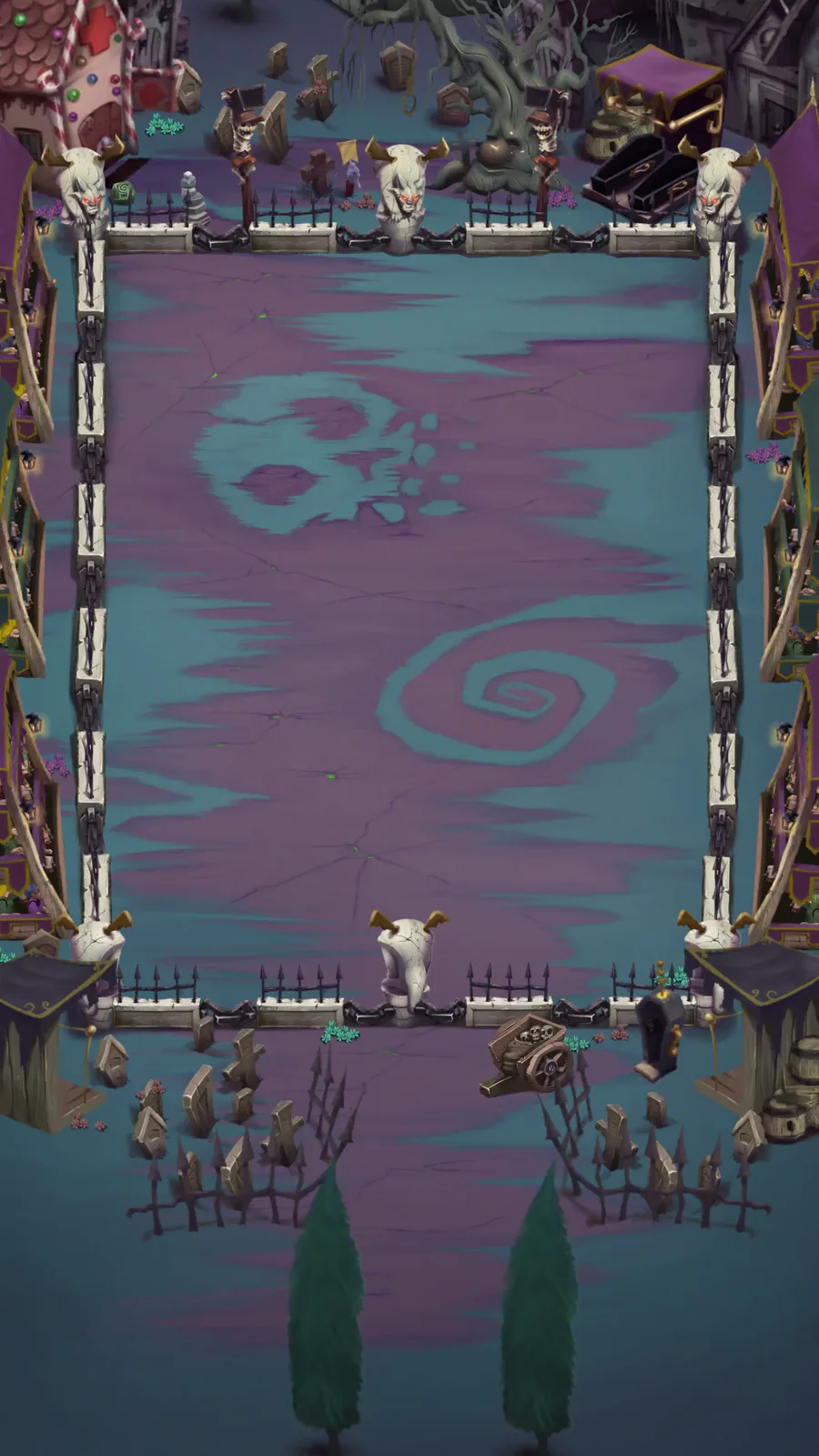
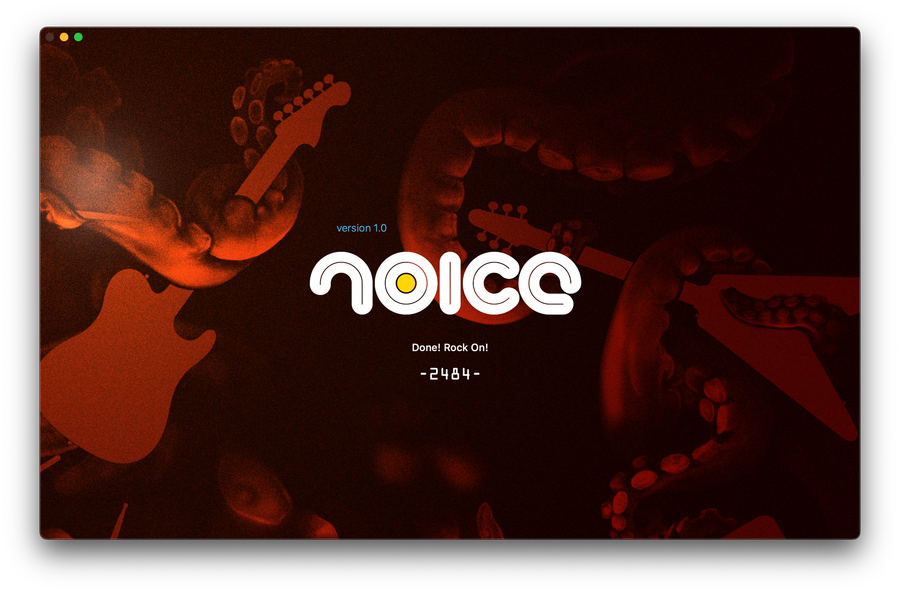
New background animation - it doesn't do much for now but it will. I have plans for 2 types of backgrounds; ones like this one where the objects occupy the same space as the track, and the other is a completely separate view behind the track. The latter allows for more to happen because it doesn't interfere with the foreground but takes a significant cpu processing hit. Both types can be loaded from an external folder so users can make their own backgrounds (feature for later)

This background can be turned off from the application menu (menu -> kraken -> release?) and it is disabled by default. Turning it off and on only takes effect after loading a song.

I've also added volume controls for the song and the song menu preview. The volume of the preview is a percentage of the song volume so it is never louder than the actual song. There is also a slider for the Crowd volume, but it does not do anything at the moment.

0 comments

Loading...

Next up

I'm Putting All My OGGs in One Basket

I've added ogg support for music files. No more need to convert library (but recommended). and other updates

Quick Fix

New Look

New Quick Play Mode

Just as Pecaminosa's musicians #improvise this rendition of #LittleSunflower 🌻, so do we improvise with this post you're reading. 😂

What's coming out of your own improvs? 🤔

#Pecaminosa | #IndieDev | #OST | #Jazz

This Satuday we invite to watch another #speedpainting of our artist Daniel Faiad.

How great is this scene of #Pecaminosa?

#ScreenShotSaturday | #IndieDev | #DigitalArt

Chiaki Nanami!

Here's a peaceful little forest scene for this #screenshotsaturday, from the beginning of the game.

We made a lot of improvements on the Freezing Plains visual. Things like pine trees, tiny bushes, some rocks, and others game props!

#IndieGame | #IndieDev | #GameDev | #PixelArt | #WaifuQuest | #WifeQuest | #screenshotsaturday