
Comments

No comments yet.
Free
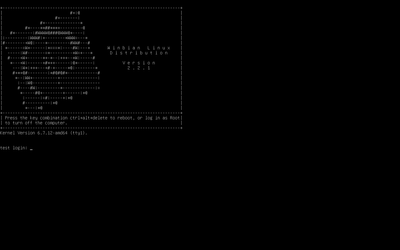
Winbian Linux Version 2.2.1
+Basic terminal commands of the classic version of Winbian Linux+
Simple:
bash /opt/shell/switch (Starts the keyboard layout switch);
alsamixer (Starts the sound mixer);
htop (Starts the console Process Manager).
From under the root:
bash /opt/shell/editlayout (The script for configuring the keyboard layout switch);
wine /opt/winep/doublecmd/doublecmd.exe (Launches the Double Commander file manager);
winecfg (Starts the Wine settings);
wine notepad (Starts notepad).
Commands for mounting disk drives:
mount /dev/[disk drive file] /mnt/[any directory of the disk drive in this folder, depending on the type of disk];
umount /mnt/[any directory of the disk drive in this folder, depending on the type of disk].
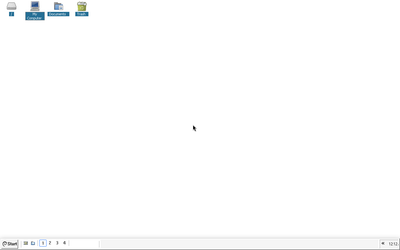
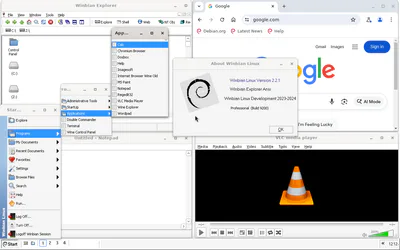
A Debian-based GNU/Linux distribution with a Windows-like interface, the main feature of which is the implementation of a desktop environment under Wine. Also, in addition to the main graphical shell, the distribution includes the Mutter window manager from Gnome 40. Thus, the distribution has a hybrid interface between Wine and Gnome. This distribution is mainly designed to run Windows applications, in this case 32-bit ones, there is also the ability to run native Linux programs.
After logging in, click on start, select run and enter the command /opt/shell/iconcfg and click ok.
It is a re-uploading of the classic version of the Winbian Linux distribution. #Linux #Windows #ReactOS


Nothing has been posted to this project page yet. Check back later!