


Comments (80)

bro please include pc version like you did a secret setting with practice mode

Uhgxcvbn

and the PC version is Crashing

when install it i saw a pink screen with some design like pink face what is that
same
Granny: The Shop (Mobile)
Granny: The Shop (PC)
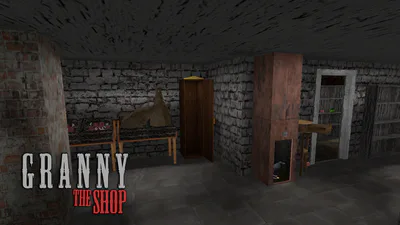
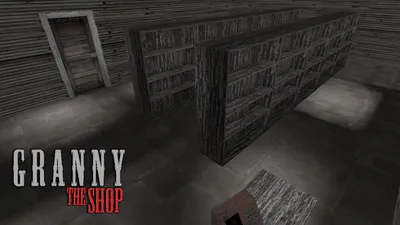
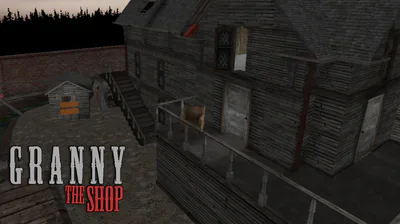
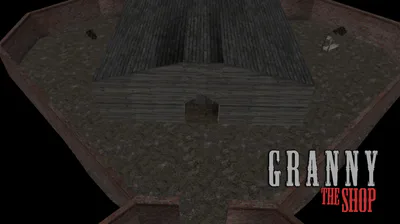
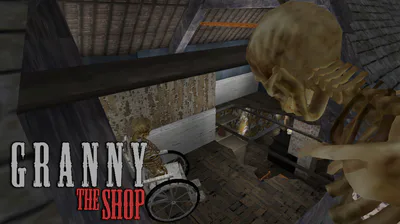
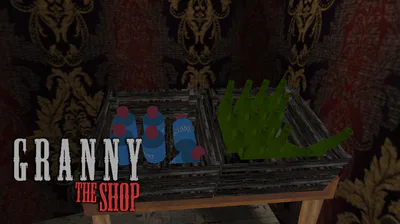
"𝗚𝗿𝗮𝗻𝗻𝘆: 𝗧𝗵𝗲 𝗦𝗵𝗼𝗽" is Unofficial Expansion to original "Granny 3" with new locations, rooms in mansion, reworked puzzles and progression. Will you be able to confront grandparents and finally make it to freedom?...
 𝗛𝗢𝗪 𝗧𝗢 𝗦𝗧𝗔𝗥𝗧 𝗣𝗟𝗔𝗬𝗜𝗡𝗚
𝙊𝙣 𝙋𝘾: Download ZIP File, Extract files from it, Copy/Cut folder called "Granny 3" and paste it in Steam's directory (C:) > Steam Library > steamapps > common. If you start the game, but it doesn't open, disable real-time protection in Windows Security (or any other antivirus if applies). Antiviruses can flag BepInEx which allows the mod to work intended way on PC. It's not harmful and real-time protection turns back on after some time, at least in Windows Security.
𝙊𝙣 𝙈𝙤𝙗𝙞𝙡𝙚: Download .apk and then install it
 𝗘𝗫𝗧𝗥𝗔𝗦 𝗼𝗻 𝗣𝗖 𝗩𝗲𝗿𝘀𝗶𝗼𝗻
If you feel that locations are huge and player is too slow, you can enable "Little Faster" config setting in BepInEx > config > butterystancakes.granny3.grannytheshop.cfg. You also can enable back post-processing if you feel like it, but it might run worse and most of people prefer it turned off. 𝗦𝗽𝗲𝗰𝗶𝗮𝗹 𝗧𝗵𝗮𝗻𝗸𝘀 to @ButteryStancakes
  for all the work with BepInEx to fix various bugs and creating configs.