
Now that the new framework is in place, it’s nice to watch the original vision materialize, piece by piece. Mwahaha!
The piece to which I want to draw your attention today is a seemingly small feature—but it’s really cool.
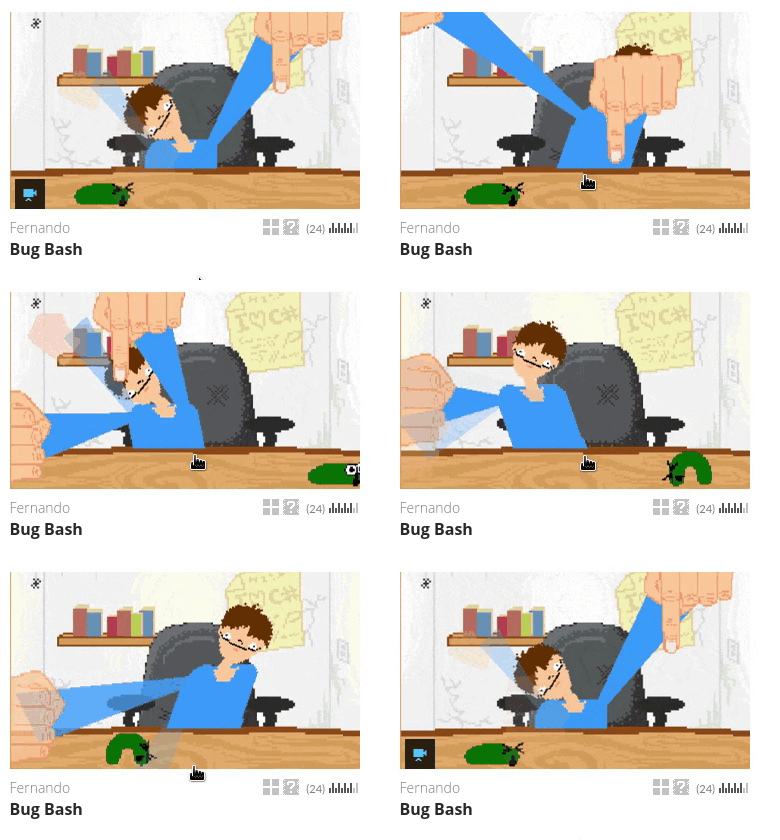
I’m talking about animated thumbnails. It’s a good way to make your game stand out from the crowd. And it’s just cool.
You can use an animated GIF of up to 3MB. Since GIF animations can be terribly large in file size, we convert the GIFs to .webm/.mp4 videos behind the scenes to yield a much smaller and faster loading file.
Rather than auto-playing thumbnails in game listings, you have to hover over them to activate them. This keeps the game listings from looking chaotic and to help people—like me—that have trouble focusing with a lot of movement going on.
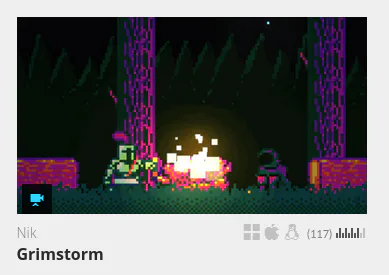
Simply look for the blue indicator icon on game thumbnails to know if it’ll animate on hover.
They’re still very much a feature-in-testing, so be sure to let me know your feedback and suggestions!


99 comments