
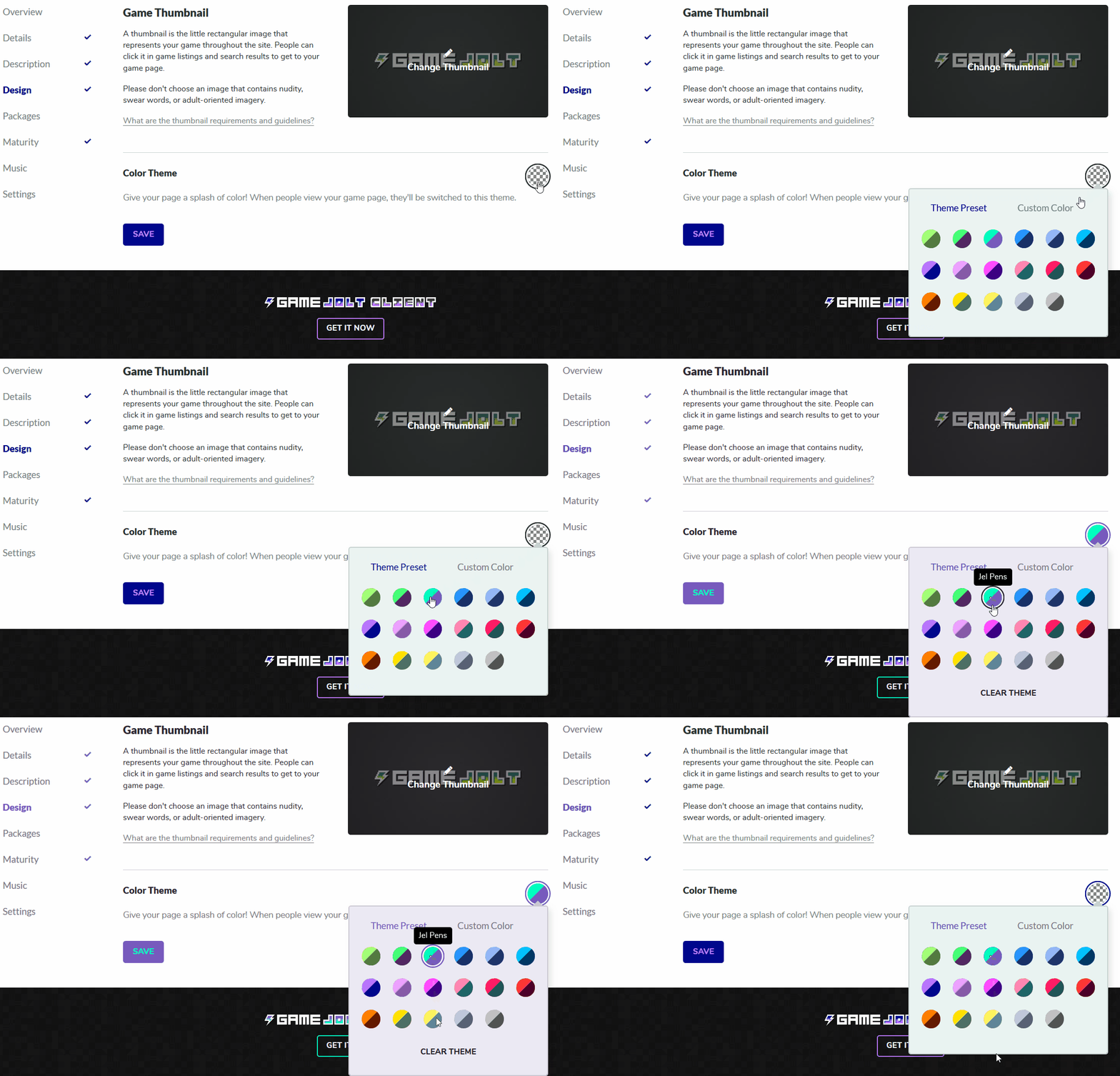
To set a theme for your game, manage your game from your Dashboard and select Design from the menu. Within this page you can now select a theme or custom color for your game.
Widgets
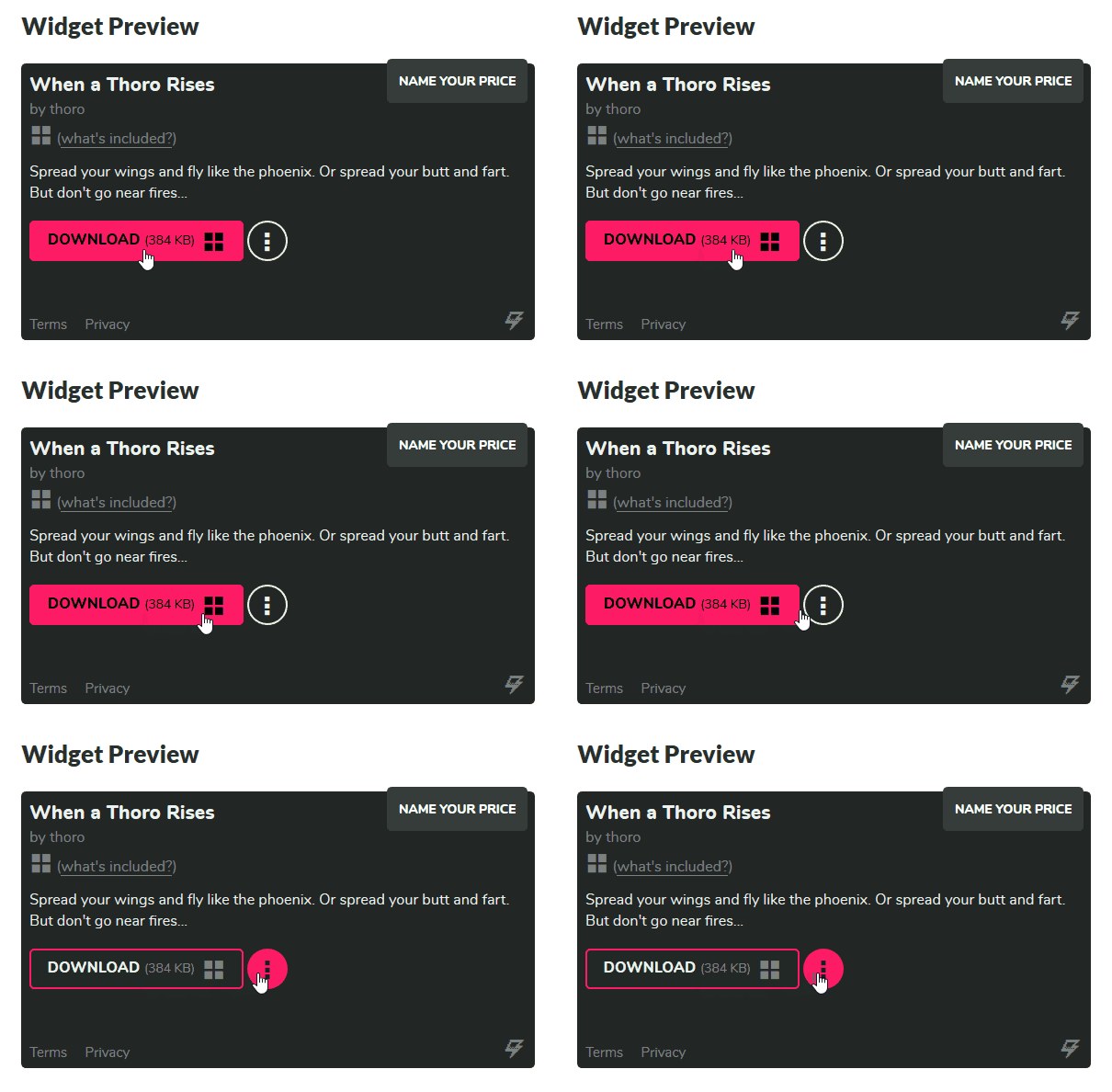
But that’s not all! No longer must you live in anguish about your widget’s colors not fitting in with the rest of your game’s external site. Your package/sale widget will automatically update to your game’s theme now. Beautiful synergy.
Wait, you didn’t even know you could embed sales widgets across the interwebs? What are ya, a NOOB? Just kidding, I love you, don’t leave me.
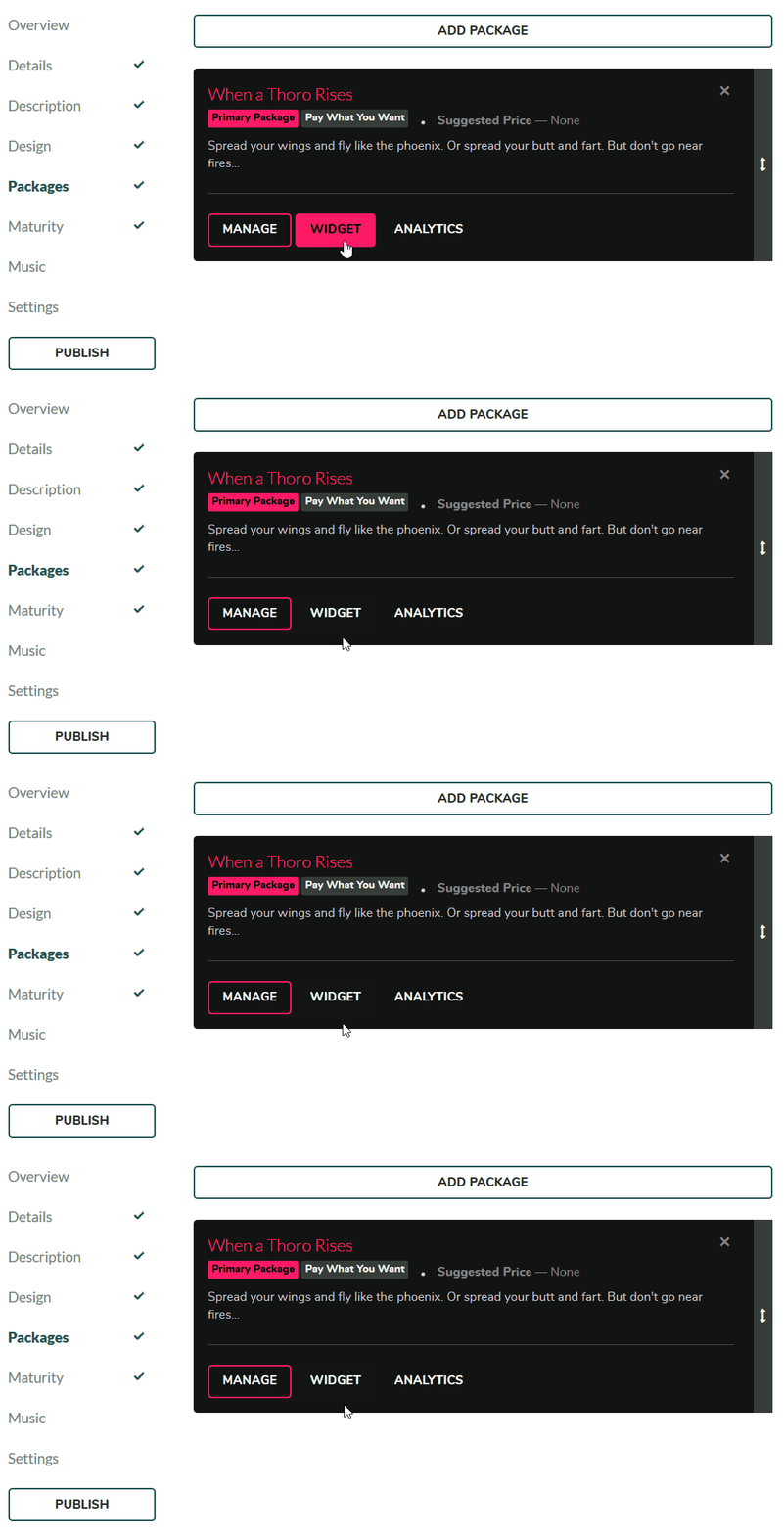
Access your sales widget when managing your packages!
Design Management
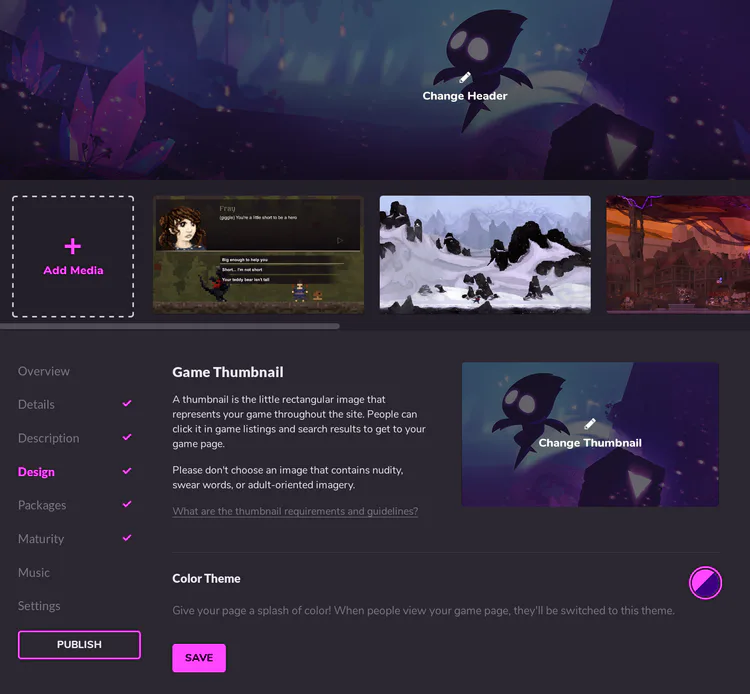
You may have noticed while setting a theme for you game this fancy new “Design” page. We’ve merged the game header, thumbnail, and media pages into this new single place to edit everything.
It attempts to mimic how your page will look so you can more easily tell what the header will look like with your media and color theme. You can also manage your media directly in the media bar and drag to sort them around! Let us know what you think of this new flow.
We hope you like the new changes! Let us know what you think below. And if you grow tired of seeing all these themes, remember you can edit your Settings to only show your selected theme instead.


129 comments