
all the pictures I showed are old, (except the last one) so things might be different now... I've made this a while ago... maybe about a year ago...?
I spelled browser wrong in the pictures... I'm sorry...
-
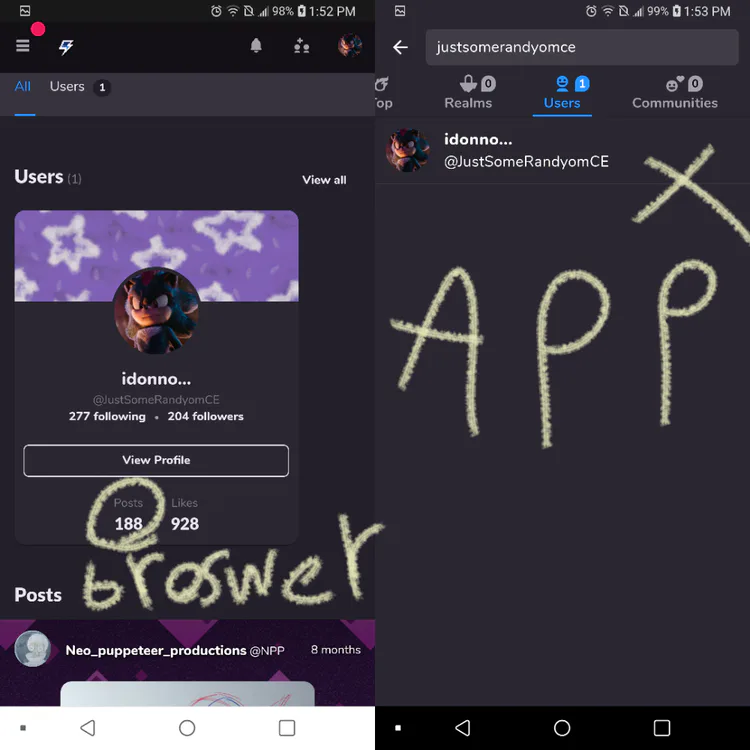
why can't I see somethings on the app? i see them on the browser...
i can't see how much posts I made, views on a post, categories/channels for communities on the post...
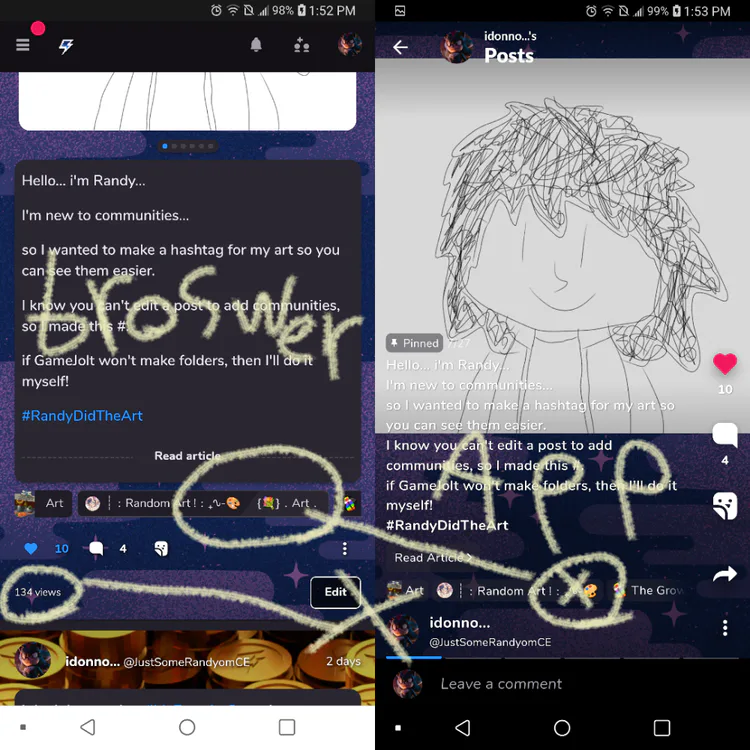
I'm actually happy that I can't see the views... i don't really want to see that...
you can see the person's avatar frame and the background they used for the post in the browser too...
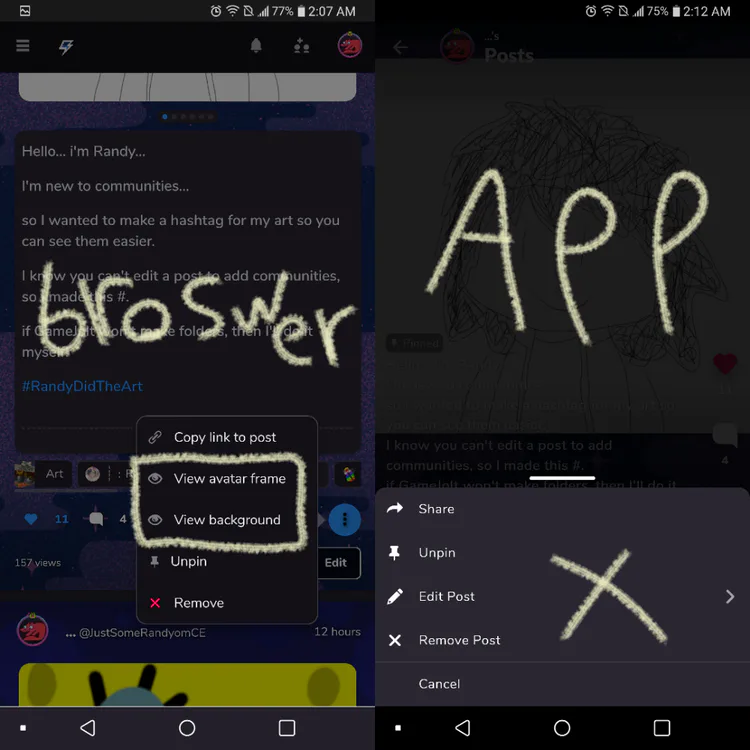
you can rotate stickers on the browser!?
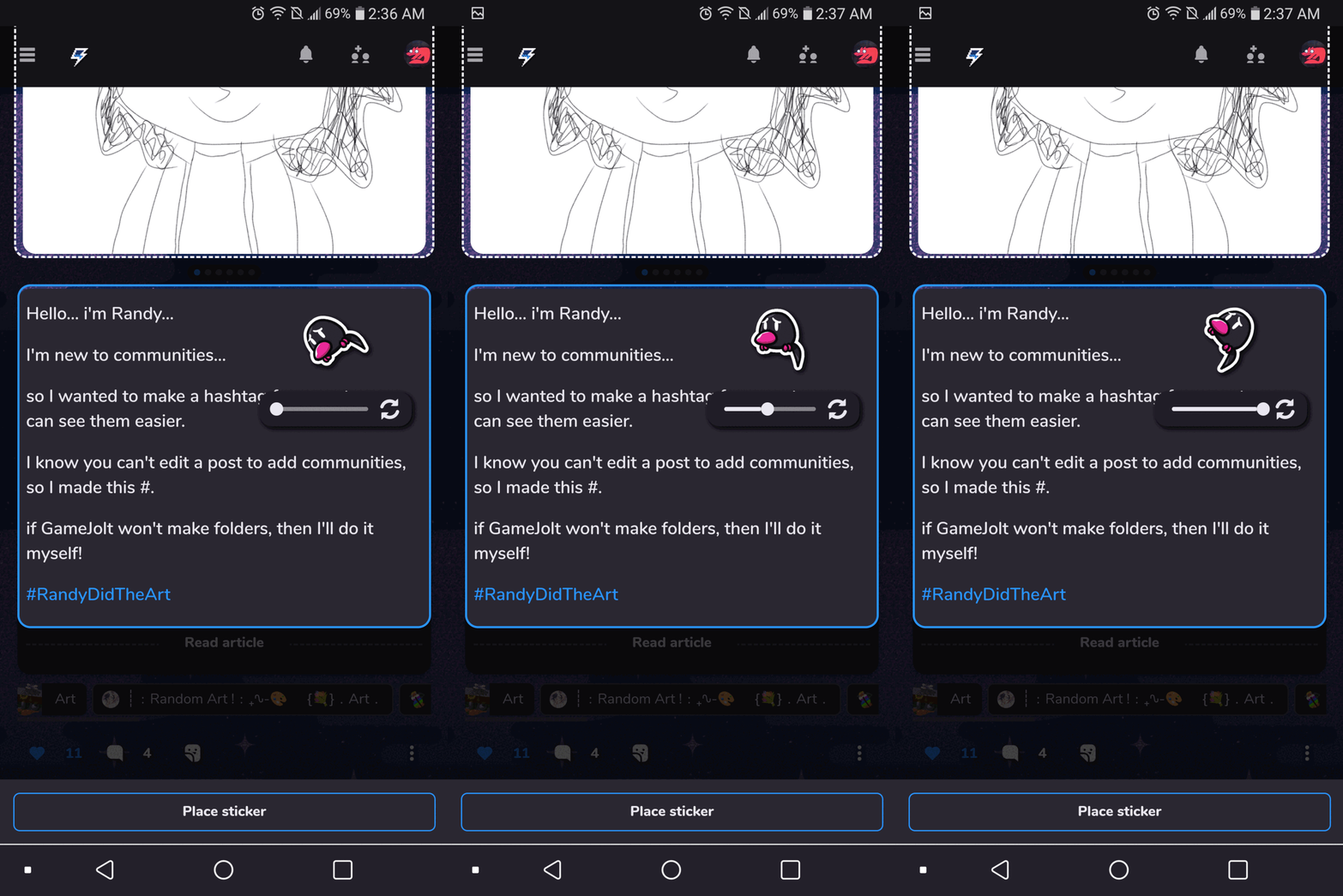
why!? I've always wanted that, but it's not on the app... you just have to place it and get lucky that it's in the angle you want on the app... it's not even in the same spot when you place it on the app... it moves right a little and a little down, but it looks different and placed different on the browser...
you can see the stickers you're trying to master too... I wanted that too...
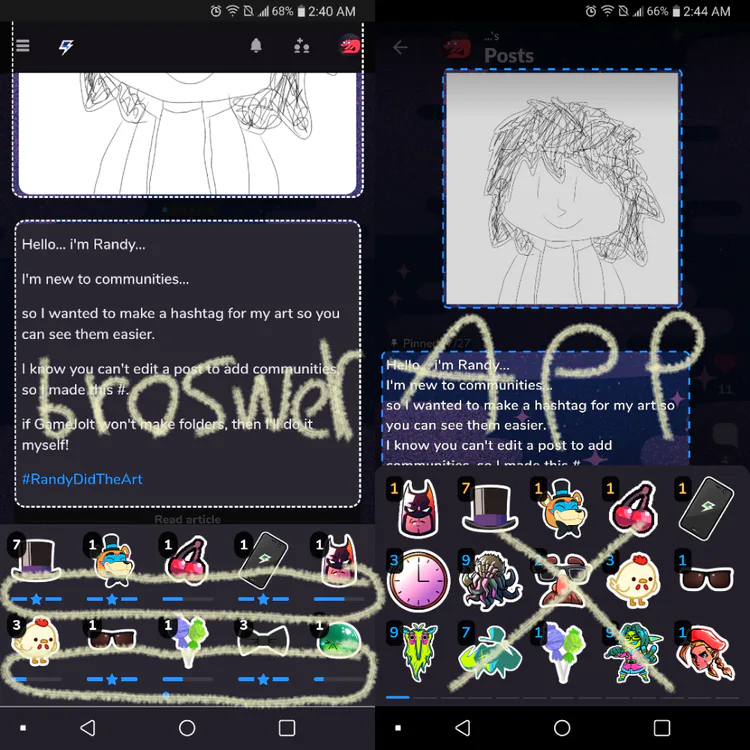
on the mobile app you can only see how much left to master that sticker by placing them or checking your backpack and try to find that sticker in all that mess...
for some reason I can't remove a schedule from a scheduled post, I try to remove it, but it doesn't remove it. scheduled posts broken or something?
I can't remove a schedule on the app, but I can on the browser... it says do you want to remove it, but then it doesn't remove it on the app... the browser just has an x on it and removes the schedule fine...
my art folder doesn't show up when I want to put my drawings in a post on the app... the browser has an option to go to system files, so I have to go to the browser every time I want to put my art or an edit in a post... for some reason, my drawings are invisible and it's not the folder's fault... all the pictures with the yellow lines, I had to use the browser every time I want to put it there...
you can't see the games you're following on the app... you have to go on the browser to see them... someone said the reason might be because you can't download games, but I just want to be able to see the games I'm following on the app and not take the time to open my browser, go to the website, and do other things just to see the games I'm following...
the browser gives you a nice message when it's your spawnday and the mobile app doesn't... would be nice if it shows up on the app too...
-
I'm not sure if there's more things, but if the app and the browser did some of the things too, that would be nice...
their are more things I like on the app, so I will mostly use it. it's just the not being able to put my art or edited pictures on the mobile app is really annoying...
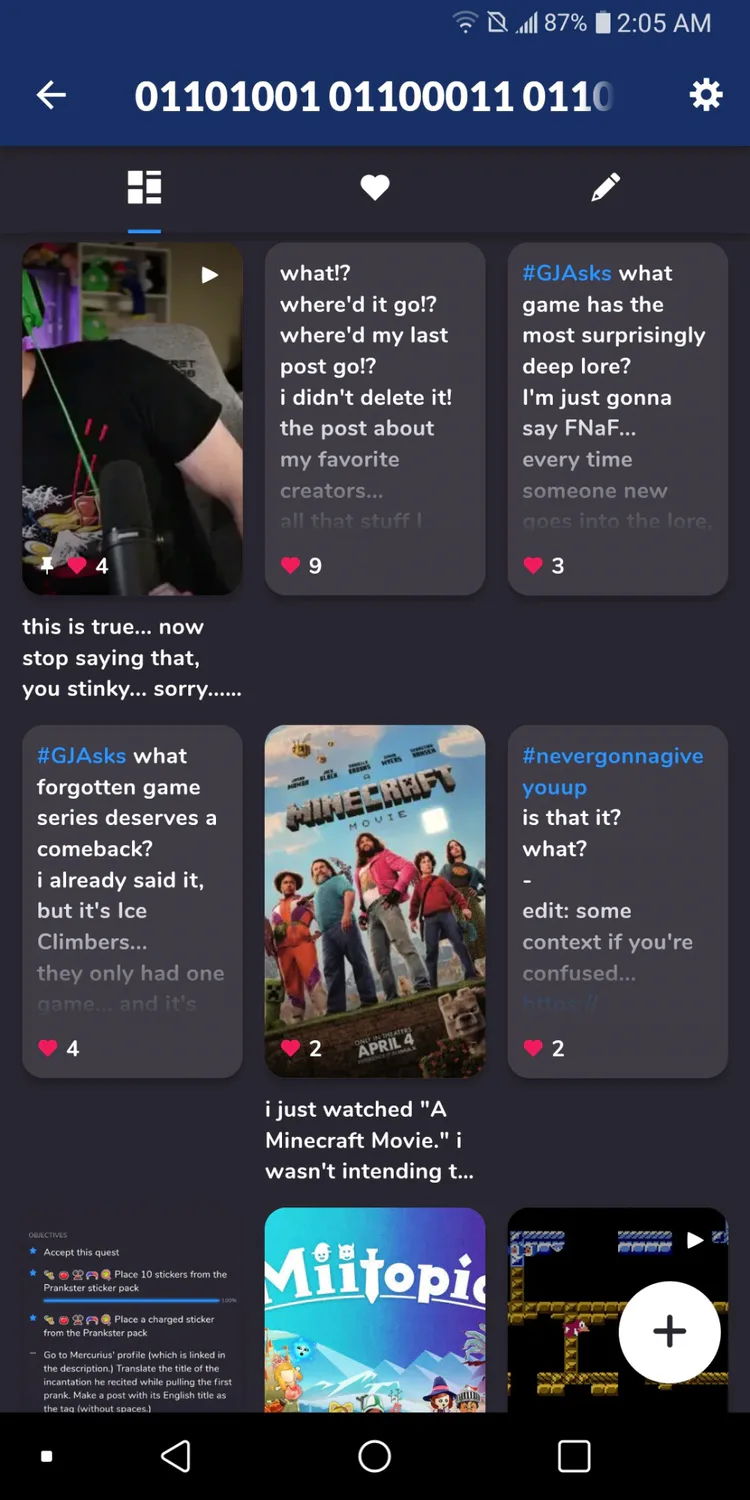
also I like that profiles' posts are in rows of 3 on the app, but the browser is only one at a time... would be nice if the browser has options to do the rows instead of one at a time. it makes getting through someone's profile faster.
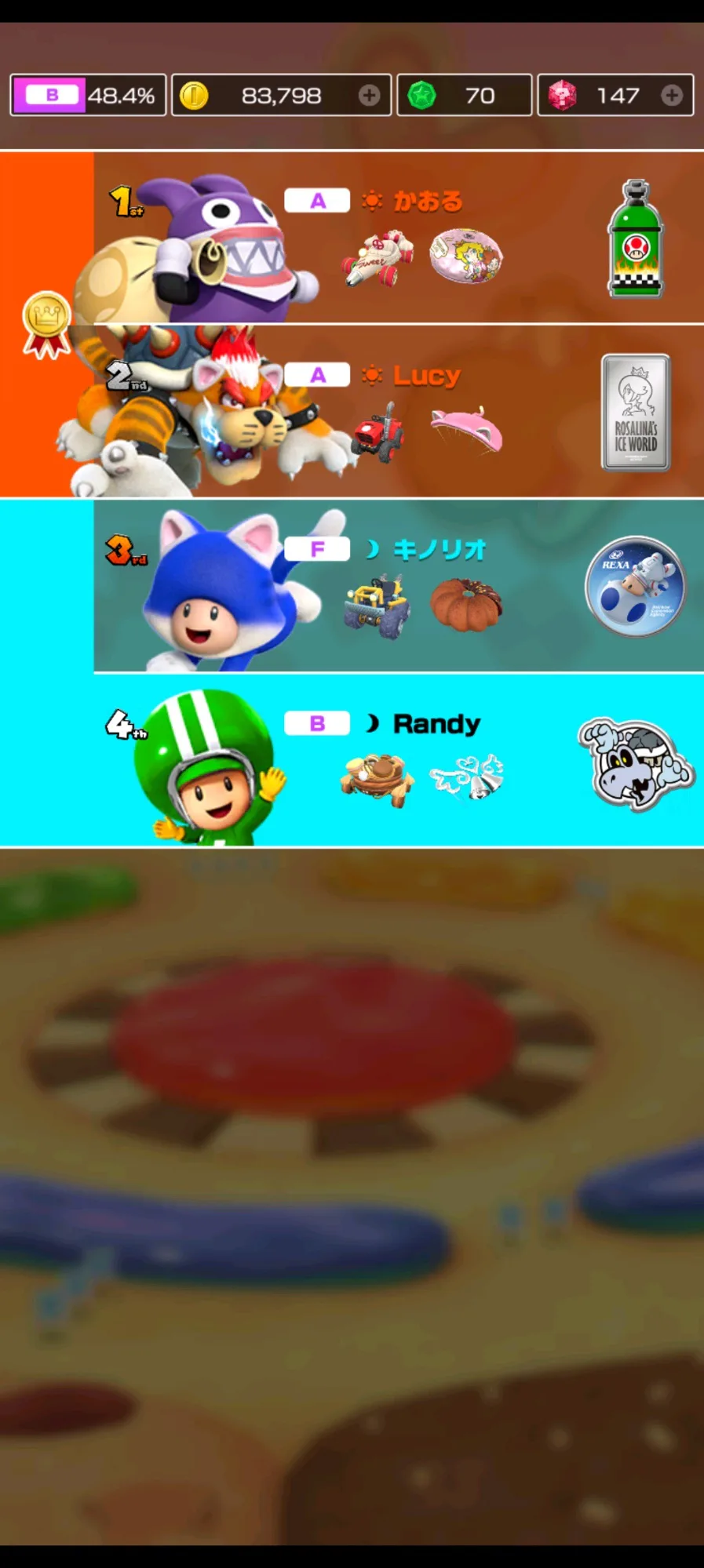
screenshot from the app
i do hope you can tell me why you do these things differently on the mobile app to the browser website.
-


0 comments