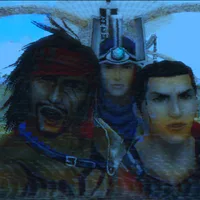
Game controls keyboard : WASD to move, p = pause, escape = menu, e = accept, backspace = cancel, spacebar = jump
Game controls controller : pretty much the same as other FF instead A for xbox or X for ps is accept and B for xbox and O for ps is cancel.
Next up
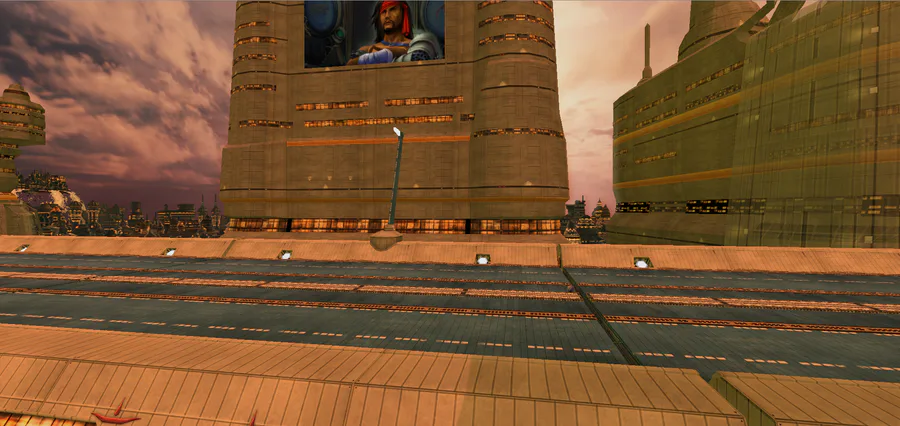
Hello guys, well i decided, when discovering my old project, to try to continue and fix the project, i will try to give you something before Christmas, i will, during this time, fix broken things and make more (pro) graphics and animations regards


Did you know that today is #InternationalJazzDay? 🎷😎
No? 😯 Well, we couldn't pass up this date!
And what better to celebrate this day than #Pecaminosa #OST? 🎷
Let us know what you think about it and have a great weekend!


Smile! Here, take some happy pills! ✨💊 #Blender #3DModelling #3DArt Buy me a Ko-fi: https://ko-fi.com/barbarafb_
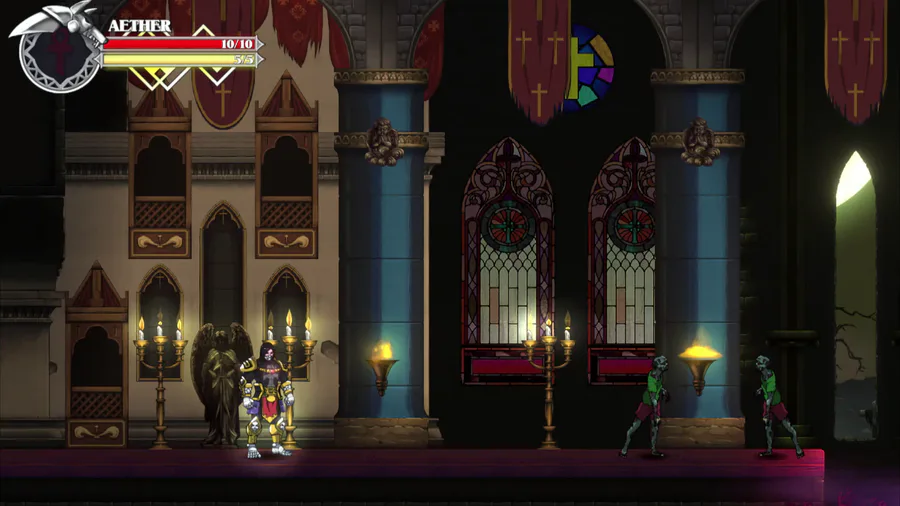

Enemies can also suddenly spawn through Realm Rifts. These Rift Spawns are going to be stronger than the ones wandering around. TBD on the enemies... #screenshotsaturday #godstear #madewithunity
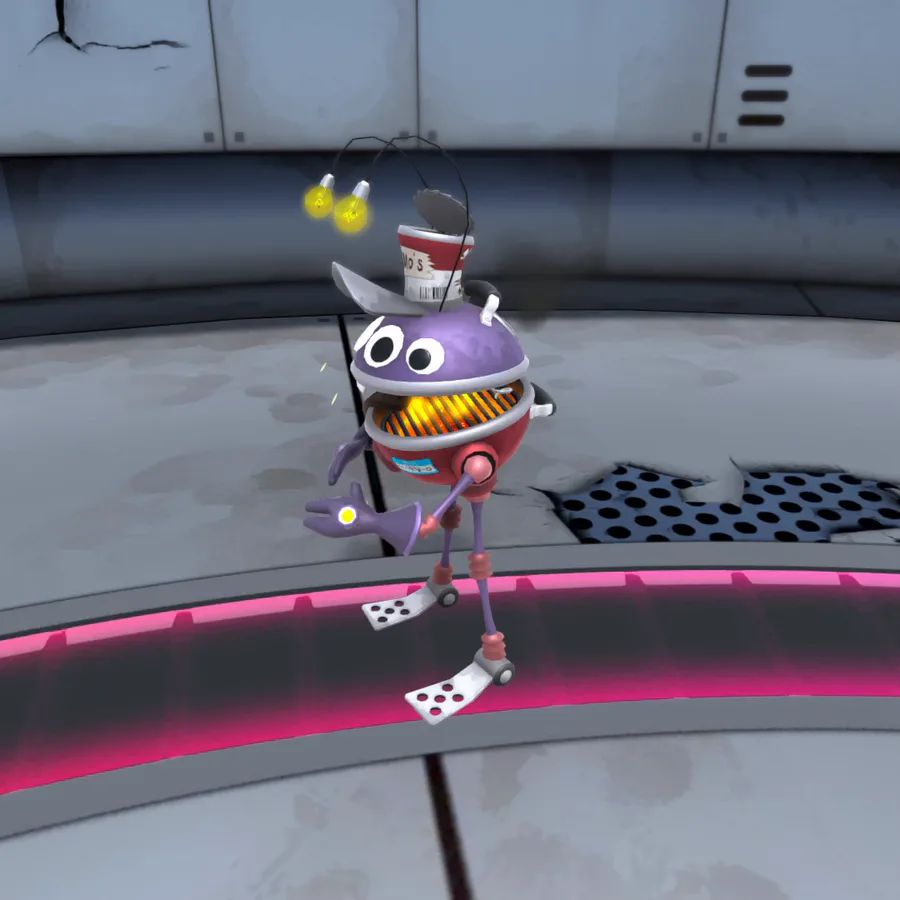
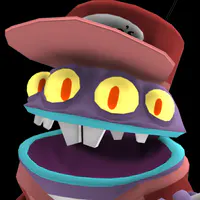
Showing off player 2 😎
What do you think?
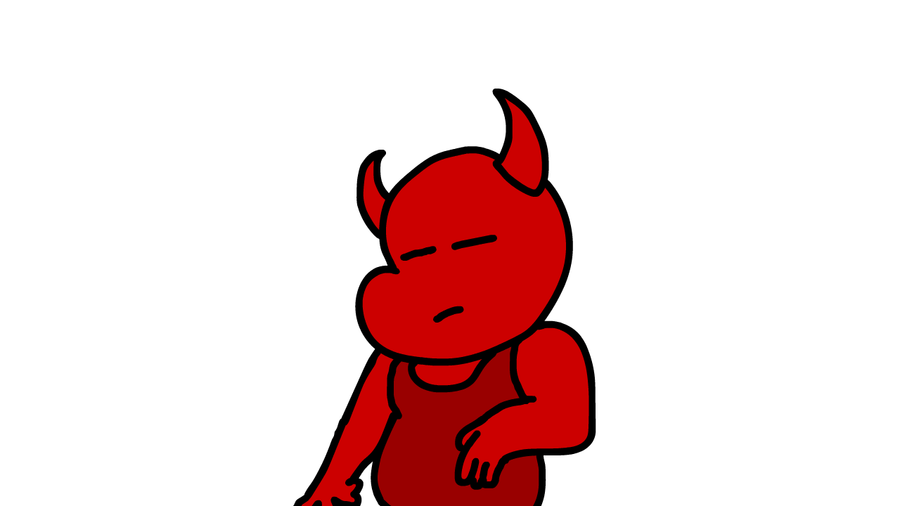
Made my first ever animation.
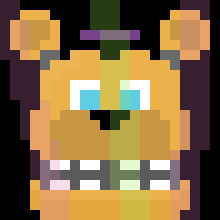

Here's a Fredbear sprite i made in Aseprite! I'm pretty proud of this!
(Btw, sorry for the double post! I'll try to post less)
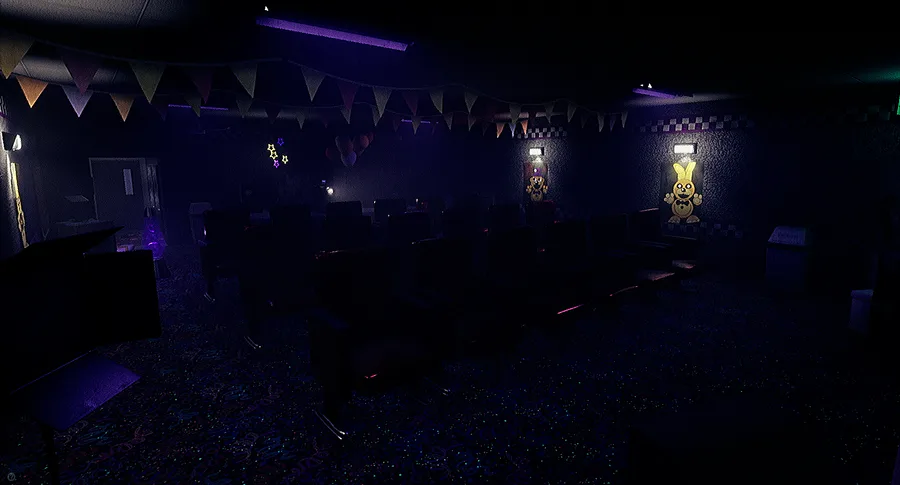

New Teasers!
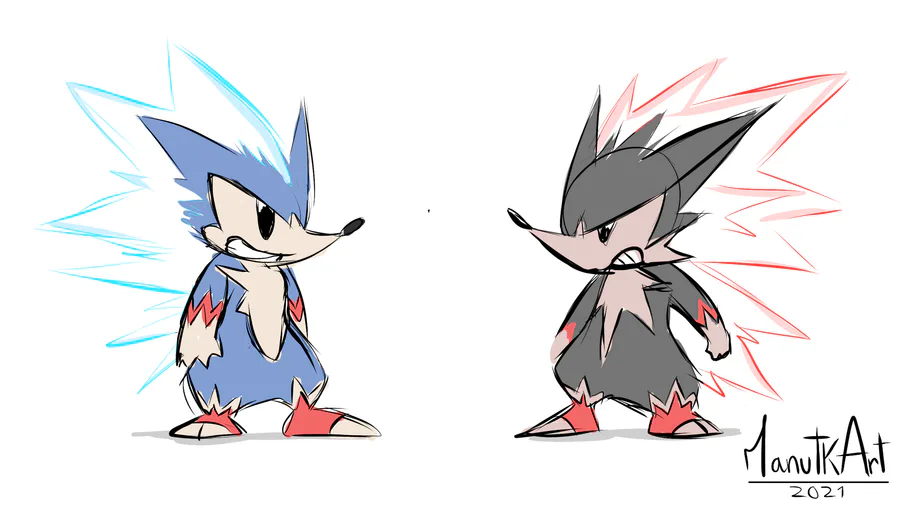

Sonic and Shadow as Pokémons. #Fakemon
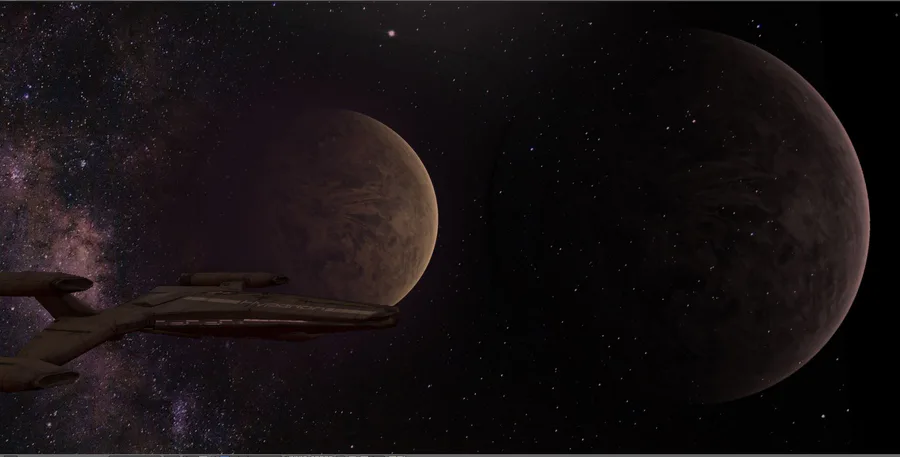
Hello my space friends! Now I added a space background to the ship. I love that space look but I still feel like stuff is missing. The lighting on the ship needs some improvements I think. Please tell me your opinion!
1 comment