6 years ago

how to change your mouse on computer:


1: press the windows button and type "control Panel" then click "open" then this should happen:
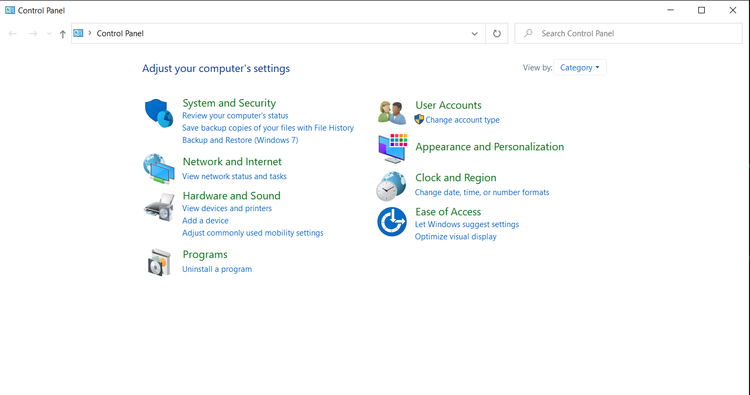
capture.png

search: mouse and click enter did this happen?:
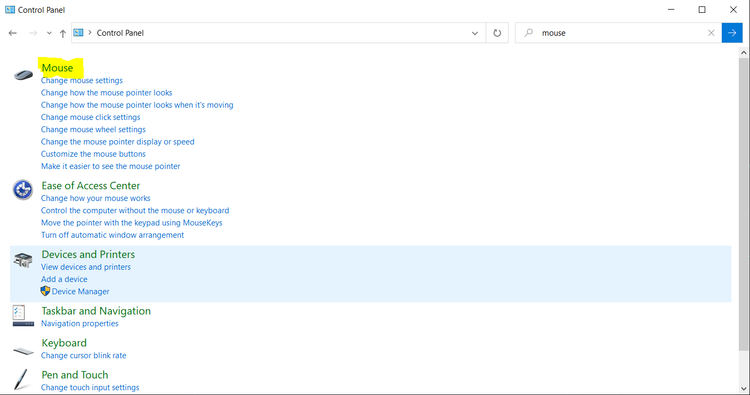
capture.png

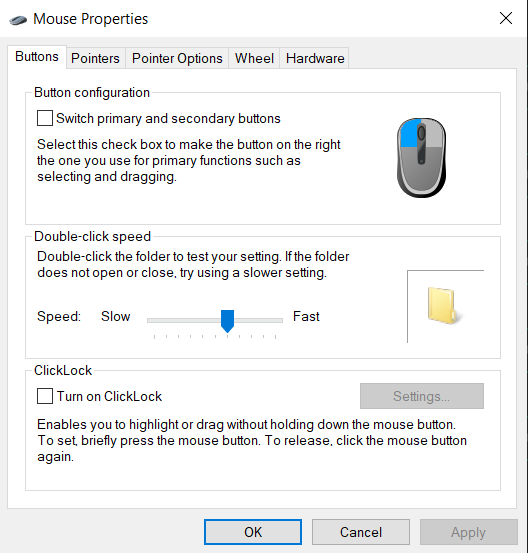
click "mouse" this should pop up:

capture.png

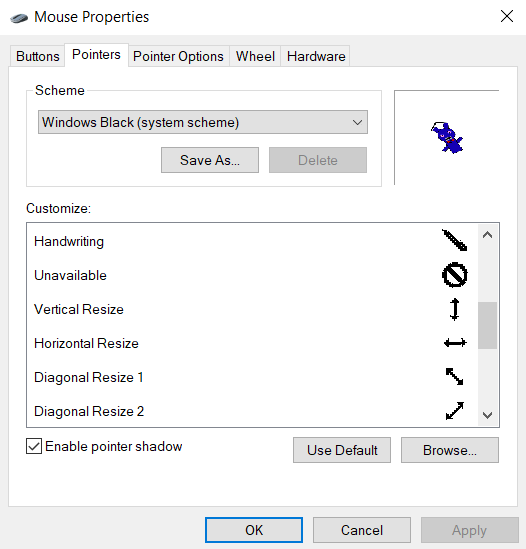
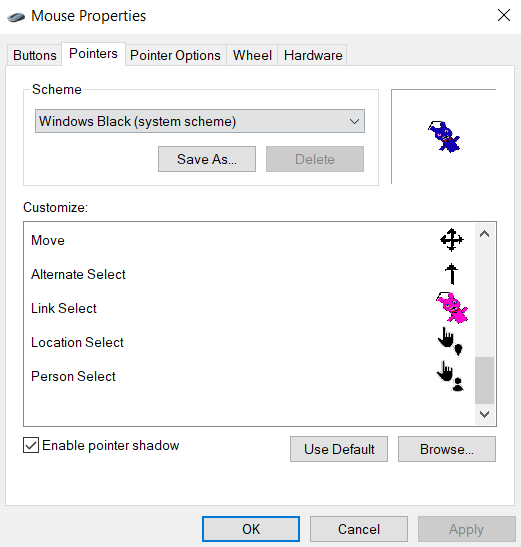
click "pointers" now select them by 2x clicking them or just click it then click "browse..." then there you go!
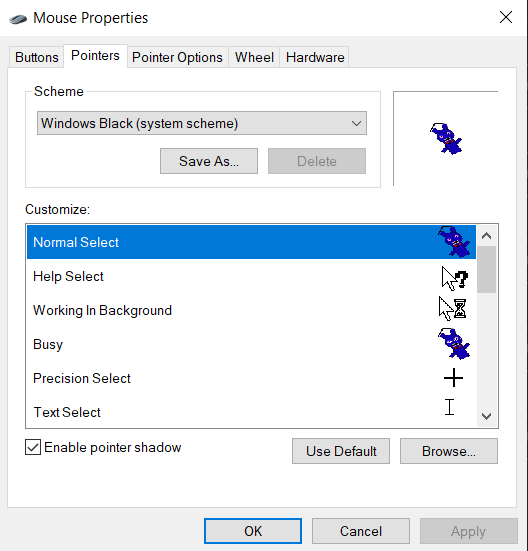
capture.png

--

capture.png

--

capture.png

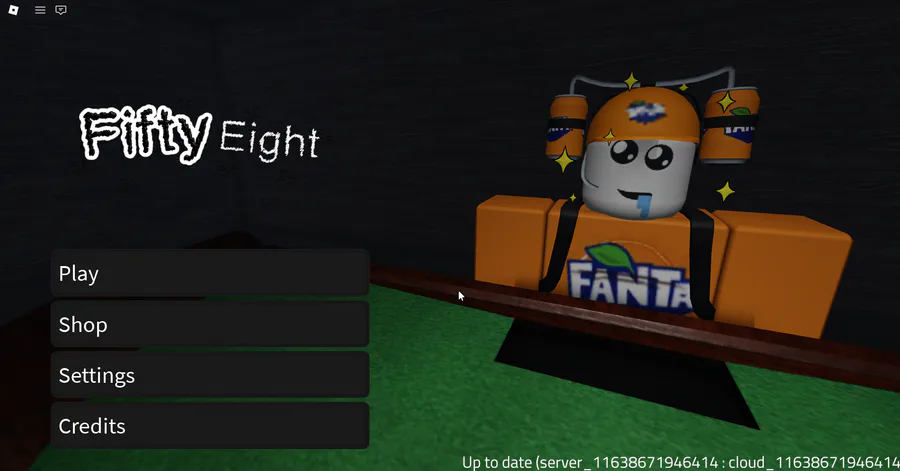
have fun with your custom mouse!


4 comments

Loading...

Next up

The 58 Game page is released! All gameplay, updates, announcements, and more will be here. Join the community here: https://gamejolt.com/c/fiftyeightgamereal-tkhupi

gg gng (new hardest)

I haven't posted on here in a while, so here is an update. Xenophobia is getting a recode! Current progress is going steady, and if you want quicker updates, join the discord! https://discord.gg/zvBdtvrPcS

Play @pm-studios ' Bandit Trap Open Beta!

Grab your rocket chairs, vacuums, and toilet tornadoes! Report one more time for our final beta! Live through March 23rd 6 am CET.

Complete quests based on the game!

Play the beta: https://bit.ly/BanditTrapBeta

how and why is my music video more popular than an actual upload

BIG NEWS: Your Bandit can wear a Game Jolt hat and shirt in Bandit Trap!

Defend your home or steal treasure in the open beta: https://bit.ly/BanditTrapBeta

It ends on March 23rd at 6 am CET!

@duckdude_e085 posted some 58 progress! (keep in mind this was made over the span of a few weeks and not just today) https://gamejolt.com/p/here-is-some-of-the-progress-we-ve-made-s…

development is going great

This week's Fan Art Friday celebrates Bandit Trap! Accept the quest in your quest log to get started.

Defend your home or steal treasure in the open beta: https://bit.ly/BanditTrapBeta

[potential spoilers] subanutica (new fav game??)