
8 years ago

Personalize Game Jolt with themes!

The moment you may have been waiting for! You can now personalize Game Jolt to look the way _you_ want it to look, with themes!


You can either choose from a theme preset, or select your very own perfect color. It’s simple.

Just choose Edit Profile from your avatar menu
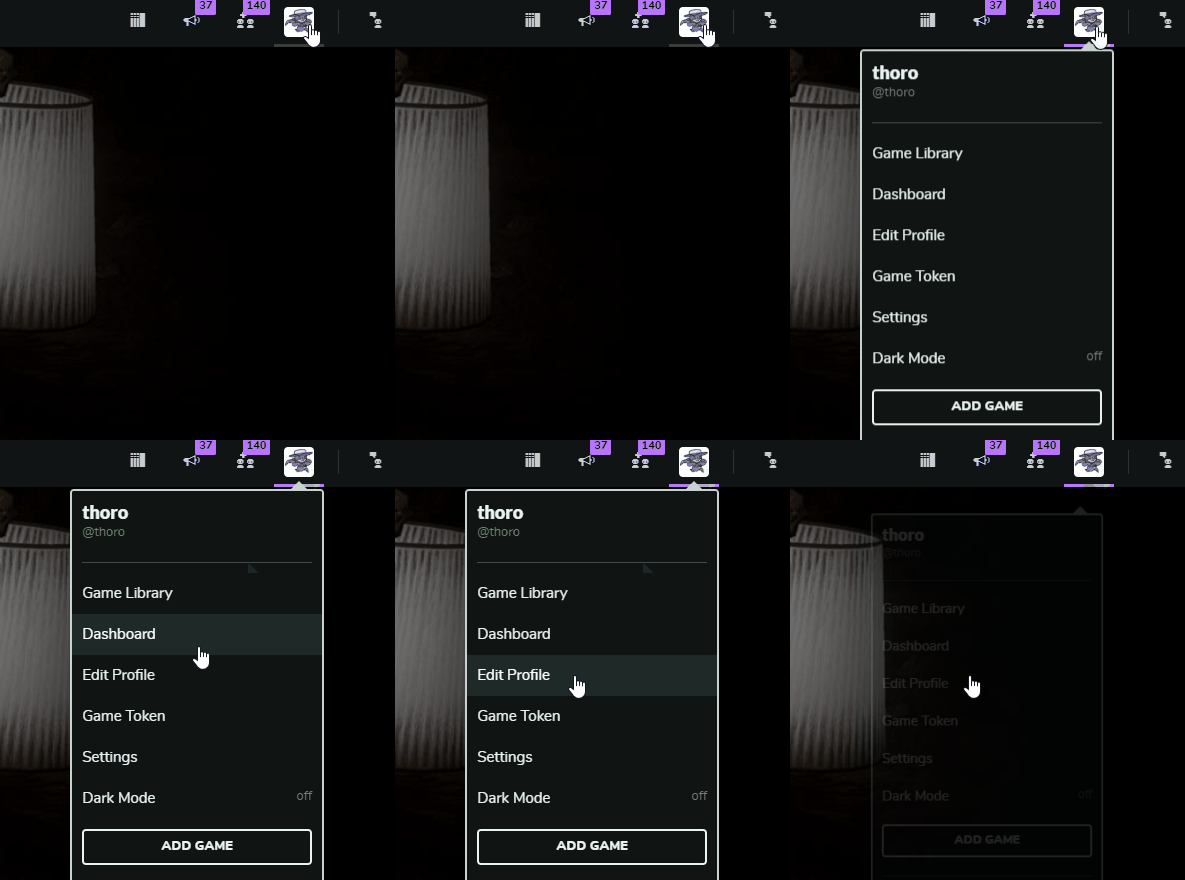
5d0a15f783cb1.gif

…and WA-BAM! Limitless colors to choose from!
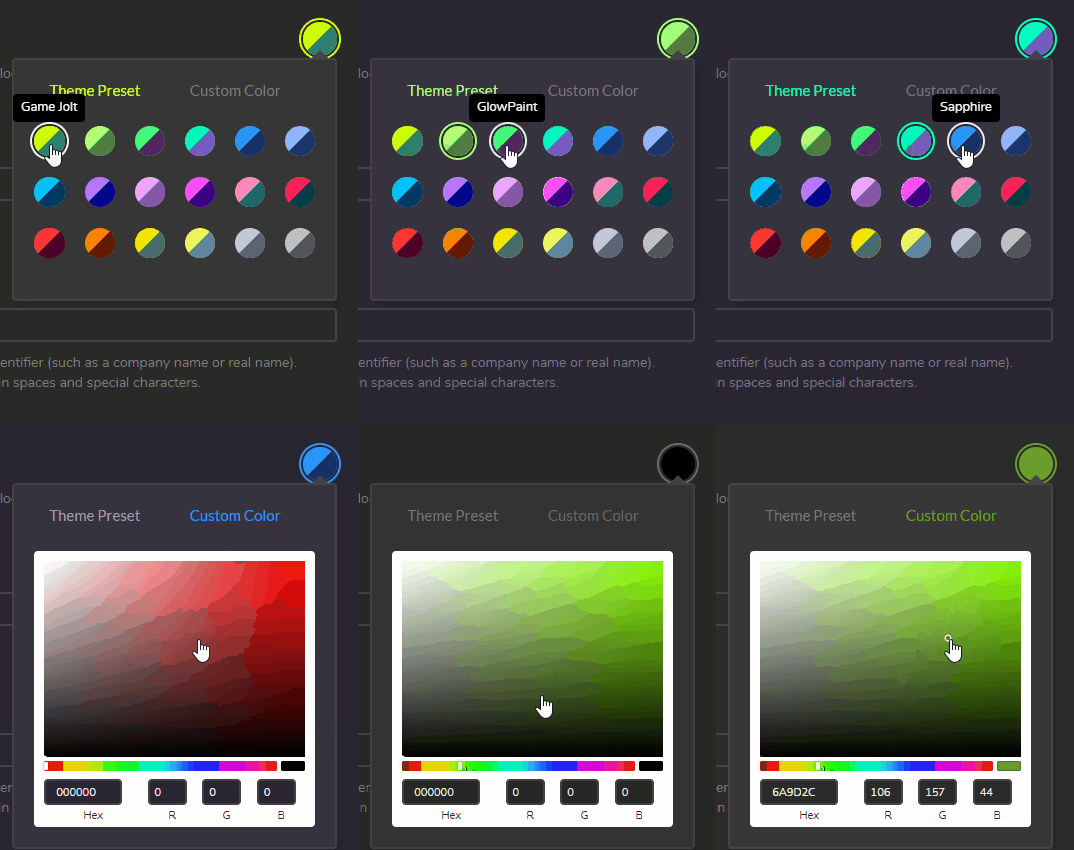
5d0a15f87f739.gif
5d0a15f967403.gif

Setting a theme will change how Game Jolt looks for you. When other people view your profile, they’ll also be switched to your theme. You can turn this behavior off in your Settings if you’d like.

This is just the beginning. We’re working on game pages next! Soon you’ll be able to set a theme per game page that fits better with the game’s aesthetic.

And if you love the theme presets, be sure to send a nice thank you to @fisholith ! They worked hard with us on the presets, and we think it looks amazing. Check out their latest game Down Ward if you want even more color palette goodness.

Let us know what you think the comments!



202 comments

Loading...

Next up

My grumpy dog doing yoga.

After about 6 months, I started working on my custom controller again for retro gaming!

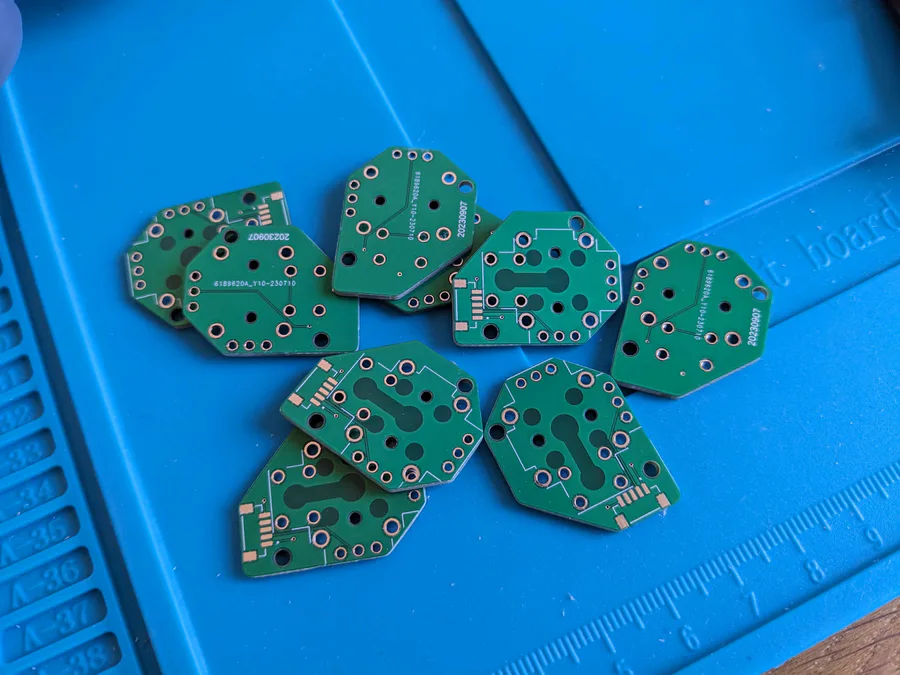
I designed the PCBs for the analog sticks, got them made, and check them out! They fit in perfectly.

Next step, building out the whole main PCB.

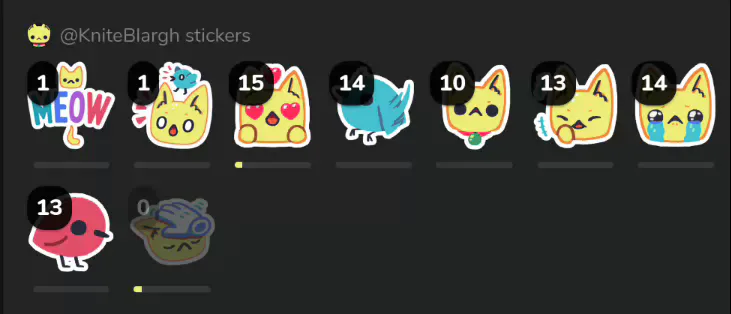
All right, time to place my haul. I need mastery of these stickers.

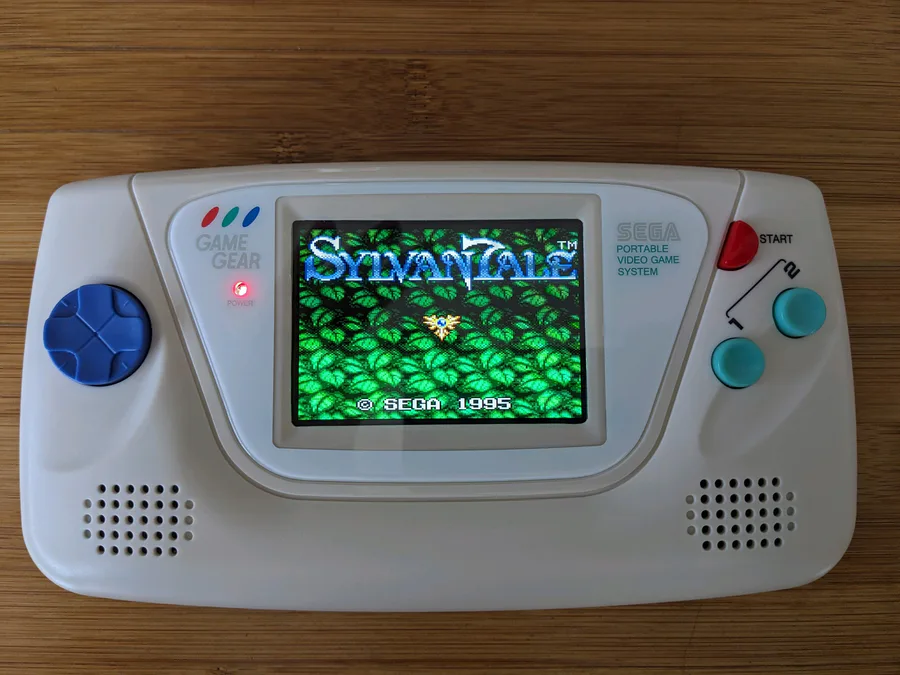
Modded a Game Gear! Took a long time, but I'm really happy with the results. New screen, speakers, shell, rechargeable batteries, all that. Even has an FM radio chip in it so that when it runs Master System games, it has better music.

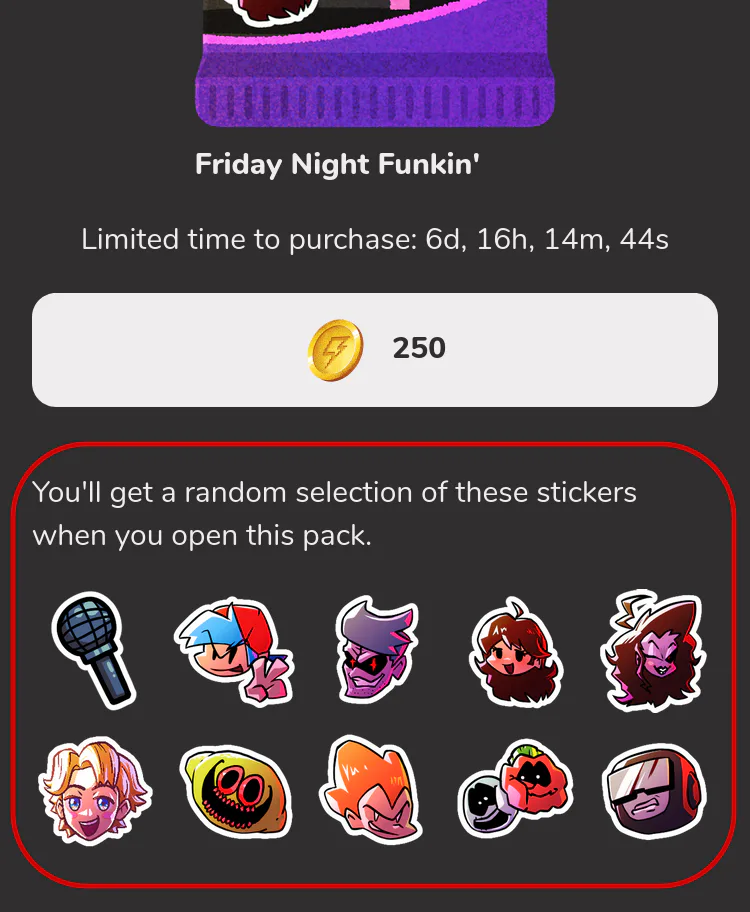
Ohh, what's this? You can see all the stickers in a sticker pack before buying/opening now. Finally.

Ah yes, programming documentation.

Here we go!

Oof, got three sticker packs and got super unlucky with my drop rates for the star haha. I gotta master them all though!

My custom-made controller. Click click.

Just noticed this on our bidet... Now I'm scared to use it.