
Hello everyone, I'm @wlfgmdvlpr_ 
 , the community owner and moderator.
If u already know what is this community reading the description, and you don't know how to use it I'll show you ;3
First, it's a community as a game page to use the gj API to send "trophies" and make "scores" and post medias. To use the API, we will need an external application (app) that it's available in the community page (just for Android [if you don't have android, try emulate it])
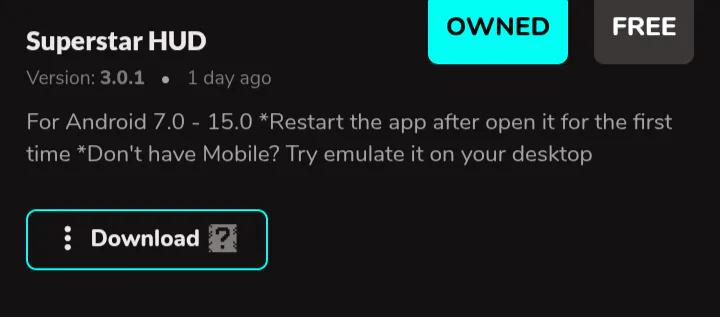
After downloading it, you open the app until appear the log-in tab, close the app and restart the app (else it'll bug). After restarting, you can log-in, putting your username without @ and your game token.
Do not give your token for anyone
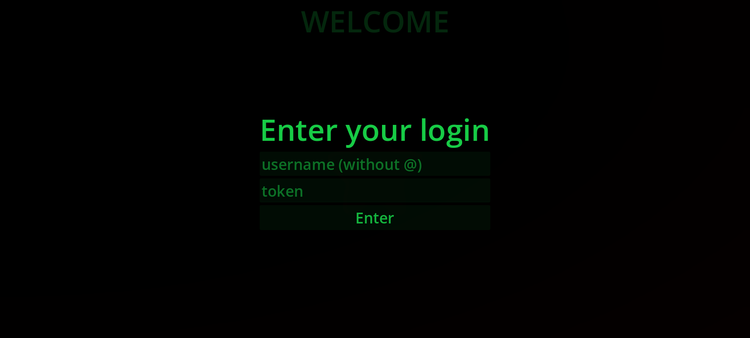
We don't save your token in your key, just your username, so it's safe. The token is save in the downloaded app data to you don't need to log-in everytime.
After this, you'll be redirected to the HUD (just if you enter the log-in right). At this moment, the app add a key for you (if you don't have one) and if you have one the app use it. Your key is like your progess in a game, it saves if you have superstar access, if you got banned, if you have a quote directory or cards... We as moderators can see your key and change it to add u as superstar, add cards and quote directory.
After you be redirected to your HUD, some options will appear and others no (it depends if you're a superstar or not).
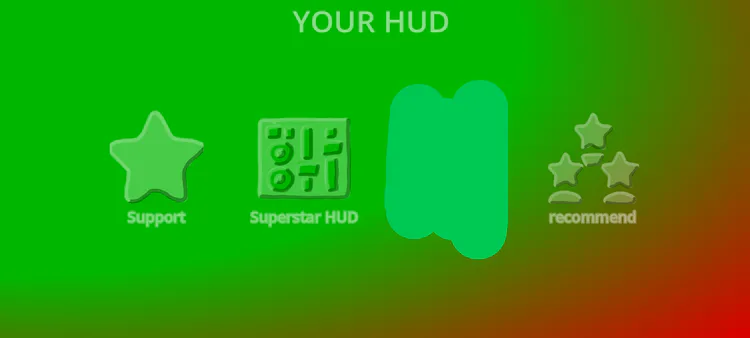
If you're a non-supetstar, you'll only see the "support" and the "recommend" button. If you're a superstar registered in the system, your Superstar HUD option will appear. And if you're banned, nothing will appear. First, let's go to the support option.
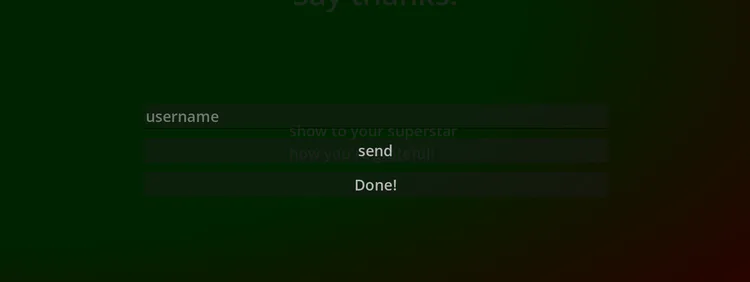
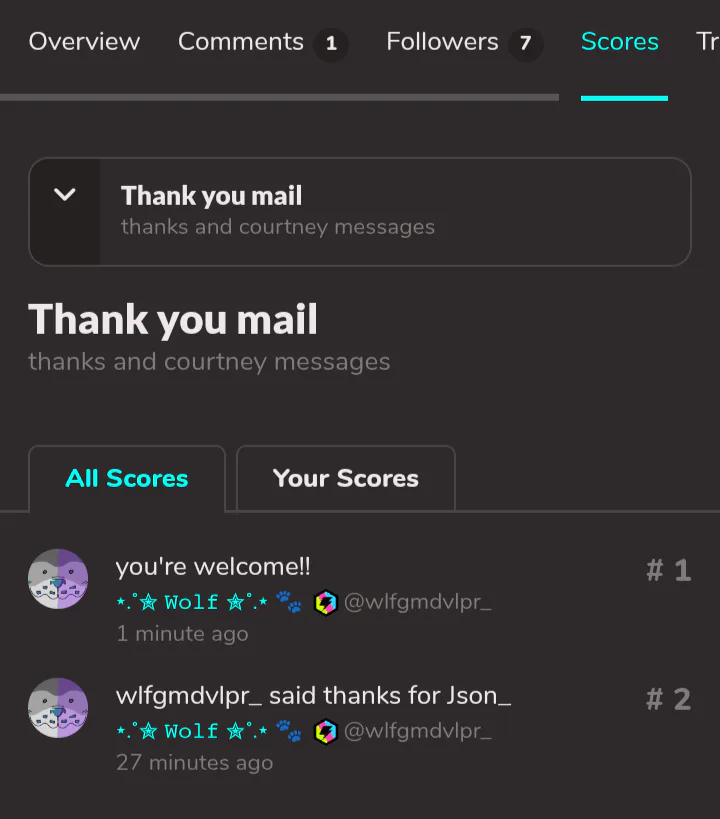
Here you say "thanks" for any superstar you want to say. You type the superstar username and it'll appear you said thanks for them in the "thank you mail" in "scores"
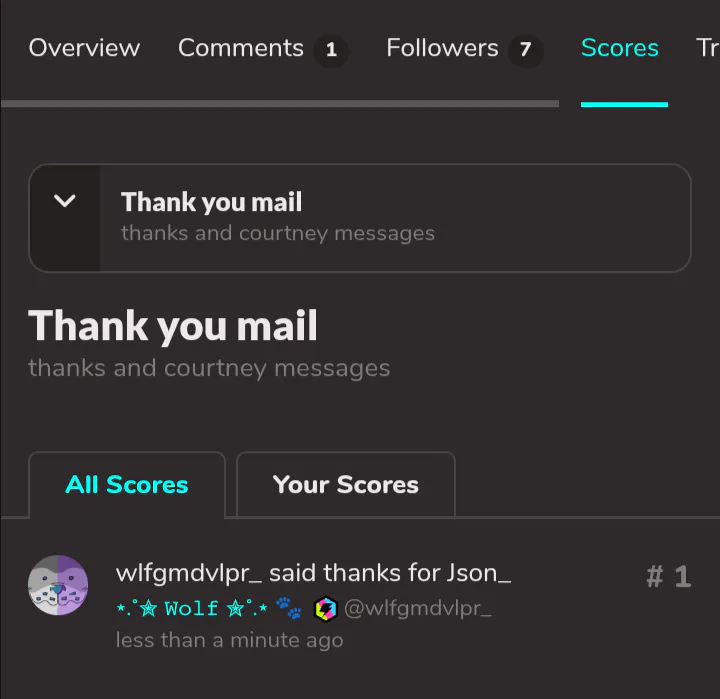
For example, I said thanks to Json. And it'll only appear if you said thanks for a superstar, to avoid problems with users swearing or something like this.
After this, we'll go to the recommend option, where you recommend users you'd like to have as superstar. It's the same thing as the thank you option, but you can type non-supetstar and non-logged users. Then we'll remove it in the recommendation score
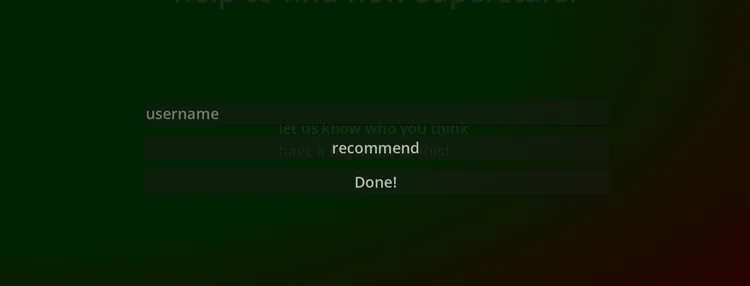
And again, for example, I recommended Json
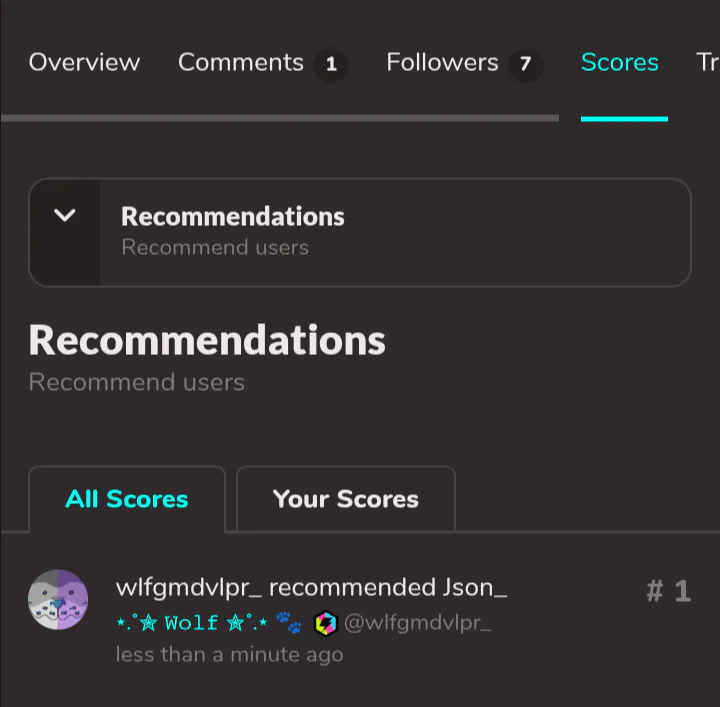
Remember, weird recommendations can make you be banned, so be careful.
These 2 options was the displayed options for non-supetstar users. Furthermore they can make recommendations and say thanks or make questions in the comments of the community page, like the page, follow to see their favorite superstars contents.
For superstars, we have much more options, since superstars are users who we know they are reliable and also they deserve for them behavior. When you're invited to be a superstar, you receive a collaboration invite and if you accept, you'll be able to post in the community (whatever content you want) and post medias in the community. You can post exclusive posts for the community to just who follows the community see. And your name will be registered in the oficial superstar list, available in the community description. In media, you can post yours creations in a different way. They will prolly get more attention.
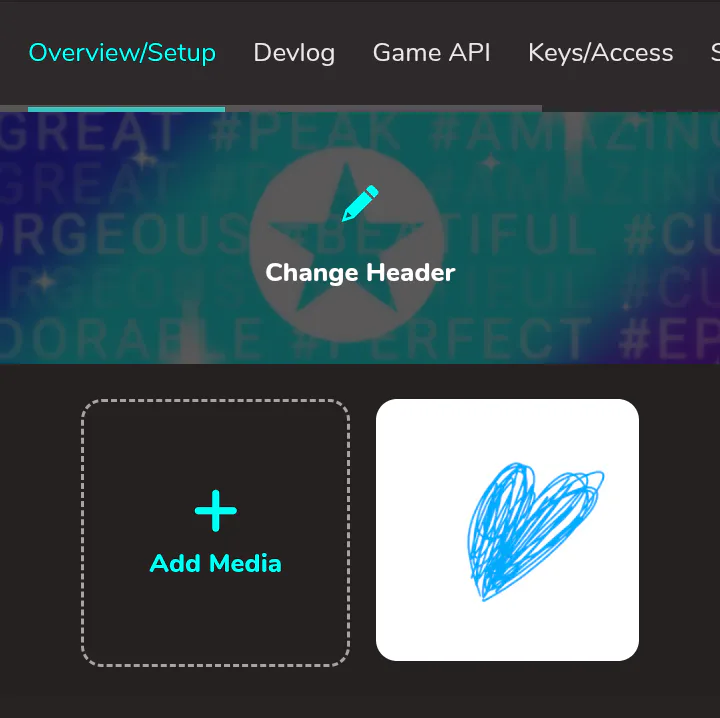
You have a lot of options of medias to post
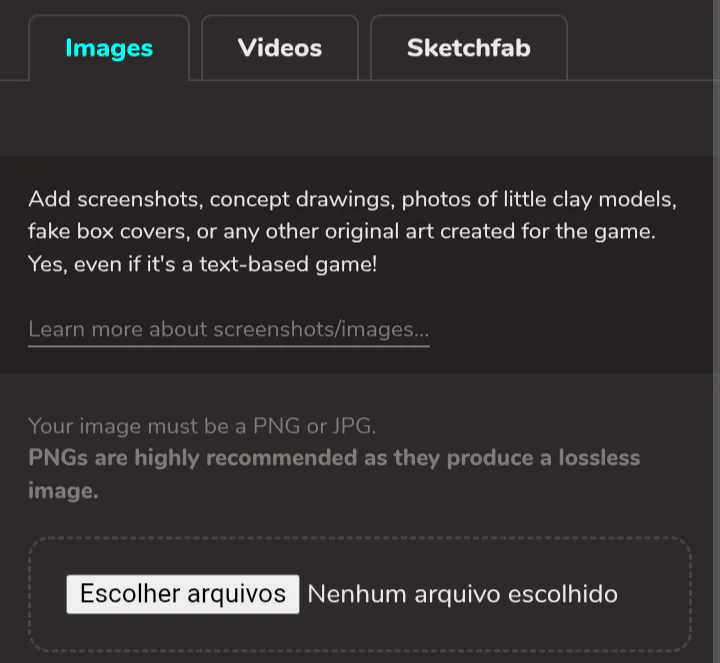
Images (like art)
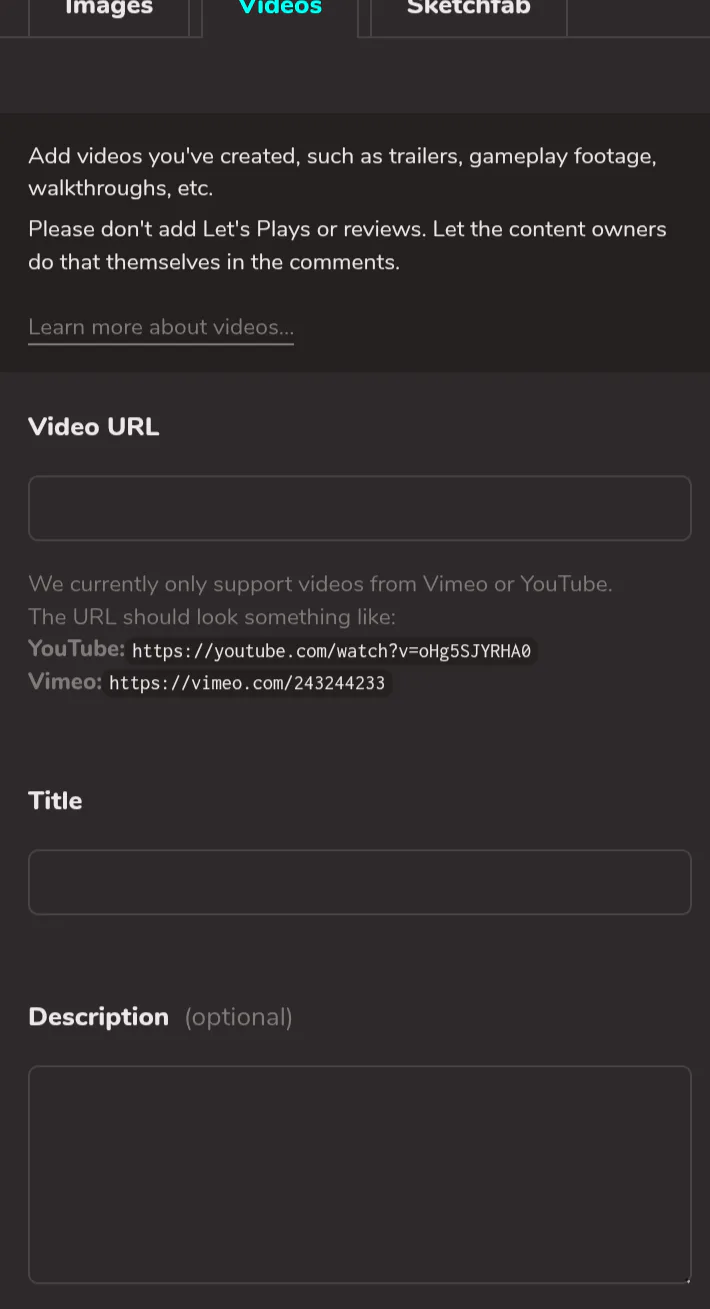
Videos (like gameplays)
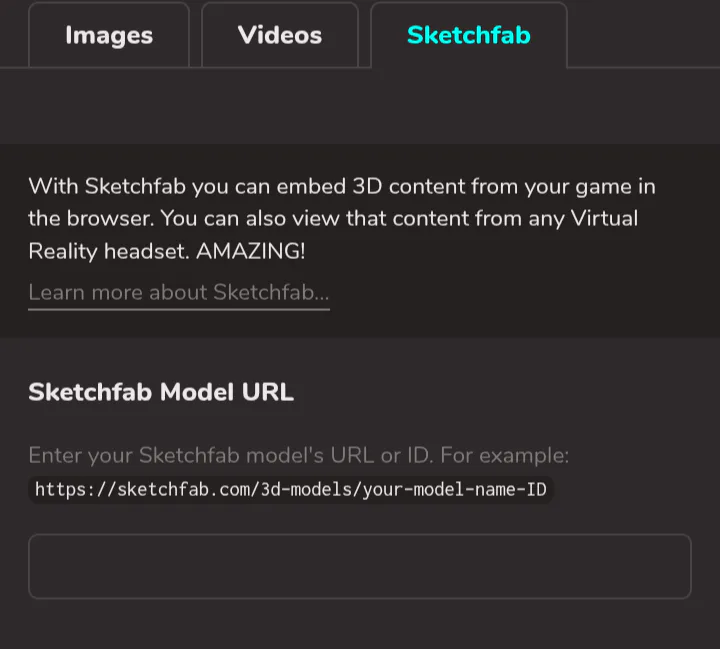
sketchfab (like 3d models)
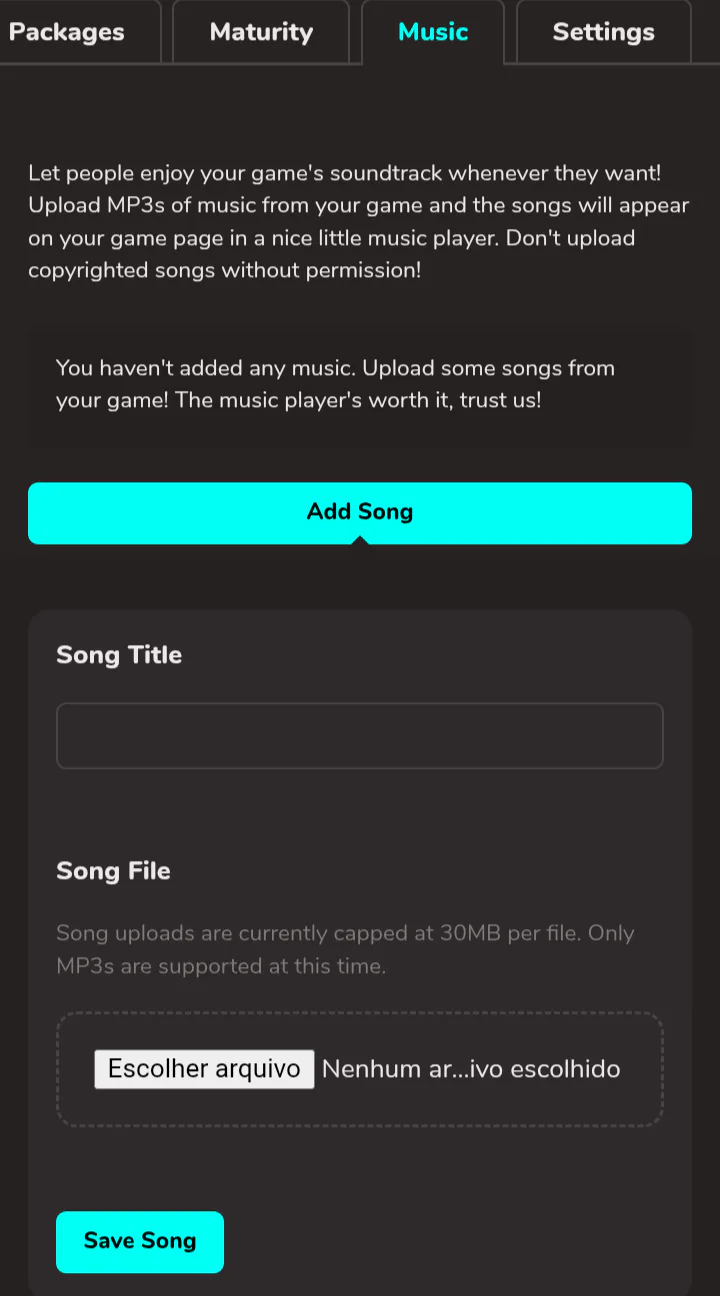
And music
You can also change others details from the community, but we are very clear about not charging important details as description, tittle, thumbnail, maturity, theme and others users creations. Your creation posted as media will appear like this in the game page
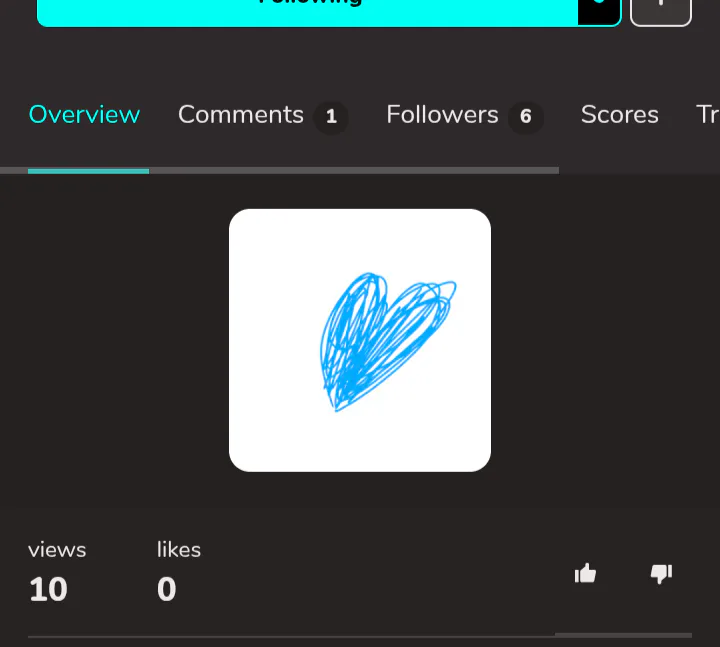
Now, talking about the HUD options, you'll see this

In the begin, if you was registered in the system, you'll see only the "post quote" option.
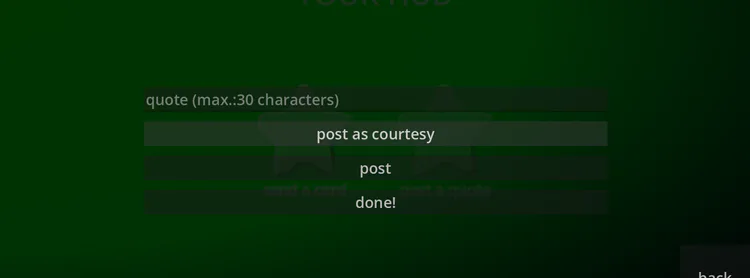
And in the begin, you'll only see the "post as courtesy" option. Quote are really short sentences you post in the scores tab. Post a courtesy you use to say "you're welcome" in the thank mail
But if you want your own quote tab, you need to request it in the comments for our moderation add a quote tab for you. Your tab can have a description or not, with at maximum 250 characters. If you want a description or not, you need to let us know. If you got your own tab, then the "post" option will appear in the quote option in HUD, just post and see it later in your own tab!
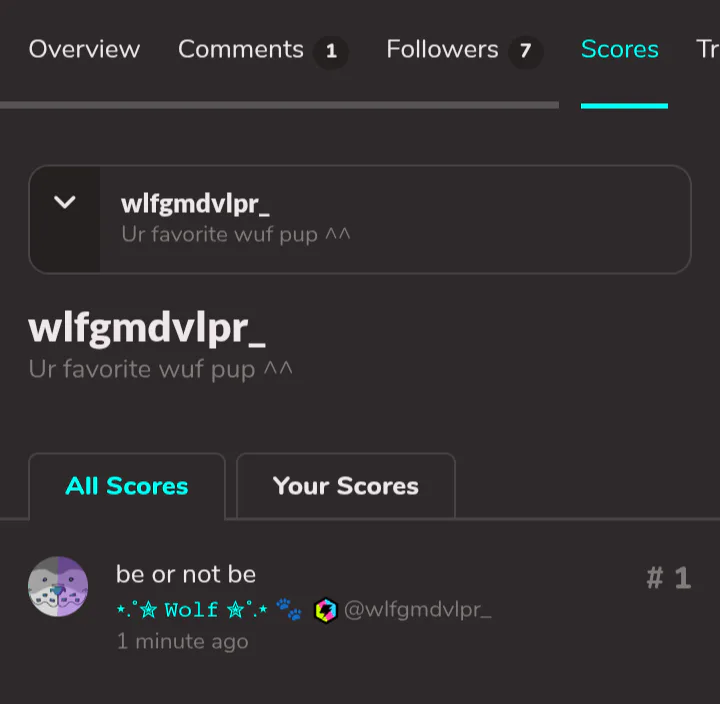
Negative quotes are removed and the author lose their superstar access key.
Now, if you want us to add the cards option, request this in the comments, with the amount of cards (1 - 3) and the images(at maximum 2000x2000px with 1:2 ratio) and descriptions (with at maximum 2000 characters). You can change the image or the description later, just let us know which will be the changes. After got your card registered, the card option will appear in the HUD.
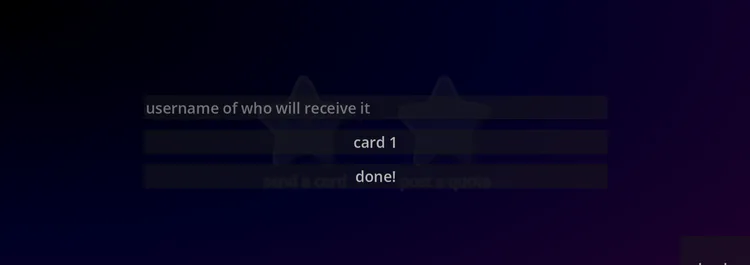
It'll show your cards you wanted, and you can send it only to logged users. They'll not be notified, so tell them to check in the app, then they'll see this message
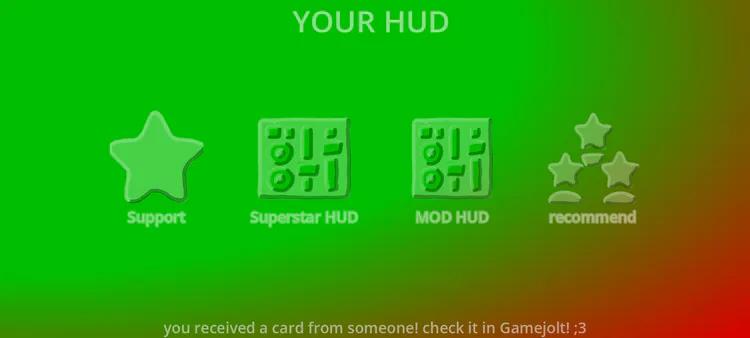
And they will get you card in gj as a trophy with notification after opening the app
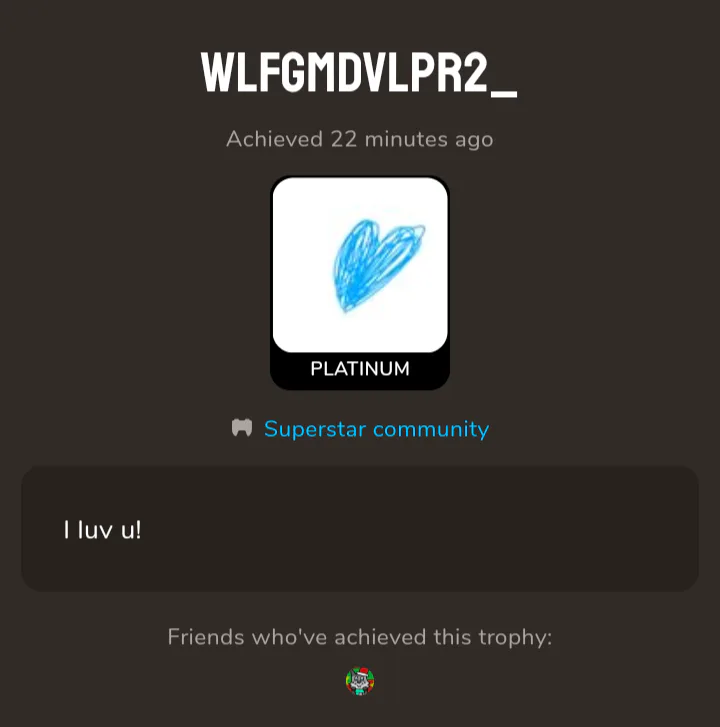
Always remember, you need to request us in the comments if you want your own quote tab or cards. We'll review it and tell you when they are registered or they was rejected, but always remember you should be respectful with yours creations and messages, else you'll lose your Superstar access or will be banned.
Always check if the user talking to you in the comments are moderators from the oficial list.
Anyway, I hope y'all enjoy the community ^^


































1 comment