

( DISCLAIMER YOU HAVE TO DOWNLOAD A FILE AS A .z64 )
So Firstly You Want To Download Project64 If You Use A Secondary Account Go With The .Zip
Once You Downloaded It
Installer} You Wanna Go And Download A Rom If You Already Did The SetUp From The Project 64 and Search The Game I played ( Not The Chaos one ) Download The Rom And Go To...
.Zip} When You Finished Downloading The Zip Make A New Folder And Extract it All of It To The New Folder And Go Download A Rom Of Mario 64 Then Go To This Link Of The Rom Hack I Played https://romhacking.com/hack/super-mario-64---chaos-edition And Download The Latest ( The Zip Is The Same Of The Installer ) As You Already Downloaded It Go To This One Its Important http://sm64romhacks.com/patcher/ As You Are Already In It Put The Rom You Downloaded At ROM ( Super Mario 64.z64 Usa And Europe ) Then At The Patch Put The Rom Hack You Downloaded (Chaos 4.0.bps ) Now At The Bottom You See A Save As Right? You Can Name Anything expect you change the .z64
Then Click Patch And A Download Of The Rom Hack You Want Starts. As The Download Is Complete Go Start Project64 ( The Setup Will Start Of The .Zip If You Didnt Still
( Dont Worry The Zip Doent Have A Admistrator Right To Download It )
And Select The Rom Directory. Well This You Might Wanna make a Folder Called >ROMS< Then Click The Button Of The Bottom So You Can Start The Game ( THE ROM DIRECTORY )
And There You Are Good To go!

 Loading...
5

Next up
I hope i can make it in time or i just have to make more time to do the credits
Soon
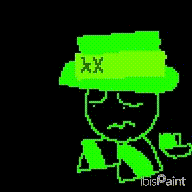
o ma ga i keep getting so bored into drawing this is worser thani expected
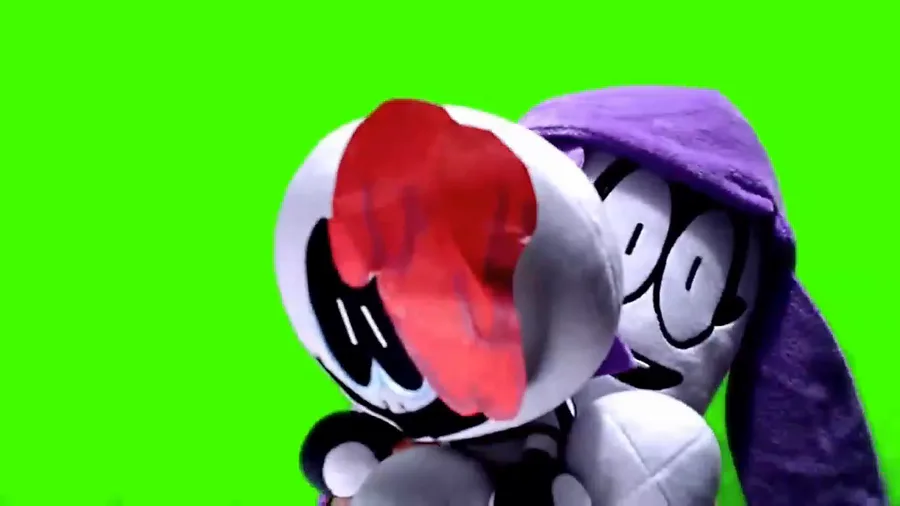
Dont look at me! Look at this
Domt mind me vanishing everytime from this place
This place got boring sorry
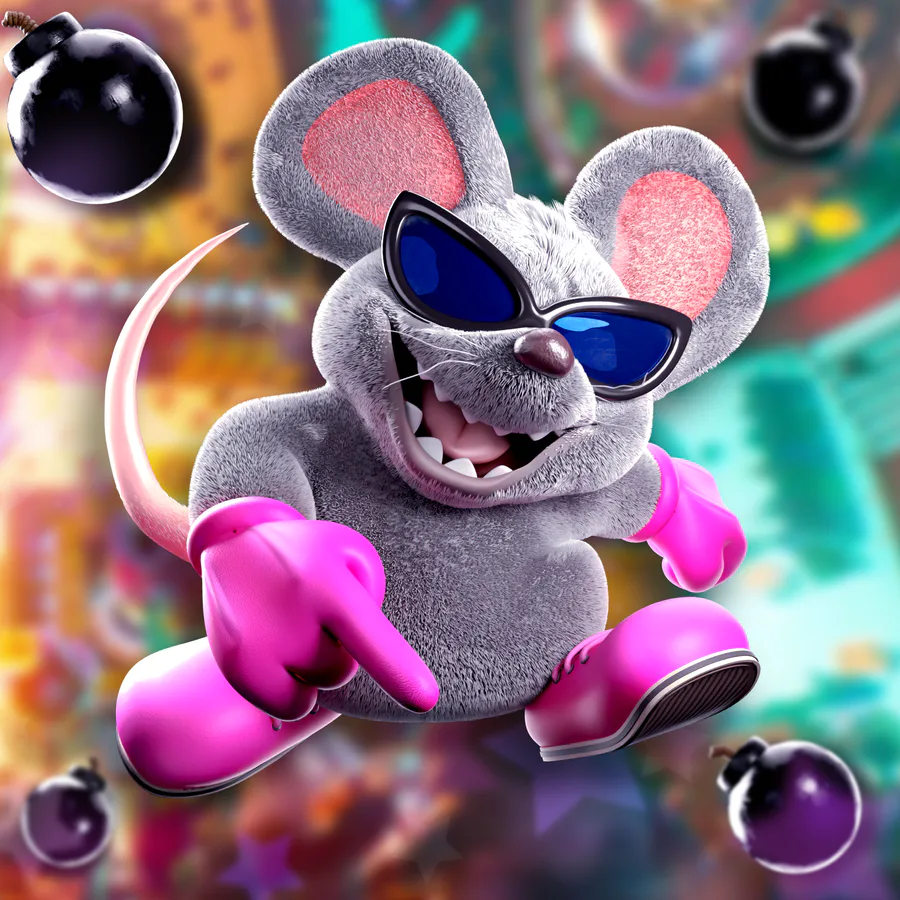

Mouser for the 2.5th and final time but in his Movie design
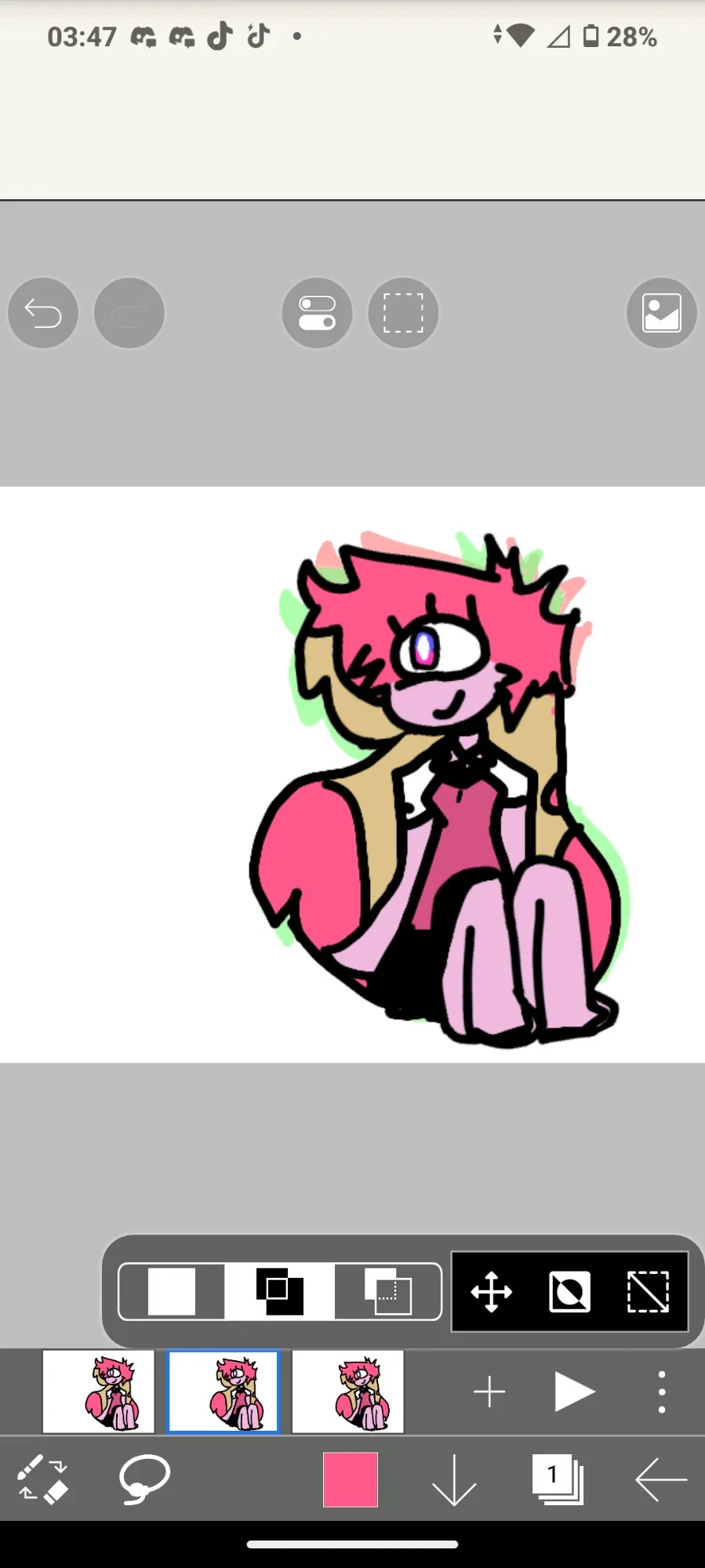
Tryna animate and draw @ThePinkGlitch 
 was diabolical to me
Especially on the clothing and legs 
Since i dont draw female like this A HOACPJAIAXOUMXQGDBSIGANXIGAXNOG FGAOF HOA XOH
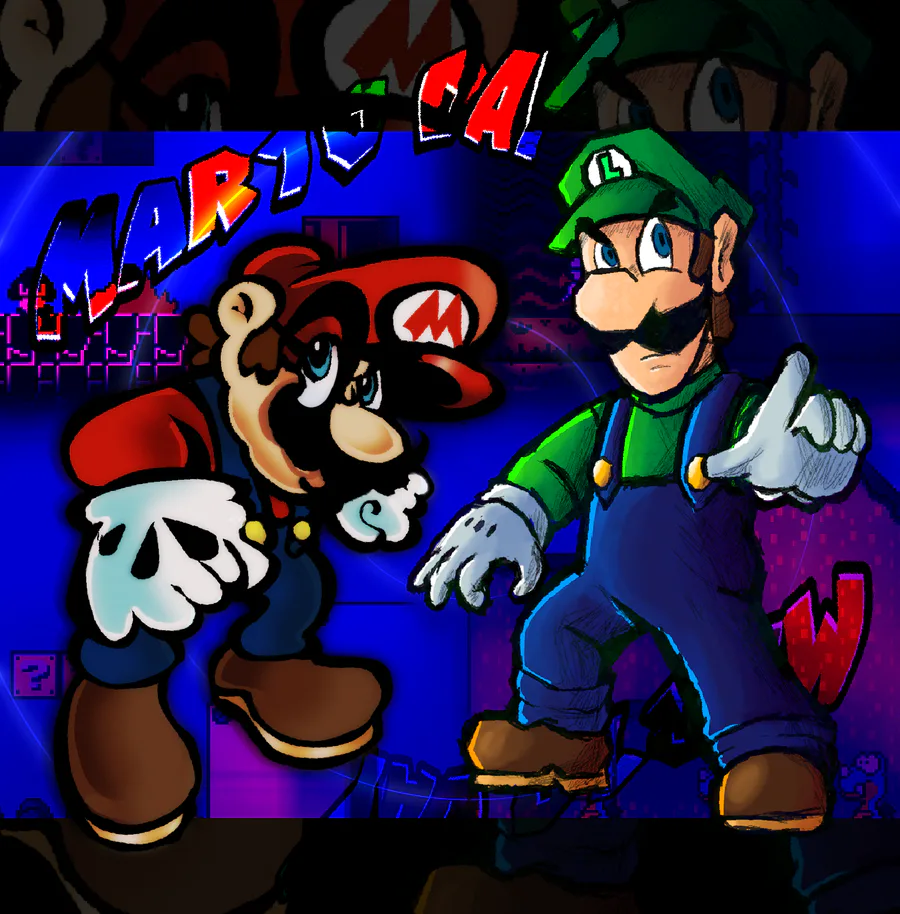

Happy MAR10 DAY! collab with @Emerald879 
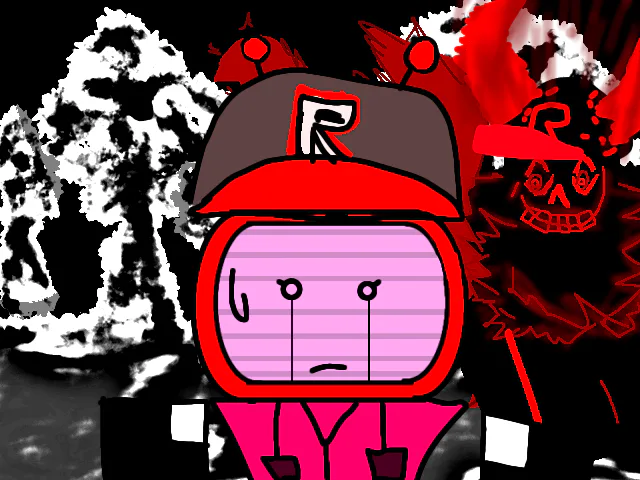
Save veeronica.
Amazing.
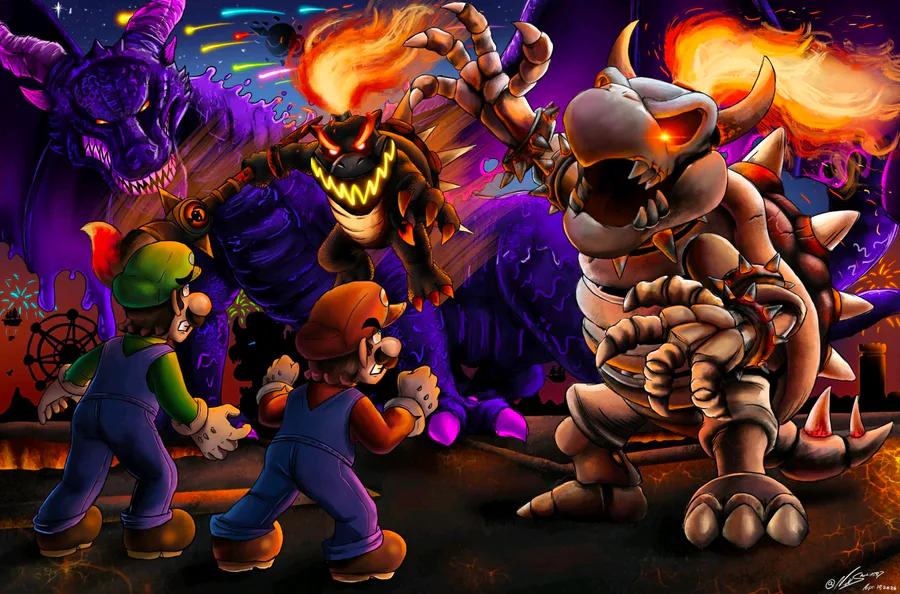
Saw the mario Galaxy movie, It was perfect especially when they showed dry bone bowser
Best movie of the year!😭🙏
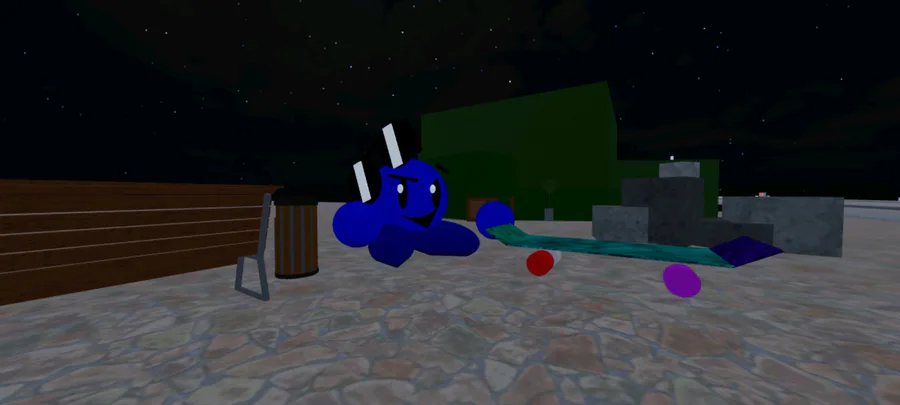
Uh
Here are some stuff i did for other people
0 comments