
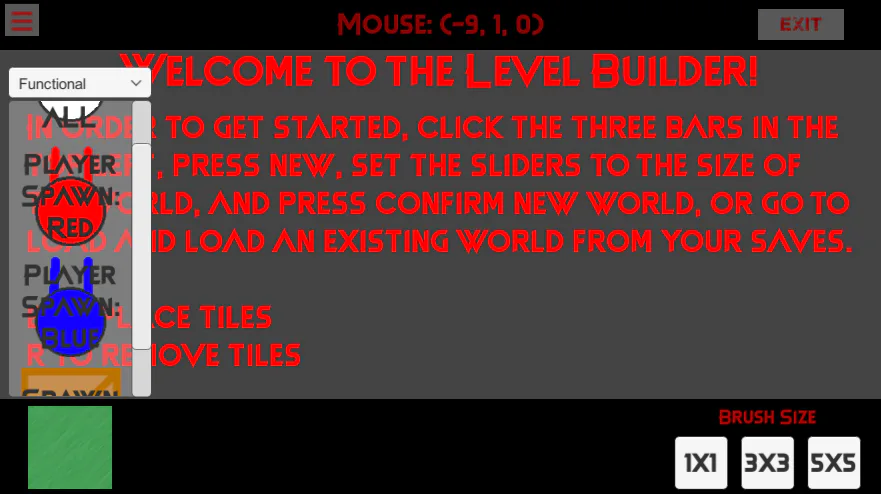
This also includes the previous devlog update. You can choose between the 4 menus: Ground (what the player walks on), Walls (What you can't walk through.) Objects (will hold decorations when I make some) and functional (Actual functional stuff, like Spawns and Crates) You can see the currently selected item in the image below the menu.
5 years ago
Update 0.3.0: TileMap Update
Removed the weird 1234 buttons to spawn player spawns and crate spawns. Now, it is all in one menu!
Next up
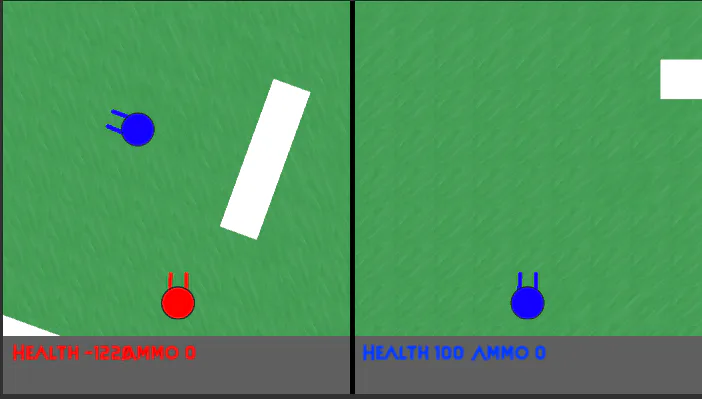
New textures :D

YAAAAAAAAAAAAS!!!! I DIIIIID IT!!!! I GOT THE WORLD EDITOR TO WORK :DDDDDDDD
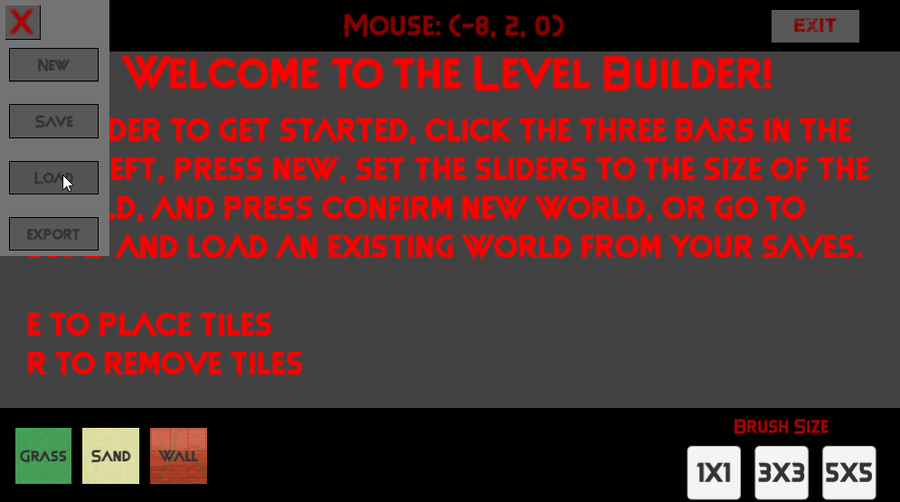
New page update for new game. Gif on how the level editor functions so far!


Short intro of us 💕✌️
We're an eletro duo based in Seoul 🇰🇷 Heavily influenced by the 90s.
Our new album #Xennials is all about the nostalgia of that era 💽 CD listenin 📟 beeper beepin 💾 floppy disks floppin days 😎
Stream now! 🎧
https://open.spotify.com/album/3YwWhnHWVy5cA8XOpbaGRA?si=8E9awqU…


Chiaki Nanami!
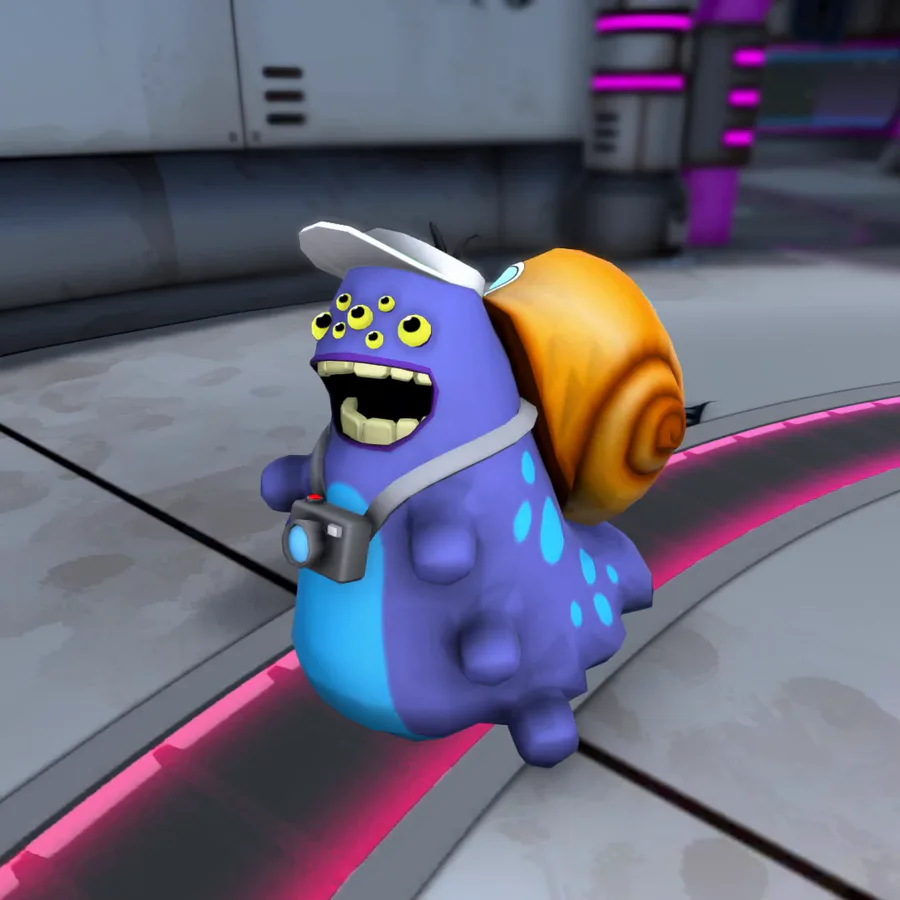
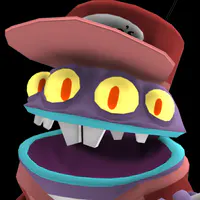
Shoobies leave a sticky trail of mucus in their wake, which can impede movement for any creature that steps in it.
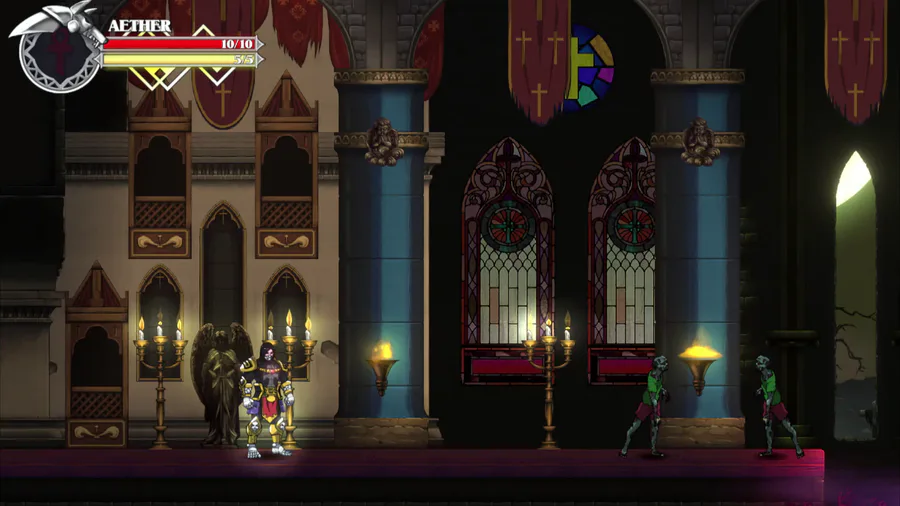

Enemies can also suddenly spawn through Realm Rifts. These Rift Spawns are going to be stronger than the ones wandering around. TBD on the enemies... #screenshotsaturday #godstear #madewithunity


Have a good Boi
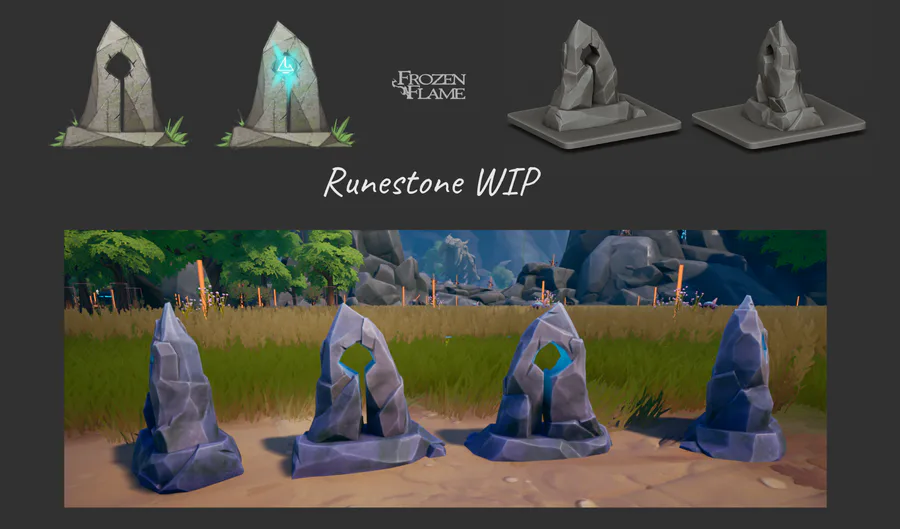

Runestones: from concept to in-game model🗿


I was bored, so... ManutKat.
0 comments