Note: Remember that you have to download each update manually. GameTranslate does not currently have any auto-update support. From 0.5.8 and forward, you will now be notified if you are not running the latest version of the app!
To follow the development at a more detailed level & be able to quickly get in touch with me, join GameTranslate's Discord server
I've also forgotten to update that GameTranslate now has its own website at https://gametranslate.app. It is pretty barebones, but it's always a start. Feedback welcome! :)
Changelog
Added multi-window solution (limited to 3 at a time for performance reasons)
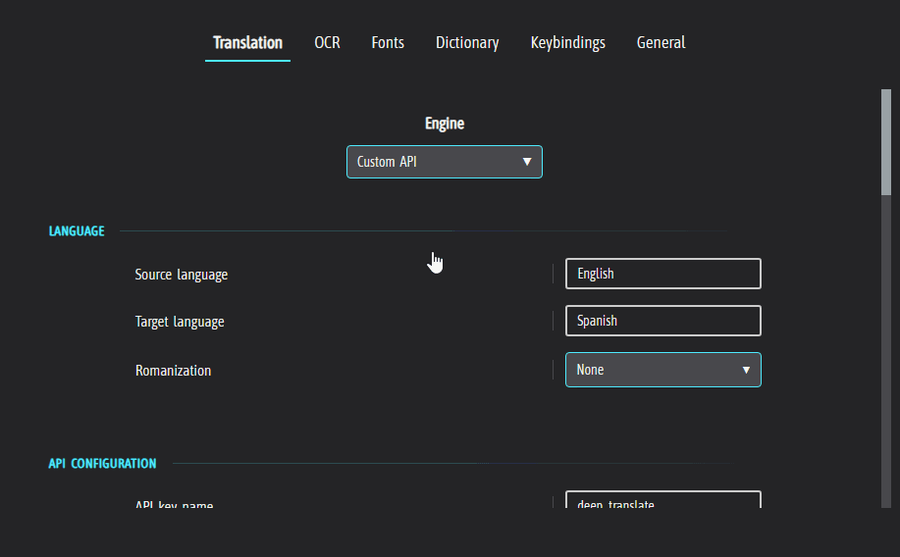
Added real-time updates from configuration straight into the tool (hopefully you'll be able to change the settings from inside the tool itself in the next update..!)
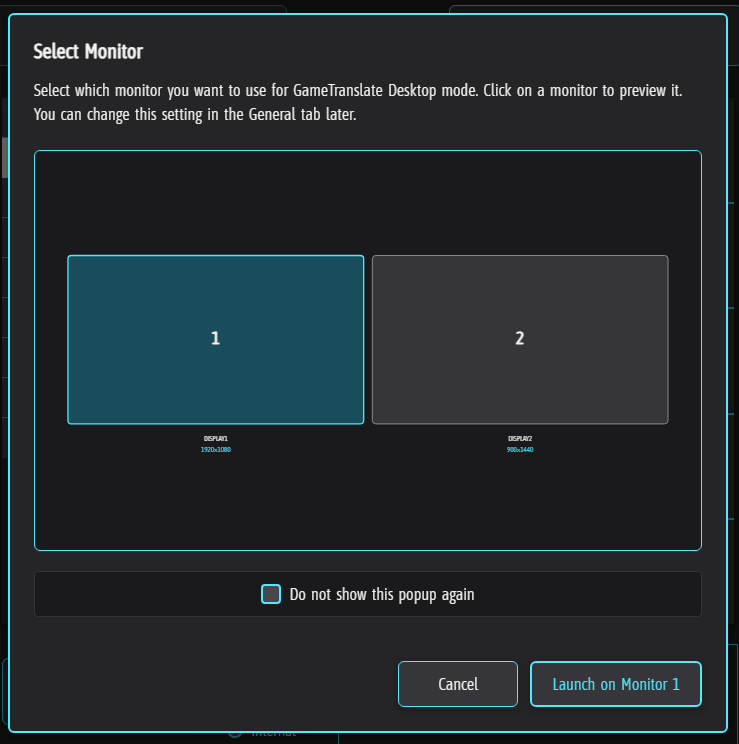
Added the ability to select secondary monitors when using Desktop mode
Apply language swap, romanization, pause, oneshot, close window etcetera only to a specific window if hovered, else apply to all windows
Make scroll/arrow navigation still work for tooltip with clickthrough enabled
Fix 'show failed text capture' from not appearing if enabled
Increased resize grab size for Automatic window
Attached mode can now work on and across all monitors for all three Desktop/Attached mode Screenshot APIs
Fixed Chinese-Traditional internal model to route to the correct language code (user could not launch without Chinese-Simplified downloaded, and even user had it downloaded, would use Chinese-Simplified instead)
Make shutdown process of already running Desktop window less error prone
Make shutdown process of Desktop window non-blocking
Add utilities to make bug squashing for the main app easier
Fixed null error related to 'Game config' button
'Attempt text centering' is now named 'Centre text' and will always horizontally centre text you capture
Made it possible to add messages to 'tooltip/status container' from the backend server
Future full releases of GameTranslate will now notify users who have an older version installed
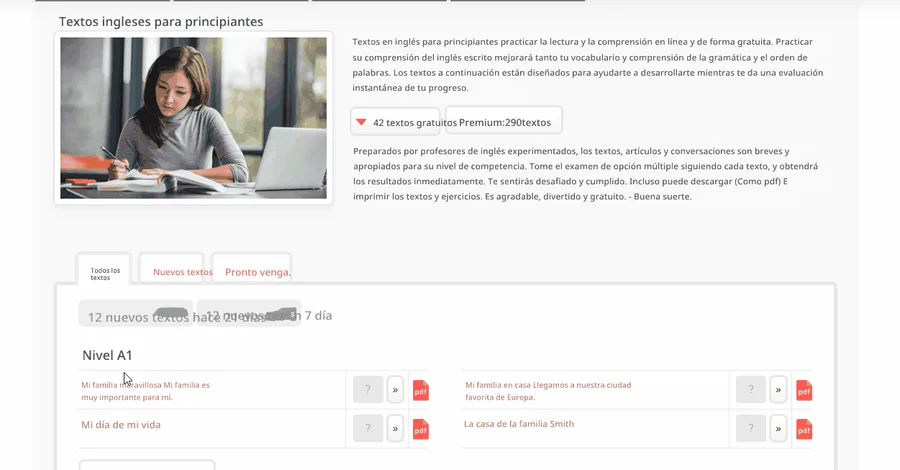
Normalized line-height for all fonts during runtime, resulting in paragraphs looking a lot more like the text you actually captured
Translated text should no longer ever pop out of their OCR'd area as long as the font scale is 1.0 or less while using 'Automatic font size' mode
Fixed shift + scroll downscaling of font to not let it go past a legible font size
Fixed a bug that made Internal models like 'English - Greek (modern) not visually be shown as selected
Set base font size to one single size of 30 to lower RAM usage to avoid crashes for low-end PCs (and actually improve the quality of smaller text..)
High contrast can now be disabled even with Comic mode turned on
Fixed error that falsely reported model as not removed when it no longer existed
If you're happy with the updates you're receiving and wish to support me, please consider giving a small donation at buymeacoffee.com/gametranslate
Thank you! ❤



0 comments