
Comments (7)

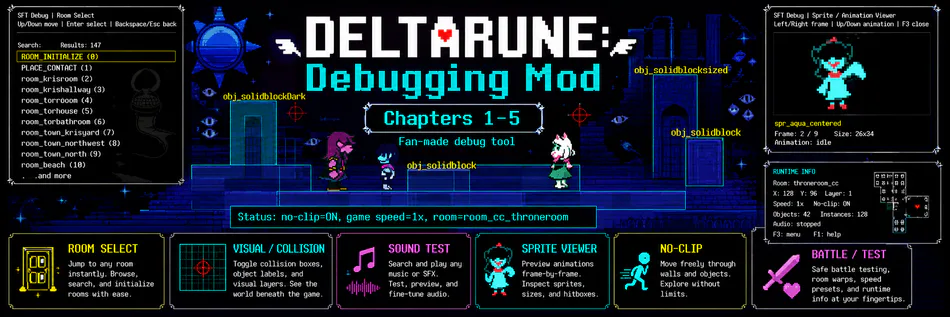
Why did you AI generate the header? Don't even lie I see the Fun gang's melted faces. If you can make a whole debug mod it cant be that hard to just edit a few things in photoshop or Ibis Paint. Now this looks like instead of a debug menu I'll get a virus.
UMT: DDM V2
UMT: DDM V1
SFT DELTARUNE Debug Menu v2
A fan-made UndertaleModTool `.csx` debugging/research menu for DELTARUNE Chapters 1–5.
What is this?
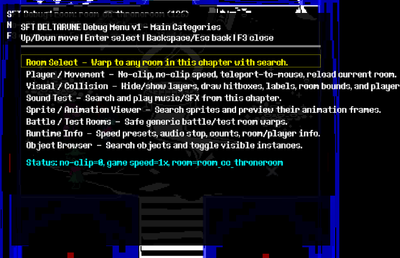
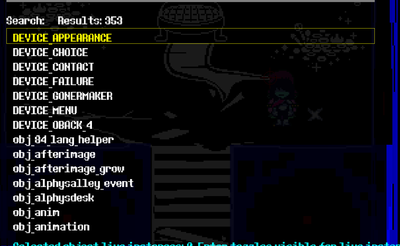
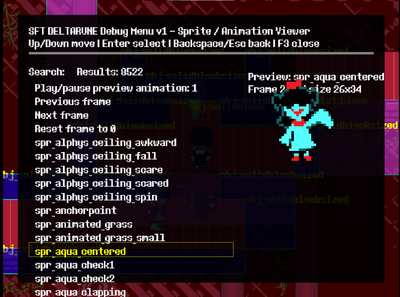
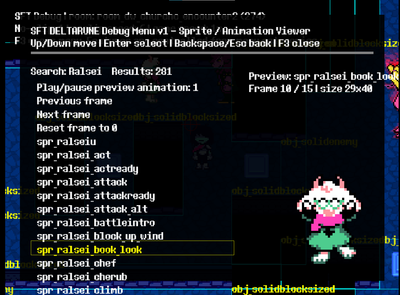
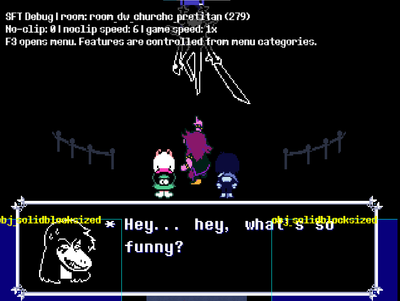
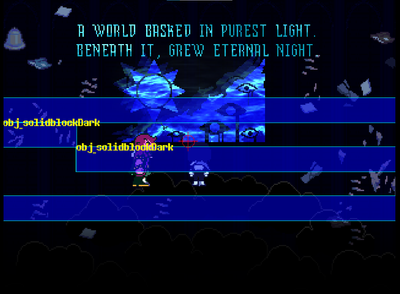
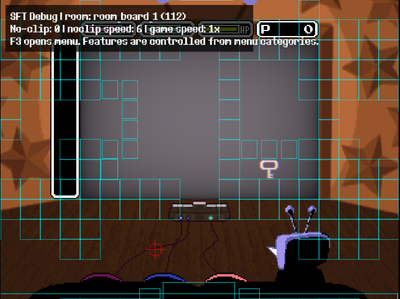
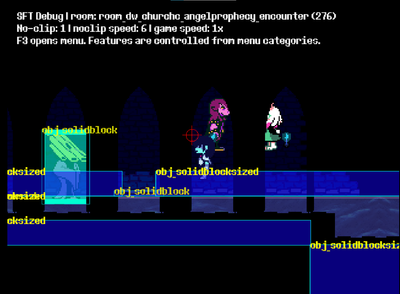
This mod adds an in-game debug menu for DELTARUNE. It is made for modders, unused-content hunters, and people who want to inspect rooms, objects, sprites, sounds, flags, and runtime behavior.
It is not an official DELTARUNE feature and is not connected to Toby Fox.
## Main features
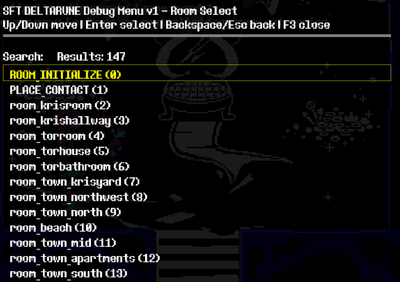
- Room Select with search.
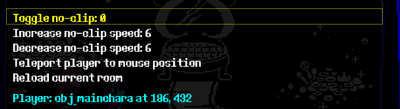
- No-clip and movement tools.
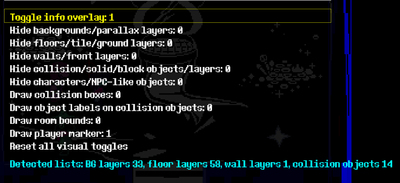
- Visual/collision overlays.
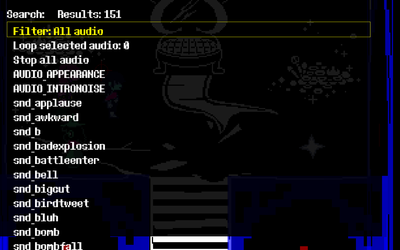
- Sound Test.
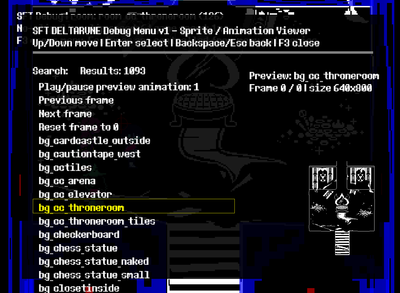
- Sprite/Animation Viewer.
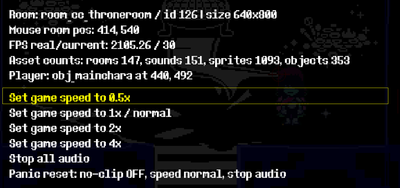
- Runtime Info.
- Object Browser.
- GML Code Viewer with optional exported-code previews.
- Flag/Global Viewer with optional real flag metadata.
- Runtime Logger with side overlay.
- Save Tools safety page.
- Script Call.
- Object Spawner.
- Mouse/click inspector.
- Xbox-style controller support.
- Persistent debug menu settings.
Very important warning
Back up your game data and save files before using this.
This is a debug/research mod. It can break things if used carelessly. Object Spawner can run real object code. Script Call can run scripts out of context. No-clip can break scripted states if used during battles, text boxes, or cutscenes.
Use test saves.
How to install
1. Download the v2 package.
2. Back up the chapter `data.win` you want to patch.
3. Open the data file in UndertaleModTool.
4. Run `DR_DDM_v2.csx` using `Scripts -> Run other script...`.
5. Save the patched data file.
6. Launch the game.
7. Press `F3` to open the debug menu.
Controller users can open it with `Back + Start`.
GML Code Viewer
The mod does not include DELTARUNE code. If you want the GML Viewer to show source previews, export your own code through UMT and place it in the included `SFT_DDM_GML_Source` chapter folders before installing.
Do not upload/export/share DELTARUNE source code with the mod.
Version notes
v2 replaces the old v1 menu as the recommended build, but the old v1 download can stay available for people who want it.
Disclaimer
DELTARUNE belongs to Toby Fox / the DELTARUNE team. This is an unofficial fan-made mod.