


Launcher And Setup FNAC UPDATE V2.0.0!!!
FNAC LAUNCHER AND SETUP
About the Project
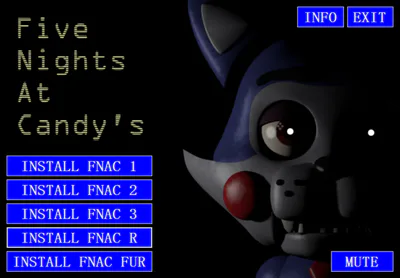
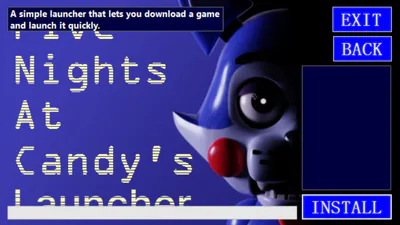
This launcher was inspired by classic CD installers from the 2000s, such as FlatOut 2 and Half-Life 1. It combines the installation and launching of the game into a single EXE file.
Instructions
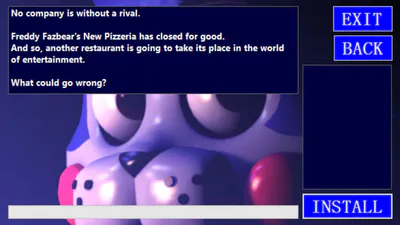
Click "INSTALL FNAC 1/2/3/R/FUR" to install the game.
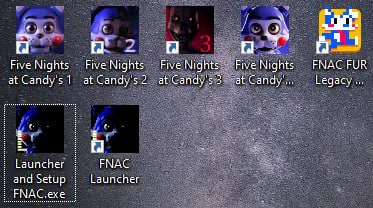
After installation, find the shortcut on your desktop to launch the game.
If the game is already installed, you can still launch or reinstall it. Your progress will not be lost, but just in case, it is recommended to back up the original files
Source Links
Games:
https://gamejolt.com/@Emilmacko/games
Resources
Images:
https://five-nights-at-candys.fandom.com/wiki/Candy_the_Cat – for the main menu
https://gamejolt.com/@Emilmacko/games – for custom images (made in a uniform size)
Audio: https://five-nights-at-candys-emil-macko.fandom.com/wiki/Sound_Files
Developer
Launcher Author: tari111 (https://gamejolt.com/@tari111)
The project was created as part of TariWorld, as well as out of personal interest, learning, and love for the game.
All rights to the games belong to Emil "Ace" Macko (https://gamejolt.com/@Emilmacko).
All rights to the launcher belong to tari111.