
Comments

Pig's Texture Pack 1.8.9 (Minecraft)
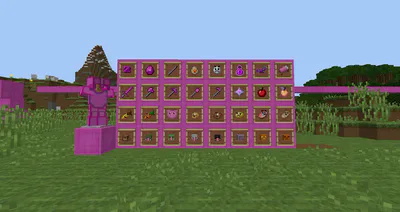
Cheeky little pack with some items themed mostly around pigs!
YouTube: www.youtube.com/c/PigGG
Twitter: www.twitter.com/PigLC
Patreon: www.patreon.com/PigGG
Install Instructions:
Copy that .zip file.
Open Minecraft: Java Edition
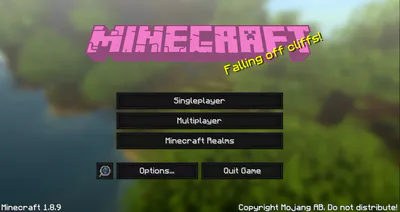
On the main menu, select Options and then Resource Packs.
Select Open Resource Pack Folder.
This will open that folder. Now just paste the .zip file you copied earlier into this folder.
Once it's finished pasting, close the folder and go back to Minecraft.
Under Resource Packs, you'll see a list of Available Resource Packs. Your new texture pack should now be on this list! Select it and you're done!
If it doesn't work then extract the file and try again
If it doesn't work again, then download: https://sourceforge.net/projects/minecrafttexturestudio/
Open the download once downloaded
Then open directory, and find the folder for my texture pack
Click open
Then click save to Minecraft
Restart Minecraft and it should be there!