
Comments (2)
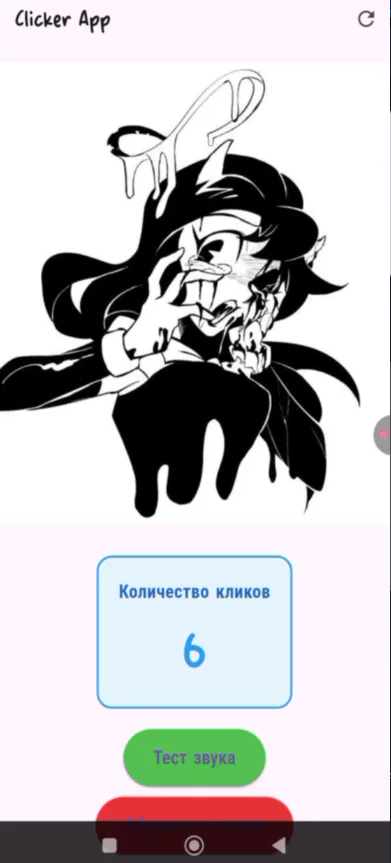
YouTube shorts: Alice Angel (Bendy) Clicker using Flutter and Dart
Instructions:
1) Extract the folder.
2) Open vscode (Visual Studio Code)
3) Download the Flutter extension from Dart Code
4) Open the entire folder: File -> Open Folder (Ctrl+K Ctrl+O)
5) Go to lib/main.dart
6) Create a terminal:
(at the top near the Go section -> ... -> Terminal -> Create Terminal (Ctrl+Shift+`))
7) Specify the path to this folder using cd:
For example:
cd C\Users\iRU\flitter_application_1 (check in properties)
8) flutter run
Choose the platform:
1 - Windows
2 - Chrome
3 - Edge
Type one of these numbers. Wait for it to load.
8) Done. You can play now.
Free
Clicker
Simple fan game. The images are not mine. I found them in Pinterest.
Game Soundtrack
ALKALOIDS432HZ -INTERFERENCES


Nothing has been posted to this project page yet. Check back later!