Comments
Intro Fighters
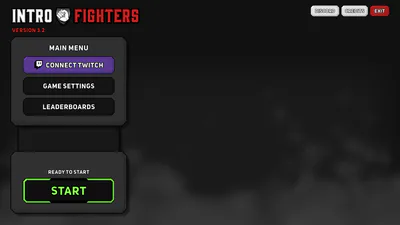
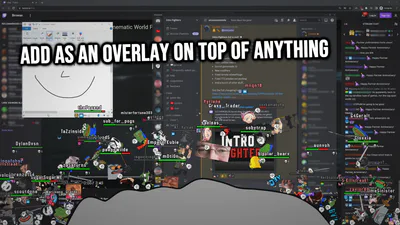
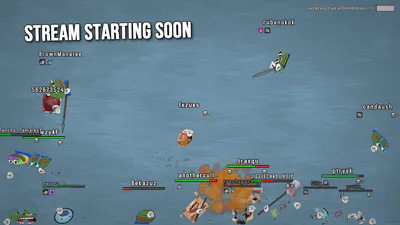
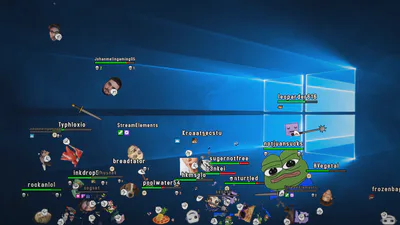
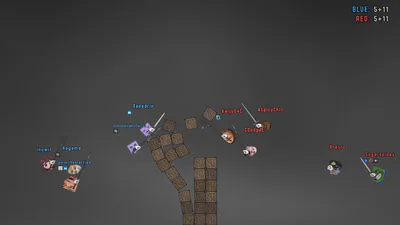
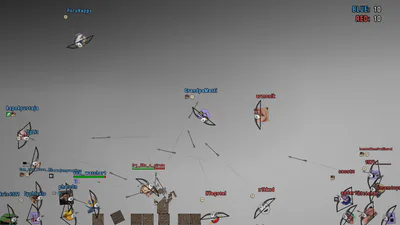
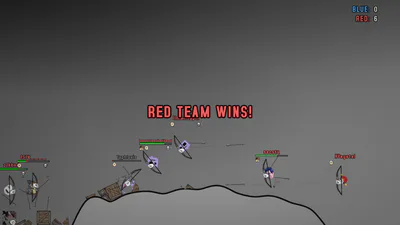
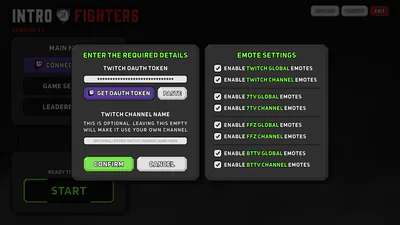
Intro Fighters is a Twitch.tv overlay game that allows your viewers to take part in a physics-driven fighting minigame. The characters are emotes provided by Twitch, FFZ, BTTV and 7TV. Animated emotes are also supported!
The game is designed to be used primarily while the streamer is away. Play it during breaks, intro screens, etc. Basically the game provides entertainment when nothing else is going on.
How it works
Once the game is up and running, anyone that types in chat is placed in a queue. At some point they will spawn as an emote in the game and start fighting against other chatters that have joined.
By default the character's emote is chosen by random, but you can specify any other emote by typing: !emote name
For example: !emote Kappa will make you spawn as the Kappa emote. Note that you need to have access to the specified emote for it to work (i.e. be a channel subscriber if trying to use a subscriber emote)
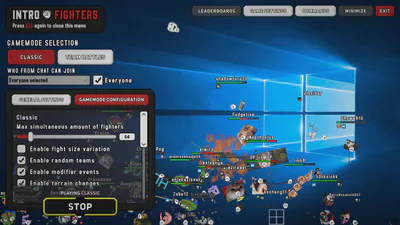
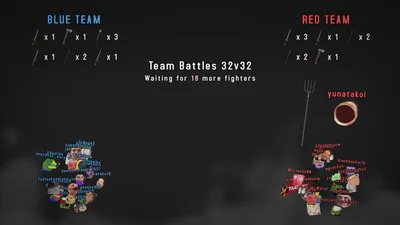
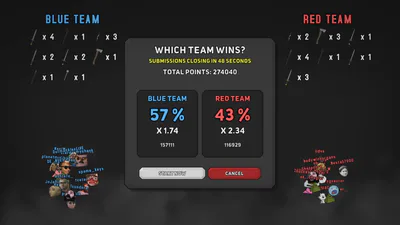
The game is able to run fully autonomously, but there are also more interactive features like Twitch predictions integration. Be sure to test them out too! You are also able to tweak the different game modes to your liking.
OBS Transparent overlay guide
The black background of the game can be made transparent with OBS. To make it appear transparent on your stream, do the following in OBS:
Add a new "Game Capture" source
Select the source you just added -> Right click -> Properties
Set the following options:
Mode: "Capture specific window"
Window: [IntroFighters.exe]: IntroFighters
Enable "Allow Transparency"
Complete by pressing "OK"
Usage tips
You can leave the game window minimized, it will keep running in the background
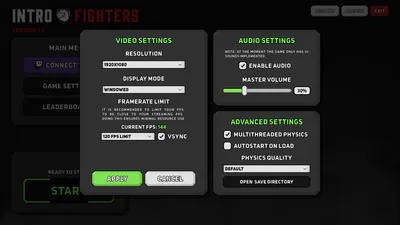
In the settings you should limit the max FPS to be close to your OBS streaming FPS. This ensures minimal resource use on your computer.
Do not change the aspect ratio of the game capture in OBS (i.e. don't stretch it)
System requirements (minimum)Windows 10
RAM: at least 1 GB