
Comments (164)

repo not found or api error even tho im connected to internet

The game does not save the game naturally.
In the main menu go to:
"Options" >> "Debug Settings"
Then enable:
-Load Saves From Local Folder Mode
-Write Saves To Local Folder Mode
And when you create a new game, if you scroll down you should see your saved games.
You can also rename your worlds in main folder:
"Windows64" >> "GameHDD"
Then rename your save file so it has the date of its creation, something like "202603091624"
Update Source & Support
All new updates for the launcher come directly from the official GitHub repository:
https://github.com/gradenGnostic/LegacyLauncher/releases/tag/v3.5.0
This is where new versions are released, along with full changelogs and details.
If you experience any issues, bugs, or have suggestions, you can report them directly on the GitHub page. This helps improve the project and ensures problems get properly tracked and fixed.

it says i need a ZIP asset at the install button

how do i host a server on this for my friends?
Minecraft Legacy Edition PC PORT
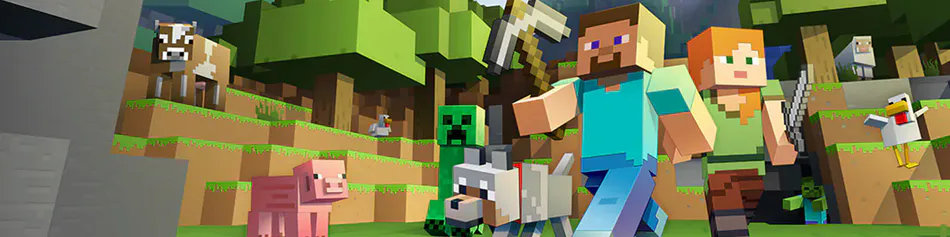
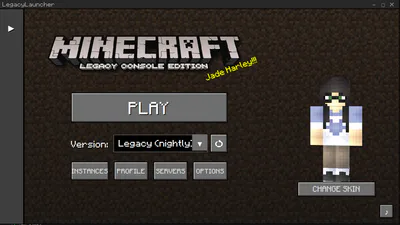
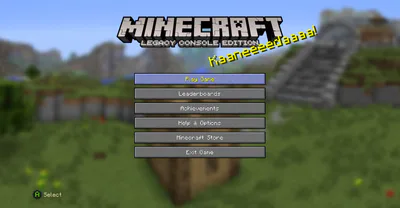
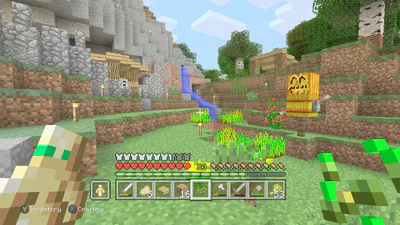
Minecraft Legacy Edition PC Port brings the classic console version of Minecraft to PC, recreating the original experience from the Classic Console Era. This version preserves the iconic console-style menus, crafting system, world generation, and overall gameplay feel that many players remember.
The port keeps the classic Legacy UI and features that made the console editions unique, including the nostalgic interface and gameplay style designed by 4J Studios.
This version Supports Xbox controllers natively and PS4/5 controllers via DS4Windows as well as keyboard and mouse, allowing players to enjoy the game the way they prefer—whether using traditional PC controls or a gamepad for a true console-like experience.
Perfect for players who want to relive the classic Minecraft console era on modern PCs. #adventure #other #sandbox #openworld