

Comments

Spacebar Clicker
Space Bar Clicker (also called Spacebar Counter) app is an free tool to check your spacebar speed. The app calculates how many times you press the spacebar key on the keyboard. Gamers who play combat games need to press spacebar at fast speed to perform better.
How to use Spacebar Counter App?
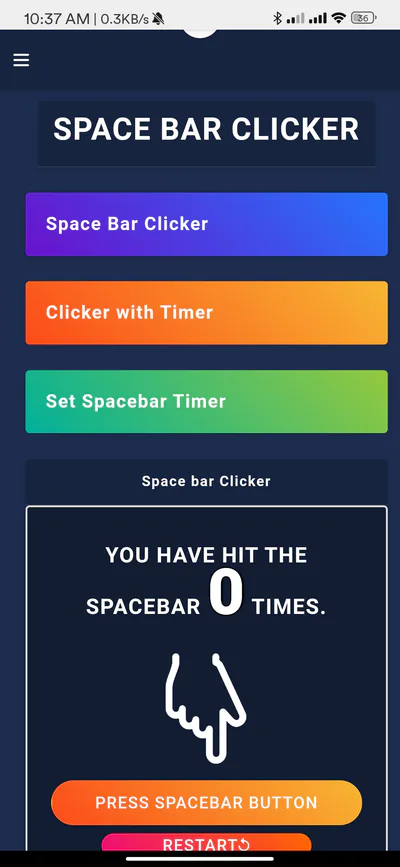
1. Open the app and choose the mode you want to use - 'Spacebar Clicker', 'Clicker with Timer', 'Set Spacebar Timer'. You can also use the web version of spacebar clicker at https://spacebarclicker.info
2. In Spacebar Clicker mode, you have press the spacebar and the counter on the screen increases with every press.
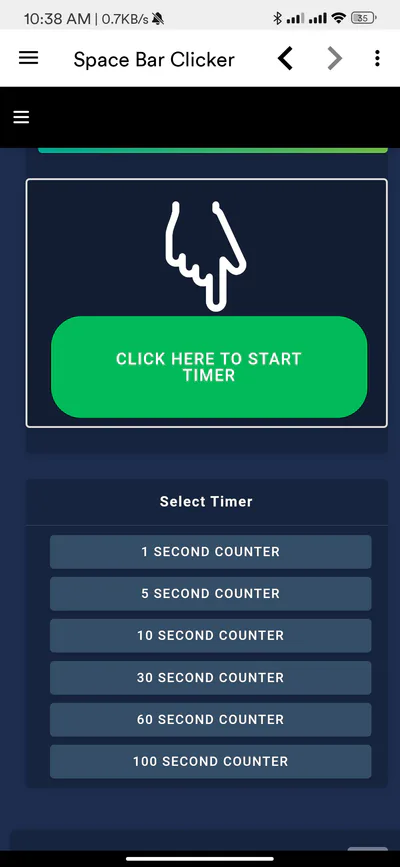
3. In Clicker with Timer mode, you can choose different timer modes (1-100 seconds). The app shows your spacebar speed after the timer ends.
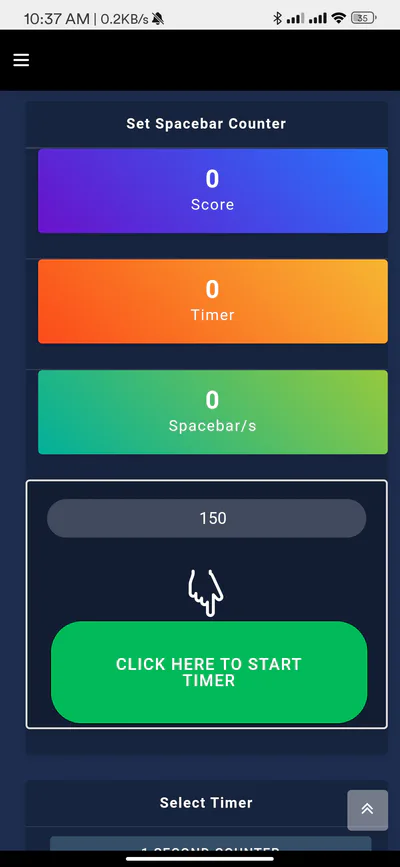
4. In Set Spacebar Timer mode, you can set a custom timer and play. You score will be displayed the custom timer ends.
5. Use the restart button to take the test again as many times you want. #pointnclick