

Comments

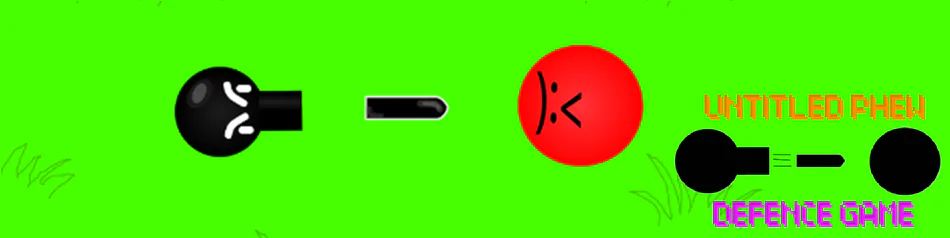
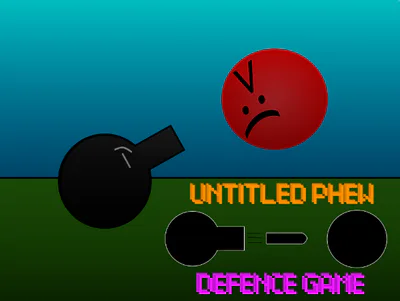
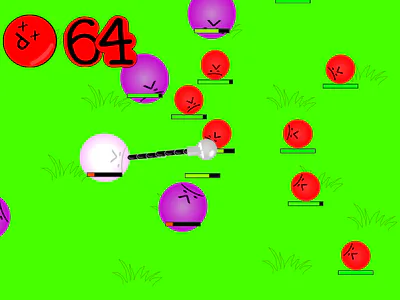
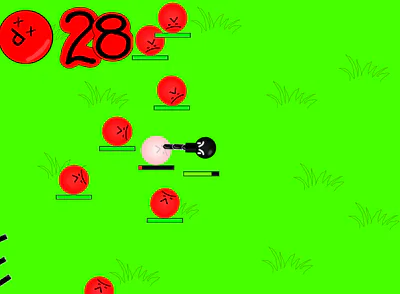
untitled phew defence game
a scratch game on a exe file??!!?!? #shooter
original game: Untitled phew defence game on Scratch
but anyway this is how to have the UPDG (U-ntitled P-hew D-efence G-ame) icon
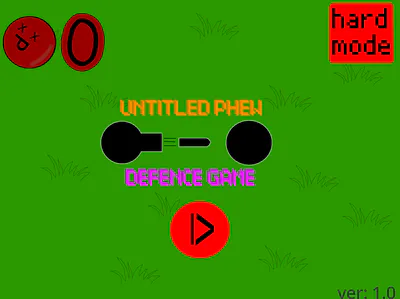
step 1 download icon image: just download the last image (the one with the main character and only him/it)
step 2 convert the png to ico: just find a png to ico website BUT MAKE SURE to set both height and wigth to 100 or else the icon woud look very blurred once you convert it to ico, just download it and put it somewhere (even on where the converter originaly put it)
final step change the game icon to UPDG icon: you should already have the game itself so just create a shortcut of the game in the folder (i recommend watching someone else's tutorial if you don't know how) and then put the shortcutted game into your preferred folder (intruding desktop), right click the shortcutted game and then click "Propeties" there click on "Change Icon" and click "Browse" now you just well, bowse to the file where you put the ico in. once you found the ico, open it click on the icon press ok then click apply. if its blurred, just click "Change icon" again, pick the same icon and click apply (it can take some tries attempts but it will unblur)
now you can have the game with a nice icon and you don't have to care about going to the game file to play it (damn that taked infinity time to type all of that, i definity should just create a video instead lol).